Visual NMP is a lightweight local web development environment designed to provide Nginx, MySQL, and PHP integration for developers who want a fast and efficient platform for building and testing PHP-based websites and applications.
Visual NMP is a local server development environment that combines Nginx, MySQL, and PHP into a single package for web developers. The acronym NMP stands for Nginx, MySQL, and PHP — three major technologies commonly used in modern web hosting and website development.
Unlike traditional Apache-based WAMP stacks, Visual NMP uses Nginx as the primary web server. Nginx is known for its high performance, lightweight architecture, and ability to handle large numbers of concurrent connections efficiently. Because of this, many modern websites and web applications use Nginx instead of Apache.
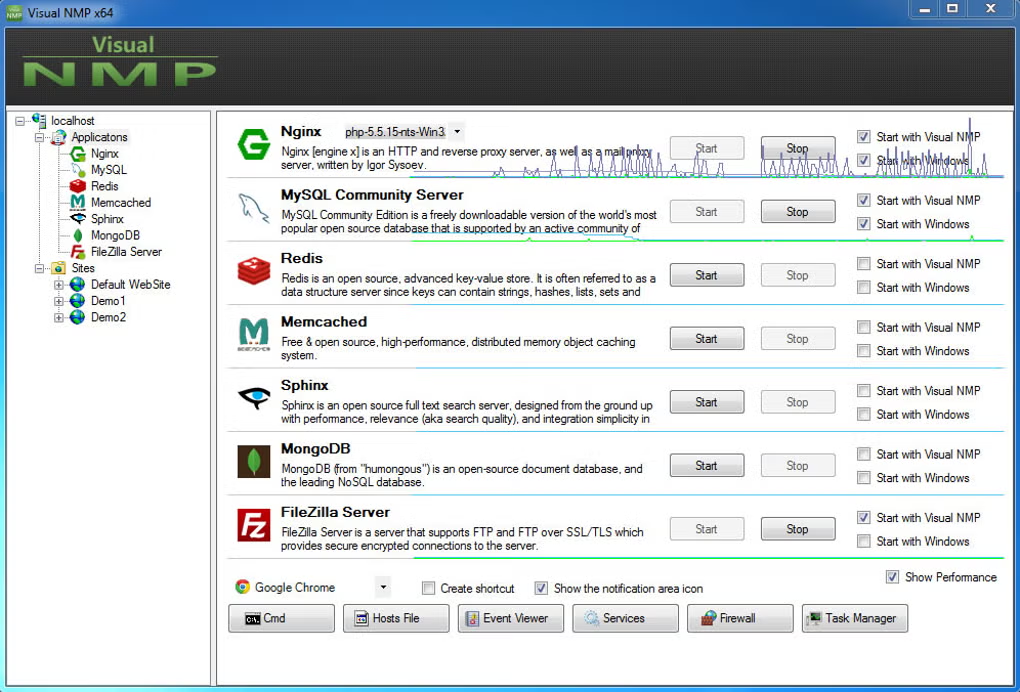
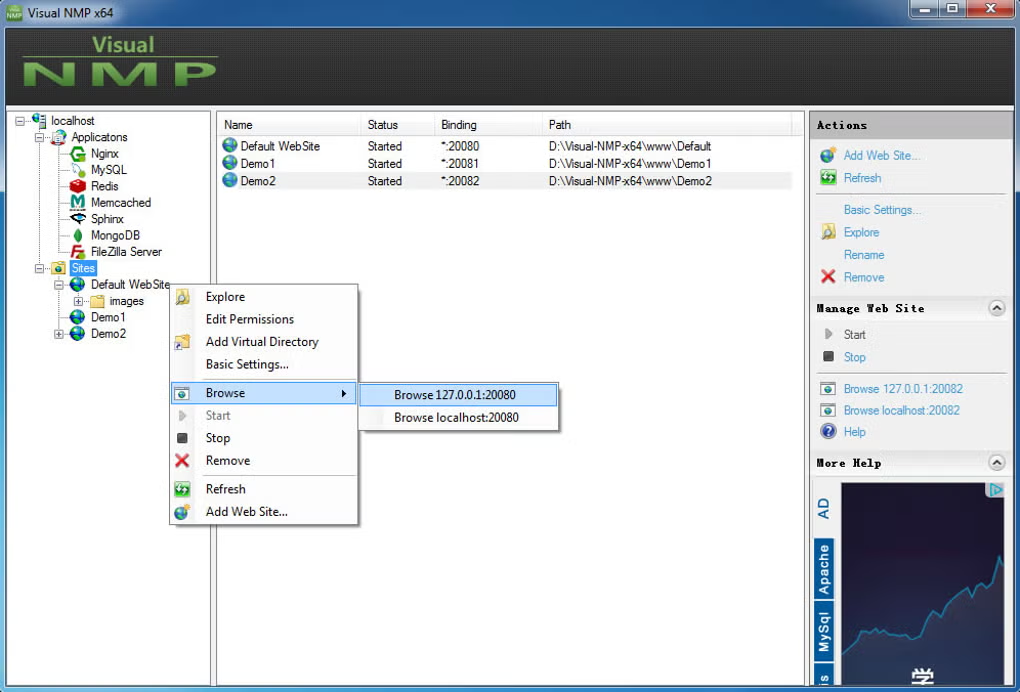
Visual NMP allows developers to run websites locally on Windows systems without needing live hosting. Users can test PHP applications, manage databases, configure local domains, and debug websites directly from their computers.
One of the biggest advantages of Visual NMP is speed and efficiency. Nginx generally consumes fewer system resources while providing excellent performance for dynamic and static content delivery.
The software is especially useful for developers working with PHP frameworks, CMS platforms, APIs, and modern web applications. It may support projects based on WordPress, Laravel, Joomla, and custom PHP applications.
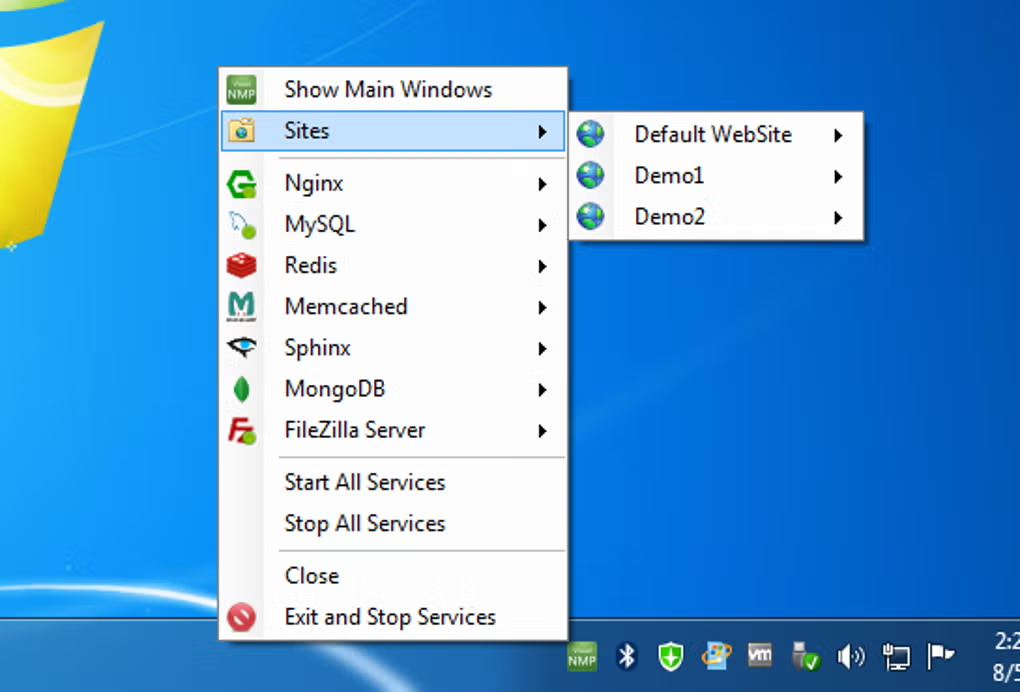
Depending on the version, Visual NMP may also include tools for virtual host management, PHP version switching, database administration, SSL testing, and project organization.
Overall, Visual NMP acts as a modern and performance-oriented local development environment for PHP and Nginx-based web development.
To run Visual NMP smoothly, the following system requirements are recommended:
The software performs best on systems with modern hardware and SSD storage.
If you want similar local development environments, you can try:
It is used for local web development using Nginx, MySQL, and PHP.
Nginx is lightweight, fast, and efficient for handling web traffic.
Yes, it is designed specifically for PHP-based web development.
Yes, but basic knowledge of local servers and Nginx configuration can help.
Yes, it can run WordPress, Joomla, Laravel, and other PHP applications.
In my opinion, Visual NMP is a strong choice for developers who want a modern local development environment built around Nginx instead of Apache. The lightweight architecture and fast performance make it especially useful for testing modern PHP applications efficiently.
The software is particularly valuable for developers working with high-performance PHP frameworks and CMS platforms. Nginx-based environments are becoming increasingly popular in production hosting, so using Visual NMP locally can help developers build workflows closer to real-world server setups.
Although beginners may initially find Nginx configuration more complex compared to Apache-based solutions, the performance advantages are significant. If you want a fast and modern local server environment for PHP development, Visual NMP is definitely worth trying.
Follow these steps to install Visual NMP:
Download the installer from a trusted source.
Open the setup file to begin installation.
Read and agree to the software terms.
Select where the software should be installed.
Allow the server modules to install completely.
Open the software after installation.
Enable Nginx and MySQL services.
Open your browser and visit:
http://localhostto verify the server setup.
XX-Z.COM
This content is provided for educational and informational purposes only. We do not host, store, or distribute any software files on our servers. All trademarks, product names, and logos belong to their respective owners.
We strongly recommend downloading software only from official websites or trusted sources. We are not responsible for any damage, data loss, or issues that may occur from the use of third-party software.
Users should ensure they comply with all applicable laws and software licensing agreements in their country before downloading or using any software mentioned on this website.
Expore Apps