- Development & IT
- Web devlopment
- Norton Tune Up

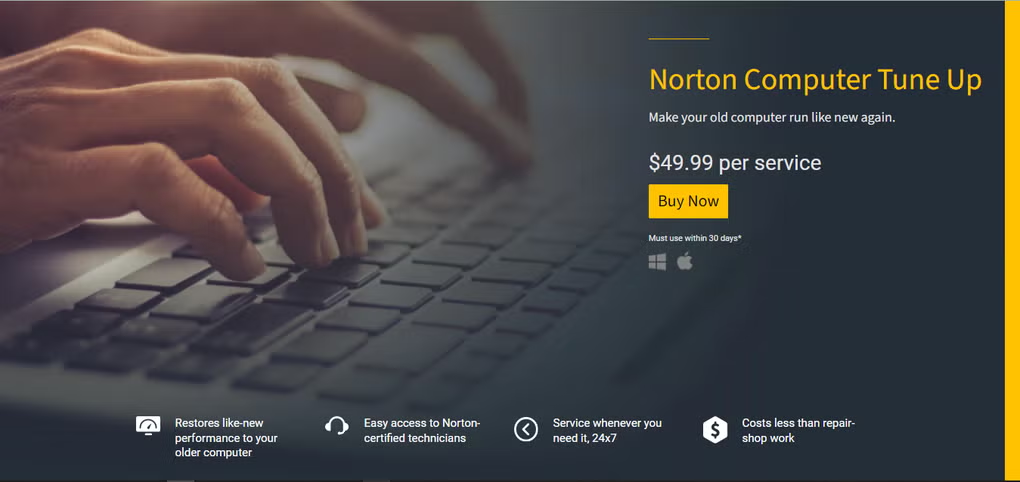
Norton Tune Up is a PC optimization and maintenance utility designed to improve computer performance by cleaning junk files, optimizing system resources, fixing common issues, and helping devices run faster and smoother.
📌 What is Norton Tune Up?
Norton Tune Up is a system optimization utility developed by Norton to help users maintain and improve their computer’s performance. Over time, computers collect temporary files, unused programs, invalid registry entries, and background processes that can slow down the system. Norton Tune Up is designed to identify and clean these issues automatically.
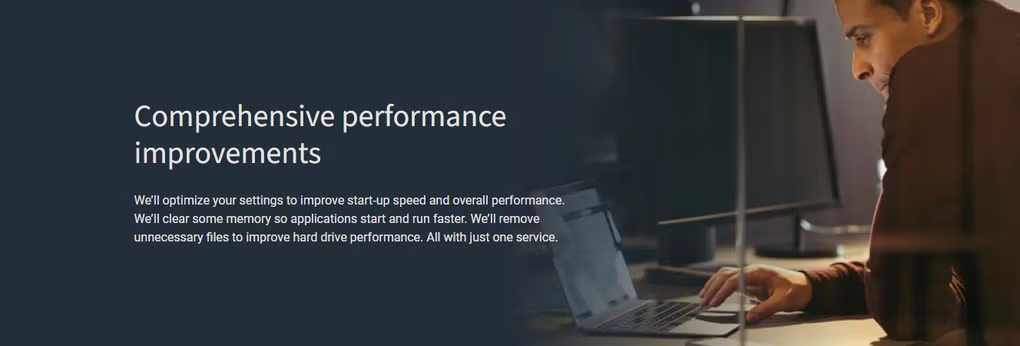
The software focuses on improving speed, stability, and overall system efficiency. It scans the computer for junk files, unnecessary startup applications, outdated system components, and performance-related problems that affect daily usage.
One of the major advantages of Norton Tune Up is its automation. Instead of manually checking system settings and deleting unwanted files, users can optimize their PC with just a few clicks. This makes it suitable for both beginners and advanced users.
The utility also helps extend the life of older computers by reducing unnecessary resource usage. Users often notice faster startup times, smoother multitasking, and better responsiveness after optimization.
In addition, Norton Tune Up may include features such as app optimization, background process management, and automatic maintenance scheduling.
Overall, it acts as a complete PC maintenance solution for keeping Windows systems clean and efficient.
💻 System Requirements (Detailed)
To run Norton Tune Up smoothly, the following system requirements are recommended:
Minimum Requirements
- Operating System: Windows 10 / Windows 11
- Processor: Intel or AMD compatible processor
- RAM: Minimum 2GB RAM
- Storage Space: 300MB free disk space
- Internet: Required for activation and updates
Recommended Requirements
- Processor: Intel Core i3 or higher
- RAM: 4GB–8GB or more
- Storage: SSD recommended for better optimization results
- Internet: Stable connection for updates and cloud features
The software is lightweight but works best on updated Windows systems.
🔄 Alternatives
If you want similar PC optimization tools, you can try:
- CCleaner
- Advanced SystemCare
- Glary Utilities
- Wise Care 365
❓ FAQ
Q1. What is Norton Tune Up mainly used for?
It is used for cleaning and optimizing Windows PC performance.
Q2. Does it improve startup speed?
Yes, it can optimize startup applications and improve boot time.
Q3. Is Norton Tune Up safe?
Yes, it is developed by Norton, a well-known cybersecurity company.
Q4. Does it remove junk files?
Yes, it scans and removes temporary and unnecessary files.
Q5. Is internet required?
Yes, internet is needed for updates, activation, and some features.
Features
- ✔️ Remove junk and temporary files
- ✔️ Improve PC startup speed
- ✔️ Optimize system performance
- ✔️ Clean unnecessary background processes
- ✔️ Automatic maintenance and scanning
- ✔️ Fix common system issues
- ✔️ Improve overall system stability
- ✔️ Beginner-friendly interface
- ✔️ Reduce unnecessary resource usage
- ✔️ Scheduled optimization tasks
👍 Pros & 👎 Cons
Pros
- Easy to use for beginners
- Improves system responsiveness
- Automates maintenance tasks
- Helps clean unnecessary files
- Can improve older PC performance
Cons
- Some features require subscription
- Optimization results vary by system
- Advanced users may prefer manual control
- Background services may use some resources
Our Analysis
In my opinion, Norton Tune Up is a good solution for users who want a simple and automated way to maintain their PC performance. It is especially useful for beginners who may not know how to manually optimize Windows systems.
The software does a good job of cleaning temporary files, improving startup performance, and reducing unnecessary background activity. Older computers may benefit the most from these optimizations.
While advanced users may prefer more manual control, the convenience and automation make Norton Tune Up a practical tool for everyday users. If you want a reliable and beginner-friendly PC optimization utility, it is definitely worth considering.
⚙️ Installation Guide (Step-by-Step)
Follow these steps to install Norton Tune Up:
Step 1: Download the Software
Download Norton Tune Up from the official Norton website.
Step 2: Run the Installer
Open the downloaded setup file.
Step 3: Accept License Agreement
Read and agree to the terms and conditions.
Step 4: Choose Installation Location
Select the installation folder.
Step 5: Complete Installation
Click Install and wait for the process to finish.
Step 6: Launch the Software
Open Norton Tune Up after installation.
Step 7: Run System Scan
Start a performance and cleanup scan.
Step 8: Apply Optimization
Review results and apply recommended fixes.
About SoftwareDownloading Editorial Team
The SoftwareDownloading Editorial Team researches Windows software, compatibility information, features, alternatives, and software-related guides for SoftwareDownloading.in.
Our pages are prepared using available product information and relevant documentation. When an application has not been personally tested, we distinguish research-based analysis from hands-on testing. Learn more about our review process

Apps Specs
Developer
NortonLifeLock Inc
Licence
Paid
Version
V 2022
Platform
Windows
Download Clicks
10
Page Reviewed
September 26, 2026
Top Downloads




Related Topics
Disclaimer
This content is provided for educational and informational purposes only. We do not host, store, or distribute any software files on our servers. All trademarks, product names, and logos belong to their respective owners.
We strongly recommend downloading software only from official websites or trusted sources. We are not responsible for any damage, data loss, or issues that may occur from the use of third-party software.
Users should ensure they comply with all applicable laws and software licensing agreements in their country before downloading or using any software mentioned on this website.