- Utilities & Tools
- Keyboards
- CrossHair
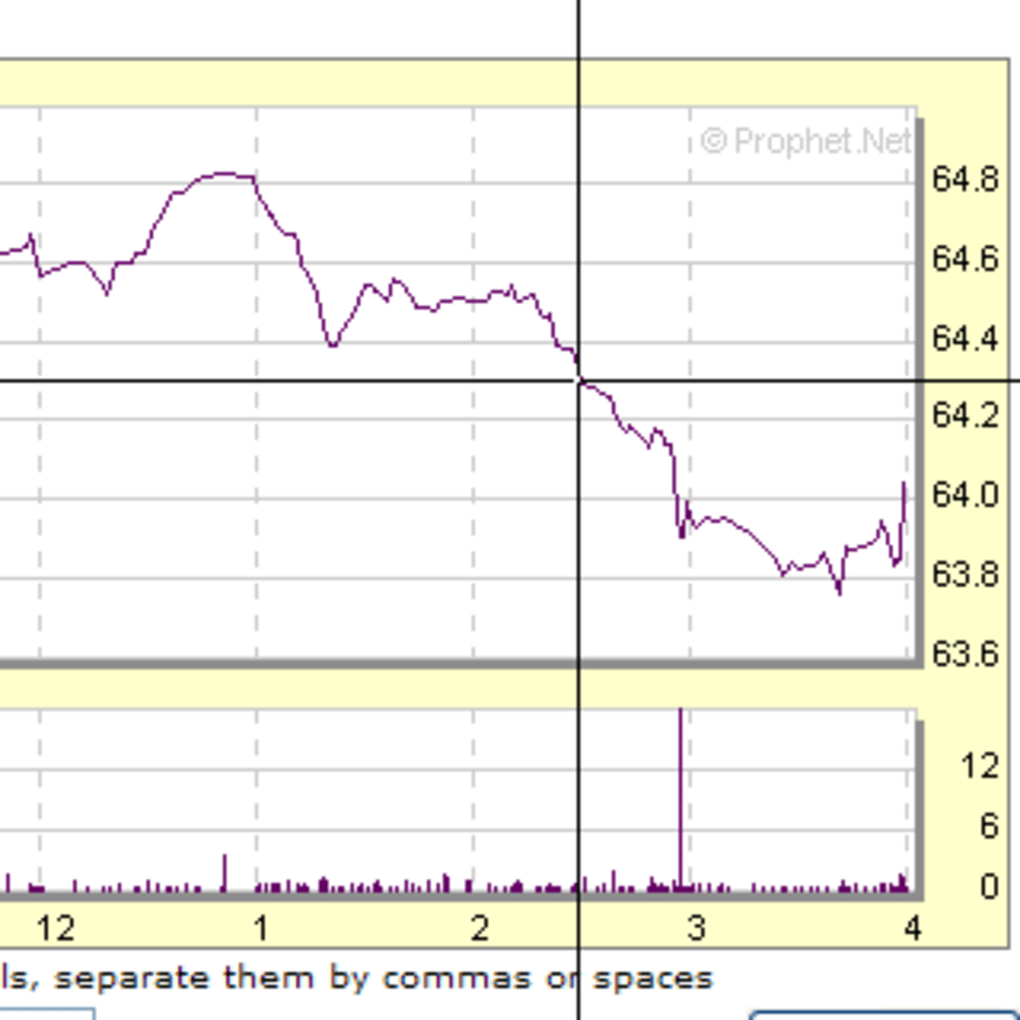
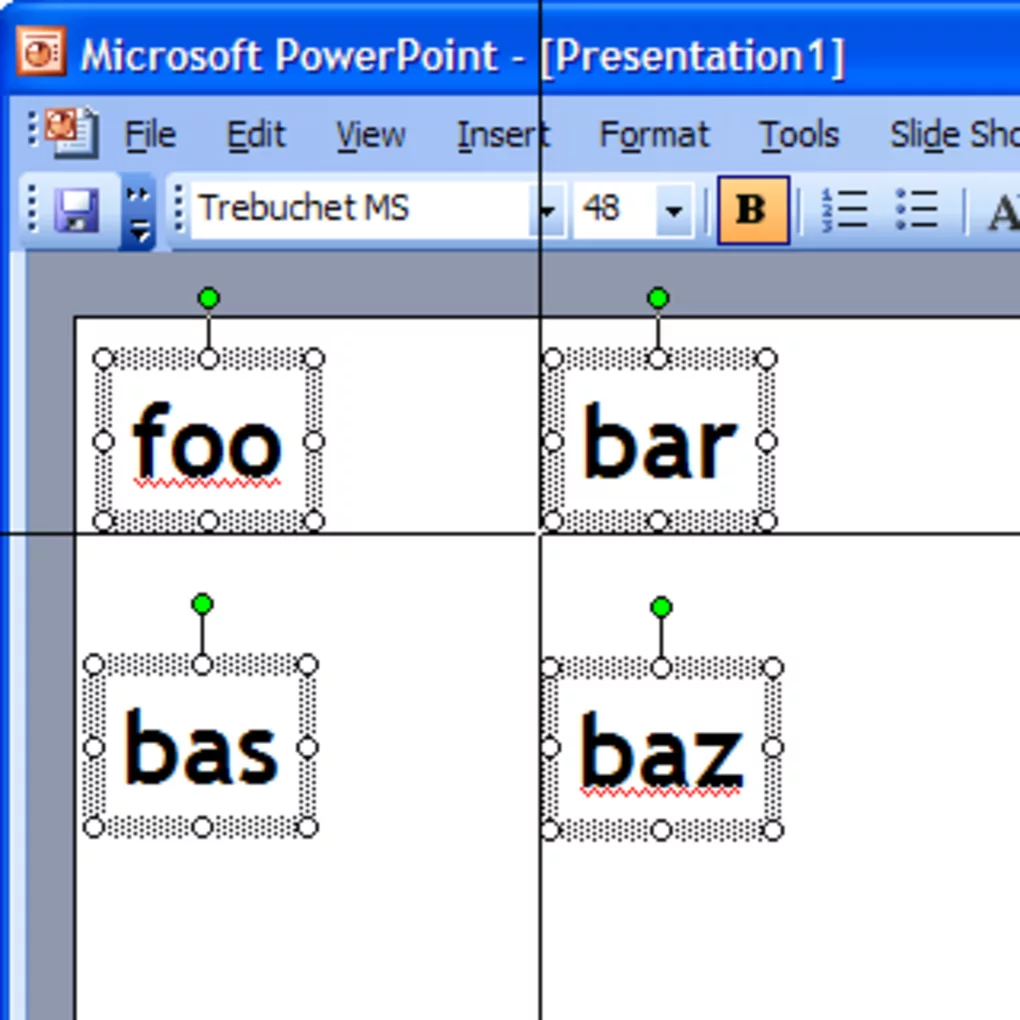
CrossHair is designed to provide players with a fixed visual aiming reference by placing a customizable reticle overlay at the center of the screen.
In many shooting games, especially when using hip-fire weapons or games without proper aiming indicators, players may struggle with precision targeting. CrossHair solves this problem by creating a visible aiming marker that stays on screen during gameplay.
The software is commonly used for:
- FPS games
- Battle royale games
- Tactical shooters
- Training aim consistency
- Custom gameplay setups
Depending on the version, users may customize:
- Crosshair size
- Color and opacity
- Shape and thickness
- Dynamic or static styles
- Overlay position adjustments
One major advantage is improved aiming consistency because players develop better center-screen awareness during gameplay.
The software is especially popular among casual players who want better visual targeting assistance without modifying game files directly.
However, users should always verify game policies because some anti-cheat systems may restrict overlay-based utilities in competitive environments.
📌 What is CrossHair?
CrossHair is a screen overlay utility that displays a customizable crosshair at the center of the screen for improved aiming assistance in games. It is mainly used in shooting games where players want a fixed aiming reference, especially in titles that do not provide built-in crosshair support.
The software allows users to place custom reticles or aiming markers directly on the display and customize their appearance according to personal preference.
🚀 Key Uses
- Adding custom crosshair overlays in games
- Improving aiming accuracy in FPS games
- Assisting hip-fire aiming
- Creating custom reticle styles
- Enhancing gameplay visibility
- Supporting games without built-in crosshairs
- Competitive shooting practice
- Personalized gaming interface customization
💻 System Requirements (General)
Minimum Requirements
- Windows 7 / 8 / 10 / 11
- 1GB RAM
- Basic graphics support
- DirectX-compatible display system
Recommended Requirements
- 2GB+ RAM
- Modern gaming GPU
- Updated graphics drivers
- Stable fullscreen or borderless gaming support
🔄 Alternatives
- Custom Desktop Logo
- HudSight
- Crosshair X
- PlayClaw Crosshair Overlay
- Overwolf Crosshair Tools
- Built-in game crosshair settings
❓ FAQ
Q1. What is CrossHair used for?
It is used to display a custom aiming reticle on the screen during gameplay.
Q2. Does it work in all games?
It works in many games, but compatibility may vary depending on anti-cheat systems and fullscreen modes.
Q3. Is it useful for FPS games?
Yes, it is mainly designed for first-person and third-person shooting games.
Q4. Can I customize the crosshair design?
Yes, many versions allow size, color, transparency, and style customization.
Q5. Is it safe to use?
Generally yes, but some competitive games may restrict overlay tools.
Features
✔ Custom on-screen crosshair overlay
✔ Adjustable size and thickness
✔ Multiple reticle styles
✔ Color customization support
✔ Transparency control
✔ Lightweight background operation
✔ Fullscreen game compatibility
✔ Center-screen aiming assistance
✔ Hotkey support
✔ Easy overlay positioning
✔ Beginner-friendly interface
✔ Low system resource usage
👍 Pros & 👎 Cons
Pros
- Improves aiming consistency
- Useful for games without crosshairs
- Lightweight and easy to use
- Customizable reticle appearance
- Helpful for FPS and tactical shooters
- Quick setup process
Cons
- May conflict with anti-cheat systems
- Not useful outside gaming
- Overlay compatibility varies by game
- Some versions have limited customization
- Can provide unfair advantage in certain games
Our Analysis
CrossHair is a practical aiming-assistance utility for players who want a consistent center-screen aiming reference during gameplay.
Its biggest strengths are:
- Lightweight performance
- Easy customization
- Fast setup
- Improved target alignment
The software becomes especially useful in games that either lack built-in crosshairs or where hip-fire aiming is difficult.
While it can improve aiming confidence and consistency for casual players, users should still check multiplayer game rules because some anti-cheat systems may treat overlay tools differently.
Overall, it is a simple yet effective crosshair overlay solution for improving visual aiming support in FPS and shooting games.
⚙️ Installation Guide (General Overview)
Step 1: Download Software
Download CrossHair from a trusted source or official provider.
Step 2: Run Setup File
Open the installer and begin the installation process by following on-screen instructions.
Step 3: Complete Installation
Finish setup and allow the application to create desktop or start menu shortcuts if needed.
Step 4: Launch CrossHair Tool
Open the software after installation is complete.
Step 5: Configure Crosshair Settings
Customize:
- Crosshair style
- Size and thickness
- Color
- Transparency
- Screen position
Step 6: Enable Overlay Mode
Activate the overlay so the crosshair appears on top of games or fullscreen applications.
Step 7: Launch Game
Start your preferred FPS or shooting game and verify overlay compatibility.
Step 8: Adjust for Comfort
Fine-tune crosshair visibility and positioning according to gameplay preference.
About SoftwareDownloading Editorial Team
The SoftwareDownloading Editorial Team researches Windows software, compatibility information, features, alternatives, and software-related guides for SoftwareDownloading.in.
Our pages are prepared using available product information and relevant documentation. When an application has not been personally tested, we distinguish research-based analysis from hands-on testing. Learn more about our review process
Apps Specs
Developer
Mlin
Licence
Free
Version
1.1
Platform
Windows
Download Clicks
1
Page Reviewed
September 27, 2026
Top Downloads
Related Topics
Disclaimer
This content is provided for educational and informational purposes only. We do not host, store, or distribute any software files on our servers. All trademarks, product names, and logos belong to their respective owners.
We strongly recommend downloading software only from official websites or trusted sources. We are not responsible for any damage, data loss, or issues that may occur from the use of third-party software.
Users should ensure they comply with all applicable laws and software licensing agreements in their country before downloading or using any software mentioned on this website.