
UniKey is a compact and efficient input method editor designed specifically for Vietnamese language typing. It works by converting user keystrokes from a standard QWERTY keyboard into Vietnamese characters using different input methods like Telex and VNI.
It is widely used in Vietnam for personal, academic, and professional communication because it provides fast typing speed and accurate character conversion.
The software integrates smoothly with Windows applications such as Microsoft Word, browsers, email clients, and messaging platforms. It supports multiple encoding standards including Unicode, which ensures compatibility with modern systems and websites.
Due to its lightweight design, it runs in the background without consuming significant system resources, making it suitable even for older computers.
📌 What is Unikey?
UniKey is a lightweight input method editor (IME) designed for typing Vietnamese characters on Windows systems. It enables users to easily type Vietnamese text using standard English keyboards by converting Latin keystrokes into proper Vietnamese Unicode characters.
It is one of the most widely used Vietnamese typing tools and is known for its simplicity, stability, and low system usage.
🚀 Key Uses
- Typing Vietnamese text using English keyboard
- Converting Latin characters into Vietnamese Unicode
- Writing documents in Vietnamese language
- Supporting online chat and messaging in Vietnamese
- Academic and office documentation
- Website content creation in Vietnamese
- Email and formal communication in Vietnamese
- Custom Vietnamese input encoding support
🔄 Alternatives
- Microsoft Vietnamese Keyboard (built-in)
- GoTiengViet
- EVKey
- VNI Input Method
- Telex input built-in Windows keyboard
- Google Input Tools (Vietnamese)
❓ FAQ
Q1. What is Unikey used for?
It is used for typing Vietnamese text using a standard English keyboard.
Q2. Is Unikey free?
Yes, it is completely free to use.
Q3. Does it work offline?
Yes, it works without internet connection.
Q4. Is it safe to install?
Yes, it is a trusted and widely used keyboard input tool.
Q5. Does it support Unicode?
Yes, it fully supports Unicode Vietnamese typing.
Features
✔ Vietnamese Telex and VNI input support
✔ Unicode character conversion
✔ Lightweight background operation
✔ Custom keyboard shortcuts
✔ Low system resource usage
✔ Compatibility with all Windows apps
✔ Multiple encoding support
✔ Fast typing performance
✔ Portable version available
✔ Easy configuration panel
👍 Pros & 👎 Cons
Pros
- Extremely lightweight
- Easy Vietnamese typing support
- Free to use
- Works on all Windows versions
- Fast and stable performance
Cons
- Only useful for Vietnamese language users
- Basic UI design
- Limited additional features
- No advanced text editing tools
Our Analysis
UniKey is a highly efficient and reliable input method tool for Vietnamese language users. Its biggest strength is its simplicity and lightweight design, making it extremely fast and easy to use.
It performs very well in all environments, from basic word processing to web-based typing tasks. Because it integrates smoothly with Windows, it becomes almost invisible while still providing powerful typing functionality.
Overall, it is a must-have essential tool for Vietnamese language typing on Windows systems, especially for users who want fast, accurate, and hassle-free text input.
⚙️ Installation Guide (General Overview)
Step 1: Download Software
Download UniKey from a trusted source or official website.
Step 2: Run Setup File
Open the downloaded file and start the installation process. In some versions, UniKey is portable and does not require installation.
Step 3: Select Version
Choose correct system version (32-bit or 64-bit) depending on your Windows OS.
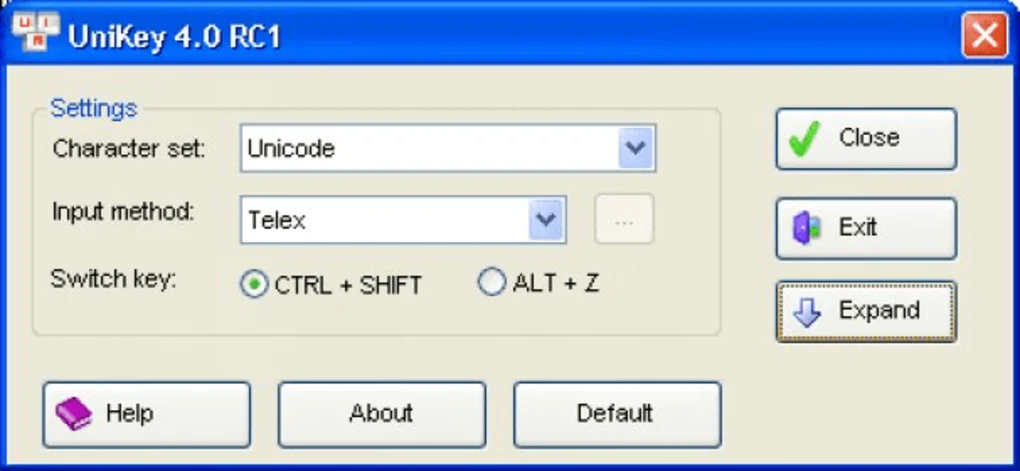
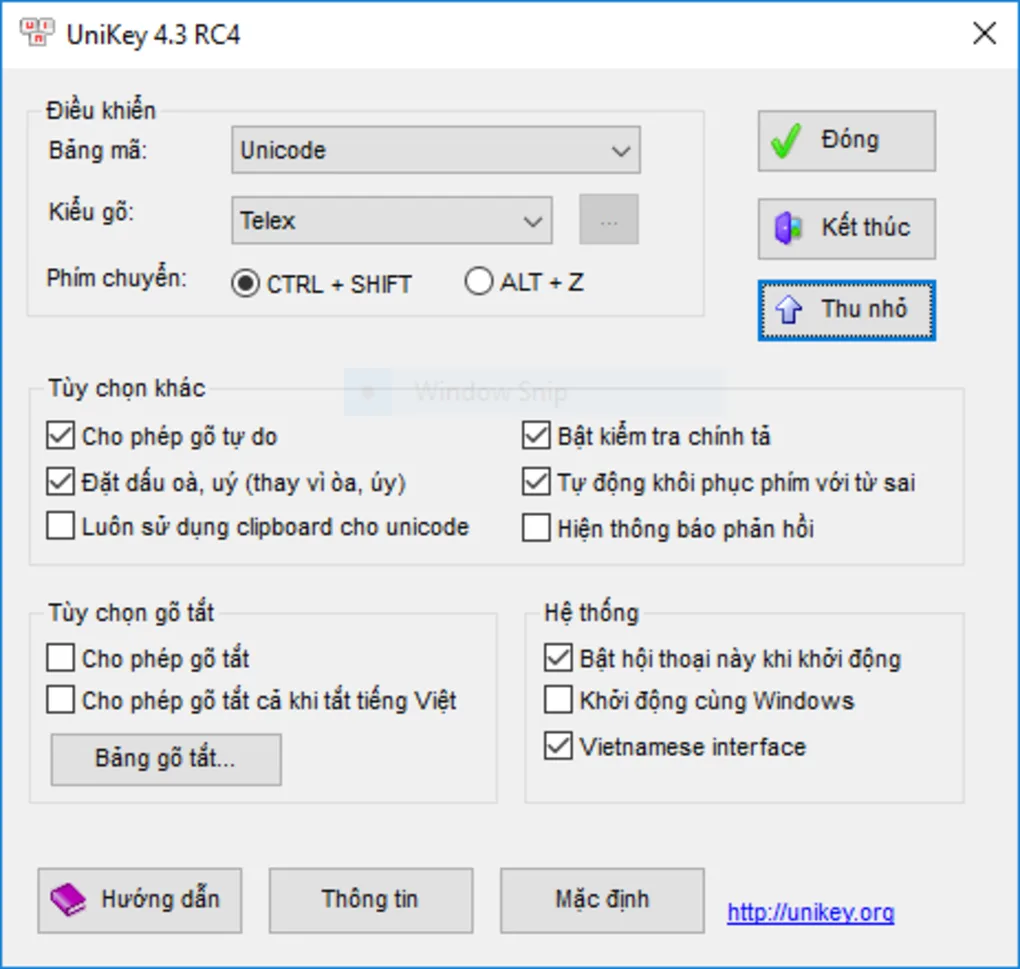
Step 4: Configure Input Method
After launching, select input method (Telex or VNI) based on your typing preference.
Step 5: Enable Unicode Mode
Set encoding to Unicode for proper Vietnamese character support in modern applications.
Step 6: Start Typing
Minimize the tool to system tray and begin typing in any application like Word, browser, or chat software.
About SoftwareDownloading Editorial Team
The SoftwareDownloading Editorial Team researches Windows software, compatibility information, features, alternatives, and software-related guides for SoftwareDownloading.in.
Our pages are prepared using available product information and relevant documentation. When an application has not been personally tested, we distinguish research-based analysis from hands-on testing. Learn more about our review process
Apps Specs
Developer
Licence
Free
Version
4.3
Platform
Windows
Download Clicks
1
Page Reviewed
September 26, 2026
Top Downloads




Related Topics
Disclaimer
This content is provided for educational and informational purposes only. We do not host, store, or distribute any software files on our servers. All trademarks, product names, and logos belong to their respective owners.
We strongly recommend downloading software only from official websites or trusted sources. We are not responsible for any damage, data loss, or issues that may occur from the use of third-party software.
Users should ensure they comply with all applicable laws and software licensing agreements in their country before downloading or using any software mentioned on this website.