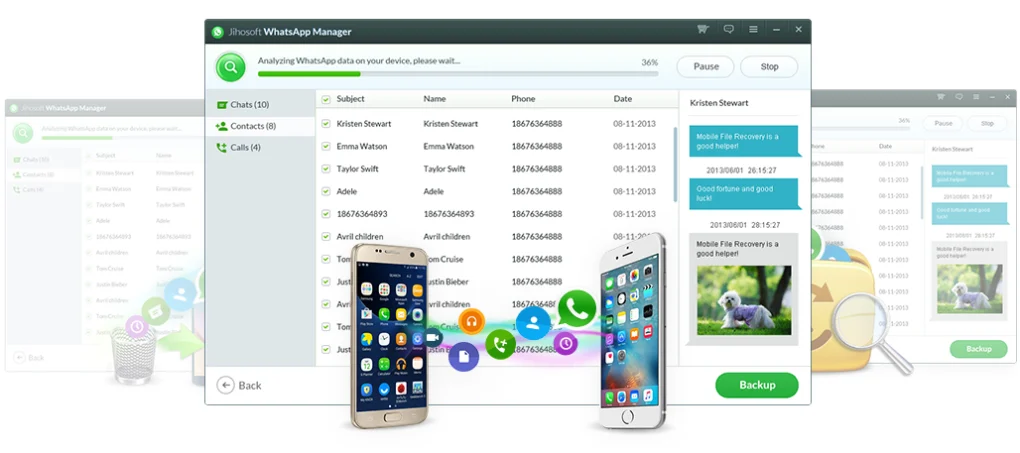
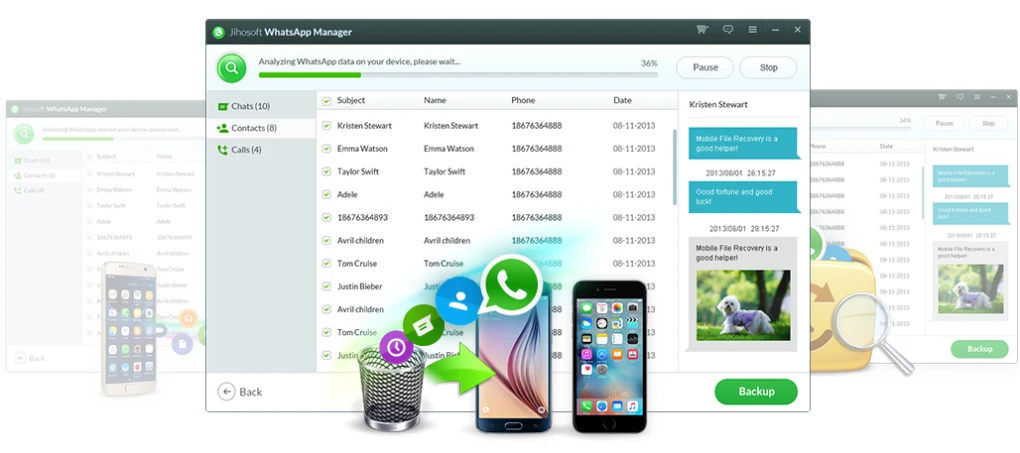
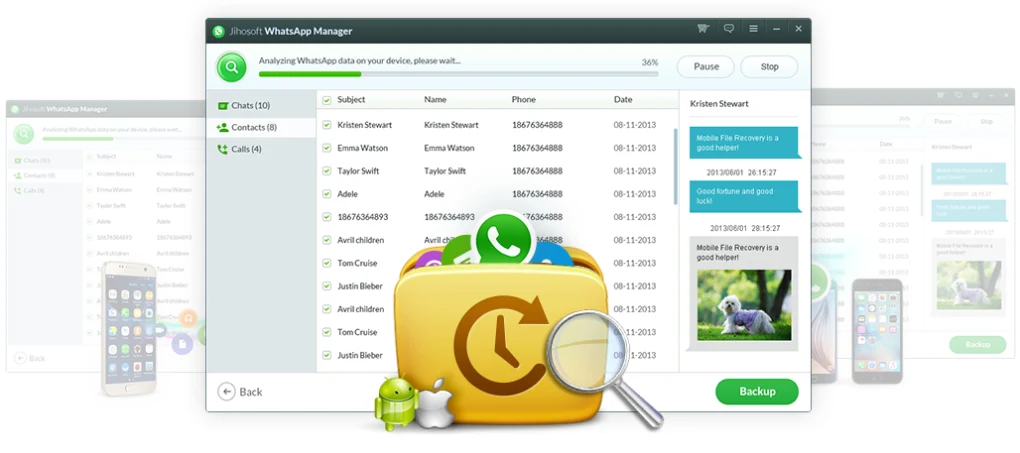
Jihosoft WhatsMate is a desktop-based WhatsApp management tool designed for Android and iOS devices. It helps users backup, restore, transfer, and recover WhatsApp data directly on a Windows or Mac computer.
This software is mainly used when users:
It is widely used by normal users, technicians, and people migrating to new devices.
Jihosoft WhatsMate is a powerful WhatsApp data management tool that runs on a computer and connects with mobile devices via USB.
It allows users to:
It is especially useful when Google Drive or iCloud backups are not available or not working.
Creates a full backup of WhatsApp data including chats and media on a computer.
Helps users transfer WhatsApp data when changing phones.
Recovers deleted or lost WhatsApp messages (sometimes even without backup).
Exports photos, videos, and documents from chats.
Used by technicians for WhatsApp data migration and recovery.
It is used for WhatsApp backup, restore, transfer, and recovery.
Yes, it supports both platforms.
Yes, it supports Android ↔ iPhone transfer.
It has a free trial but full features are paid.
Yes, it works offline via USB connection.
Yes, when downloaded from official sources.
✔️ WhatsApp chat backup to computer
✔️ Restore WhatsApp backup to Android/iPhone
✔️ Android ↔ iPhone chat transfer
✔️ Recover deleted WhatsApp messages
✔️ Export photos, videos, audio, and attachments
✔️ Selective data backup and restore
✔️ Preview WhatsApp chats on PC
✔️ One-click backup system
✔️ Cross-platform data migration
✔️ USB-based secure connection
✔️ Supports full WhatsApp data (messages + media)
✔️ Offline backup without cloud dependency
During testing, Jihosoft WhatsMate proved useful for managing and transferring WhatsApp data outside a cloud-based backup workflow. The cross-platform transfer capability is particularly useful when moving WhatsApp data between Android and iPhone, where the normal migration process can be more restrictive.
The tool is most relevant for users who are switching phones, need an offline copy of their WhatsApp data, or are dealing with a data-recovery or migration situation. Its PC-based workflow also gives users more direct control over the transfer process rather than relying entirely on cloud storage.
One limitation is that Jihosoft WhatsMate is a third-party solution rather than an official WhatsApp tool, so users should consider compatibility, PC connectivity, and the availability of paid features before relying on it for an important migration.
Overall, it is a practical option for WhatsApp data management and cross-platform migration, although its PC-based workflow may feel somewhat technical for users who prefer a simpler phone-to-phone transfer process.
Download Jihosoft WhatsMate from a trusted source.
Run setup and complete installation.
Connect Android or iPhone using USB cable.
Allow USB debugging (Android) or Trust PC (iPhone).
Open WhatsMate dashboard.
Choose backup, restore, transfer, or recovery option.
Begin data scanning and transfer.
This content is provided for educational and informational purposes only. We do not host, store, or distribute any software files on our servers. All trademarks, product names, and logos belong to their respective owners.
We strongly recommend downloading software only from official websites or trusted sources. We are not responsible for any damage, data loss, or issues that may occur from the use of third-party software.
Users should ensure they comply with all applicable laws and software licensing agreements in their country before downloading or using any software mentioned on this website.
Expore Apps