- Utilities & Tools
- File Managers
- Ingenious Search

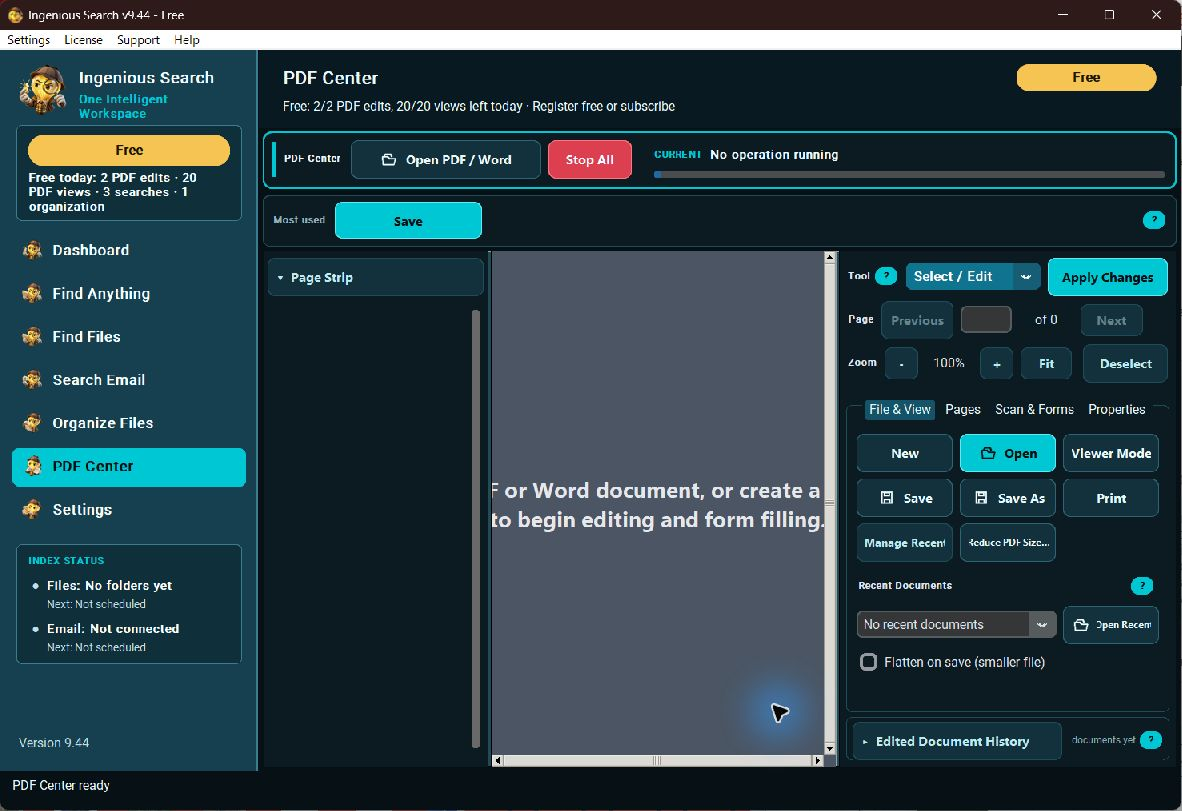
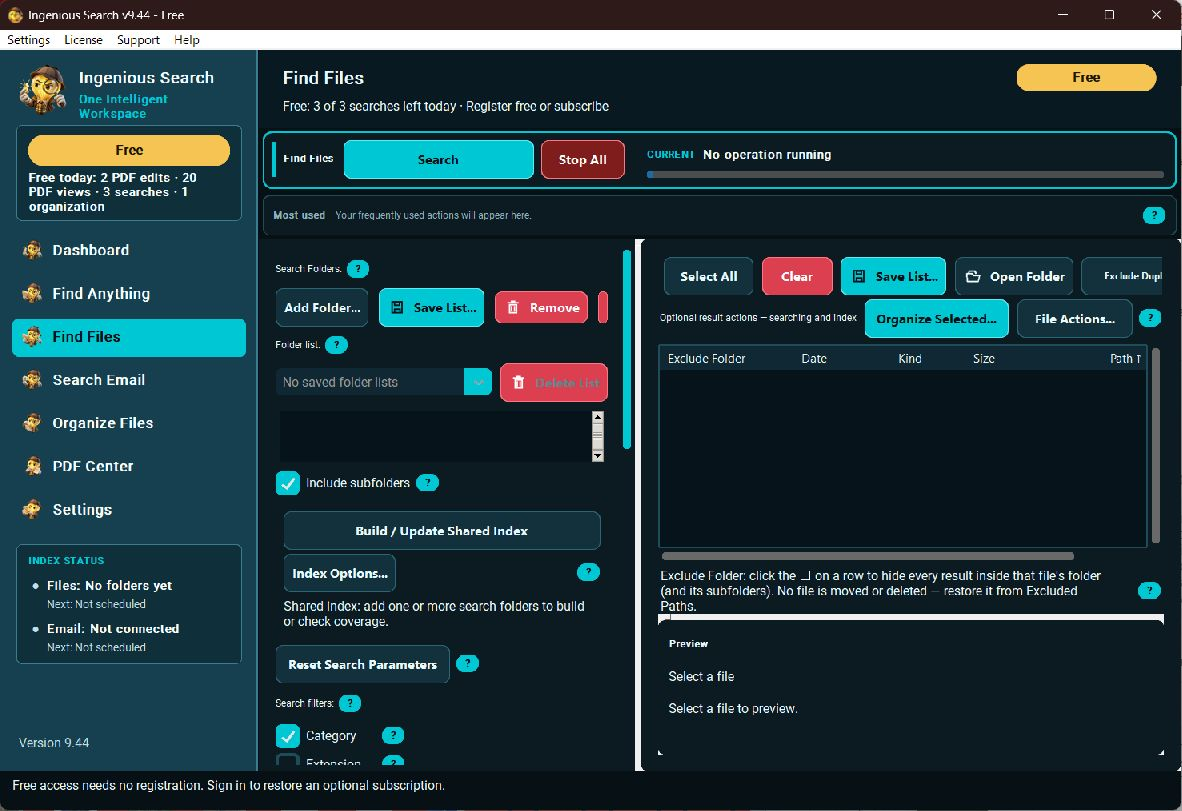
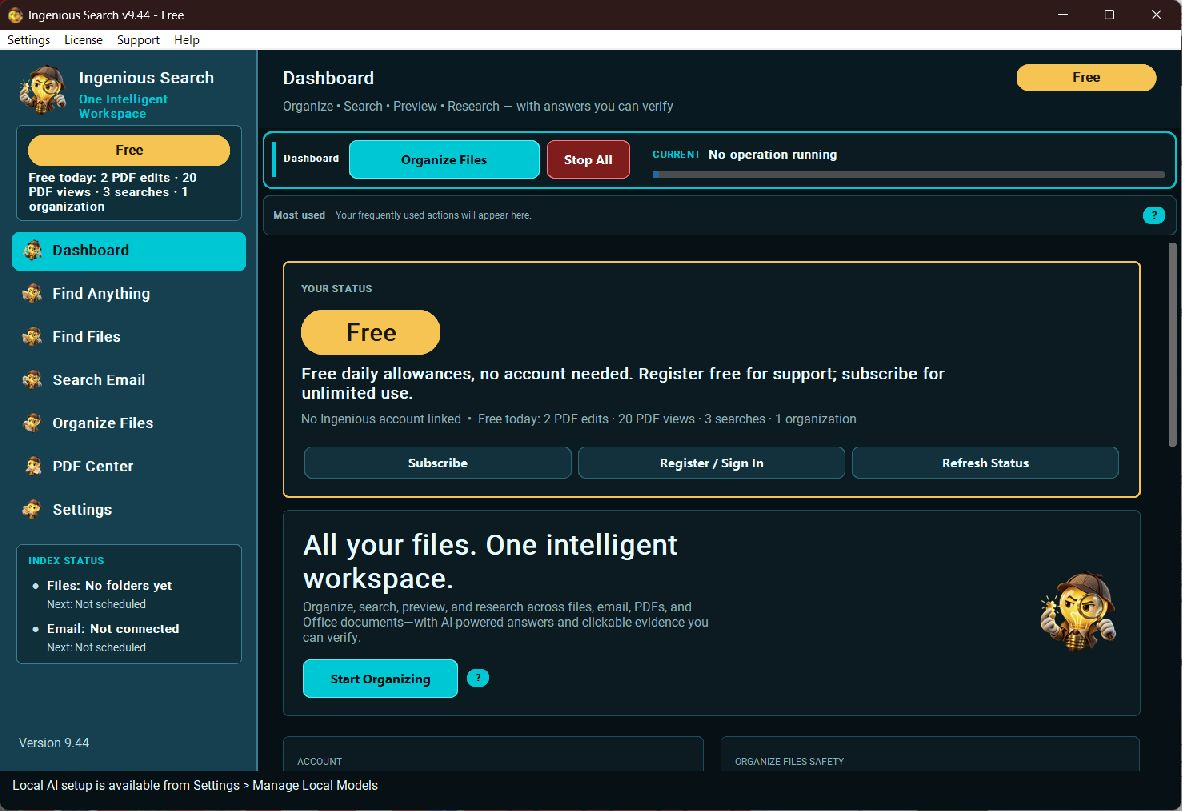
Ingenious Search 9.86 is a Windows search and document utility from Ingenious, LLC. It helps users search files and connected email, organize files based on their content, and work with PDF documents. The software also offers indexing, PDF viewing and editing tools, and optional Local AI features. The free edition starts without registration and includes daily usage allowances. Ingenious Search 9.86 was released on October 24, 2026, for 64-bit Windows 10 and Windows 11. Classic Outlook integration requires a compatible installed version of Outlook; the new Outlook app is not supported. Gmail requires connection setup.
What’s New in Ingenious Search 9.86
Released: October 24, 2026
Version 9.86 includes improvements to email date handling and fixes for PDF text editing.
Improved Email Search
- Emails can be displayed according to when they arrived in your inbox.
- The From and To columns show who sent each email to your inbox and who received it.
- Sorting, From/To filters, and Date from/Date to filters use the same email-arrival information.
- To display a forwarded email’s original sender and recipient instead, configure Settings > Forwarded Emails. You can choose Original Sender and Recipient, or Original Sender, Recipient and Date.
Outlook Email Date Fix
Earlier versions could index some Outlook emails without recording their arrival dates. Version 9.86 updates the Email Index to fill in missing dates from Outlook without reading those emails again. Until the index update is completed, affected emails may still display “No date”.
PDF Editor Fixes
- Editing a line of text no longer causes the PDF editor to stop working.
- The edited text line stays in its original position.
- Selecting, moving and editing text, using the Eraser, and using Add Text continue to work after editing.
- Adding text with fonts such as Arial no longer produces the previously reported error.
These changes are based on the publisher’s release notes for version 9.86.
Email Compatibility
Ingenious Search supports email search through compatible email connections.
- Classic Outlook: Requires a compatible installed version of Outlook.
- New Outlook: The new Outlook app is not supported.
- Gmail: Connection setup is required before using Gmail integration.
Email search settings also let users choose whether forwarded emails are displayed using their inbox arrival details or their original sender, recipient and, optionally, original sent date.
Email Compatibility
Ingenious Search supports email search through compatible email connections.
- Classic Outlook: Requires a compatible installed version of Outlook.
- New Outlook: The new Outlook app is not supported.
- Gmail: Connection setup is required before using Gmail integration.
Email search settings also let users choose whether forwarded emails are displayed using their inbox arrival details or their original sender, recipient and, optionally, original sent date.
| Software | Ingenious Search 9.86 |
|---|---|
| Developer | Ingenious, LLC |
| Release Date | October 24, 2026 |
| Operating System | Windows 10 / Windows 11 (64-bit) |
| Classic Outlook Integration | Compatible installed Outlook required |
| New Outlook | Not supported |
| Gmail Integration | Connection setup required |
| Free Usage | 12 searches, 2 organization operations, 3 PDF editing sessions and 20 dedicated PDF viewing sessions per local day |
| Local AI | Optional; model downloads are separate |
| Premium | Available separately |
Features
- Search files and connected email from one Windows utility.
- Display email sender, recipient and arrival-date information consistently in email search.
- Configure forwarded-email searches to use original sender and recipient details, with an optional original sent date.
- Update the Email Index to fill in missing arrival dates for previously indexed Outlook emails.
- Edit PDF text lines while continuing to use selection, movement, editing, Eraser and Add Text tools.
- Add PDF text using fonts such as Arial without the error fixed in version 9.86.
- Use the free edition without registration, subject to the publisher’s daily usage allowances.
- Use optional Local AI features by downloading the required models separately.
- Use classic Outlook integration with a compatible installed Outlook version. The new Outlook app is not supported.
- Set up a Gmail connection before using Gmail integration.
👍 Pros & 👎 Cons
Pros
- Free edition available without registration.
- Email search includes configurable handling of forwarded messages.
- Version 9.86 fixes specific Outlook email-date and PDF text-editing issues.
- Optional Local AI features are available through separate model downloads.
Cons
- The new Outlook app is not supported.
- Gmail integration requires connection setup.
- The free edition has daily usage limits.
- Ingenious Premium is available separately.
Our Analysis
- Ingenious Search 9.86 is a Windows utility for file search, email search, file organization and PDF-related tasks. According to the publisher’s October 24, 2026 release notes, this version improves email arrival-date handling, repairs missing dates for previously indexed Outlook emails during an Email Index update, and fixes several PDF text-editing issues.
The publisher states that the installer, application and uninstaller are signed and timestamped as Ingenious, LLC through Microsoft Artifact Signing. This statement reflects the publisher’s supplied information and is not an independent security verification by SoftwareDownloading.in.
The free edition starts without registration but has daily usage allowances. Classic Outlook requires a compatible installed version, the new Outlook app is unsupported, and Gmail requires connection setup.
This summary is based on the publisher’s supplied release information. It does not claim independent installation, payment, email-connection or malware testing of version 9.86.
How to Download and Install Ingenious Search 9.86
- Visit the official Ingenious Search product page or open the version 9.86 installer link provided below.
- Download
IngeniousSearchSetup-9.86.exefrom the official publisher website. - Before running the installer, compare its SHA-256 checksum with the publisher’s checksum for version 9.86.
- Open the downloaded file and follow the Windows installation prompts.
- Launch Ingenious Search after setup is complete.
- Begin with the file and picture search tools, or open the relevant PDF or Word feature.
- If you want to use Local AI, open the application’s model setup and follow the guided download instructions.
- Check available RAM and disk space before downloading a Local AI model.
- If you want to search connected email, configure a supported email connection. Classic Outlook must be installed and configured for Outlook integration; new Outlook is not supported by that integration.
- For Gmail, follow the Google sign-in or guided connection setup process.
- Review the daily Free usage allowances before starting repeated search, organization, or PDF sessions.
Important Download Note
Use the publisher’s official installer and checksum source. The publisher reports that the full version 9.86 installer has a valid timestamped Ingenious, LLC signature. This is a publisher-provided statement and should not be described as independent malware certification or as evidence that version 9.86 has been independently tested.
About SoftwareDownloading Editorial Team
The SoftwareDownloading Editorial Team researches Windows software, compatibility information, features, alternatives, and software-related guides for SoftwareDownloading.in.
Our pages are prepared using available product information and relevant documentation. When an application has not been personally tested, we distinguish research-based analysis from hands-on testing. Learn more about our review process
Apps Specs
Developer
Licence
Free
Version
9.78
Platform
Windows
Download Clicks
3
Page Reviewed
October 27, 2026
Top Downloads




Disclaimer
Disclaimer
This page is provided for informational purposes. Software availability, licensing, compatibility and download sources may change over time. Download links on SoftwareDownloading.in may direct users to an official developer website, another external source, or a file made available through our download system where appropriate.
SoftwareDownloading.in does not claim ownership of third-party software, trademarks, product names or logos. Users should review the applicable licence terms, system compatibility and download source before installing or using any software. See our Disclaimer for more information.