InDeep File List Maker is a lightweight Windows utility designed to scan folders or drives and generate a complete list of files and directories in a structured text format.
It is mainly used to create a file inventory (catalog) of folders, hard drives, USB drives, DVDs, or external storage devices.
This tool is especially useful when users want to track or document large collections of files without manually checking each folder.
It is commonly used by:
InDeep File List Maker is a simple Windows application that creates a text-based list of all files and folders inside a selected directory or drive.
It helps users:
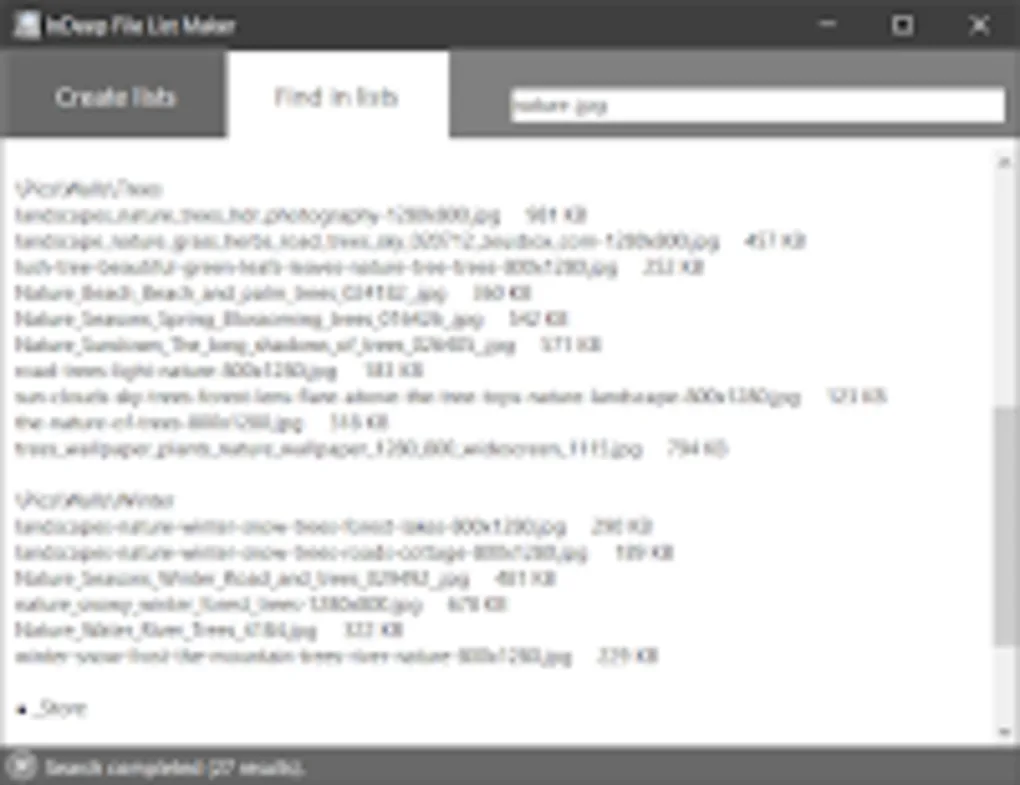
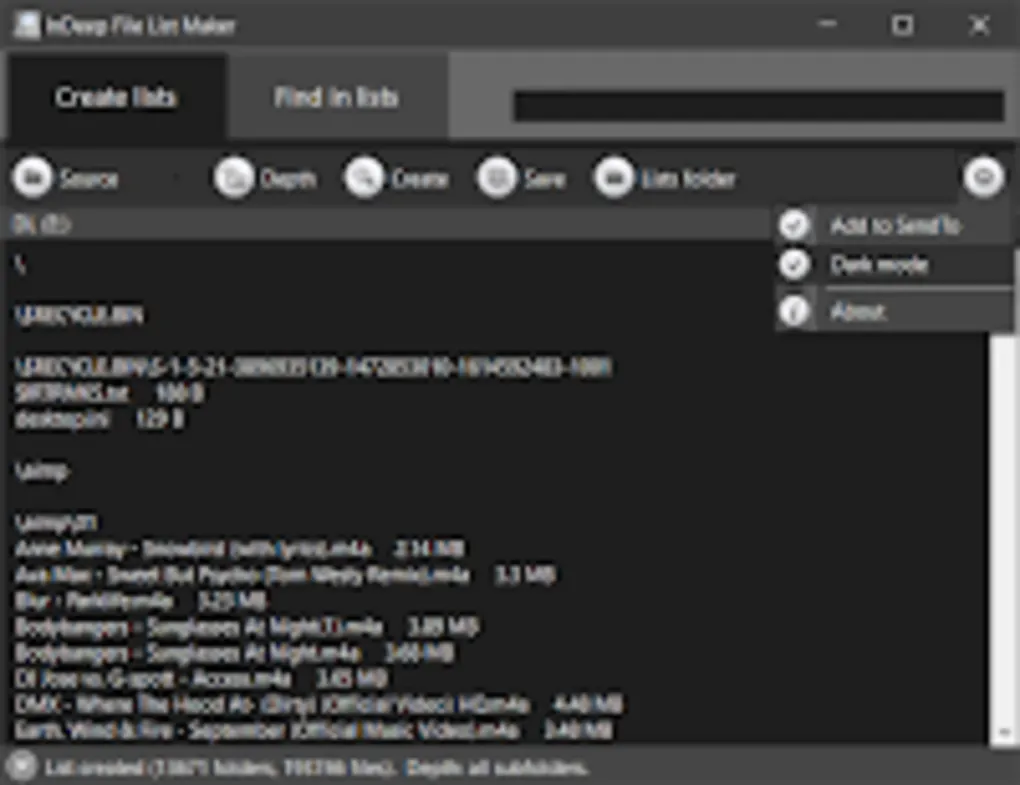
It works by scanning a selected folder and generating a structured output containing file names, sizes, and folder hierarchy.
Creates a full list of all files inside folders or drives.
Helps users keep records before formatting or backup.
Useful for locating files across multiple CDs/DVDs or drives.
Helps technicians manage large datasets and storage systems.
Gives a clear overview of disk contents.
It is used to create a list of all files and folders in a directory or drive.
Yes, it is safe when downloaded from trusted sources.
No, it only reads and lists file information.
Yes, it supports USB, HDD, SSD, and DVDs.
Yes, but mainly for users who manage large file collections.
No, it only creates file lists, not full file management.
✔️ Create file and folder lists from any directory
✔️ Scan entire drives (HDD, SSD, USB, DVD)
✔️ Generate text-based file reports
✔️ Lightweight and portable tool
✔️ Fast scanning of directories
✔️ Save file lists for future reference
✔️ Copy or export list output
✔️ Works without heavy system resources
✔️ Supports multiple storage devices
✔️ Simple user interface
✔️ File size and structure listing
✔️ Useful for backup documentation
✔️ Helps locate files across multiple drives
InDeep File List Maker is a simple but practical utility for users who need a quick overview of files stored on their system.
Its biggest strength is simplicity and speed. It does one job—creating file lists—and does it efficiently without consuming system resources.
It is especially useful for:
However, it is not a full file manager and lacks advanced features like search indexing, filtering, or file operations.
Overall, it is a niche but effective tool for file cataloging and system organization tasks.
Download InDeep File List Maker from a trusted source.
Run the executable file (portable in many versions).
Choose the location to scan.
Begin file indexing process.
Tool creates a structured list of files and folders.
Export or save the list as a text file.
InDeep Software
This content is provided for educational and informational purposes only. We do not host, store, or distribute any software files on our servers. All trademarks, product names, and logos belong to their respective owners.
We strongly recommend downloading software only from official websites or trusted sources. We are not responsible for any damage, data loss, or issues that may occur from the use of third-party software.
Users should ensure they comply with all applicable laws and software licensing agreements in their country before downloading or using any software mentioned on this website.
Expore Apps