
- Utilities & Tools
- Measurement
- MATLAB : Learn language programming

MATLAB is a high-level programming and numerical computing platform widely used for mathematics, engineering, scientific research, data analysis, and algorithm development.
It provides a programming language along with built-in tools for:
- Mathematical calculations
- Data visualization
- Matrix operations
- Simulation
- Signal processing
- Machine learning
- Engineering workflows
The platform is commonly used in:
- Universities
- Research labs
- Engineering industries
- Scientific computing environments
It is especially popular among:
- Students
- Engineers
- Researchers
- Data analysts
- Scientists
📌 What is MATLAB?
MATLAB is both a programming language and a technical computing environment developed for solving mathematical and engineering problems.
The name MATLAB stands for:
Matrix Laboratory
because matrix operations are one of its core strengths.
It allows users to:
- Write mathematical programs
- Analyze large datasets
- Create simulations
- Build algorithms
- Generate graphs and visualizations
- Develop engineering models
MATLAB is widely used in educational and professional environments for technical problem solving.
🚀 Key Uses
📊 Data Analysis
Used for analyzing and processing scientific and engineering data.
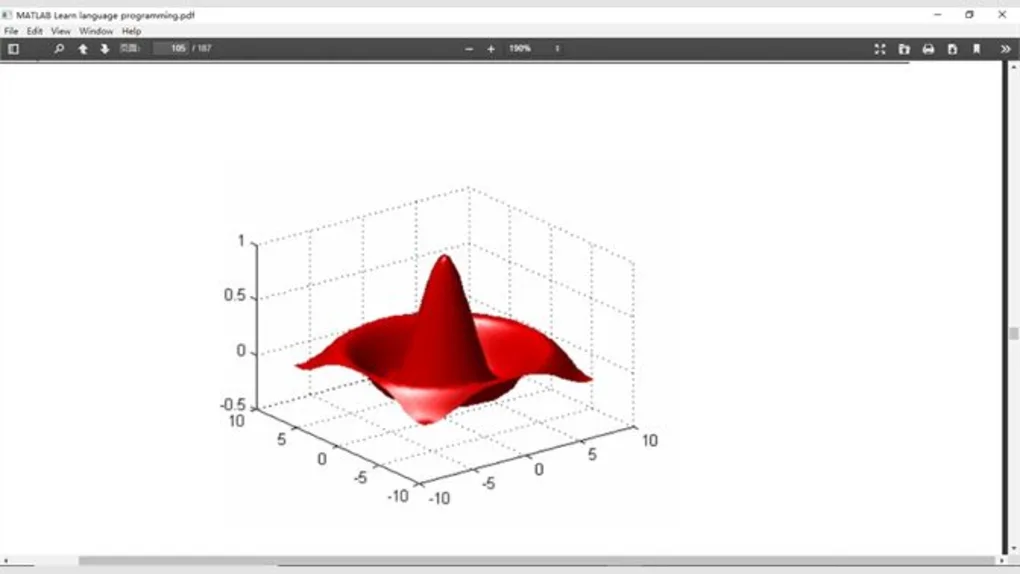
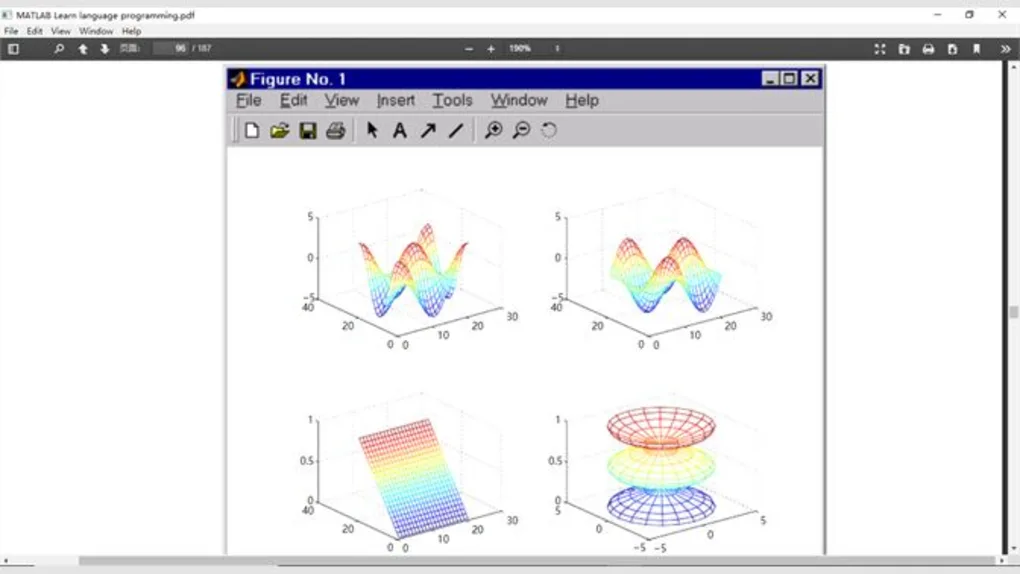
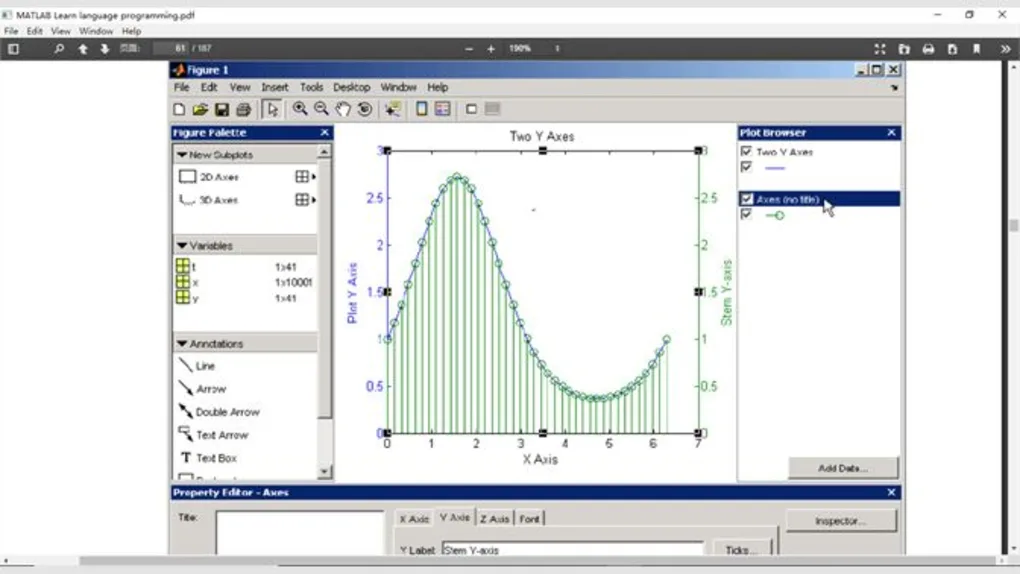
📈 Graph & Visualization
Creates charts, plots, and technical visualizations.
🧮 Mathematical Computing
Handles complex equations and matrix operations efficiently.
⚙️ Engineering Simulation
Used for modeling systems and simulations.
🤖 Machine Learning & AI
Supports AI and machine learning workflows using specialized toolboxes.
💻 System Requirements (General)
Minimum Requirements
- Operating System: Windows / macOS / Linux
- RAM: 4GB minimum
- Storage: Several GB free space required
- Processor: Multi-core CPU recommended
Recommended Requirements
- RAM: 8GB or more
- Storage: SSD recommended
- GPU: Optional GPU acceleration for some toolboxes
- Internet: Recommended for updates and licensing
🔄 Alternatives
- GNU Octave
- Python (NumPy / SciPy)
- Mathematica
- Scilab
- R Programming Language
❓ FAQ
Q1. What is MATLAB mainly used for?
It is mainly used for numerical computing, engineering, scientific research, and data analysis.
Q2. Is MATLAB a programming language?
Yes, it includes its own high-level programming language.
Q3. Why is MATLAB popular in engineering?
It simplifies mathematical modeling, simulations, and technical computations.
Q4. Does MATLAB support machine learning?
Yes, machine learning toolboxes are available.
Q5. Is MATLAB free?
No, it usually requires a commercial or educational license.
Q6. Can beginners learn MATLAB easily?
Yes, many students learn MATLAB because of its readable syntax and educational focus.
Features
✔️ High-level programming language
✔️ Matrix and array computations
✔️ Mathematical modeling tools
✔️ Data visualization and graph plotting
✔️ Signal processing support
✔️ Machine learning integration
✔️ Simulation and modeling tools
✔️ Built-in mathematical functions
✔️ Algorithm development environment
✔️ Engineering toolbox support
✔️ Script and function programming
✔️ Numerical analysis capabilities
✔️ Cross-platform compatibility
✔️ Scientific research workflows
👍 Pros & 👎 Cons
Pros
- Extremely powerful for mathematics and engineering
- Large collection of built-in functions
- Excellent visualization tools
- Beginner-friendly for technical learning
- Strong educational and research support
- Huge toolbox ecosystem
Cons
- Expensive commercial licensing
- Requires significant system resources
- Slower than some compiled languages in certain tasks
- Can be complex for non-technical users
- Toolboxes may require additional licenses
Our Analysis
MATLAB is one of the most powerful and widely recognized platforms for technical computing and engineering workflows.
Its biggest strength is the combination of:
- Easy mathematical programming
- Advanced visualization
- Massive built-in function library
- Professional engineering toolboxes
This makes it extremely valuable for:
- Engineering students
- Researchers
- Scientists
- Technical professionals
The environment simplifies complex mathematical tasks that would otherwise require extensive coding in lower-level languages.
However, licensing costs can be expensive, especially for personal users or small developers, and some advanced toolboxes require additional purchases.
Overall, MATLAB remains one of the strongest platforms for numerical computing, simulation, data analysis, and engineering programming education.
⚙️ Installation Guide (General Overview)
Step 1: Obtain Installer
Download MATLAB from official or authorized source.
Step 2: Install Application
Run installer and select required components.
Step 3: Activate License
Sign in and activate license.
Step 4: Launch MATLAB
Open the development environment.
Step 5: Learn Basic Syntax
Start with:
- Variables
- Arrays
- Functions
- Scripts
Step 6: Write Programs
Create .m files for scripts and functions.
Step 7: Execute Code
Run programs directly within the environment.
Step 8: Use Toolboxes
Install additional toolboxes if required.
About SoftwareDownloading Editorial Team
The SoftwareDownloading Editorial Team researches Windows software, compatibility information, features, alternatives, and software-related guides for SoftwareDownloading.in.
Our pages are prepared using available product information and relevant documentation. When an application has not been personally tested, we distinguish research-based analysis from hands-on testing. Learn more about our review process
Apps Specs
Developer
Licence
Paid
Version
1.0
Platform
Windows
Download Clicks
2
Page Reviewed
September 26, 2026
Top Downloads


Related Topics
Disclaimer
This content is provided for educational and informational purposes only. We do not host, store, or distribute any software files on our servers. All trademarks, product names, and logos belong to their respective owners.
We strongly recommend downloading software only from official websites or trusted sources. We are not responsible for any damage, data loss, or issues that may occur from the use of third-party software.
Users should ensure they comply with all applicable laws and software licensing agreements in their country before downloading or using any software mentioned on this website.