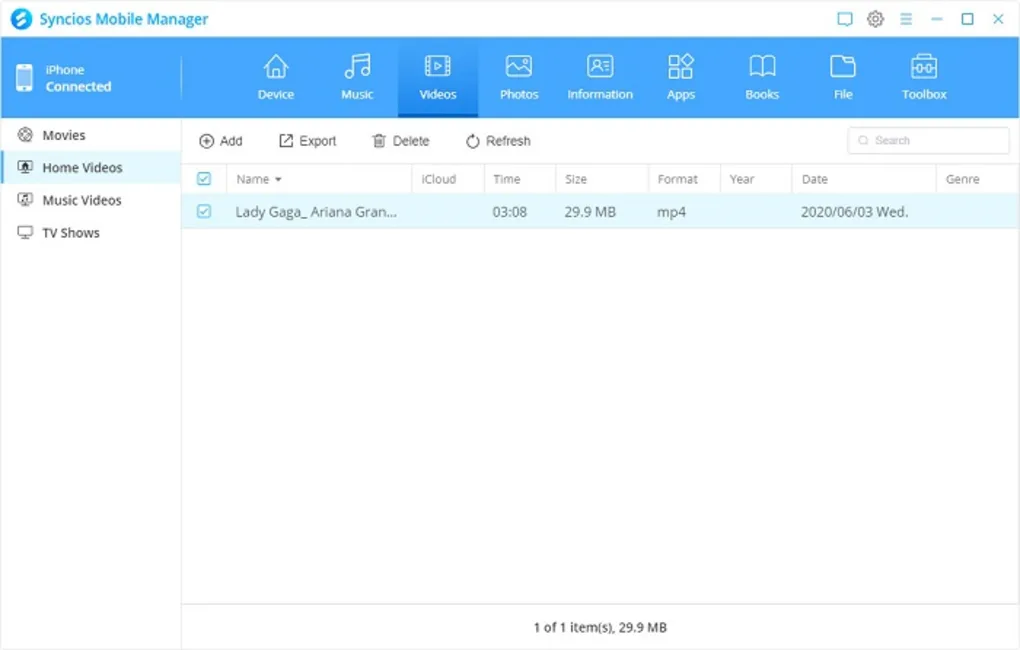
Syncios is a mobile device management software designed to help users transfer, backup, and manage data between smartphones and computers.
It supports both Android and iOS devices and is commonly used for managing photos, videos, contacts, messages, apps, and other mobile content from a desktop environment.
The software is widely used by:
Its main focus is to simplify mobile data transfer and backup without relying heavily on cloud services.
Syncios is a desktop-based mobile management tool that allows users to connect their smartphones to a computer and manage all types of mobile data.
It works as a bridge between PC and mobile devices, enabling users to:
It is commonly used when switching phones or creating full backups of mobile devices.
phones
Used to transfer files between mobile devices and computers.
Creates full backups of mobile data for safety.
Helps users move data from old phone to new phone easily.
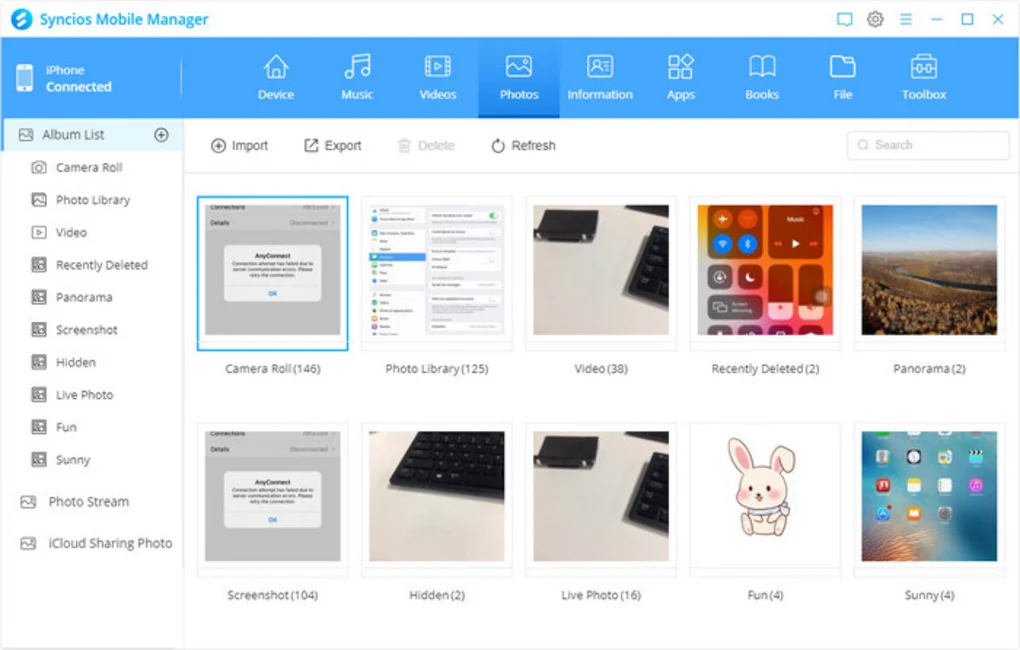
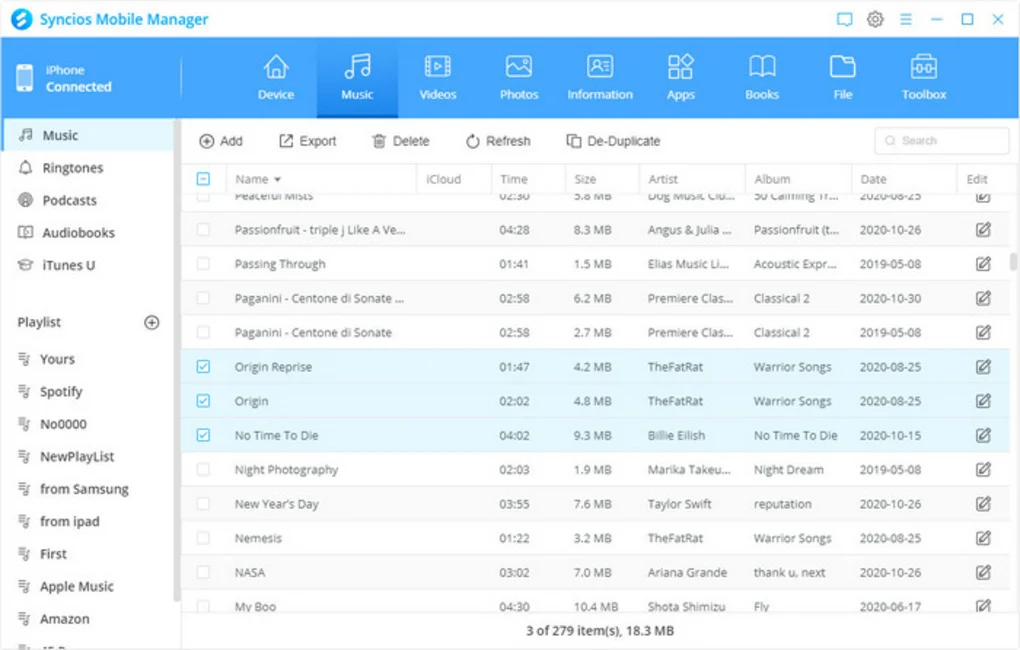
Manages photos, videos, music, and documents.
Used by technicians for mobile data handling.
It is used for transferring and managing mobile data between phone and computer.
Yes, it supports both platforms.
Yes, it supports full backup and restore functions.
It has both free and paid versions with additional features.
No, most transfers work offline via USB.
Yes, it is safe when downloaded from official sources.
✔️ Mobile data transfer (PC ↔ Phone)
✔️ Supports Android and iOS devices
✔️ Backup and restore functionality
✔️ Contact and SMS management
✔️ Media file transfer (photos, videos, music)
✔️ App installation and management
✔️ Ringtone and media converter tools
✔️ File preview before transfer
✔️ Selective data export
✔️ One-click backup system
✔️ Cross-platform support
✔️ Device recognition and sync
✔️ Data migration between phones
Syncios is a practical mobile management solution for users who want full control over their smartphone data from a PC.
Its biggest strength is flexibility. It allows users to transfer, backup, and manage almost all types of mobile data in one place.
It is especially useful for:
However, it is not as seamless as native ecosystem tools like iCloud or Google Backup, and some advanced features are locked behind paid versions.
Overall, it is a useful and versatile tool for cross-platform mobile data management and backup workflows.
Download Syncios from a trusted source.
Run the setup file and complete installation.
Use USB cable or wireless connection.
Allow USB debugging if required.
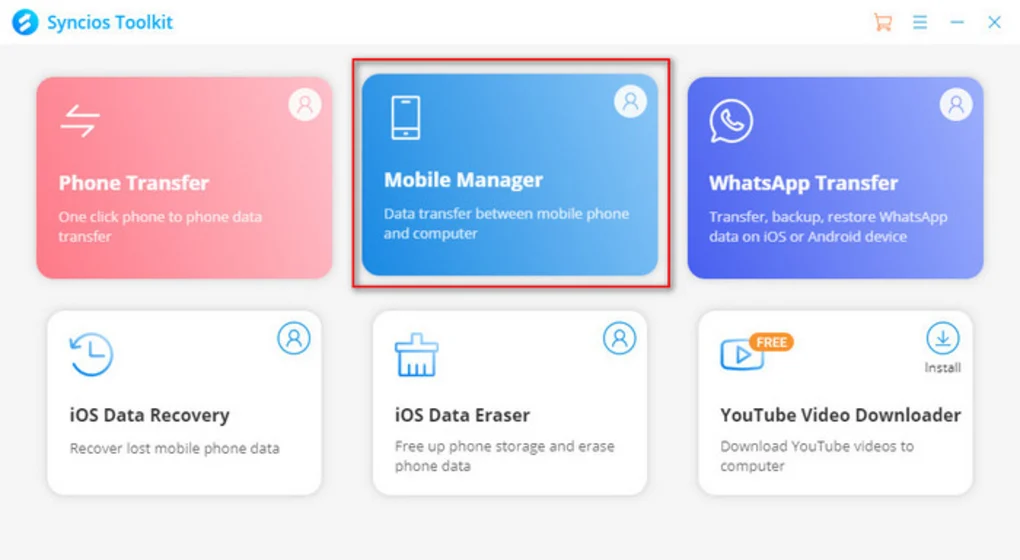
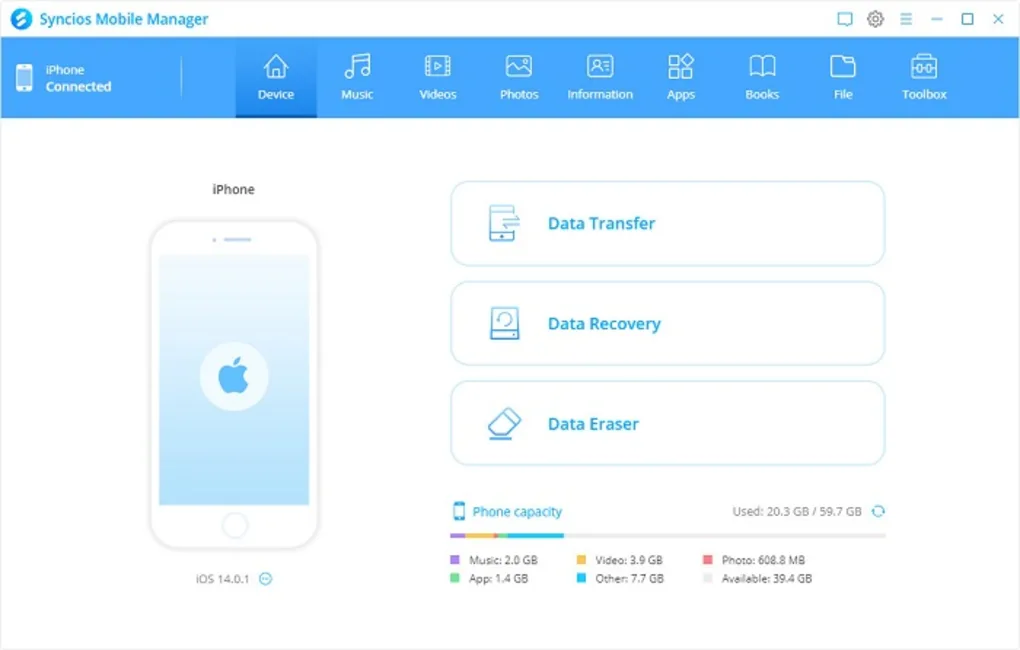
Open dashboard and detect device.
Choose photos, contacts, apps, or files.
Start data transfer or backup process.
This content is provided for educational and informational purposes only. We do not host, store, or distribute any software files on our servers. All trademarks, product names, and logos belong to their respective owners.
We strongly recommend downloading software only from official websites or trusted sources. We are not responsible for any damage, data loss, or issues that may occur from the use of third-party software.
Users should ensure they comply with all applicable laws and software licensing agreements in their country before downloading or using any software mentioned on this website.
Expore Apps