- Utilities & Tools
- File Managers
- Dev CPP – C++ IDE
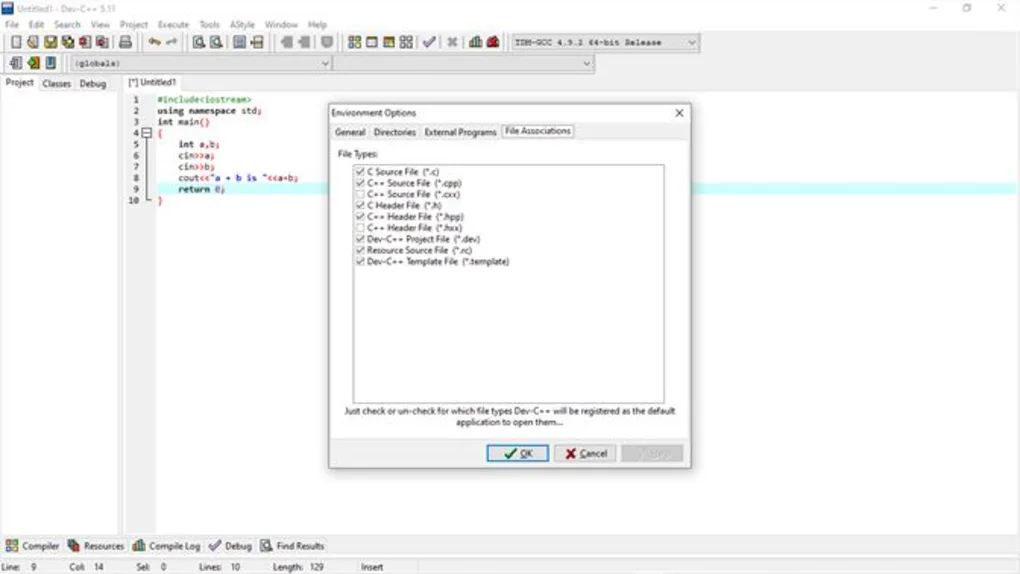
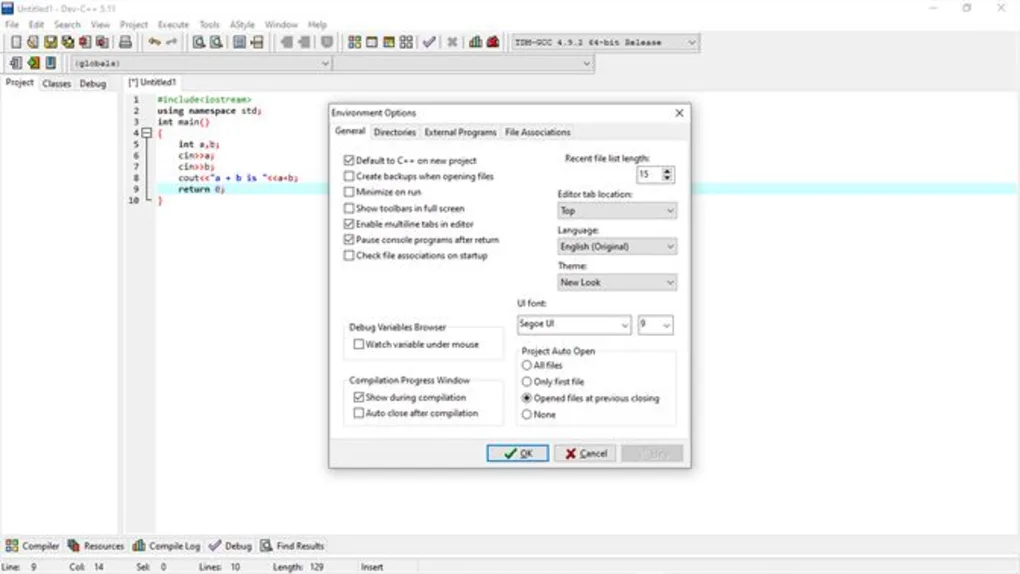
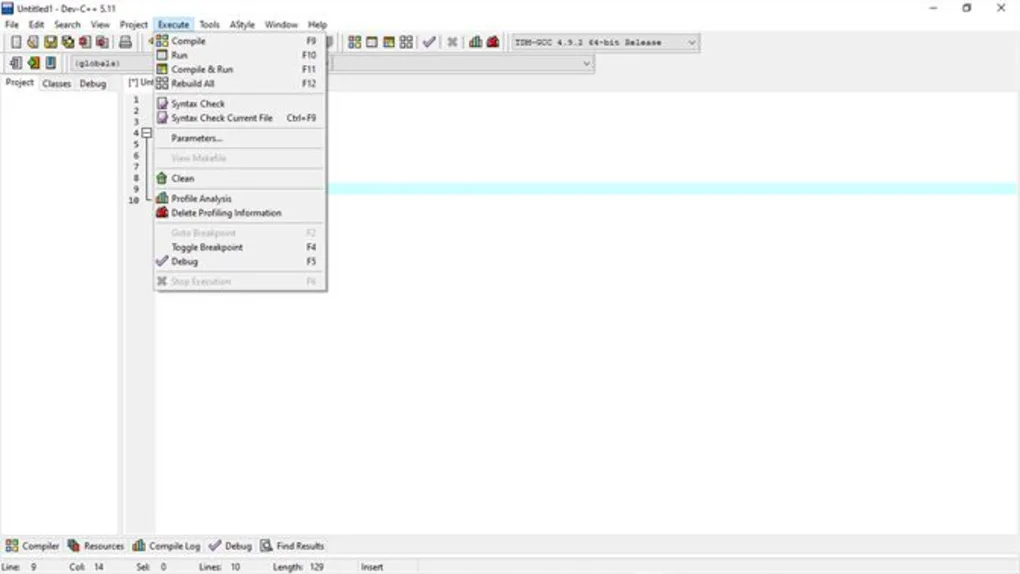
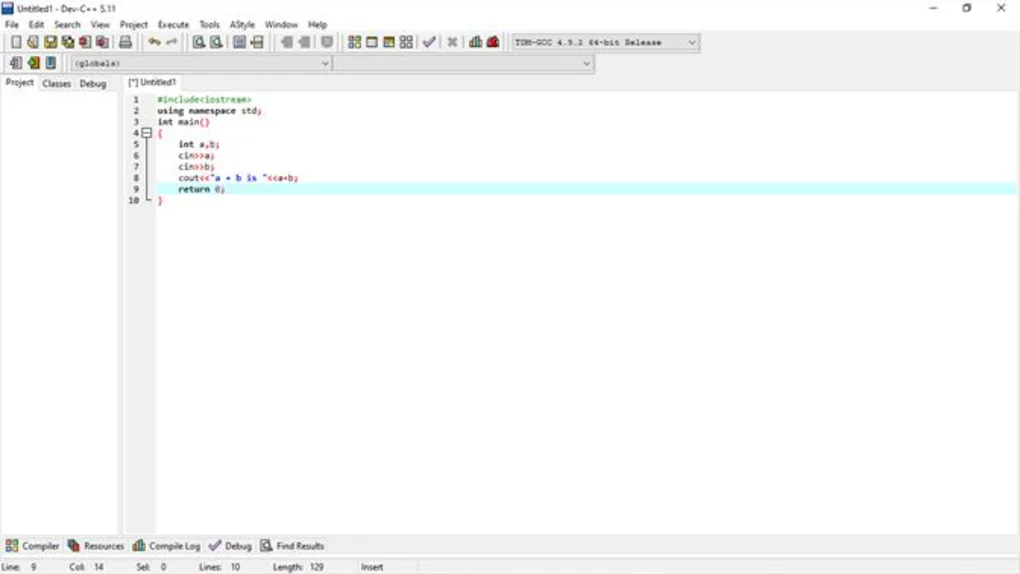
Dev-C++ is an integrated development environment (IDE) designed for writing, compiling, debugging, and managing C and C++ programming projects on Windows systems.
The software is commonly used by students, beginner programmers, hobby developers, and educational institutions for learning and developing applications using the C and C++ programming languages.
📌 What is Dev-C++?
Dev-C++ is a lightweight programming IDE developed to simplify C and C++ software development workflows.
The software is commonly used for:
- C programming
- C++ programming
- Source code editing
- GCC compilation
- Debugging workflows
- Educational programming
- Console application development
- Beginner coding projects
One of the biggest strengths of the IDE is simplicity and accessibility for beginners learning programming concepts.
Users commonly use Dev-C++ for:
- Learning programming syntax
- Compiling C/C++ projects
- Testing algorithms
- Building console applications
- Educational assignments
- Competitive programming practice
The software is commonly used by:
- Students
- Beginner programmers
- Teachers
- Hobby developers
- Educational institutions
Depending on the version and supported features, Dev-C++ may include:
- Syntax highlighting
- GCC compiler integration
- Project management tools
- Source code editing
- Basic debugging support
- Multi-file project handling
- Auto-completion systems
- Compiler customization
- Console application workflows
- Build automation
- File explorer integration
- Template systems
- Lightweight interface design
- External tool integration
- Code navigation features
The IDE commonly works with:
- C programming language
- C++ programming language
- GCC and MinGW toolchains
One major feature category is compiler integration.
Dev-C++ commonly integrates with:
- GCC
- MinGW compilers
- GDB debugging tools
to simplify application building and execution.
Another important feature is project management.
Users may organize:
- Source files
- Header files
- Libraries
- Build configurations
within development projects.
The software is commonly used on:
- Windows 10
- Windows 11
- Older Windows environments depending on compatibility
One major advantage is lightweight resource usage compared to larger modern IDE platforms.
Another important benefit is educational accessibility because the interface remains relatively simple for beginners.
Dev-C++ is also commonly used for:
- Academic programming labs
- C/C++ tutorials
- Small application development
- Data structure practice
- Algorithm testing
However, users should understand several important limitations.
Compared to modern IDEs, Dev-C++ may provide fewer advanced features such as:
- Intelligent code analysis
- Advanced refactoring
- Integrated package management
- Modern debugging systems
- Cloud development workflows
Another important consideration involves compiler age and maintenance.
Some older Dev-C++ distributions may ship with outdated compilers or libraries.
Users may therefore need updated MinGW or GCC environments for compatibility with newer C++ standards.
Large enterprise-scale projects may also become harder to manage because lightweight IDEs may lack:
- Advanced dependency management
- Enterprise collaboration tools
- Modern build system integration
- Performance profiling systems
Another important point involves debugging complexity.
While debugging support exists, advanced debugging workflows may be more limited compared to professional IDEs.
The software ecosystem also contains unofficial builds and modified versions online, so users should use trusted distributions.
Overall, Dev-C++ acts as a lightweight C and C++ integrated development environment designed to simplify programming, compilation, debugging, and educational coding workflows for beginner and intermediate developers.
💻 System Requirements (General)
Minimum Requirements
- Operating System:
Windows 10 / Windows 11 - Processor:
Intel or AMD compatible processor - RAM:
Minimum 2GB RAM - Storage:
Free disk space for IDE and compiler tools - Additional Components:
GCC/MinGW toolchain support
Recommended Requirements
- RAM:
4GB RAM or more - Storage:
SSD recommended for faster project compilation - Additional Recommendations:
- Updated GCC compiler
- Modern MinGW environment
- Stable development libraries
- Backup source code management
🔄 Alternatives
Users commonly compare Dev-C++ with:
- Code::Blocks
- Visual Studio Code
- Microsoft Visual Studio
- CLion
- Eclipse CDT
❓ FAQ
Q1. What is Dev-C++ mainly used for?
It is mainly used for C and C++ programming, compilation, and educational development workflows.
Q2. Does Dev-C++ include a compiler?
Some versions include bundled GCC/MinGW compilers, while others require separate installation.
Q3. Is Dev-C++ beginner-friendly?
Yes, the lightweight interface makes it popular among students and beginners.
Q4. Can it build C++ applications?
Yes, it supports both C and C++ development projects.
Q5. Does it support debugging?
Yes, basic debugging support is commonly available.
Q6. Is Dev-C++ suitable for enterprise-scale development?
It is more commonly used for educational and smaller-scale projects.
Q7. Why do some users install updated GCC toolchains?
Older bundled compilers may lack support for newer C++ standards.
Features
- ✔️ C programming support
- ✔️ C++ development workflows
- ✔️ GCC compiler integration
- ✔️ Syntax highlighting
- ✔️ Source code editing
- ✔️ Multi-file project management
- ✔️ Basic debugging support
- ✔️ Auto-completion functionality
- ✔️ Lightweight IDE interface
- ✔️ Console application workflows
- ✔️ Build automation support
- ✔️ Template systems
- ✔️ External tool integration
- ✔️ Educational programming support
- ✔️ Beginner-friendly environment
👍 Pros & 👎 Cons
Pros
- Lightweight and fast
- Beginner-friendly interface
- Good for educational use
- Supports C and C++ development
- GCC integration simplifies compilation
- Suitable for small projects
- Easy installation process
- Useful for algorithm practice
Cons
- Fewer advanced features than modern IDEs
- Some versions may include outdated compilers
- Limited enterprise-scale tooling
- Advanced debugging features are limited
- Modern C++ standard support may vary
- Large projects can become harder to manage
- Plugin ecosystem is smaller than modern IDEs
Our Analysis
In my opinion, Dev-C++ became popular because it provided a simple and approachable environment for learning C and C++ programming without overwhelming beginners.
One of the biggest strengths is lightweight simplicity. The IDE focuses on:
- Source code editing
- Compilation
- Debugging
- Basic project management
without the complexity of enterprise-scale development platforms.
This makes it especially useful for:
- Students
- Programming beginners
- Algorithm learners
- Educational coding environments
Another major advantage is GCC integration, which simplifies building and testing console applications quickly.
The interface also remains relatively easy to understand compared to larger modern IDE ecosystems.
However, users should understand that Dev-C++ is more limited than modern development environments.
Advanced workflows involving:
- Large enterprise projects
- Modern C++ tooling
- Advanced refactoring
- Cloud collaboration
- Complex dependency management
may be better handled by more modern IDE platforms.
Another important point is compiler maintenance. Some older versions ship with outdated toolchains, so updated GCC environments may be necessary for modern C++ development.
For students, educational coding, small applications, and beginner C/C++ development workflows, Dev-C++ can still be a practical and approachable IDE solution.
⚙️ Installation Guide (General Overview)
Step 1: Download the IDE
Obtain the installer from a trusted source.
Step 2: Install Compiler Components
Install bundled or external GCC/MinGW toolchains.
Step 3: Launch Dev-C++
Open the IDE environment.
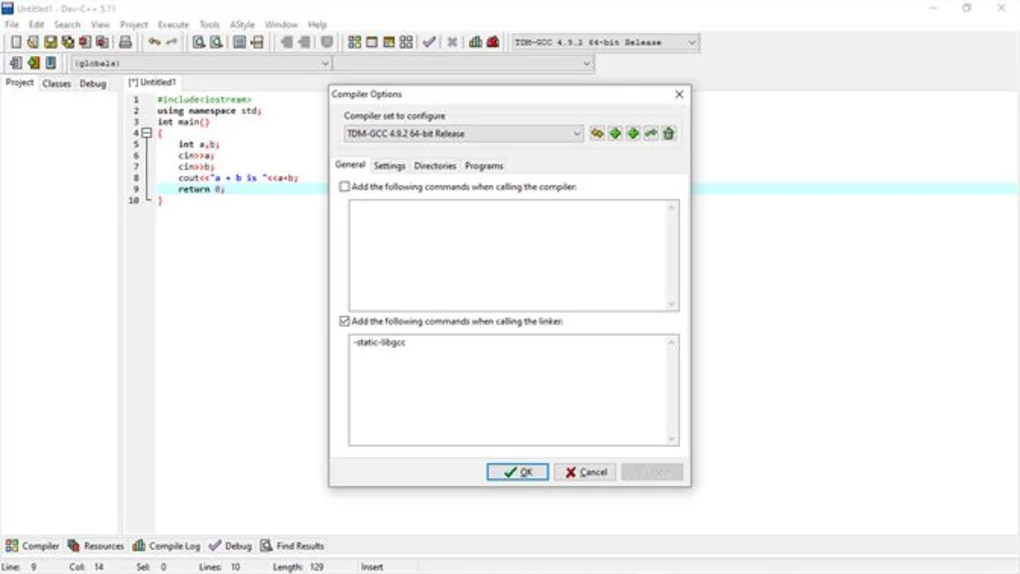
Step 4: Configure Compiler Settings
Verify compiler paths and build tools.
Step 5: Create a New Project
Choose:
- Console application
- Empty project
- C project
- C++ project
Step 6: Write Source Code
Create .c or .cpp files.
Step 7: Compile the Program
Build the project using GCC tools.
Step 8: Run and Debug
Execute the compiled application and debug errors.
Step 9: Save Project Files
Maintain organized source code folders.
Step 10: Update Toolchains Regularly
Use updated compilers for modern compatibility.
About SoftwareDownloading Editorial Team
The SoftwareDownloading Editorial Team researches Windows software, compatibility information, features, alternatives, and software-related guides for SoftwareDownloading.in.
Our pages are prepared using available product information and relevant documentation. When an application has not been personally tested, we distinguish research-based analysis from hands-on testing. Learn more about our review process
Apps Specs
Developer
Licence
Paid
Version
1.0
Platform
Windows
Download Clicks
1
Page Reviewed
September 27, 2026
Top Downloads





Related Topics
Disclaimer
This content is provided for educational and informational purposes only. We do not host, store, or distribute any software files on our servers. All trademarks, product names, and logos belong to their respective owners.
We strongly recommend downloading software only from official websites or trusted sources. We are not responsible for any damage, data loss, or issues that may occur from the use of third-party software.
Users should ensure they comply with all applicable laws and software licensing agreements in their country before downloading or using any software mentioned on this website.