- Browser
- Web Browser
- Chedot

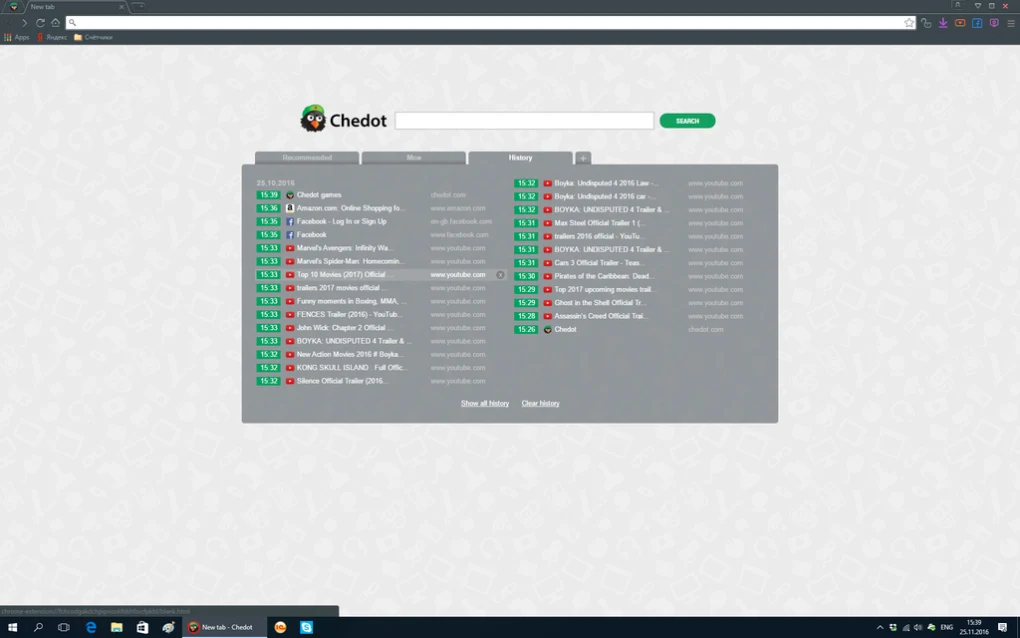
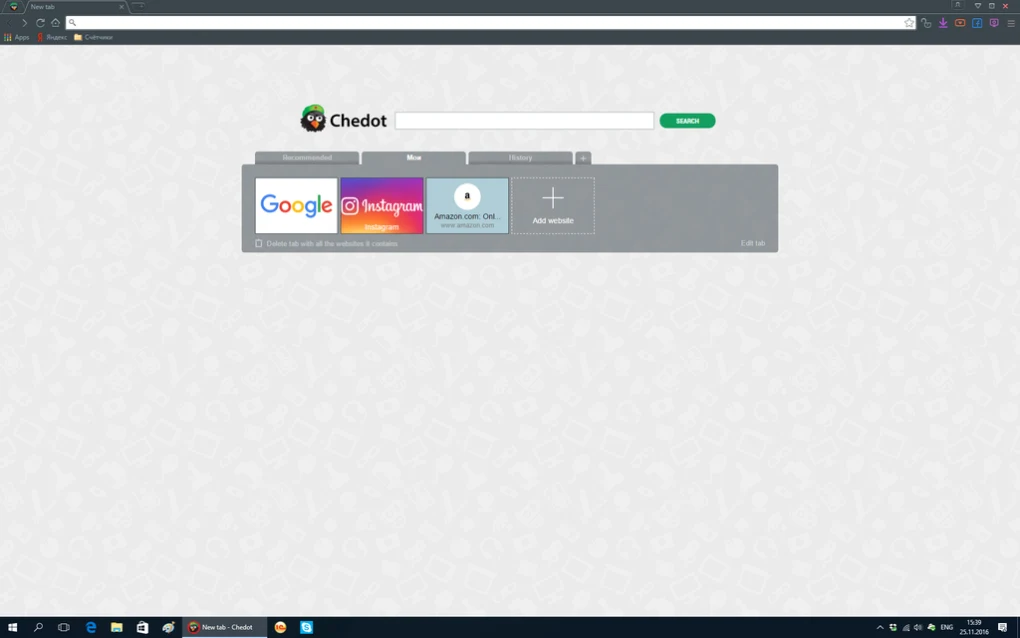
Chedot was developed as an alternative Chromium-based browser for Windows. Its interface and browsing architecture will be familiar to users who have previously used Chromium-derived browsers.
The browser differentiated itself by bundling additional tools with normal web-browsing functionality. Available documentation for version 9.3.2 describes features related to media downloading and screenshot capture alongside standard browser functions.
Version 9.3.2 is associated with the Chromium 86 generation, which is now significantly older than current Chromium releases.
For this reason, Chedot is best viewed today as legacy browser software. Users should be cautious about using an outdated browser for accounts, payments, banking, passwords or other sensitive online activity.
Chedot is a Chromium-based web browser for Windows that combines conventional web browsing with several additional integrated tools.
Version 9.3.2 is associated with Chromium 86-era technology and includes features that were promoted around media downloading, screenshots and other browser utilities.
Because this release is based on an older Chromium generation, it should now be treated as a legacy browser rather than as a current alternative to actively maintained browsers.
This distinction is particularly important for web browsers because regular security and rendering-engine updates are an important part of modern web browsing. Users considering Chedot today should take the age of its underlying browser technology into account, especially before using it for sensitive activities.
Compatibility / System Requirements
Platform: Windows
Version: 9.3.2
Developer: Chedot
Browser Engine Generation: Chromium 86-era
Software Type: Web Browser
Current Status: Legacy / older browser release
Chedot 9.3.2 is an older Windows browser. Compatibility with current websites and modern Windows configurations may vary as web standards and browser-security requirements continue to change.
Features
• Chromium-based web browsing
• Tabbed browsing interface
• Media downloading tools
• Screenshot functionality
• Download management features
• Standard bookmark and browsing functionality
• Familiar Chromium-style interface
• Windows desktop support
Feature availability can vary by release, and users should not assume that an older Chedot build provides the security capabilities of a currently maintained Chromium browser.
👍 Pros & 👎 Cons
Pros
• Familiar Chromium-based interface
• Includes additional browsing and media tools
• Built-in screenshot functionality
• Free software
• May still be useful for testing or legacy browsing environments
Cons
• Based on an old Chromium generation
• Not suitable as a current security-focused browser
• Modern website compatibility may vary
• Current development and security-update status is unclear
• Sensitive accounts and financial activities are better handled through an actively maintained browser
Our Analysis
Chedot offered an interesting variation on the Chromium browser model by integrating additional media and browsing utilities directly into the application.
The main consideration today is not simply its feature list, but its age. Chedot 9.3.2 is associated with an older Chromium generation, while modern browsers receive frequent security and compatibility updates.
Users interested in Chedot for historical purposes, testing or access to its particular feature set can still understand what the browser offered through this release. However, an old browser should not be treated as equivalent to a currently maintained Chromium-based browser.
For everyday browsing involving personal accounts, passwords, online payments or other sensitive information, users should consider an actively maintained browser with current security updates.
⚙️ Installation Guide (Step-by-Step)
Step 1: Download the Browser
Download the setup package from the official or trusted source.
Step 2: Run the Installer
Launch the installation file and allow permissions if requested.
Step 3: Complete Installation
Finish the browser installation process.
Step 4: Launch Chedot Browser
Open the browser after setup.
Step 5: Configure Browser Settings
Set up:
- Homepage
- Search engine
- Privacy settings
- Download preferences
- Themes
Step 6: Enable VPN or Extensions
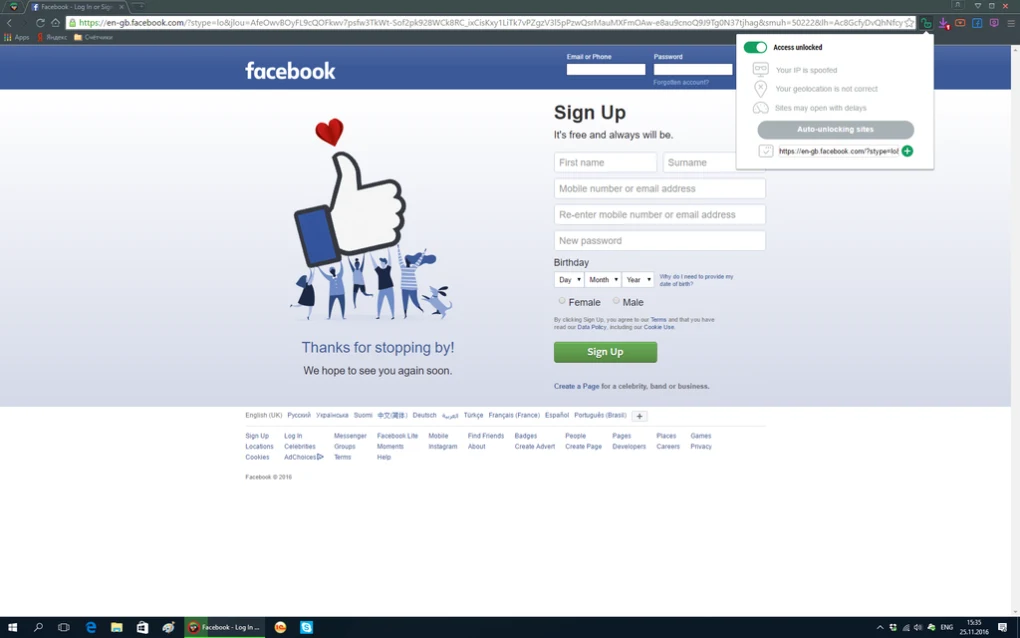
Configure built-in VPN features or install browser extensions if needed.
Step 7: Use Media Downloading Features
Access supported multimedia downloading tools.
Step 8: Manage Privacy Controls
Review cookies, tracking, and security settings.
Step 9: Keep the Browser Updated
Install updates when available.
Step 10: Monitor System Behavior
Watch for unwanted ads, extensions, or browser changes if using older versions.
About SoftwareDownloading Editorial Team
The SoftwareDownloading Editorial Team researches Windows software, compatibility information, features, alternatives, and software-related guides for SoftwareDownloading.in.
Our pages are prepared using available product information and relevant documentation. When an application has not been personally tested, we distinguish research-based analysis from hands-on testing. Learn more about our review process
Apps Specs
Developer
Licence
Free
Version
9.3.2
Platform
Windows
Download Clicks
6
Page Reviewed
September 28, 2026
Top Downloads





Disclaimer
This content is provided for educational and informational purposes only. We do not host, store, or distribute any software files on our servers. All trademarks, product names, and logos belong to their respective owners.
We strongly recommend downloading software only from official websites or trusted sources. We are not responsible for any damage, data loss, or issues that may occur from the use of third-party software.
Users should ensure they comply with all applicable laws and software licensing agreements in their country before downloading or using any software mentioned on this website.