- Browser
- Web Browser
- Opera GX

Opera GX is a gaming-focused web browser developed by Opera that combines Chromium-based browsing with gaming-oriented features such as CPU/RAM/network limiters, Discord integration, Twitch support, RGB customization, and performance-focused browsing tools.
📌 What is Opera GX?
Opera GX is a specialized version of the Opera browser designed primarily for gamers and performance-focused users. The browser combines standard internet browsing functionality with gaming-oriented customization, system resource management, and entertainment integrations.
Unlike traditional browsers, Opera GX focuses heavily on gaming aesthetics and performance control.
Opera GX is commonly used for:
- Gaming-oriented browsing
- Streaming and entertainment
- Discord and Twitch integration
- Resource-controlled browsing
- Multimedia browsing
- Gaming news and updates
- Performance-focused internet usage
- Custom browser personalization
One of the biggest strengths of Opera GX is built-in system resource management.
The software is commonly used by:
- Gamers
- Streamers
- Content creators
- Students
- PC enthusiasts
- Multimedia users
- Users wanting customizable browser interfaces
Depending on the version and platform, Opera GX may support:
- Chromium-based rendering engine
- CPU limiter
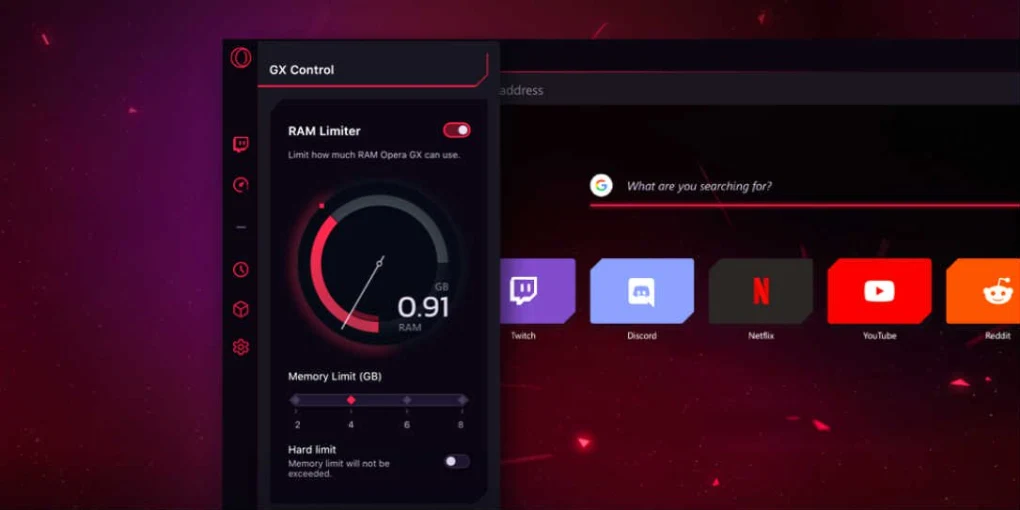
- RAM limiter
- Network bandwidth limiter
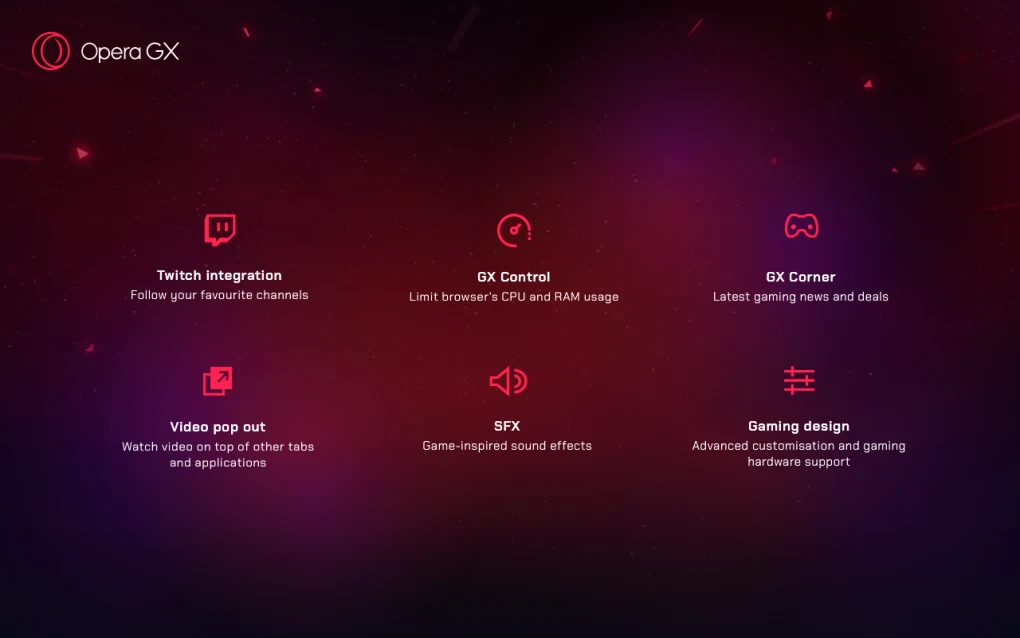
- GX Control performance tools
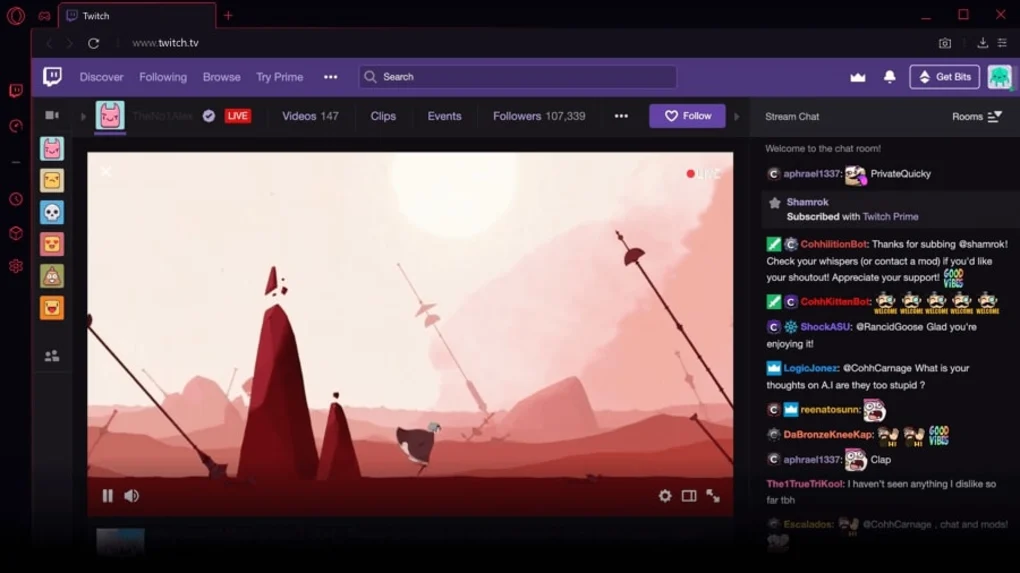
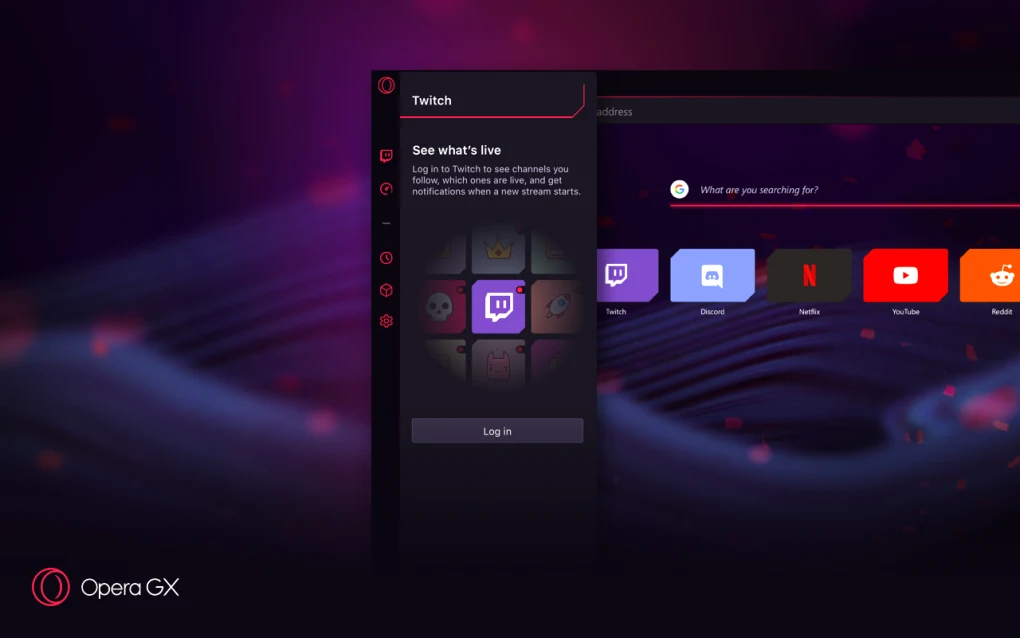
- Twitch integration
- Discord integration
- RGB-style customization
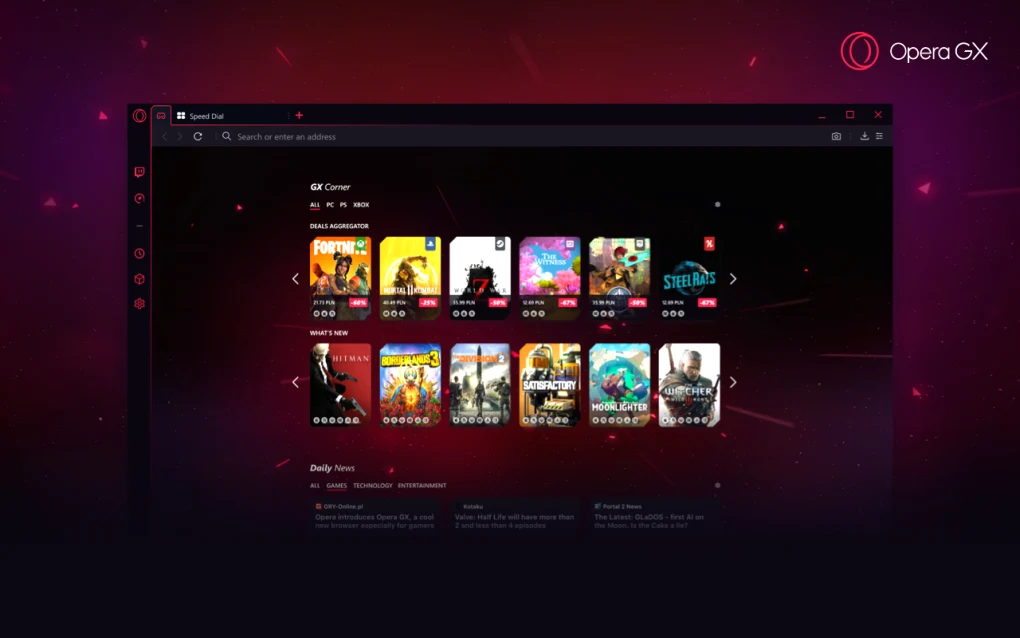
- Gaming news feeds
- GX Cleaner
- GX Corner gaming hub
- Ad blocker
- VPN functionality
- Video pop-out tools
- Music player integration
- Browser themes and effects
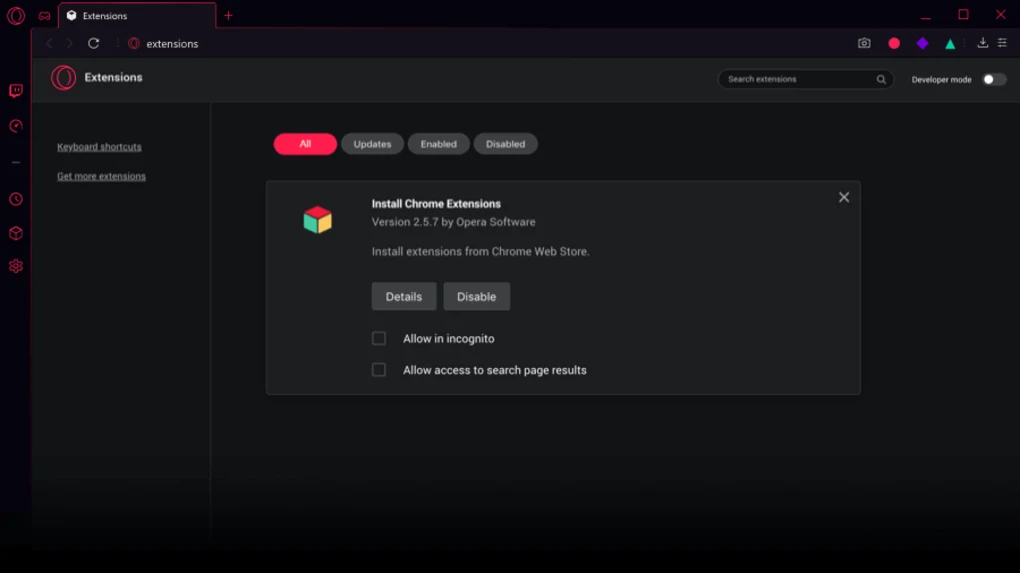
- Extension compatibility
- GX Profiles
The Chromium foundation provides compatibility with:
- Modern websites
- HTML5 platforms
- Chrome-compatible extensions
- Streaming platforms
- JavaScript-heavy applications
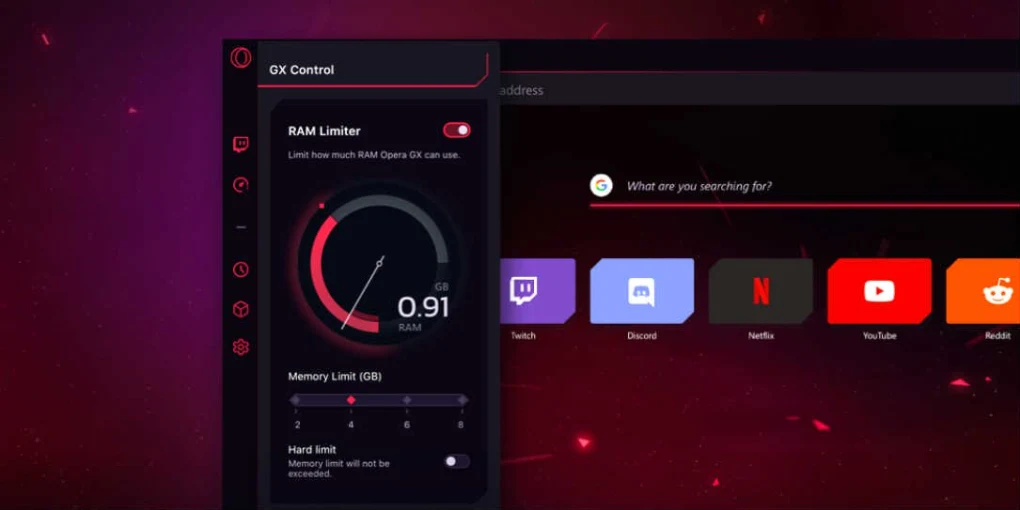
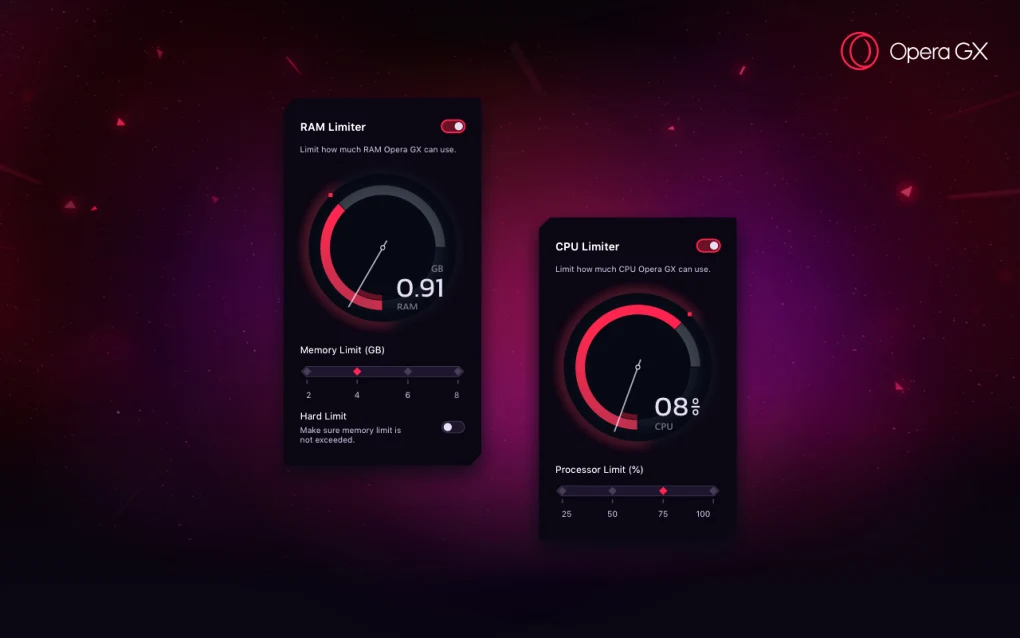
One major feature is GX Control, which allows users to limit browser resource usage.
Users can manage:
- CPU usage
- RAM consumption
- Network bandwidth
This can help reduce browser impact during gaming sessions.
Opera GX also includes entertainment integrations such as:
- Twitch notifications
- Discord side panels
- Streaming platform shortcuts
- Music service integrations
Supported music integrations may include:
- Spotify
- Apple Music
- YouTube Music
Privacy and browsing features may include:
- Built-in ad blocker
- Integrated VPN
- Tracking protection
- Cookie controls
- Private browsing modes
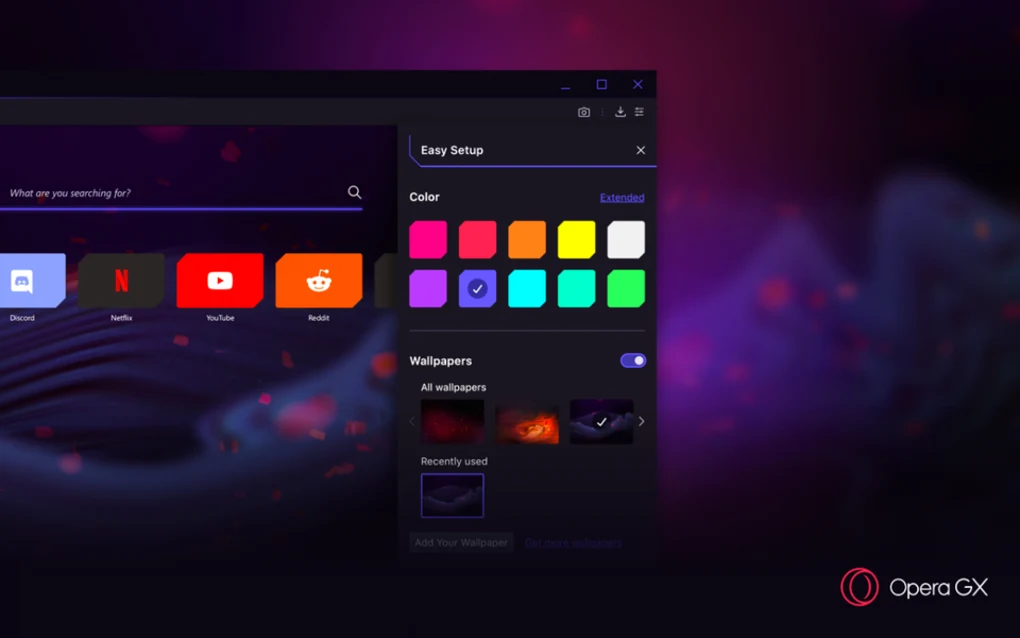
Customization is one of the browser’s strongest aspects.
Users can personalize:
- Browser colors
- Themes
- RGB effects
- Sounds
- Wallpapers
- Startup animations
Opera GX is available on:
- Windows
- macOS
- Android
- iOS
The browser is especially popular among younger gaming communities because of its visual style and integrated gaming ecosystem.
However, some users may find the gaming aesthetic excessive or unnecessary for professional workflows.
Privacy-focused users may also prefer reviewing Opera’s data handling policies carefully before using cloud-based features.
Overall, Opera GX acts as a gaming-focused Chromium browser designed for customizable browsing, system resource management, entertainment integration, and gaming-oriented internet experiences.
💻 System Requirements (Detailed)
To run Opera GX smoothly, the following system requirements are recommended:
Minimum Requirements
- Operating System:
Windows 10 / Windows 11
macOS
Android
iOS - Processor:
Intel or AMD compatible processor - RAM:
Minimum 4GB RAM - Storage Space:
Around 500MB free disk space - Internet:
Required for browsing and online integrations
Recommended Requirements
- Processor:
Intel Core i5 / Ryzen 5 or higher - RAM:
8GB–16GB RAM or more - Graphics:
Dedicated GPU recommended for smoother animations and multimedia features - Storage:
SSD recommended for faster browsing performance - Additional Tools:
Frequently compared with:- Google Chrome
- Microsoft Edge
- Brave Browser
🔄 Alternatives
If you want similar gaming or customizable browsers, you can try:
- Vivaldi
- Brave Browser
- Microsoft Edge
- Google Chrome
- Mozilla Firefox
❓ FAQ
Q1. What is Opera GX mainly used for?
It is mainly used for gaming-focused web browsing and entertainment integration.
Q2. Is Opera GX based on Chromium?
Yes, it uses a Chromium-based rendering engine.
Q3. What is GX Control?
GX Control is a feature that allows users to limit browser CPU, RAM, and network usage.
Q4. Does Opera GX support Chrome extensions?
Yes, many Chromium-compatible extensions may work.
Q5. Does Opera GX include a VPN?
Yes, a built-in VPN feature is included.
Q6. Can Opera GX integrate with Discord and Twitch?
Yes, Discord and Twitch integrations are included.
Q7. Is Opera GX available on mobile devices?
Yes, Android and iOS versions are available.
Features
- ✔️ Chromium-based browsing engine
- ✔️ CPU usage limiter
- ✔️ RAM usage limiter
- ✔️ Network bandwidth limiter
- ✔️ GX Control performance tools
- ✔️ Twitch integration
- ✔️ Discord integration
- ✔️ Built-in ad blocker
- ✔️ Integrated VPN functionality
- ✔️ RGB-style browser customization
- ✔️ Music player integration
- ✔️ Video pop-out support
- ✔️ Extension compatibility
- ✔️ Gaming news hub (GX Corner)
- ✔️ Cross-platform support
👍 Pros & 👎 Cons
Pros
- Excellent customization options
- Gaming-oriented performance controls
- Chromium compatibility with modern websites
- Built-in ad blocker and VPN
- Twitch and Discord integration
- Attractive gaming interface
- Useful multimedia features
- Good extension compatibility
Cons
- Gaming-focused interface may not suit everyone
- Some features can feel unnecessary for casual users
- Resource limiters may not drastically improve low-end systems
- Privacy-conscious users may prefer more transparent browsers
- Visual effects can consume additional resources
Our Analysis
In my opinion, Opera GX is one of the most unique modern browsers because it targets gamers directly instead of trying to appeal to every type of user. The gaming-focused design, RGB aesthetics, Twitch integration, and system resource controls help it stand out strongly from traditional browsers.
One of the biggest strengths is customization. Users can personalize almost every aspect of the browser, including colors, themes, sounds, wallpapers, and animations.
The built-in GX Control tools are also useful, especially for users who multitask while gaming. Being able to limit browser RAM and CPU usage can help reduce interference during gameplay sessions.
Another advantage is entertainment integration. Discord, Twitch, music services, and gaming news are accessible directly inside the browser.
The Chromium foundation also ensures strong compatibility with modern websites and extensions.
However, users who prefer minimalist or professional-looking browsers may find Opera GX visually overwhelming. Some performance features may also provide limited real-world benefits on high-end systems.
⚙️ Installation Guide (Step-by-Step)
Follow these steps to install Opera GX:
Step 1: Download the Browser
Download the latest installer from the official website.
Step 2: Run the Installer
Launch the setup package and allow administrator permissions if requested.
Step 3: Choose Installation Preferences
Select:
- Installation directory
- Default browser settings
- Import options
Step 4: Complete Installation
Finish the setup process.
Step 5: Launch Opera GX
Open the browser after installation.
Step 6: Configure GX Control
Set limits for:
- CPU usage
- RAM usage
- Network bandwidth
if desired.
Step 7: Customize the Browser
Adjust:
- Themes
- RGB effects
- Wallpapers
- Sounds
- Startup animations
Step 8: Connect Entertainment Services
Integrate:
- Discord
- Twitch
- Music platforms
Step 9: Install Extensions
Add Chromium-compatible extensions if needed.
Step 10: Keep the Browser Updated
Install updates and security improvements regularly.
About SoftwareDownloading Editorial Team
The SoftwareDownloading Editorial Team researches Windows software, compatibility information, features, alternatives, and software-related guides for SoftwareDownloading.in.
Our pages are prepared using available product information and relevant documentation. When an application has not been personally tested, we distinguish research-based analysis from hands-on testing. Learn more about our review process
Apps Specs
Developer
Licence
Free
Version
99.0.4788.75
Platform
Windows
Download Clicks
4
Page Reviewed
September 26, 2026
Top Downloads





Disclaimer
This content is provided for educational and informational purposes only. We do not host, store, or distribute any software files on our servers. All trademarks, product names, and logos belong to their respective owners.
We strongly recommend downloading software only from official websites or trusted sources. We are not responsible for any damage, data loss, or issues that may occur from the use of third-party software.
Users should ensure they comply with all applicable laws and software licensing agreements in their country before downloading or using any software mentioned on this website.