WinMTR Network Diagnostic Tool
WinMTR is an open-source network diagnostic tool designed for Windows users. With a user-friendly interface, this program simplifies the process of analyzing network connections. By entering the host name or destination IP address, WinMTR efficiently examines the connection between two points. It allows users to establish a route between their location and a specific address, enabling them to monitor packet activity on the network.
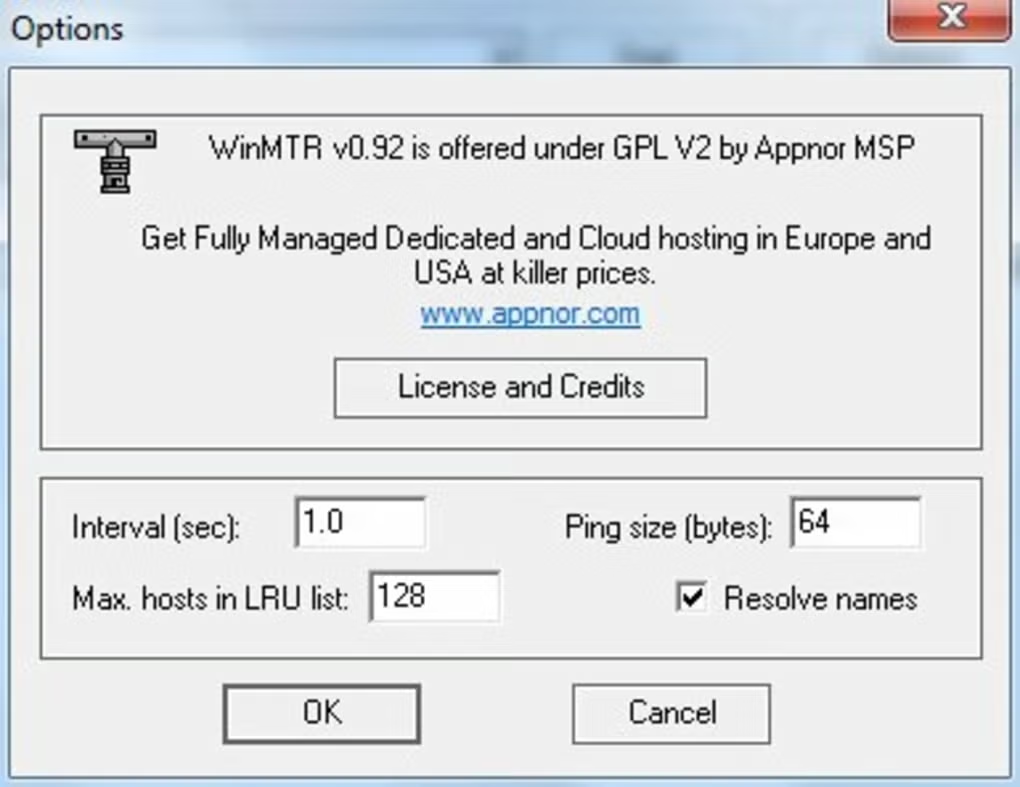
Users can export the results in HTML or .txt format for further analysis. WinMTR offers customization options such as setting the ping size in the menu before initiating the analysis. Despite the complexity of tracking routes, WinMTR streamlines the process, providing a detailed report within minutes with comprehensive information about the traced route.
Features
👍 Pros & 👎 Cons
Expert Review
How to Install
1. Download the software from the link given below.
2. Extract the downloaded ZIP file using WinRAR or 7-Zip.
3. Open the extracted folder.
4. Double-click on the setup file (.exe).
5. Follow the on-screen installation instructions.
6. Click on “Finish” after installation is complete.
7. Launch the software and enjoy.