- Utilities & Tools
- Printer & Fax
- Flipbook Printer
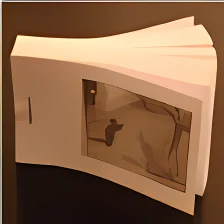
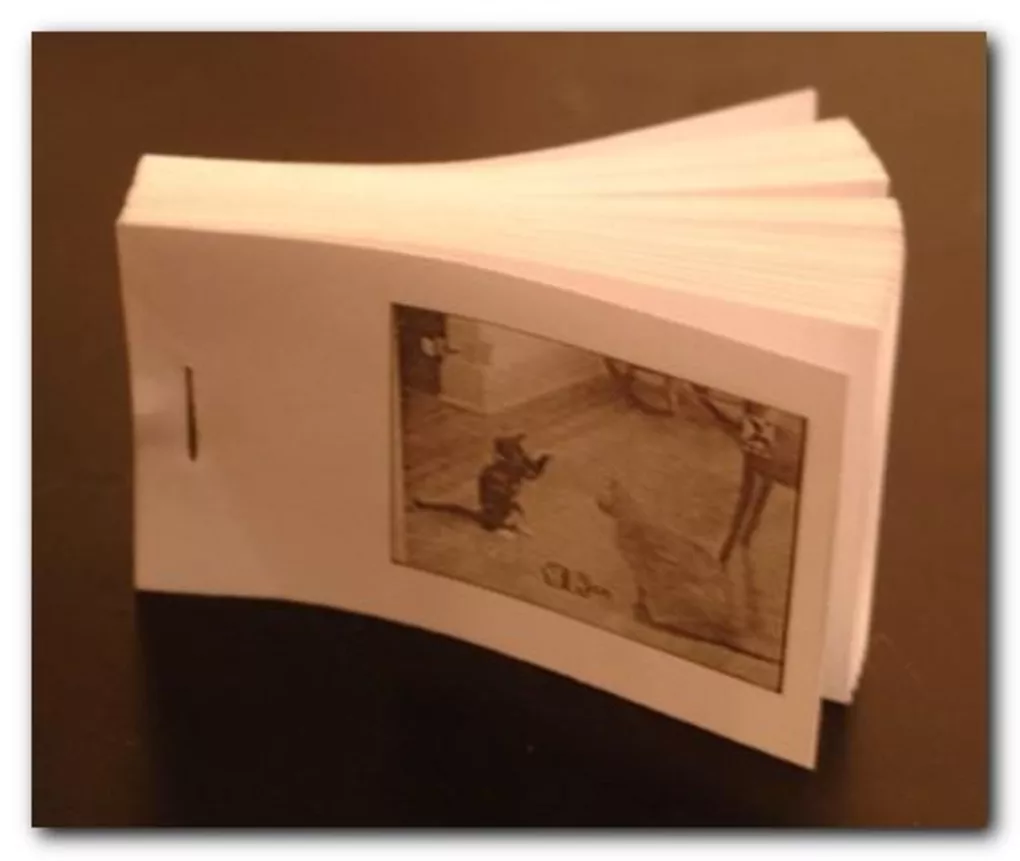
Flipbook Printer is designed to transform digital visual content into printable page sequences that simulate animation when physically flipped.
Instead of watching motion digitally, users can create real paper-based animations by printing arranged image frames and assembling them into a booklet format.
The software is commonly used in:
- Animation education
- Art projects
- Photography experiments
- DIY creative activities
- Student learning environments
- Motion study demonstrations
Users can typically:
- Import videos or image sequences
- Extract animation frames
- Arrange printable layouts
- Adjust frame density
- Configure page alignment
- Print flipbook-ready pages
Depending on the version, the software may support:
- Frame interval adjustments
- Page numbering
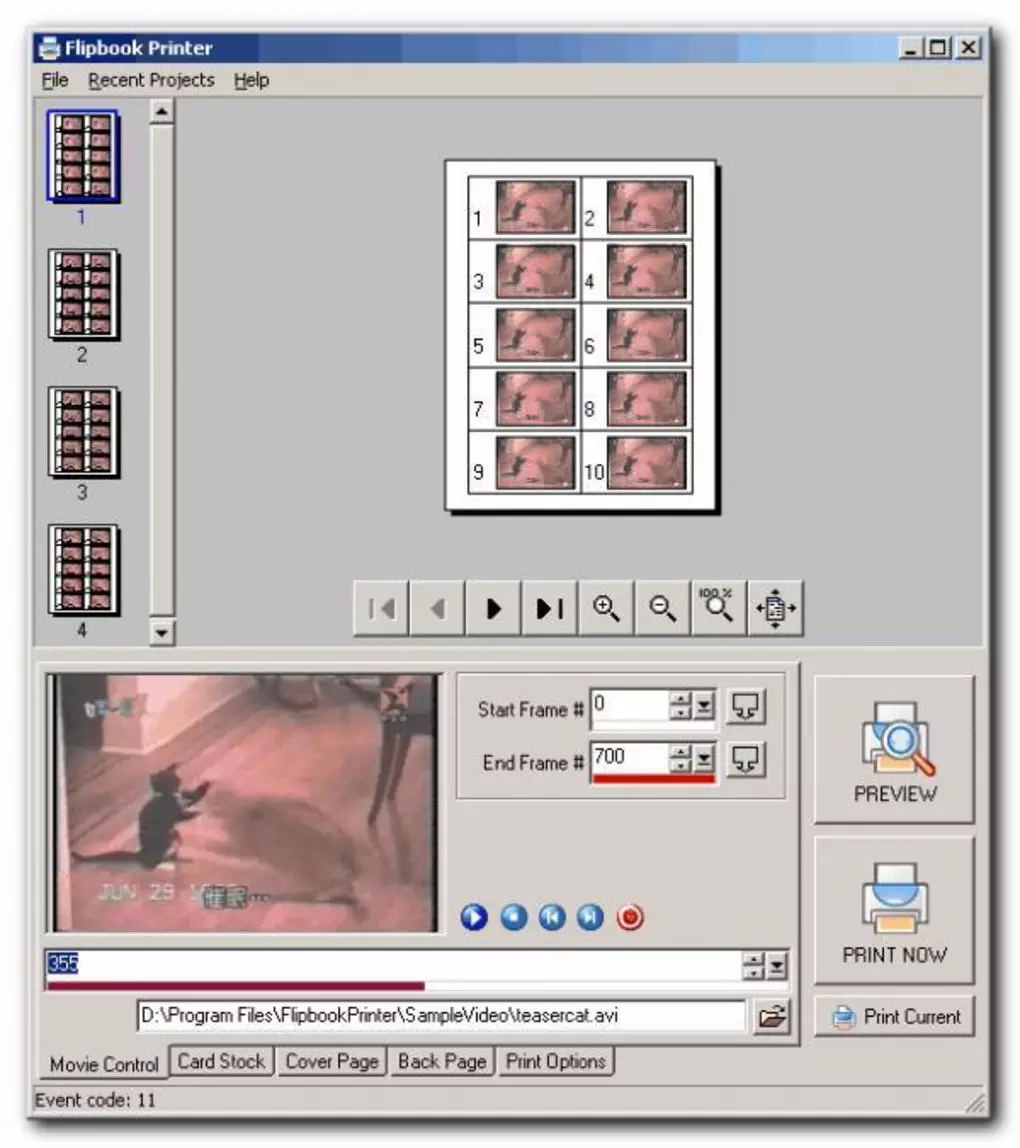
- Print preview tools
- Image scaling options
- Black-and-white or color printing modes
- Animation sequence optimization
One major advantage of flipbook creation software is hands-on visual learning because it demonstrates animation principles in a physical and interactive way.
The software is especially popular among:
- Students
- Artists
- Designers
- Animation beginners
- Creative hobbyists
who want to explore traditional motion concepts without complex animation software.
📌 What is Flipbook Printer?
Flipbook Printer is a creative utility designed to help users create printable flipbooks from videos, image sequences, or animation frames on Windows systems. The software converts visual content into arranged printable pages that can be assembled into physical flipbooks to simulate motion when pages are flipped quickly.
It is commonly used for animation projects, educational demonstrations, creative art activities, photography sequences, and DIY motion picture experiments.
🚀 Key Uses
- Creating printable flipbooks from videos
- Converting image sequences into flipbooks
- Educational animation demonstrations
- DIY animation projects
- Creative art and design activities
- Motion sequence visualization
- Photography flipbook creation
- Classroom animation learning
- Printable entertainment projects
- Small animation workflow experimentation
💻 System Requirements (General)
Minimum Requirements
- Windows XP / 7 / 8 / 10 / 11
- 1GB RAM
- Basic processor
- Printer support
- Available storage space for image processing
Recommended Requirements
- 4GB+ RAM
- Multi-core processor
- High-quality printer for better flipbook output
- SSD storage for smoother frame processing
- HD display for easier preview management
🔄 Alternatives
- Flip PDF
- FlipHTML5
- Adobe Animate
- Pencil2D
- Stop Motion Studio
- Photo to Flipbook utilities
- Online flipbook creators
❓ FAQ
Q1. What is Flipbook Printer used for?
It is used for creating printable flipbooks from videos or image sequences.
Q2. Can it convert videos into flipbooks?
Yes, many versions support video frame extraction for printable flipbook creation.
Q3. Is it useful for educational purposes?
Yes, it is commonly used for animation learning and visual demonstrations.
Q4. Does it require a printer?
Yes, printed pages are generally required to create physical flipbooks.
Q5. Does it work offline?
Yes, most functions work offline after installation.
Features
✔ Printable flipbook generation
✔ Video-to-flipbook conversion support
✔ Image sequence importing
✔ Animation frame extraction tools
✔ Print layout customization
✔ Physical animation workflow support
✔ Educational motion visualization
✔ DIY animation project compatibility
✔ Page arrangement functionality
✔ Frame interval adjustment tools
✔ Lightweight creative interface
✔ Print preview support
✔ Color and grayscale printing compatibility
✔ Beginner-friendly operation
👍 Pros & 👎 Cons
Pros
- Fun and creative animation workflow
- Good educational animation tool
- Helps visualize motion frame-by-frame
- Useful for DIY art projects
- Beginner-friendly concept
- Supports printable physical animation creation
Cons
- Requires printer and paper resources
- Large projects may consume many pages
- Limited compared to professional animation software
- Print alignment may need adjustment
Our Analysis
Flipbook Printer is a creative and educational utility that makes traditional flipbook animation accessible to beginners and hobbyists.
Its strongest advantages are:
- Easy printable animation creation
- Educational motion visualization
- Fun DIY workflow
- Beginner-friendly interface
The software is especially useful for students, teachers, artists, and animation enthusiasts who want to experiment with physical animation concepts without learning complex professional tools.
While it is not intended to replace advanced animation production software, it performs very well for creative projects, educational demonstrations, and printable motion experiments.
Overall, it is a fun and practical flipbook creation solution for printable animation projects and hands-on visual learning on Windows systems.
⚙️ Installation Guide (General Overview)
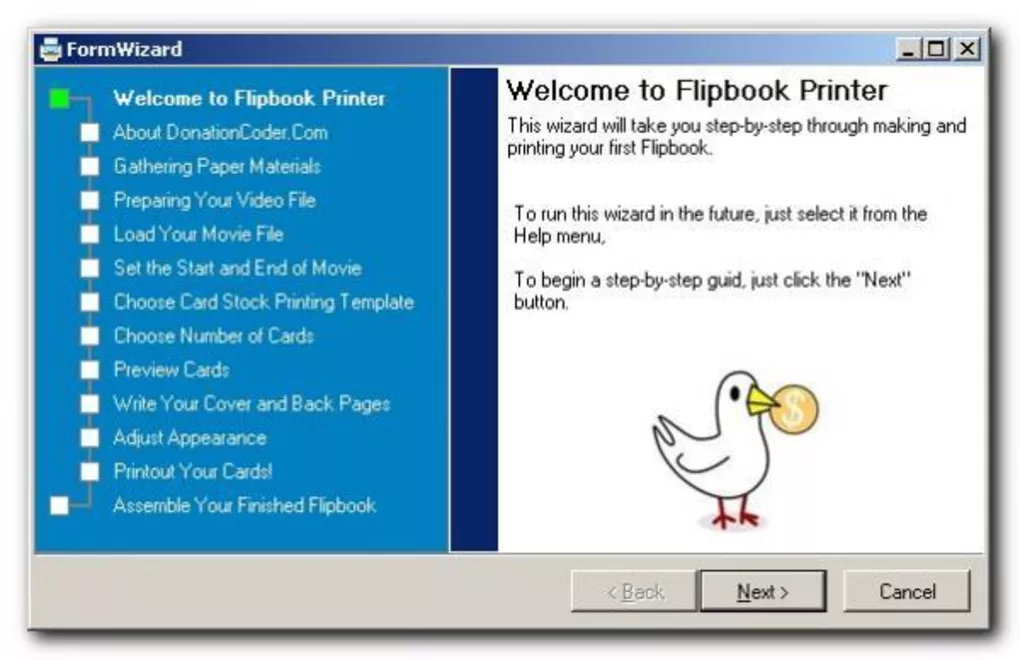
Step 1: Download Software
Download Flipbook Printer from a trusted source or official provider.
Step 2: Run Installer
Open the downloaded setup file and follow the on-screen installation instructions.
Step 3: Choose Installation Preferences
Select installation location and optional desktop shortcut settings.
Step 4: Complete Installation
Finish setup and launch the software after installation is complete.
Step 5: Import Visual Content
Load:
- Videos
- Photos
- Animation frames
- Image sequences
into the software workspace.
Step 6: Configure Flipbook Settings
Adjust:
- Frame selection
- Animation speed
- Print layout
- Page size
- Frame spacing
Step 7: Preview Animation Sequence
Review the generated flipbook sequence before printing.
Step 8: Print Flipbook Pages
Use a compatible printer to print the arranged animation pages.
Step 9: Assemble Flipbook
Cut and organize printed pages into a physical booklet or stack.
Step 10: Test Animation Motion
Flip pages quickly to view the animated motion effect.
About SoftwareDownloading Editorial Team
The SoftwareDownloading Editorial Team researches Windows software, compatibility information, features, alternatives, and software-related guides for SoftwareDownloading.in.
Our pages are prepared using available product information and relevant documentation. When an application has not been personally tested, we distinguish research-based analysis from hands-on testing. Learn more about our review process
Apps Specs
Developer
Licence
Free
Version
Platform
Windows
Download Clicks
1
Page Reviewed
September 26, 2026
Top Downloads

Related Topics
Disclaimer
This content is provided for educational and informational purposes only. We do not host, store, or distribute any software files on our servers. All trademarks, product names, and logos belong to their respective owners.
We strongly recommend downloading software only from official websites or trusted sources. We are not responsible for any damage, data loss, or issues that may occur from the use of third-party software.
Users should ensure they comply with all applicable laws and software licensing agreements in their country before downloading or using any software mentioned on this website.