- Education & Reference
- Catalogs
- BibTexMng
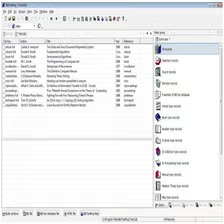
BibTexMng is a reference management tool designed to help users organize and manage bibliographic data efficiently.
What is BibTexMng?
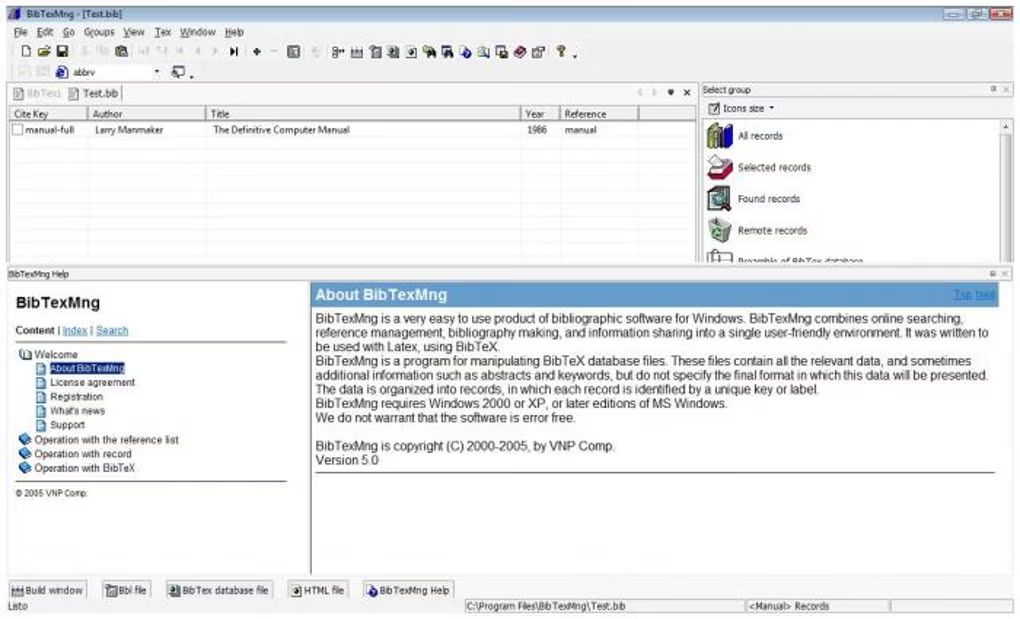
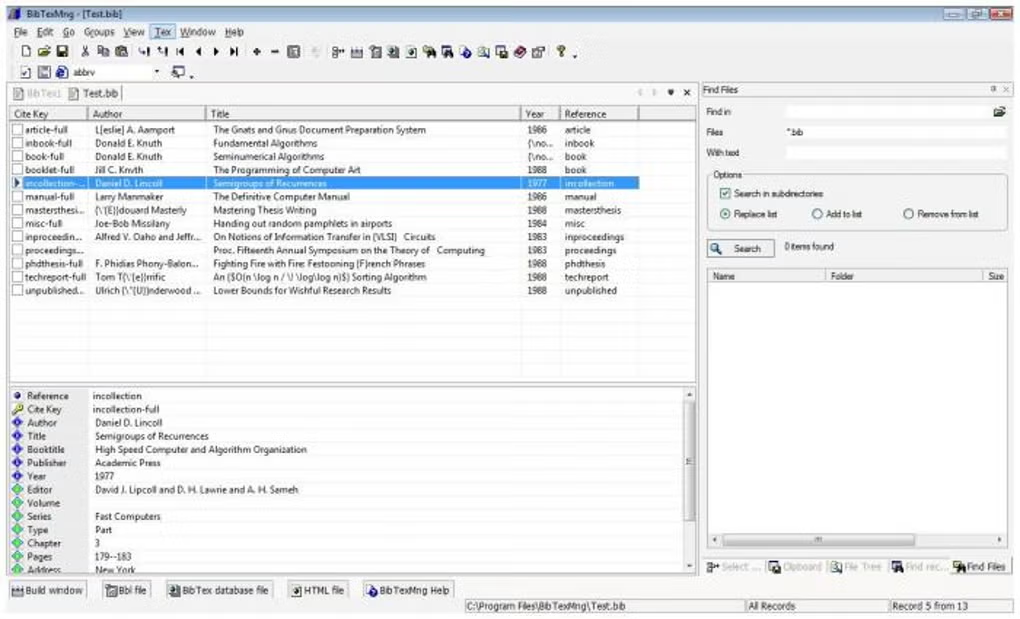
BibTexMng is a Windows bibliography-management application intended for people who prepare academic references using LaTeX and BibTeX. BibTeX stores citation records such as authors, titles, publication details and citation keys in bibliographic databases. BibTexMng is designed to help manage these records rather than write or compile an entire LaTeX document.
Who should consider it?
It is most relevant to researchers, students and technical authors maintaining collections of references for LaTeX-based writing. The project’s CTAN documentation describes bibliography creation, online searching, reference management and sharing. Its version 6.0 documentation also mentions advanced searching and importing bibliographic information using Google Scholar. These are historical product descriptions, not claims that every online integration still functions today.
Licensing and compatibility
According to the CTAN project documentation, BibTexMng 6.0 was published in 2009 and distributed as shareware, with a 30-day evaluation period. It is not freeware. The documented Windows requirements date from an older release, so compatibility with Windows 10 or Windows 11 has not been established here. Before installing, check the exact release, license terms and whether your existing bibliography files can be backed up. If you require actively maintained reference software, compare current alternatives before deciding.
Project reference: BibTexMng on CTAN.
Features
- ✔️ Bibliographic data management
- ✔️ Supports BibTeX format
- ✔️ Easy reference organization
- ✔️ Lightweight and efficient
- ✔️ Useful for academic work
👍 Pros & 👎 Cons
Pros
- Ideal for researchers
- Saves time
- Easy to organize references
Cons
- Not beginner-friendly
- Limited UI features
Our Analysis
BibTexMng is a useful tool for academic users who need structured reference management. It works well for research environments, especially for LaTeX users.
- Download BibTexMng
- Run installer
- Complete setup
- Launch and add references
About SoftwareDownloading Editorial Team
The SoftwareDownloading Editorial Team researches Windows software, compatibility information, features, alternatives, and software-related guides for SoftwareDownloading.in.
Our pages are prepared using available product information and relevant documentation. When an application has not been personally tested, we distinguish research-based analysis from hands-on testing. Learn more about our review process

Apps Specs
Developer
LaTexSoft
Licence
Trial
Version
V 5.0
Platform
Windows
Download Clicks
4
Page Reviewed
September 27, 2026
Top Downloads




Related Topics
Disclaimer
This content is provided for educational and informational purposes only. We do not host, store, or distribute any software files on our servers. All trademarks, product names, and logos belong to their respective owners.
We strongly recommend downloading software only from official websites or trusted sources. We are not responsible for any damage, data loss, or issues that may occur from the use of third-party software.
Users should ensure they comply with all applicable laws and software licensing agreements in their country before downloading or using any software mentioned on this website.