- Education & Reference
- Books
- ClinicalKey Student Bookshelf

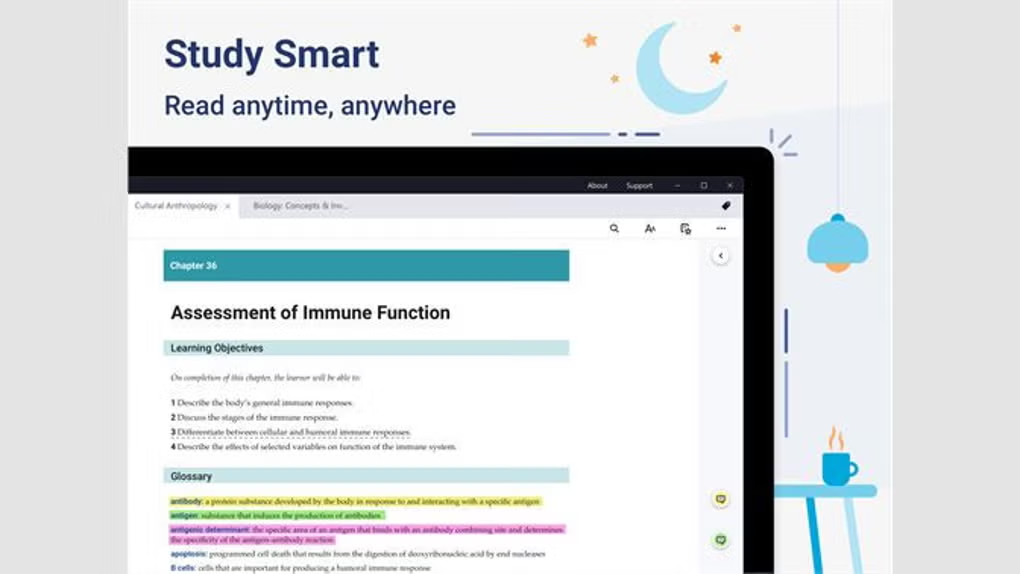
ClinicalKey Student Bookshelf extends the ClinicalKey Student learning environment by allowing eligible users to maintain a personal collection of supported textbooks and access downloaded titles through desktop or mobile applications.
For Windows users, Elsevier provides a desktop Bookshelf application for Windows 10 and later. Users sign in with their ClinicalKey Student credentials, download the titles they need while online, and can subsequently read those downloaded titles without an active internet connection.
The application is most relevant to medical, nursing and other healthcare students whose institution provides access to ClinicalKey Student. Rather than functioning as an independent eBook marketplace, Bookshelf works as part of the wider ClinicalKey Student ecosystem.
This distinction is important for prospective users: installing the application alone does not provide unrestricted access to the ClinicalKey Student library. Available books and continued access depend on the user’s eligible account and the ClinicalKey Student access provided by their institution.
ClinicalKey Student Bookshelf is a digital reading application designed for students and instructors who have access to ClinicalKey Student through an eligible institution. It provides a convenient way to access supported medical and healthcare textbooks from a personal digital bookshelf and download selected titles for offline reading.
The Bookshelf experience is particularly useful when continuous internet access is not available. On Windows and Mac desktop applications, eligible users can sign in, download available titles while connected to the internet, and then read those downloaded books offline. Mobile applications are also available for iOS and Android.
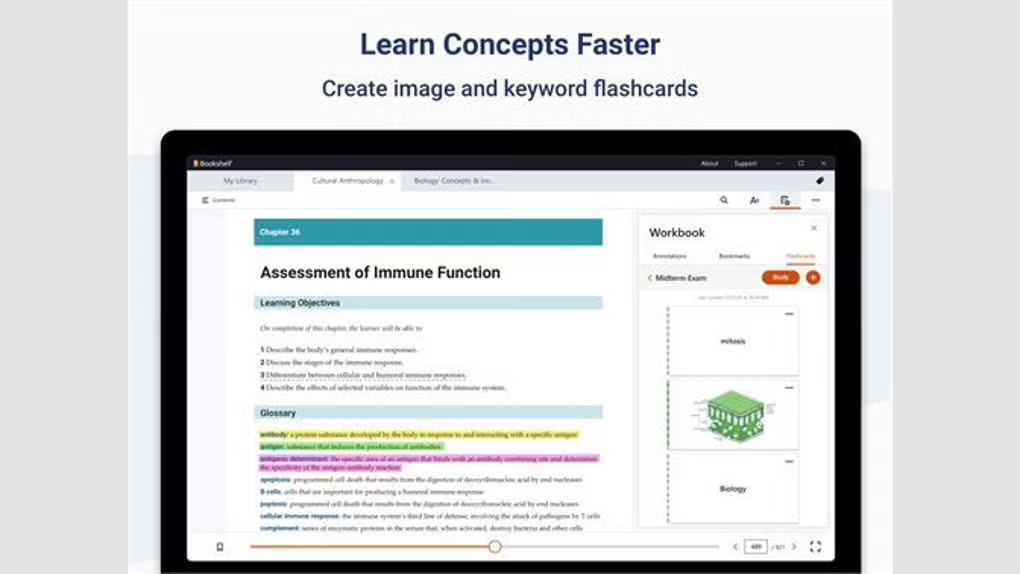
ClinicalKey Student itself combines medical textbooks with learning resources such as images, videos, summaries, presentation tools and other study features. Bookshelf complements the main platform by giving students a more focused environment for accessing and reading the books available through their ClinicalKey Student access.
Access to books is linked to the user’s ClinicalKey Student eligibility. It should therefore not be treated as a general-purpose free eBook reader or as a source of unrestricted medical textbooks. Availability of content depends on the access provided through the user’s institution and ClinicalKey Student account.
Compatibility / System Requirements
Windows Compatibility: Windows 10 or later
Desktop Platforms: Windows and Mac
Mobile Platforms: iOS and Android
Internet: Required for sign-in, synchronization and downloading new titles; previously downloaded eligible titles can be read offline
Account: ClinicalKey Student credentials and eligible access are required
Elsevier does not provide detailed CPU, RAM or storage requirements on the support documentation referenced here, so users should check the current official download source for any device-specific requirements before installation.
Features
- Offline textbook reading
Eligible textbooks can be downloaded through the desktop application while connected to the internet. Once downloaded, they can be opened in Bookshelf when the device is offline.Personal digital bookshelf
Bookshelf provides a dedicated location for accessing supported titles associated with a user’s ClinicalKey Student account.Windows desktop application
Elsevier currently documents a desktop version of ClinicalKey Student Bookshelf for Windows 10 and later.Cross-platform access
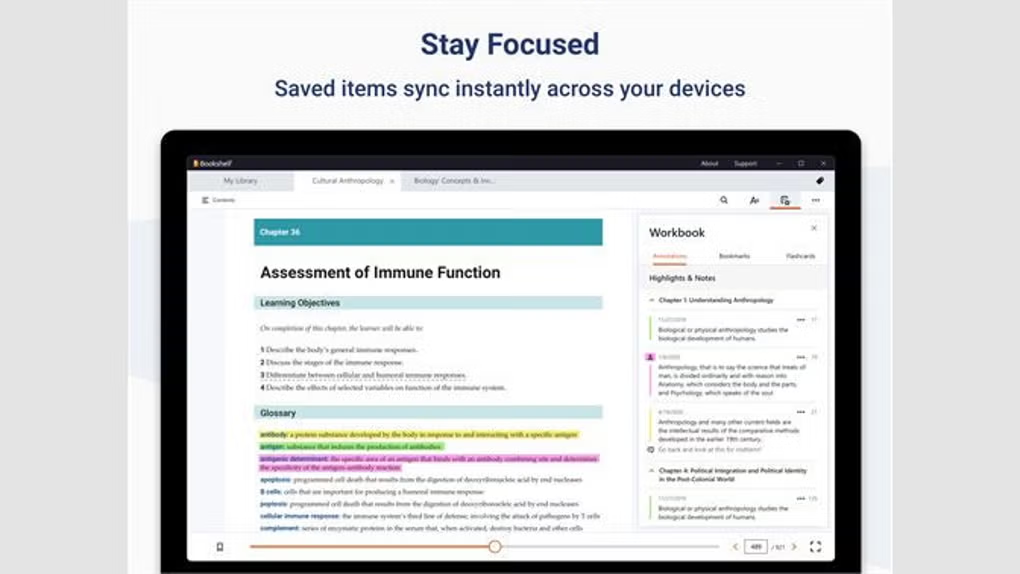
Bookshelf is available across supported desktop and mobile platforms, including Windows, Mac, iOS and Android, making it easier to continue reading across different types of devices.Synchronization workflow
On mobile, the Bookshelf collection can synchronize when the application reconnects to the internet. The exact workflow for adding and downloading titles differs between the mobile and desktop versions.ClinicalKey Student integration
Bookshelf works alongside the wider ClinicalKey Student platform, which provides access to medical textbooks and learning resources for eligible students and faculty.Study-oriented reading
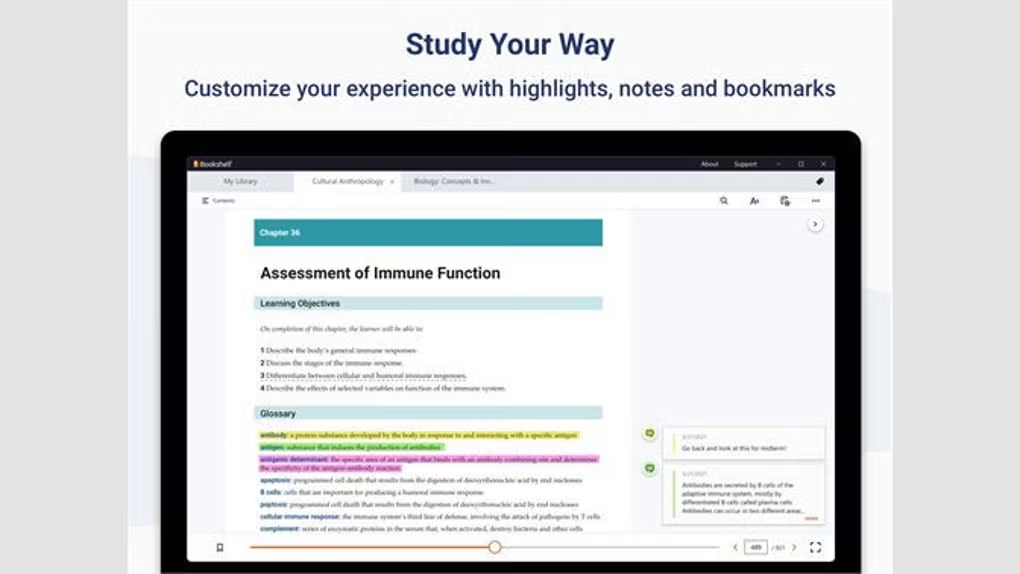
ClinicalKey Student includes learning tools around its educational content, while Bookshelf provides a focused environment for accessing supported books. Elsevier also documents retained notes and highlights for eligible Bookshelf content.Institution-based access
Access is tied to ClinicalKey Student eligibility. Users generally need access through a medical school or another participating institution rather than simply installing the application to obtain the content.
👍 Pros & 👎 Cons
Pros
- Supports offline reading of eligible downloaded textbooks.
- Designed specifically around ClinicalKey Student educational content.
- Available on Windows, Mac, iOS and Android.
- Useful for students who need access to study material when internet connectivity is limited.
- Integrates with an existing ClinicalKey Student account and bookshelf collection.
- Provides a focused reading experience for supported academic titles.
Cons
- It is not a general-purpose free eBook library.
- Access depends on ClinicalKey Student eligibility and an active institutional license.
- New titles need to be downloaded while the desktop application is online before they can be read offline.
- The workflow for adding and synchronizing books differs between desktop and mobile versions.
- Users can lose access when they are no longer covered by the institution that provides their ClinicalKey Student access.
Our Analysis
ClinicalKey Student Bookshelf has a clearly defined purpose: it gives eligible ClinicalKey Student users a practical way to access supported textbooks through a dedicated reading application, including the ability to download titles for offline use.
Its main advantage is therefore not the number of standalone features it offers, but its integration with the ClinicalKey Student ecosystem. For a medical or healthcare student whose institution already provides ClinicalKey Student access, the offline reading capability can be particularly useful during travel, study sessions or other situations where reliable internet access is unavailable.
There is also an important limitation prospective users should understand. Bookshelf is not an unrestricted source of free medical eBooks. Access to titles depends on the user’s ClinicalKey Student account and the license provided by their institution. Installing the application does not by itself unlock the ClinicalKey Student content library.
For eligible students, Bookshelf can serve as a convenient companion to the web-based ClinicalKey Student platform. Users without institutional ClinicalKey Student access should first confirm their eligibility before installing the application or expecting access to specific textbooks.
About SoftwareDownloading Editorial Team
The SoftwareDownloading Editorial Team researches Windows software, compatibility information, features, alternatives, and software-related guides for SoftwareDownloading.in.
Our pages are prepared using available product information and relevant documentation. When an application has not been personally tested, we distinguish research-based analysis from hands-on testing. Learn more about our review process

Apps Specs
Developer
Licence
Subscription
Version
V 10.0.65.0
Platform
Windows
Download Clicks
5
Page Reviewed
September 28, 2026
Releted Searches
Top Downloads





Related Topics
Disclaimer
This content is provided for educational and informational purposes only. We do not host, store, or distribute any software files on our servers. All trademarks, product names, and logos belong to their respective owners.
We strongly recommend downloading software only from official websites or trusted sources. We are not responsible for any damage, data loss, or issues that may occur from the use of third-party software.
Users should ensure they comply with all applicable laws and software licensing agreements in their country before downloading or using any software mentioned on this website.