
5 Best Arabic Typing Software & Keyboards for Windows 11 in UAE (2026)
Updated: October 25, 2026
Finding the best Arabic typing software for Windows 11 can make everyday communication easier for people who regularly work with Arabic and English. Whether you are a student, content writer, office professional, freelancer, or business owner in the UAE, having a convenient Arabic input method can help you prepare documents, write messages, and communicate in your preferred language.
Windows 11 already includes Arabic keyboard layouts, but not everyone is comfortable using a traditional Arabic keyboard. Some people prefer entering Arabic words with English letters, while others want phonetic keyboard layouts that make individual Arabic characters easier to locate.
Fortunately, several free tools provide different ways to type Arabic on Windows computers.
This guide explores five Arabic typing software and keyboard options for Windows users in Dubai, Abu Dhabi, Sharjah, and other parts of the United Arab Emirates.
We will compare downloadable Windows software, phonetic keyboard layouts, browser extensions, and online Arabic typing services so you can choose a solution based on your needs.
Quick Comparison: Best Arabic Typing Software for Windows 11
| Software or Tool | Primary Function | Platform | Cost |
|---|---|---|---|
| Type3arabi | Arabizi-to-Arabic typing | Windows 10/11 x64 | Free |
| Arabic Phonetic Keyboard Layout | Direct phonetic Arabic input | Windows; current Windows 11 compatibility unspecified | Free |
| Windows Arabic Keyboard | Traditional Arabic character input | Windows 10/11 | Included |
| Google Input Tools | Arabic transliteration and virtual keyboard | Chrome | Free |
| Yamli Arabic Keyboard | Online Arabic transliteration | Web browser | Free |
The most suitable Arabic typing software for Windows 11 depends on your preferred typing method.
Users who regularly write Arabizi may prefer automatic transliteration. People who need precise character placement and vowel marks may prefer a phonetic layout. Meanwhile, users familiar with traditional Arabic keyboards can start with the input tools already included in Windows.
Why Arabic Typing Software Matters in UAE
The UAE has a multilingual population, with Arabic serving as the country’s official language and English widely used in business and everyday communication.
Many residents switch between Arabic and English while preparing documents, sending messages, studying, and communicating with colleagues.
For example, an office employee in Dubai may need to prepare English correspondence while occasionally entering Arabic names or phrases.
A university student in Abu Dhabi may need to write Arabic notes, complete assignments, or add vowel marks to educational material.
Similarly, a content writer may need to enter Arabic text in Microsoft Word, a content management system, or a web browser.
Arabic typing tools provide different solutions to these situations.
Some work directly as Windows keyboard input methods. Others convert Latin-letter Arabic into Arabic script through a website or browser extension.
Choosing the right method can reduce the inconvenience of switching between keyboard layouts or copying text between applications.
1. Type3arabi — Best for Offline Arabizi-to-Arabic Typing
Type3arabi is a free, open-source Arabic typing application designed for Windows 10 and Windows 11 computers using 64-bit x64 processors.
Unlike ordinary Arabic keyboard layouts, Type3arabi allows users to write Arabic words using Latin letters and numbers, commonly known as Arabizi or Franco-Arabic.
For example, typing “mar7aba” can produce “مرحباً”, while combinations such as “3ala” or “7abibi” can be converted into corresponding Arabic words.
This writing method is familiar to many Arabic speakers who use Latin characters in informal online communication.
How Type3arabi Works
Type3arabi integrates with the Windows language input system.
Once installed, it becomes available alongside other keyboard layouts. Users can select it using Windows + Space or a supported input shortcut.
As a user enters an Arabizi word, the application displays possible Arabic interpretations.
A suggested result appears first, and users can accept it with the Space key or choose another candidate.
The typing process takes place within compatible Windows applications rather than requiring a separate conversion website.
Key Features
Converts Arabizi and Franco-Arabic into Arabic script.
Integrates with the Windows input system.
Provides Arabic word suggestions.
Supports Gulf, Egyptian, Levantine, Iraqi, Maghrebi, and Modern Standard Arabic.
Functions offline after installation.
Includes an Arabic diacritics editor.
Supports mixed Arabic and English text.
Remembers selected word preferences locally.
Works with compatible applications such as Word, Notepad, browsers, and communication tools.
Distributed as free and open-source software.
Why Type3arabi Is Relevant to UAE Users
Gulf Arabic support makes Type3arabi particularly relevant to people who communicate using regional Arabic expressions.
Its mixed-language typing features may also suit users who regularly include English words within Arabic messages.
For example, employees who frequently alternate between Arabic and English in office communication may appreciate being able to enter both languages without repeatedly opening a separate online translator or character keyboard.
Advantages
Free Windows application.
Modern Windows 10/11 support.
Offline text input.
Arabic dialect recognition.
Direct typing in compatible applications.
No mandatory account or subscription.
Limitations
Available for Windows x64, not Windows on ARM.
Does not translate complete English sentences into Arabic.
Users may occasionally need to choose between suggested words.
Requires familiarity with common Arabizi spellings.
The developer currently distributes an installer without a publisher code-signing certificate.
Best for: UAE residents, Arabic-speaking professionals, and students who prefer typing Arabic words with English letters.
Official website: https://type3arabi.com/
Download option: Visit our Type3arabi software page for features, system requirements, installation instructions, and the download link.
2. Arabic Phonetic Keyboard Layout — Best for Direct Arabic Character Input
Arabic Phonetic Keyboard Layout is a free keyboard configuration developed by Omar Al Zabir.
It provides an alternative to traditional Arabic keyboard arrangements by mapping Arabic characters to familiar phonetic positions on an English keyboard.
For example, pressing A produces ا, B produces ب, and Shift + D produces ض.
Unlike a transliteration application, this keyboard does not interpret entire words. Instead, it allows users to enter Arabic characters directly.
This distinction makes it an interesting option for people who want greater control over spelling and character selection.
How the Phonetic Keyboard Works
The Windows version adds an additional Arabic keyboard layout through the operating system’s language input functionality.
After installing the keyboard package, users can select the new configuration from the Windows language controls.
The developer’s layout uses phonetic associations to simplify the placement of Arabic letters.
Additional key combinations provide access to vowel marks, different forms of Hamza, and specialized Arabic characters.
Key Features
Phonetic Arabic letter mappings.
Direct Arabic character input.
Arabic vowel marks and Harakat.
Different forms of Alif and Hamza.
Keyboard mappings for Quranic Arabic characters.
Uthmani script and Tajweed-related symbols.
Windows language input integration.
Free keyboard layout package.
Customizable keyboard layout source.
Separate macOS keyboard version.
Arabic Phonetic Keyboard for Windows 11
One important consideration is operating system compatibility.
The developer’s available Windows installation documentation references older versions of Windows and does not explicitly establish compatibility with Windows 11.
Therefore, users should not assume that the published package supports every recent Windows configuration.
The official Windows download is provided as a ZIP archive containing installation files.
Advantages
Free keyboard configuration.
Predictable character-based input.
Convenient vowel and Hamza mappings.
Specialized Arabic symbols.
Useful for educational and formal Arabic writing.
Limitations
Published installation instructions reference older Windows versions.
Current Windows 11 compatibility is not explicitly documented.
Users must learn the layout’s character positions.
No automatic word suggestion system.
Does not translate English text into Arabic.
Best for: Arabic students, teachers, writers, and users who prefer direct character entry rather than word-level transliteration.
Official website: https://arabic.omaralzabir.com/
Download option: Visit our Arabic Phonetic Keyboard Layout software page for the original keyboard image, installation instructions, features, and download information.
3. Windows 11 Arabic Keyboard — Best Built-In Free Option
Windows 11 includes multilingual keyboard support through its language and region settings.
Users who already know a traditional Arabic keyboard layout may not need to install any third-party Arabic typing software.
Microsoft allows users to add languages and keyboard layouts through Windows Settings.
Once Arabic input is configured, users can switch between available keyboards while working in supported applications.
How to Enable Arabic Keyboard in Windows 11
Follow these steps:
Open Windows Settings.
Select Time & language.
Open Language & region.
Under Preferred languages, choose Add a language.
Search for Arabic.
Select the preferred Arabic language option.
Follow the installation prompts.
Open the selected language’s keyboard options if additional layout configuration is needed.
Press Windows + Space to switch between installed input methods.
Users can continue using Windows in English while entering Arabic with a separate keyboard layout.
Changing the keyboard layout does not automatically change the operating system’s display language.
Key Features
Included with Windows 11.
Supports Arabic-language keyboard input.
Works with compatible Windows applications.
Switches between languages using Windows controls.
Does not require a separate third-party software subscription.
Suitable for users familiar with traditional Arabic letter positions.
Advantages
No separate third-party application required.
Integrated with Windows Settings.
Works alongside existing English keyboard layouts.
Practical for regular Arabic typing.
Limitations
Users may need to learn Arabic keyboard key positions.
Does not automatically convert Arabizi into Arabic words.
Some users may prefer phonetic or transliteration-based tools.
Best for: Users comfortable typing directly with a standard Arabic keyboard layout.
Official guide: https://support.microsoft.com/en-us/windows/hardware/input-devices/manage-the-language-and-keyboard-input-layout-settings-in-windows
4. Google Input Tools — Best for Arabic Typing in Chrome
Google Input Tools provides multilingual input methods for entering text in different languages.
Its supported language documentation includes Arabic transliteration and an Arabic virtual keyboard.
The Chrome extension allows users to enter text through supported input tools on web pages.
This makes it an option for people who primarily work in the browser.
How Google Input Tools Works
After installing the Chrome extension, users can configure the input languages they want to use.
The extension offers a selection menu where users can enable the preferred input tool.
Once activated, users can enter text within supported webpage input fields.
For Arabic input, the available methods include transliteration and virtual keyboard functionality.
Key Features
Arabic transliteration support.
Arabic virtual keyboard option.
Chrome browser integration.
Multiple supported languages.
Configurable input tools.
Convenient for browser-based writing.
Where It Can Be Useful
Google Input Tools may appeal to freelancers, students, and office employees who work primarily with web applications.
For example, someone preparing an Arabic message through a browser-based service may prefer an extension rather than installing a separate Windows keyboard input method.
However, Chrome extension functionality should not be confused with a system-wide Windows keyboard.
Users who need Arabic text input across many desktop applications may prefer a dedicated Windows solution.
Advantages
Useful for browser-based Arabic typing.
Supports multiple languages.
Offers transliteration and keyboard input methods.
Does not require changing a physical keyboard.
Limitations
Chrome extension features are primarily browser-oriented.
Functionality may vary across web pages.
Not equivalent to a complete system-wide Windows input method.
Best for: People who frequently type Arabic in browser-based applications.
Official website: https://www.google.com/inputtools/
Chrome information: https://www.google.com/inputtools/chrome/
5. Yamli Arabic Keyboard — Best for Online Arabic Transliteration
Yamli is an online Arabic typing service that converts Latin-letter input into Arabic script.
Its Arabic keyboard allows users to write words according to their pronunciation and receive corresponding Arabic text.
For example, users can type common Arabizi spellings that incorporate characters such as 3, 7, and 5.
Yamli interprets these combinations and offers Arabic word suggestions.
How Yamli Works
Users open the Yamli Arabic Keyboard website and enter Latin-letter Arabic into the available typing interface.
The service converts the input into corresponding Arabic script.
Users can then copy the resulting text into documents, messages, or other applications.
This makes Yamli useful for occasional Arabic text entry without installing a dedicated desktop typing application.
Key Features
Browser-based Arabic typing.
Latin-letter transliteration.
Arabic word suggestions.
Support for common Arabizi spellings.
Web-based text entry.
No conventional Windows installation required.
Yamli vs Type3arabi
Both Yamli and Type3arabi address users who prefer writing Arabic through Latin characters.
However, their deployment approaches differ.
Yamli is primarily a web-based Arabic typing service.
Type3arabi operates as a Windows input method, enabling Arabic text entry directly into compatible desktop applications.
Users who occasionally need an Arabic paragraph may find an online service sufficient.
People who type Arabic throughout the day in different Windows applications may prefer a dedicated input method.
Advantages
Accessible through a browser.
Familiar Arabizi-based input.
Useful for occasional Arabic text entry.
No desktop installation necessary.
Limitations
Primarily a browser-based service.
Copying text may be necessary for other applications.
Requires access to the online service.
Does not function as a conventional Windows keyboard layout.
Best for: Users who want occasional Arabic transliteration through an online typing interface.
Official website: https://home.yamli.com/arabic-keyboard/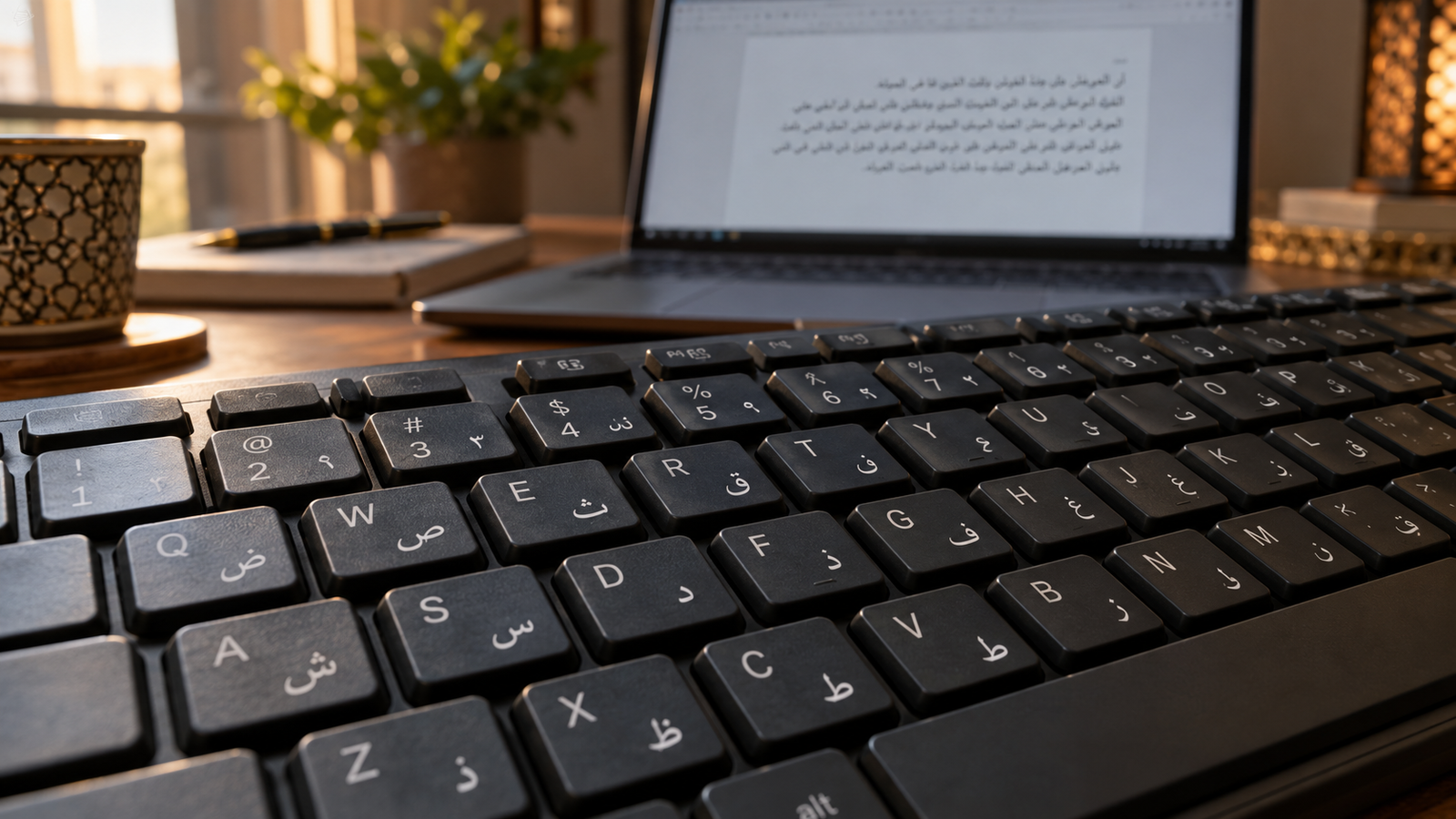
Arabic Transliteration vs Phonetic Keyboard: What Is the Difference?
Arabic typing tools use different approaches, and understanding the distinction can make software selection easier.
Arabic Transliteration
Transliteration tools convert Latin-letter representations of Arabic words into Arabic script.
For example, entering “mar7aba” can produce “مرحباً”.
Users do not need to know the physical keyboard position of every Arabic letter.
Type3arabi and Yamli are examples of tools that support this approach.
Arabic Phonetic Keyboard
A phonetic keyboard maps individual Arabic letters to keyboard keys based on familiar sounds.
For example, pressing B produces ب.
Users type the Arabic word character by character using the assigned key positions.
Omar Al Zabir’s Arabic Phonetic Keyboard Layout follows this method.
Traditional Arabic Keyboard
A traditional Arabic keyboard uses a predefined character layout.
Users familiar with this arrangement can enter Arabic text directly without automatic transliteration.
Windows 11 provides built-in Arabic keyboard options for this purpose.
Comparison
| Typing Method | How It Works | Example |
|---|---|---|
| Transliteration | Converts Latin-letter words | Type3arabi, Yamli |
| Phonetic layout | Maps individual keys to Arabic letters | Arabic Phonetic Keyboard |
| Traditional layout | Uses predefined Arabic character positions | Windows Arabic Keyboard |
| Browser input tools | Provides supported webpage input methods | Google Input Tools |
How to Choose the Best Arabic Typing Software for Windows 11
Before downloading an application, consider the type of Arabic text you need to create.
1. Everyday Arabic Messages
People who already use Arabizi in chat applications may prefer a transliteration tool.
Type3arabi is a relevant Windows option because it supports direct text entry across compatible applications and runs offline.
2. Arabic Documents and Assignments
Students and office users who understand traditional Arabic keyboard positions may find the built-in Windows Arabic keyboard sufficient.
Those who prefer an alternative phonetic layout can examine the available keyboard configurations and their compatibility requirements.
3. Arabic Text with Harakat
Users preparing educational Arabic text may need vowel marks such as Fatha, Kasra, Damma, and Shadda.
A keyboard with convenient diacritics mappings can make this workflow more manageable.
Arabic Phonetic Keyboard Layout and Type3arabi provide different forms of diacritics support.
4. Browser-Based Typing
People who primarily enter Arabic into web pages can consider Google Input Tools.
For occasional transliteration within a web interface, Yamli is another option.
5. Offline Availability
An offline Arabic typing application can be useful when internet access is unavailable.
Type3arabi supports offline text processing.
Traditional and phonetic keyboard layouts can also provide local character input once configured.
6. Windows Compatibility
Check whether the selected application supports your Windows version and computer architecture.
Type3arabi documents support for Windows 10 and 11 on x64 hardware.
For older keyboard packages, including the Arabic Phonetic Keyboard Layout discussed above, consult the developer’s available compatibility information before installation.
Best Arabic Typing Tools for Different UAE Users
Different groups of users may benefit from different typing approaches.
| User | Suggested Option |
|---|---|
| Arabic-speaking office employee familiar with Arabizi | Type3arabi |
| Student requiring direct letter control | Arabic Phonetic Keyboard Layout, subject to OS compatibility |
| User familiar with traditional Arabic typing | Windows Arabic Keyboard |
| Chrome-based content editor | Google Input Tools |
| Occasional online Arabic typing | Yamli |
| Writer requiring offline Arabizi conversion | Type3arabi |
| User preparing Arabic educational text with diacritics | A suitable diacritics-capable keyboard |
These are recommendations based on documented input methods and capabilities, not measurements of typing speed or individual software performance.
Can You Type Arabic on Windows 11 Without Installing Software?
Yes.
Windows 11 includes language and keyboard settings that allow users to add Arabic input.
For someone familiar with a traditional Arabic keyboard layout, the built-in option may provide everything needed for regular text entry.
However, users who prefer entering Arabic through English letters may find a transliteration application more convenient.
Similarly, individuals who need a custom phonetic arrangement may prefer an additional keyboard layout.
The decision depends on typing habits rather than the operating system alone.
Common Arabic Typing Problems and Practical Solutions
Arabic Keyboard Not Appearing
Check Windows Settings under Time & language and confirm that the intended Arabic language and keyboard layout have been added.
If a third-party layout was recently installed, review the developer’s instructions for any required restart.
Arabic Letters Appear in Unexpected Positions
The currently selected keyboard may use a different layout from the one you expect.
Switch to the intended input method using the Windows language controls.
Arabizi Words Produce Different Arabic Suggestions
Transliteration tools may offer multiple interpretations of the same Latin-letter combination.
Select the intended Arabic word from the available candidates or change the input spelling.
Arabic Text Does Not Display Correctly
Ensure the application supports Unicode Arabic text and that the selected font includes the required Arabic characters.
Specialized Quranic symbols may require suitable font and text rendering support.
English Words Convert into Arabic
Some transliteration tools provide shortcuts to retain Latin-letter text.
For example, Type3arabi supports keeping selected English words without converting them into Arabic script.
Frequently Asked Questions
What is the best Arabic typing software for Windows 11?
Type3arabi is an option for users who prefer converting Arabizi into Arabic script directly within Windows applications. For traditional Arabic input, Windows 11 includes built-in keyboard layouts. The most suitable solution depends on the preferred typing method.
Is Arabic typing software available for free?
Yes. Type3arabi, Arabic Phonetic Keyboard Layout, and the built-in Windows Arabic keyboard are available without a software subscription. Google Input Tools and Yamli also offer Arabic input functionality.
How do I install Arabic typing software on Windows 11?
For the built-in keyboard, use Settings → Time & language → Language & region and add Arabic. Third-party applications have their own installation procedures and compatibility requirements.
Can I type Arabic using English letters?
Yes. Transliteration tools such as Type3arabi and Yamli allow users to enter Arabizi spellings using Latin letters and numbers.
Does Type3arabi work without internet access?
Yes. According to its developer, Type3arabi performs normal keyboard input processing locally and does not require an active internet connection after installation.
What is the difference between an Arabic phonetic keyboard and a transliteration tool?
A phonetic keyboard maps individual keys to Arabic characters. A transliteration tool interprets Latin-letter words and suggests corresponding Arabic spellings.
Can I use an Arabic keyboard in Microsoft Word?
Yes. Compatible Windows keyboard layouts can be used in applications that support standard Arabic text input. Type3arabi also documents compatibility with Word and other common Windows applications.
Is Arabic Phonetic Keyboard Layout compatible with Windows 11?
The developer’s published instructions reference older versions of Windows and do not explicitly document current Windows 11 compatibility. Users should review the available installation information before using it on newer systems.
Which Arabic typing tool is suitable for UAE residents?
The choice depends on how the user prefers to write Arabic. Type3arabi supports Gulf Arabic and Arabizi input, while phonetic and traditional keyboards provide direct character-based typing.
Final Verdict
Choosing the best Arabic typing software for Windows 11 depends on whether you prefer transliteration, phonetic typing, or a traditional Arabic keyboard.
Type3arabi stands out as an option for Windows users who regularly write Arabic using Latin letters and numbers. Its offline input method, Arabic word suggestions, and dialect support make it relevant to multilingual communication.
Arabic Phonetic Keyboard Layout offers a different approach, focusing on direct character entry, vowel marks, and specialized Arabic symbols. Its current Windows compatibility should be considered before installation.
For users who do not want additional software, the built-in Windows Arabic keyboard remains a practical choice.
Google Input Tools and Yamli provide alternatives for users who mainly need Arabic typing in a browser.
For residents and professionals in the UAE, the most useful option is one that matches daily communication needs, preferred input habits, and the applications used most often.
Explore the individual Type3arabi and Arabic Phonetic Keyboard Layout software pages on SoftwareDownloading.in for additional features, installation guidance, and download information.
Official Resources
Type3arabi: https://softwaredownloading.in/type3arabi-download/
Arabic Phonetic Keyboard Layout: https://softwaredownloading.in/arabic-phonetic-keyboard-layout/
Microsoft Windows Keyboard Settings: https://support.microsoft.com/en-us/windows/hardware/input-devices/manage-the-language-and-keyboard-input-layout-settings-in-windows
Google Input Tools: https://www.google.com/inputtools/
Yamli Arabic Keyboard: https://home.yamli.com/arabic-keyboard/
Editorial note: Features, installation procedures, and compatibility information reflect publicly available developer documentation as of October 25, 2026. Software capabilities and availability may change.
Looking for more Arabic typing options? Explore our guide to the best Arabic typing software for Windows 11, including phonetic keyboards, transliteration tools, and online alternatives.