SketchUp for Schools is a browser-based 3D modeling application designed specifically for students and educators to learn design, architecture, and creative modeling in a simple and interactive way.
SketchUp for Schools is an educational version of the popular 3D modeling platform developed by Trimble Inc.. It is designed to help students learn the basics of 3D design, architecture, engineering concepts, and creative visualization directly from a web browser.
Unlike the standard desktop version of SketchUp, this version runs entirely online and is integrated with platforms like Google Workspace for Education and Microsoft 365 Education. This makes it easy for schools to manage access and for students to save their work in the cloud.
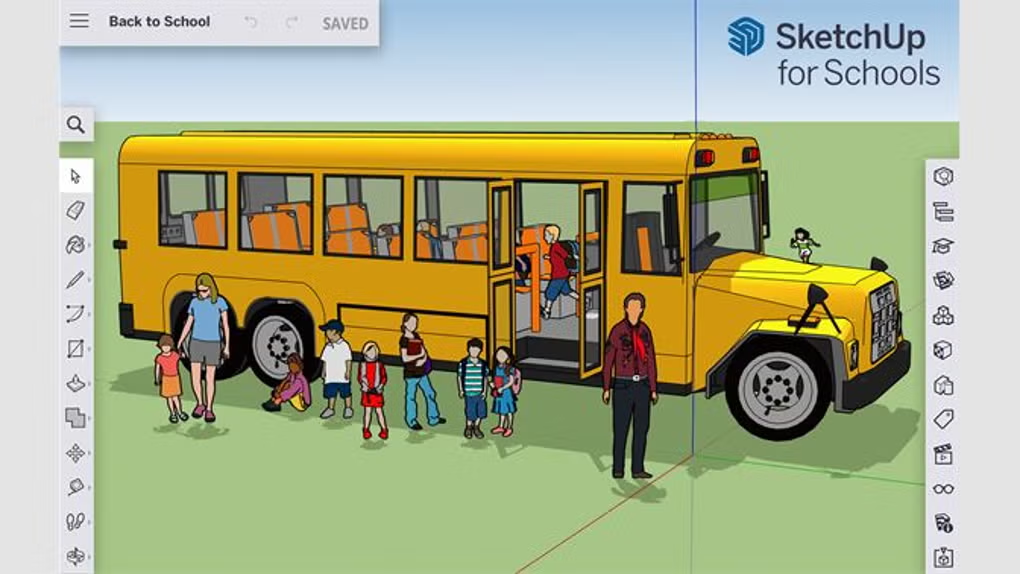
The tool provides a simplified interface tailored for beginners, making it ideal for classroom use. Students can create 3D models such as buildings, furniture, simple machines, and creative designs without needing advanced technical knowledge.
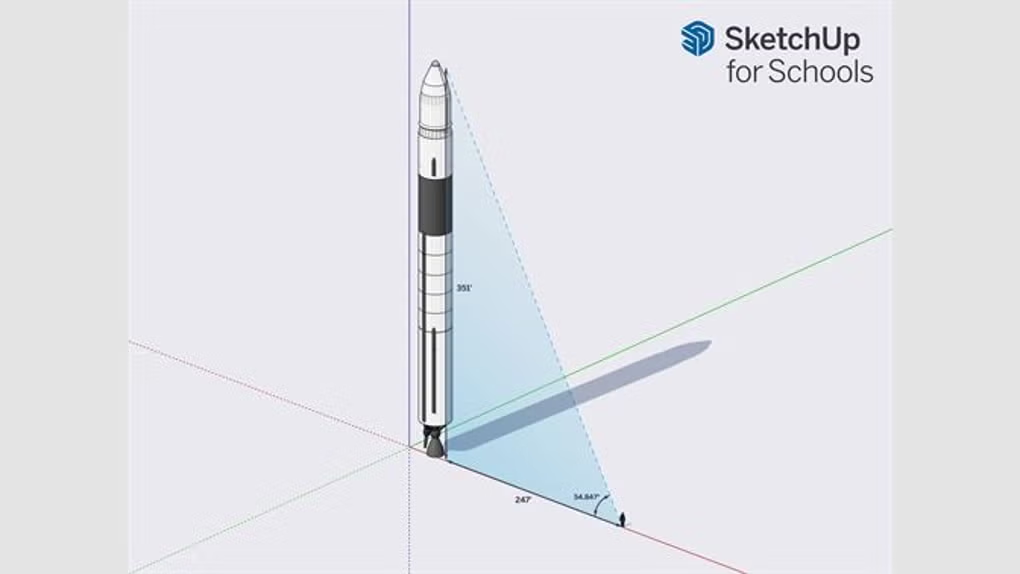
SketchUp for Schools also supports STEM learning by allowing students to understand spatial concepts, measurements, and design thinking. Teachers can use it as part of subjects like math, science, engineering, and art.
Overall, it is a powerful yet easy-to-use platform that helps students explore 3D modeling and develop creativity in a structured learning environment.
To use SketchUp for Schools smoothly, the following requirements are recommended:
Since it is web-based, performance depends mainly on the browser and internet speed.
If you want similar 3D or educational design tools, you can try:
It is used for learning 3D modeling and design in an educational environment.
Yes, it is free for schools with supported education accounts.
No, it runs directly in a web browser.
Yes, it is designed specifically for beginners and students.
No, it requires an internet connection.
Pros:
Cons:
In my opinion, SketchUp for Schools is one of the best tools for introducing students to 3D design. It removes the complexity of professional software and provides a simple, accessible platform for learning.
The browser-based approach makes it very convenient, especially in classrooms where installing software can be difficult. It also integrates well with educational systems, making it easier for teachers to manage student work.
While it may not replace advanced design tools, it serves its purpose perfectly for beginners and educational use. If you want to learn 3D modeling in a simple and structured way, this is definitely a great choice.
Go to the official SketchUp for Schools in your browser.
Log in using your school account (Google or Microsoft).
Click on “Create New” to begin modeling.
Use tools like line, rectangle, push/pull, and move.
Create shapes and combine them into 3D objects.
Add colors, textures, and details.
Save automatically to cloud storage.
Share your model with teachers or classmates.

This content is provided for educational and informational purposes only. We do not host, store, or distribute any software files on our servers. All trademarks, product names, and logos belong to their respective owners.
We strongly recommend downloading software only from official websites or trusted sources. We are not responsible for any damage, data loss, or issues that may occur from the use of third-party software.
Users should ensure they comply with all applicable laws and software licensing agreements in their country before downloading or using any software mentioned on this website.
Expore Apps