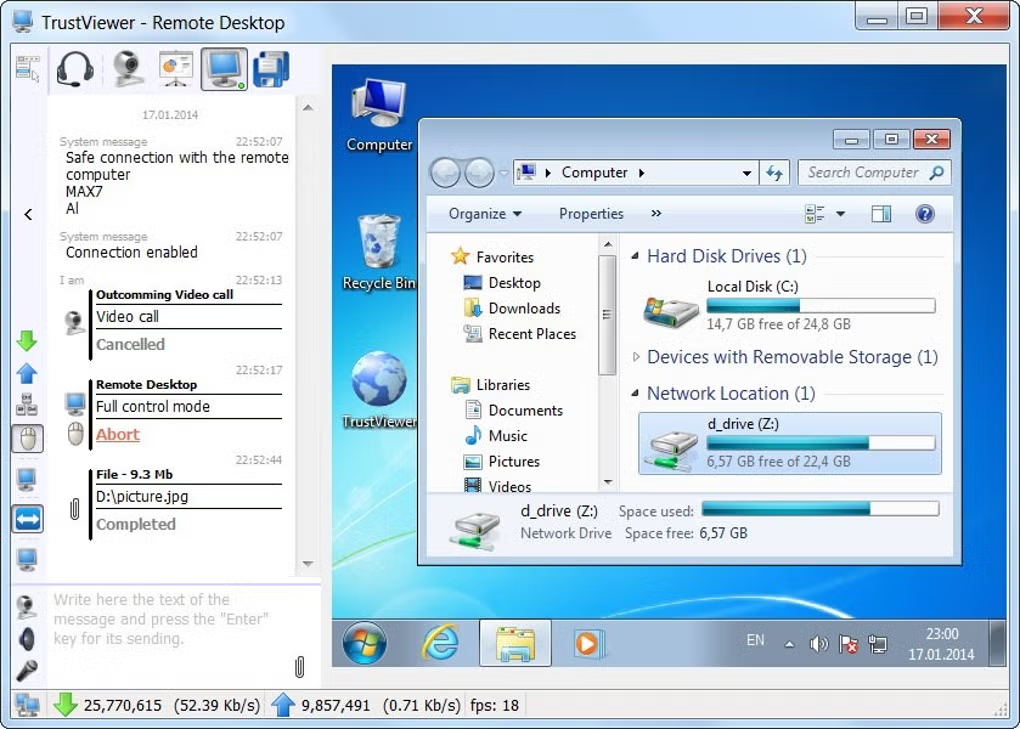
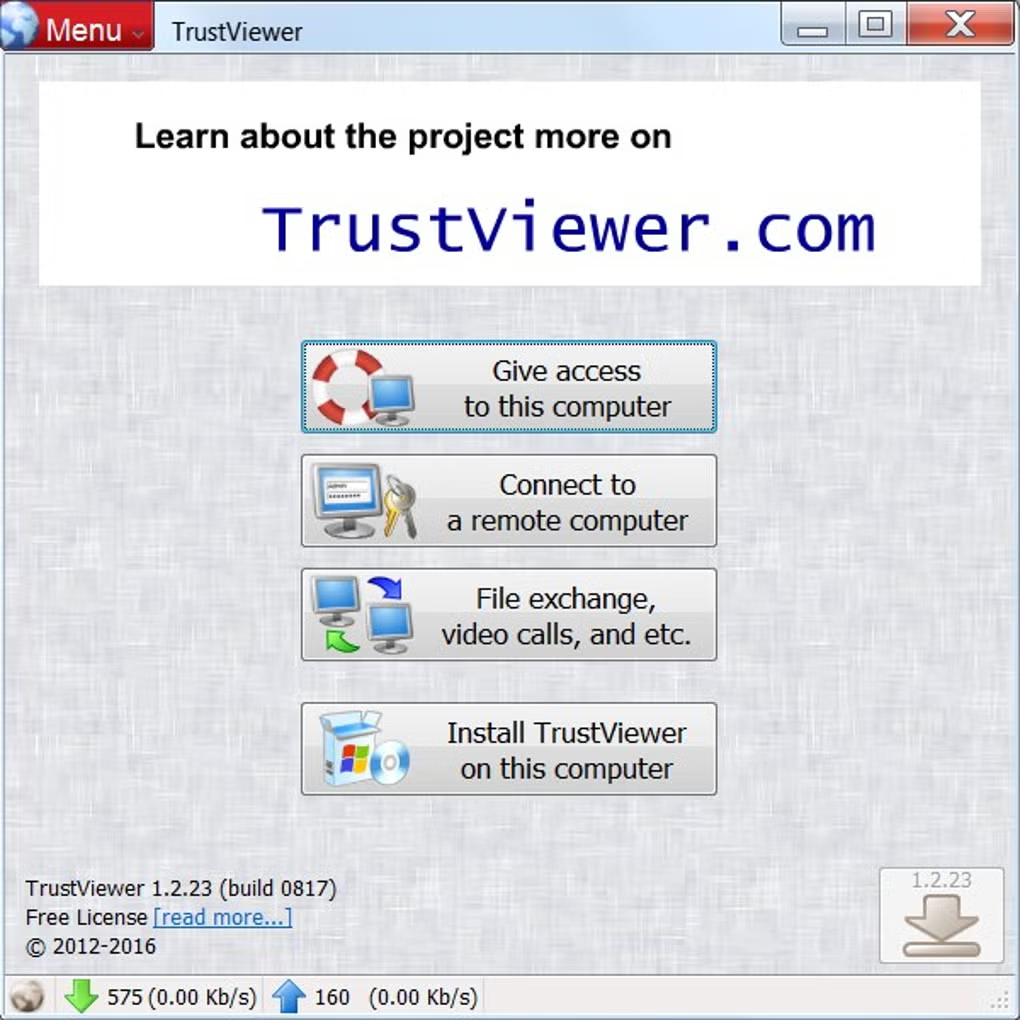
TrustViewer is a free program for remote access and support in the Internet, sharing files and video calls.
Free software allows you to quickly TrustViewer remote access to the desktop, share files or make video calls, while it has small size, does not require installation and registration runs with minimal user rights, safe, easy and convenient to use.
Features
👍 Pros & 👎 Cons
Expert Review
How to Install
1. Download the software from the link given below. 2. Extract the downloaded ZIP file using WinRAR or 7-Zip. 3. Open the extracted folder. 4. Double-click on the setup file (.exe). 5. Follow the on-screen installation instructions. 6. Click on “Finish” after installation is complete. 7. Launch the software and enjoy.