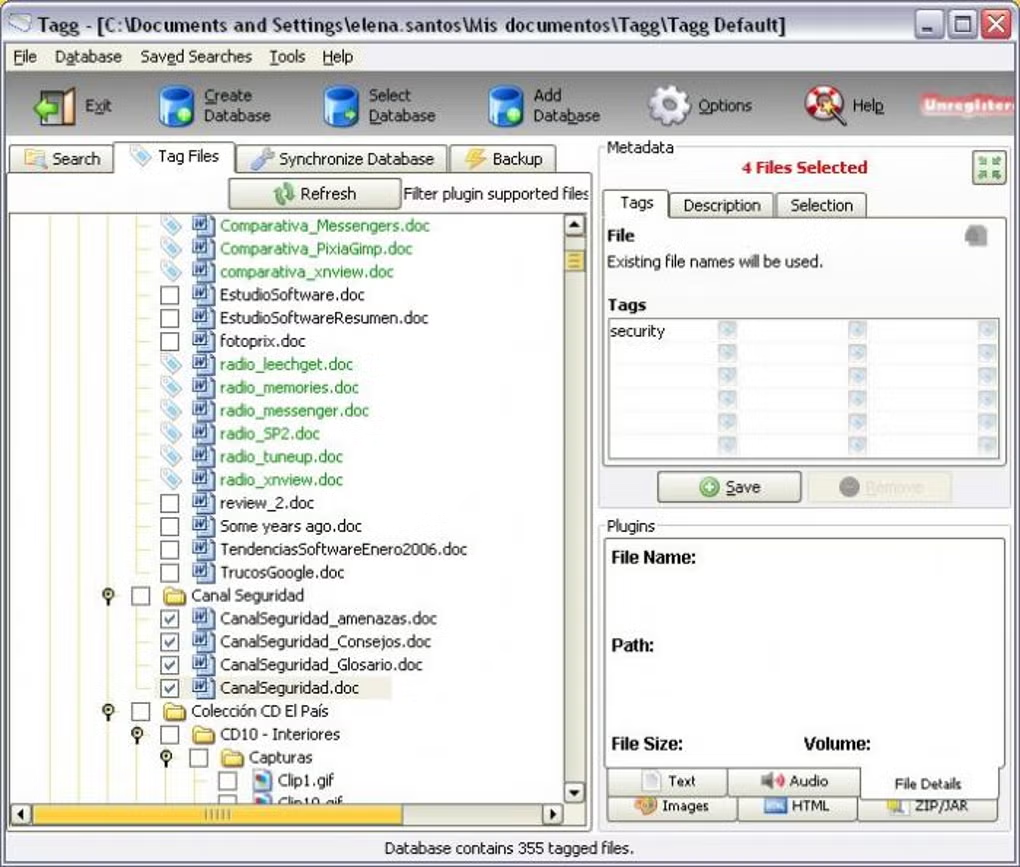
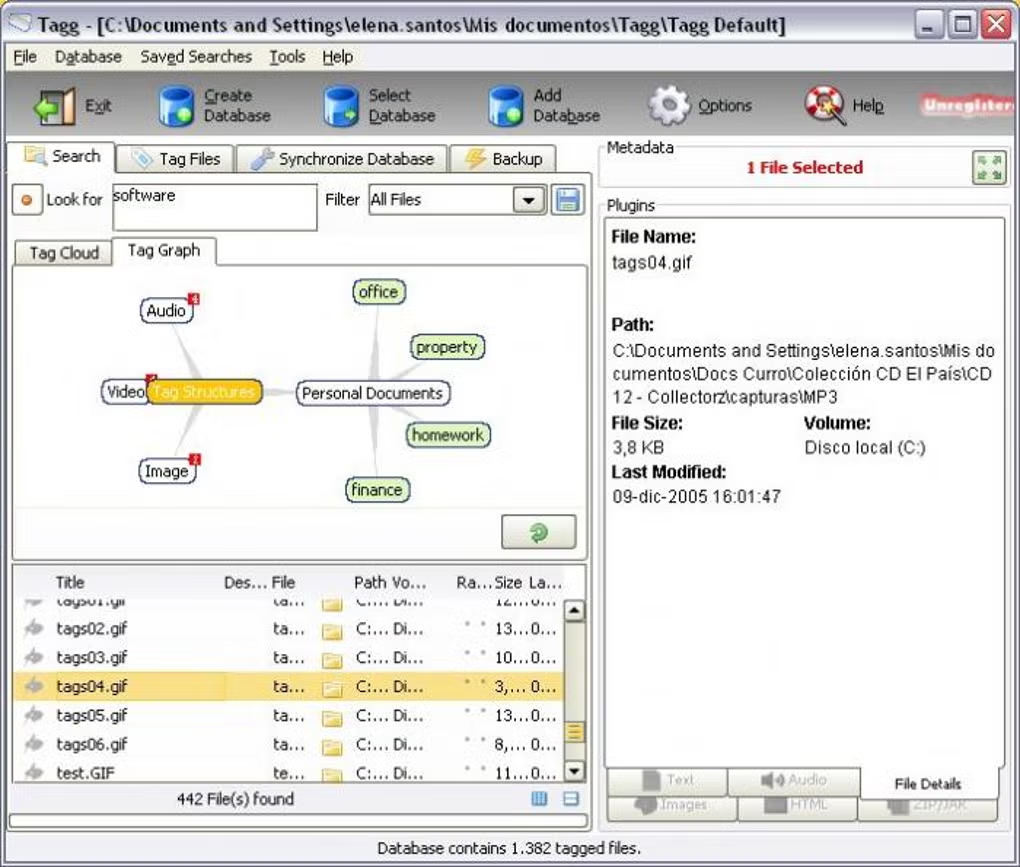
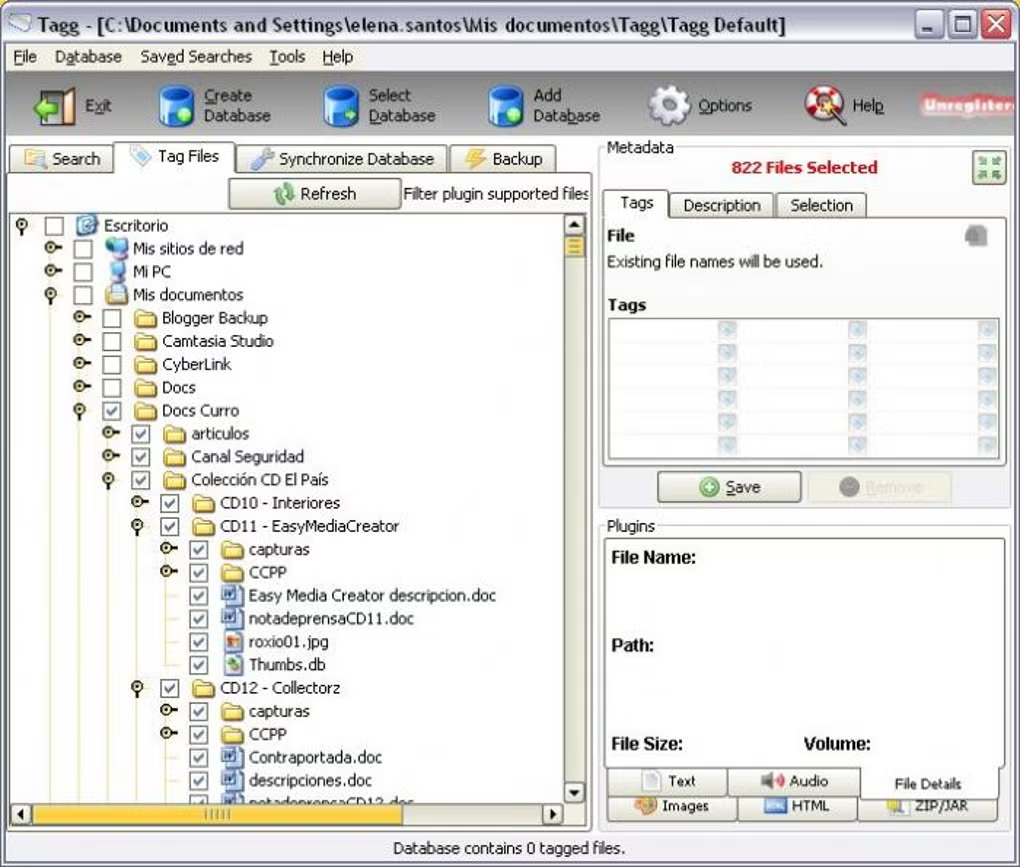
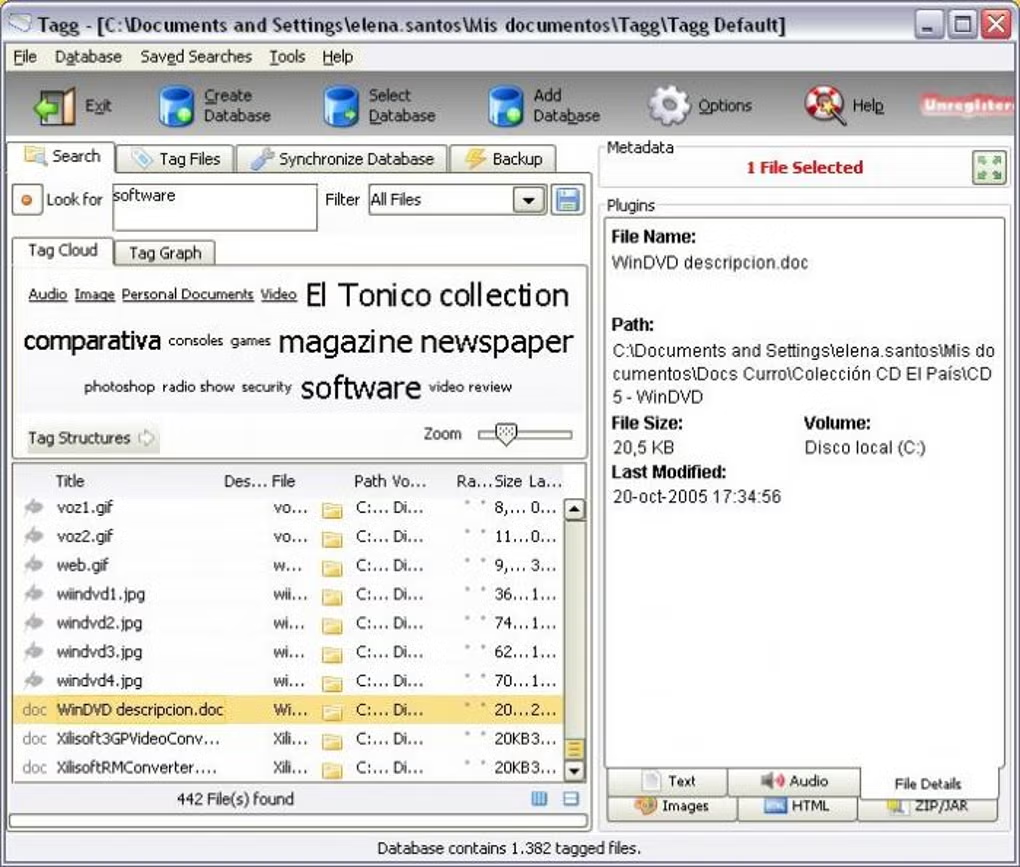
Tagg is a file organization tool that helps users categorize and manage files using tags instead of traditional folders.
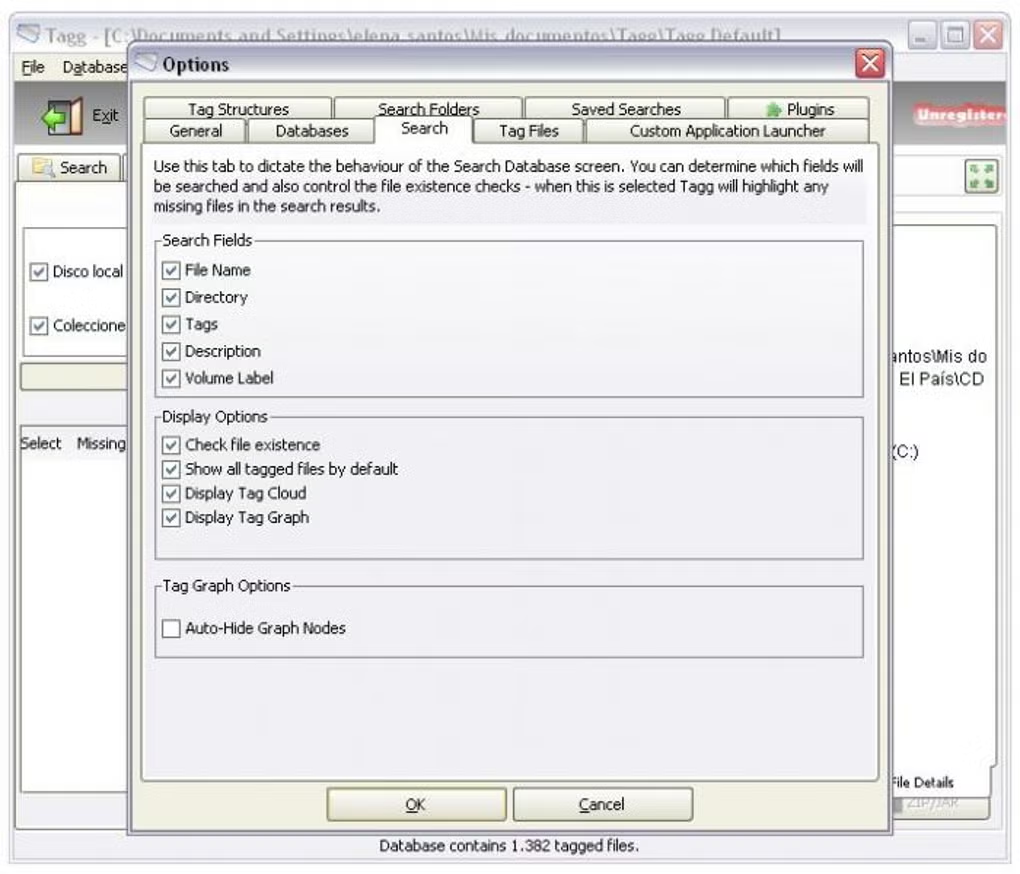
Tagg is described as a file-organization application that uses labels or keywords alongside conventional folders. Tagging can help when one document belongs to several topics, such as a client, a project, and a document type, without requiring duplicate copies. The main questions are where tags are stored, whether they remain available if files move to another computer, and how tags can be backed up or exported. These practical limitations matter more than generic claims that a tagging system improves productivity. The current listing does not establish whether tags are written into file metadata or stored in a separate application database. Readers should confirm that behavior, the supported file types, and the specific Windows version before committing a large archive to the tool.
Features
- ✔️ Tag-based file organization
- ✔️ Fast file search
- ✔️ Lightweight application
- ✔️ Easy interface
- ✔️ Improves file management efficiency
👍 Pros & 👎 Cons
Pros
Pros:
- Flexible organization
- Easy search
- Saves time
Cons
Cons:
- Learning curve
- Different from traditional method
Our Analysis
Tagg offers a modern way to manage files that can significantly improve productivity. Once you get used to tagging, it becomes much easier to organize and find files.
- Download Tagg
- Install software
- Launch application
- Add tags to files
About SoftwareDownloading Editorial Team
The SoftwareDownloading Editorial Team researches Windows software, compatibility information, features, alternatives, and software-related guides for SoftwareDownloading.in.
Our pages are prepared using available product information and relevant documentation. When an application has not been personally tested, we distinguish research-based analysis from hands-on testing. Learn more about our review process

Apps Specs
Developer
Licence
Trial
Version
V 2.0.2
Platform
Windows
Download Clicks
4
Page Reviewed
September 26, 2026
Top Downloads



Disclaimer
This content is provided for educational and informational purposes only. We do not host, store, or distribute any software files on our servers. All trademarks, product names, and logos belong to their respective owners.
We strongly recommend downloading software only from official websites or trusted sources. We are not responsible for any damage, data loss, or issues that may occur from the use of third-party software.
Users should ensure they comply with all applicable laws and software licensing agreements in their country before downloading or using any software mentioned on this website.