- Business & Productivity
- Personal Finance Mnagement
- You Need a Budget (YNAB)

You Need a Budget (YNAB) is designed to help users build strong financial discipline by giving every rupee/dollar a planned role.
The software helps users:
- Control spending habits
- Build emergency savings
- Pay off debt faster
- Track financial goals
- Improve long-term money management
- Reduce financial stress
It is commonly used in:
- Personal budgeting
- Family finance planning
- Debt reduction strategies
- Savings planning
- Freelance income management
- Monthly expense control
Depending on the version, users may get:
- Real-time budget tracking
- Goal-based budgeting tools
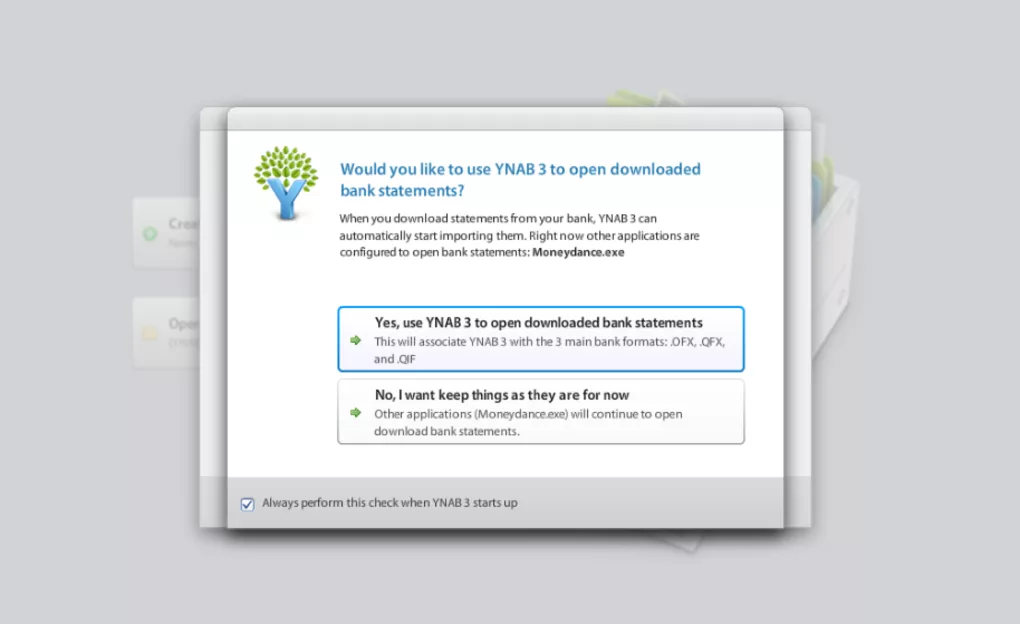
- Bank syncing features
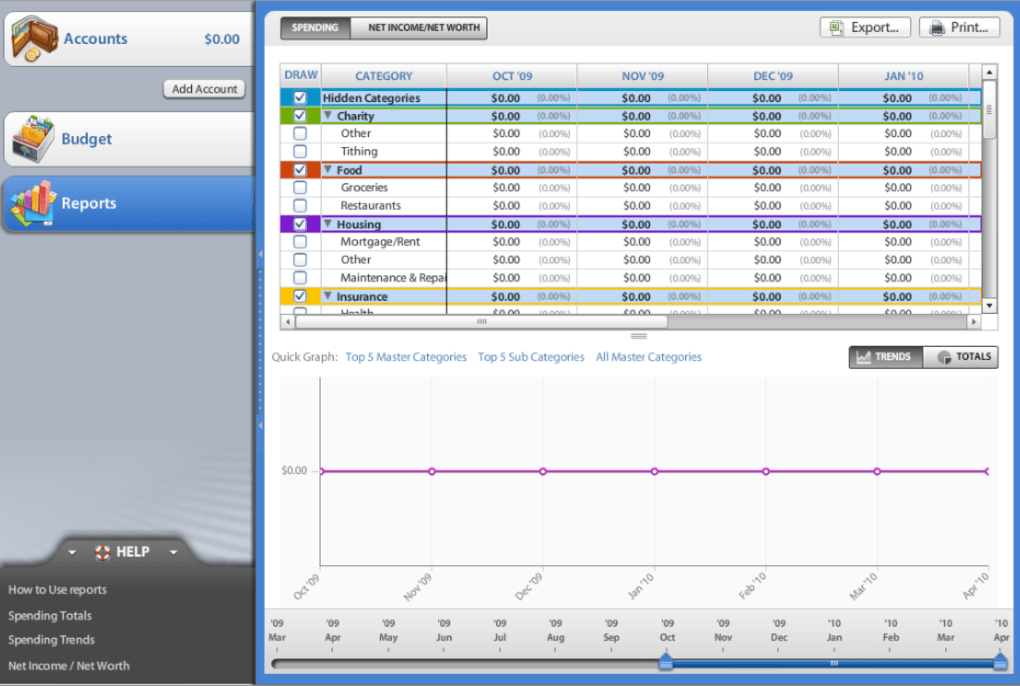
- Financial reports and charts
- Mobile + desktop sync
- Shared household budgets
- Spending alerts
📌 What is YNAB?
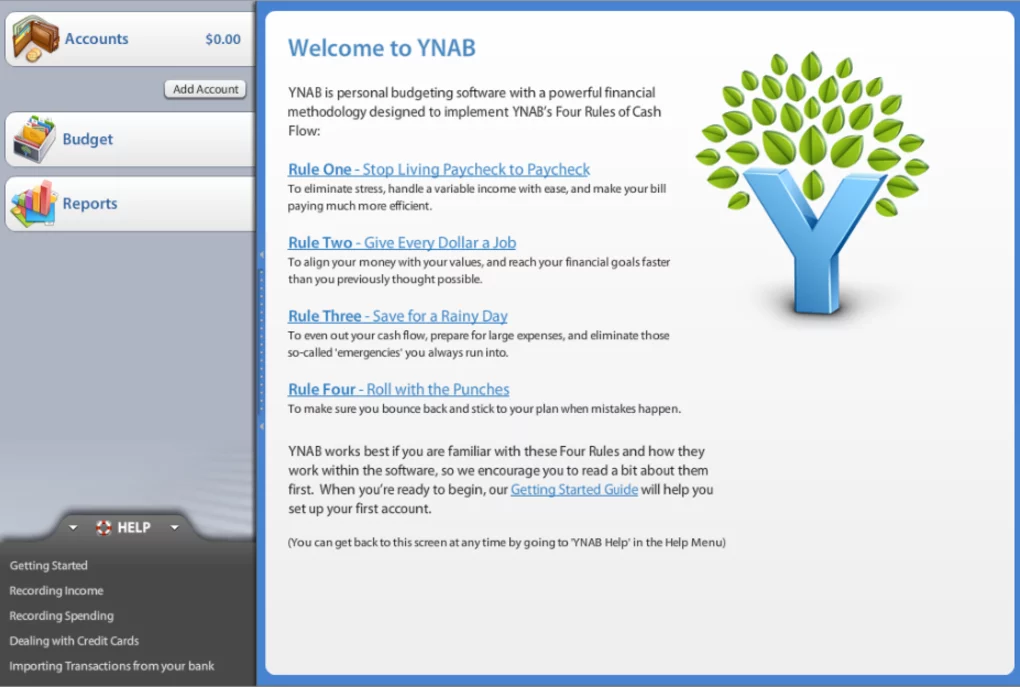
You Need a Budget (YNAB) is a popular personal budgeting application designed to help users take full control of their money using a proactive budgeting method called “zero-based budgeting.”
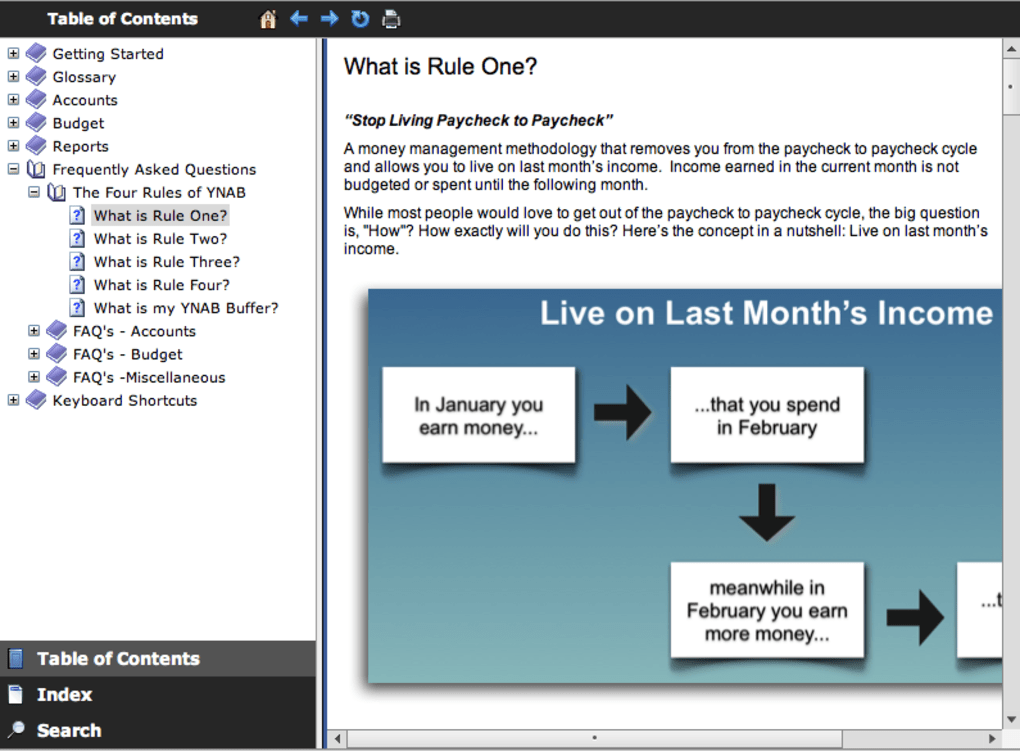
Instead of just tracking expenses, YNAB focuses on assigning every rupee/dollar a job before you spend it.
It is widely used by people who want to:
- Stop overspending
- Build savings
- Pay off debt
- Plan long-term financial goals
🚀 Key Uses
- Zero-based budgeting system
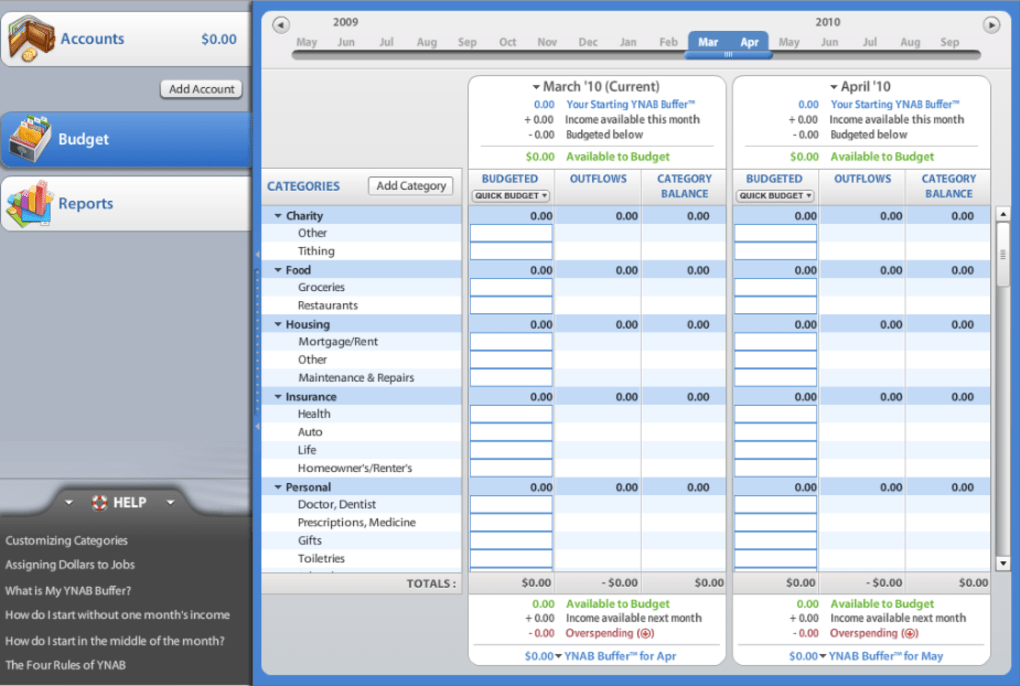
- Monthly income allocation
- Expense planning before spending
- Debt payoff planning
- Savings goal tracking
- Real-time budget updates
- Expense categorization
- Financial habit improvement
- Shared family budgeting
- Long-term financial planning
Supported Platforms
- Microsoft Windows / macOS
- Android / iOS mobile apps
- Web browser version
🔄 Alternatives
- Mint
- Money Manager Ex
- Wallet by BudgetBakers
- Goodbudget
- Spendee
- GnuCash
- EveryDollar
❓ FAQ
Q1. What is YNAB used for?
It is used for budgeting, expense planning, saving money, and managing personal finances proactively.
Q2. Is YNAB free?
No, it is a paid subscription-based software (with a trial period).
Q3. What makes YNAB different?
It uses zero-based budgeting where every dollar is assigned a purpose before spending.
Q4. Is it beginner-friendly?
Yes, but it takes time to learn its budgeting method.
Q5. Does it sync across devices?
Yes, it supports cloud sync across mobile, desktop, and web.
Features
✔ Zero-based budgeting system
✔ Real-time expense tracking
✔ Goal-based savings planning
✔ Debt payoff tools
✔ Multi-device sync
✔ Expense categorization
✔ Budget category planning
✔ Financial reports & insights
✔ Bank sync support
✔ Mobile + desktop apps
✔ Shared budgeting system
✔ Subscription-based updates
✔ Rule-based money allocation
✔ Financial habit coaching system
👍 Pros & 👎 Cons
Pros
- Excellent budgeting method
- Strong financial discipline system
- Real-time budget updates
- Great for debt reduction
- Works across devices
- Strong goal-setting tools
Cons
- Paid subscription required
- Learning curve for beginners
- No free full version
- Requires internet sync
- Not ideal for simple expense tracking only
Our Analysis
You Need a Budget (YNAB) is one of the most powerful budgeting tools available for people serious about controlling their money.
Its strongest advantages are:
- Excellent zero-based budgeting system
- Strong habit-building approach
- Real-time financial control
- Great for saving and debt reduction
It is especially useful for users who want structured financial discipline rather than simple expense tracking.
However, it is not free and requires time to learn its system properly.
⚙️ Installation Guide (General Overview)
Step 1: Sign Up
Create account on You Need a Budget (YNAB) website or app.
Step 2: Start Free Trial
Begin trial period (if available).
Step 3: Set Budget Goals
Create categories like:
- Rent
- Food
- Savings
- Bills
Step 4: Assign Income
Allocate every rupee/dollar to a job.
Step 5: Track Spending
Record expenses in real time.
Step 6: Adjust Budget
Reassign money as needed.
Step 7: Sync Devices
Enable mobile and desktop sync.
Step 8: Review Reports
Analyze spending habits.
Step 9: Set Financial Goals
Create savings and debt goals.
Step 10: Maintain Budget Daily
Update regularly for best results.
About SoftwareDownloading Editorial Team
The SoftwareDownloading Editorial Team researches Windows software, compatibility information, features, alternatives, and software-related guides for SoftwareDownloading.in.
Our pages are prepared using available product information and relevant documentation. When an application has not been personally tested, we distinguish research-based analysis from hands-on testing. Learn more about our review process
Apps Specs
Developer
Licence
Trial
Version
4.3.857
Platform
Windows
Download Clicks
2
Page Reviewed
September 26, 2026
Top Downloads




Related Topics
Disclaimer
This content is provided for educational and informational purposes only. We do not host, store, or distribute any software files on our servers. All trademarks, product names, and logos belong to their respective owners.
We strongly recommend downloading software only from official websites or trusted sources. We are not responsible for any damage, data loss, or issues that may occur from the use of third-party software.
Users should ensure they comply with all applicable laws and software licensing agreements in their country before downloading or using any software mentioned on this website.