Perform online exams securely.
Opera GX is one of the best web browsers for gamers. It features a range of advanced functions like RAM and network limiter, free VPN, ad blocker, and more to provide users with a seamless, safe browsing and gaming experience. It also comes with a customizable user interface and easily integrates with third-party applications. With an option for several extensions, Opera GX download for Windows is fast, secure, and free. It is also Windows 11 compatible.
How does LockDown Browser work?
When using Respondus LockDown Browser, many functions that could be used for cheating are blocked. For example, it does not allow opening new tabs or windows, taking screenshots, accessing other applications, using keyboard shortcuts to copy and paste, etc.
Opera GX is one of the best web browsers for gamers. It features a range of advanced functions like RAM and network limiter, free VPN, ad blocker, and more to provide users with a seamless, safe browsing and gaming experience. It also comes with a customizable user interface and easily integrates with third-party applications. With an option for several extensions, Opera GX download for Windows is fast, secure, and free. It is also Windows 11 compatible.
The idea is to provide the most secure online exam environment possible. Once the exam is completed, LockDown Browser lifts all active restrictions.
What features does LockDown Browser have?
The design and operation of LockDown Browser aim to prevent any form of cheating by students. Some of its most important features are:
- Navigation lockdown: This is perhaps one of the most essential. It prevents examinees from browsing unauthorized web pages and accessing prohibited information.
- Disables copy and paste: Students cannot copy or paste any type of text.
- Prohibits printing documents: Similarly to the above, it also does not allow printing the exam.
- Application and shortcut blocking: Prevents students from opening other unrelated applications or using keyboard shortcuts that may aid their test.
- No screenshots: Disables the ability to take screenshots during the exam.
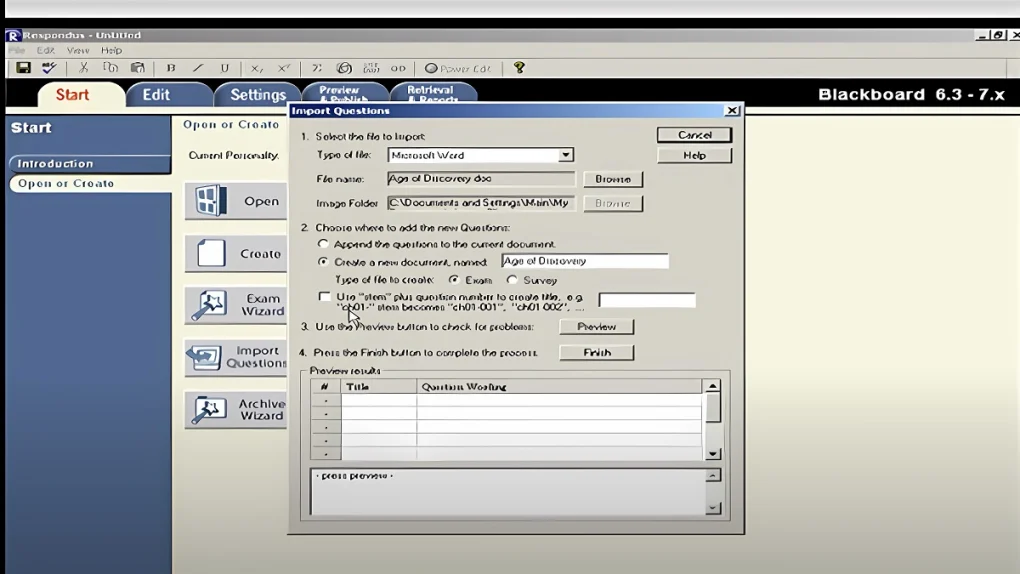
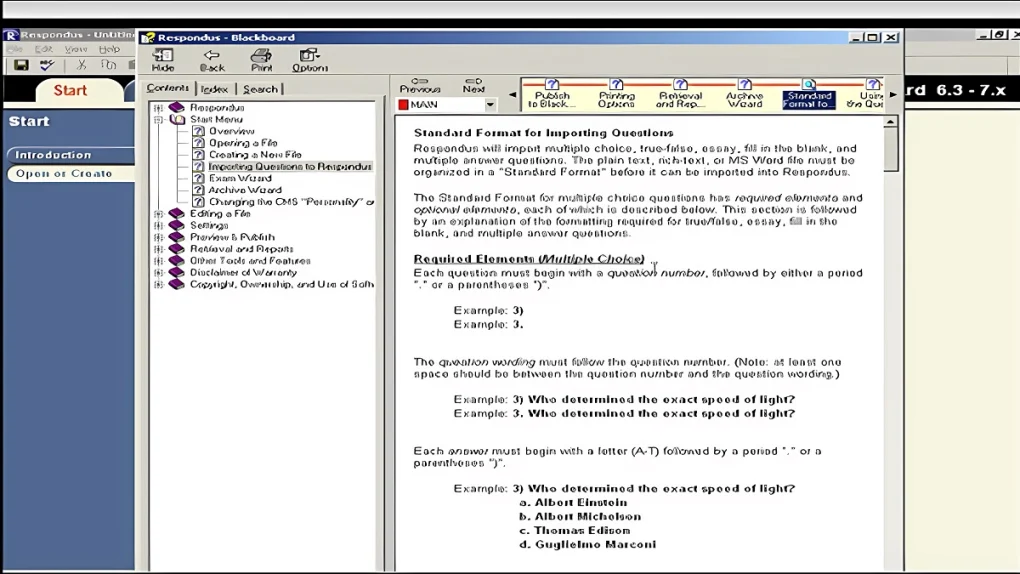
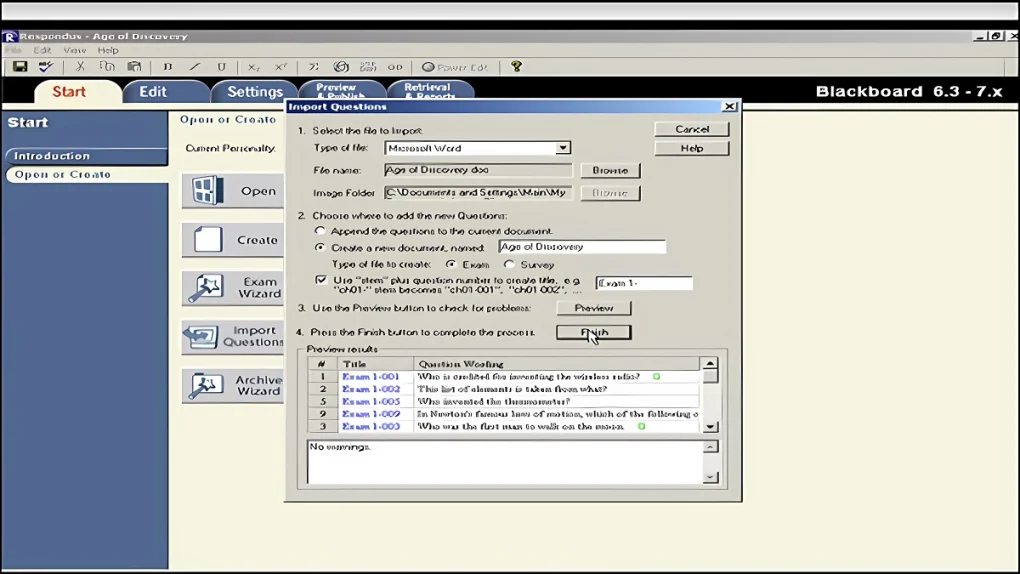
- Integration with other programs and learning platforms: It is compatible with popular platforms such as Blackboard, Canvas, Moodle, or others.
- Full-screen mode: LockDown Browser makes the exam run in full-screen mode. This prevents the student from accessing other elements within the computer.
- Mandatory completion of the exam: Until the exam is completed and submitted, the student cannot exit it.
- Available on different systems: LockDown Browser is compatible with a variety of platforms such as Windows, macOS, ChromeOS, and iPadOS.
Being legal comes at a price
LockDown Browser is the ideal solution to make online exams as secure as possible. However, using it won’t come cheap. LockDown Browser provides a free trial version to all educational institutions using platforms such as BlackBoard Learn, Brightspace, Canvas, Moodle, Schoology, or Sakai.
The fees may vary depending on the number of licenses required, the level of support, and other various factors. In some cases, Respondus may offer long-term contracts or significant discounts based on the institution and its needs.
It is important to emphasize that students do not have to pay for LockDown Browser. The costs are usually covered by the educational institution using it.
A good solution? to avoid cheating in exams
Despite the fact that LockDown Browser is presented as a great solution for secure online exams, it has several problems that must be taken into account. For example, its user interface can be very basic. This may be due to the nature of its purpose, which is to display an environment lacking in options and distractions.
Likewise, LockDown Browser can be questioned for its security. The combination of the browser with Respondus Monitor has sparked debate about privacy in some cases. This can become very problematic if clear consent is not obtained from the student.