ORPALIS PDF Reducer Free is designed to help users efficiently reduce PDF file sizes using advanced compression technologies such as image optimization, color detection, and object removal.
The software focuses on:
Users commonly use PDF compression tools for:
Depending on the version, the software may support:
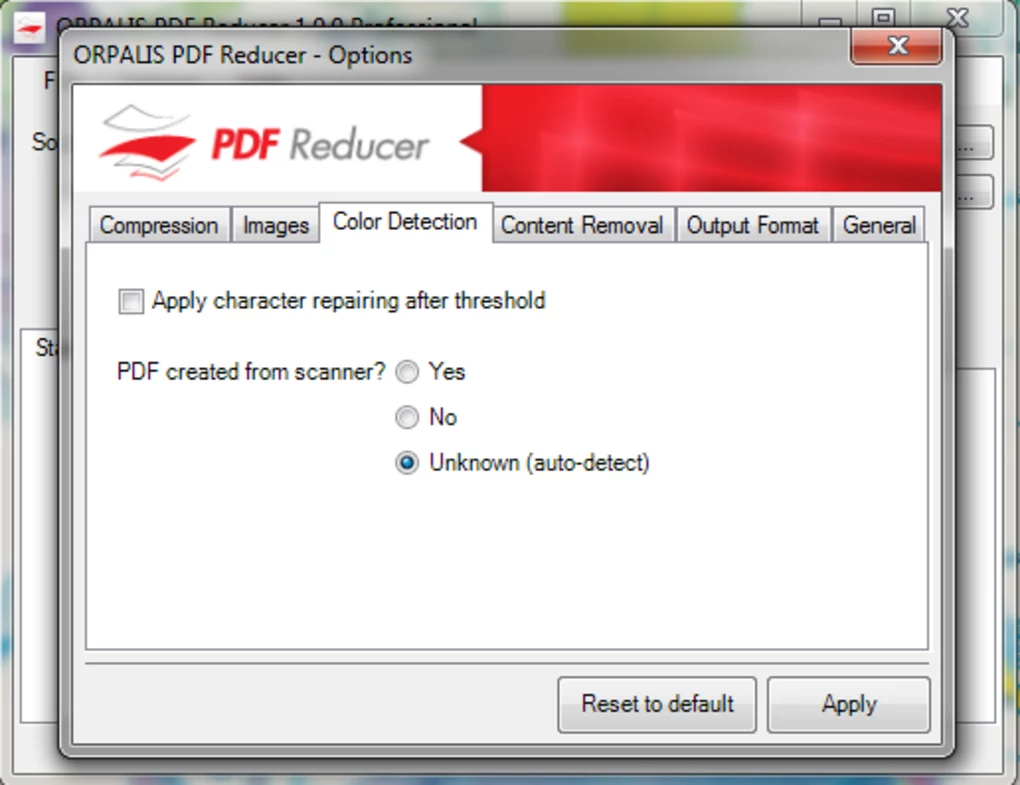
One major feature category is intelligent compression.
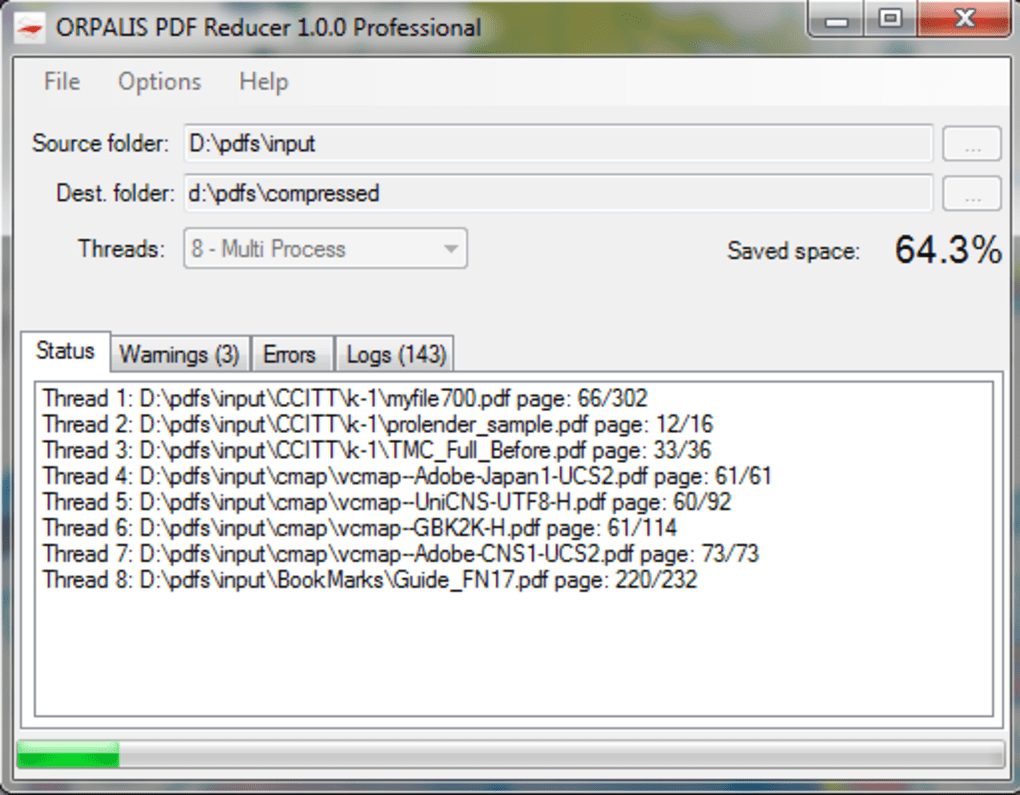
The tool analyzes:
to apply the most efficient compression method for each part of the document.
Another important advantage is improved web performance because optimized PDFs load faster in browsers using linearization techniques.
The software is especially useful for users dealing with large scanned documents or image-heavy PDFs.
ORPALIS PDF Reducer Free is a Windows-based PDF optimization tool designed to reduce the size of PDF documents while maintaining readable and printable quality.
It is commonly used for:
The software is especially useful when working with large PDF files that contain images, scans, or unnecessary embedded objects.
One of the biggest strengths of the tool is its advanced compression engine that can significantly reduce PDF size without noticeable quality loss.
It is commonly used by:
Compresses large PDF files to smaller sizes for easy sharing.
Helps reduce attachment size limits for email sharing.
Optimizes PDFs for faster loading on websites.
Improves and compresses scanned PDFs efficiently.
Reduces disk usage for large document archives.
It is used to compress and reduce the size of PDF files without losing readability.
Yes, it is especially effective for scanned documents with images.
Yes, it can process multiple PDF files at once.
It reduces size while trying to preserve readable quality.
Yes, it is commonly used to make PDFs email-friendly.
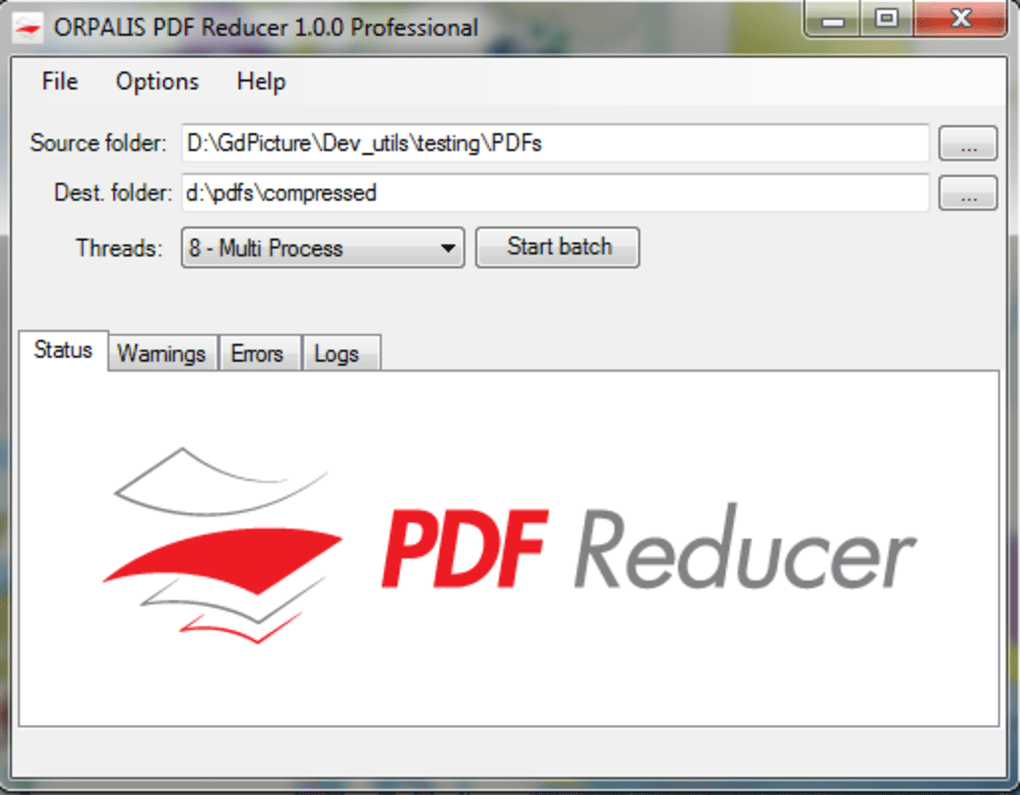
Yes, it has a simple interface designed for easy PDF compression.
✔️ PDF file size reduction
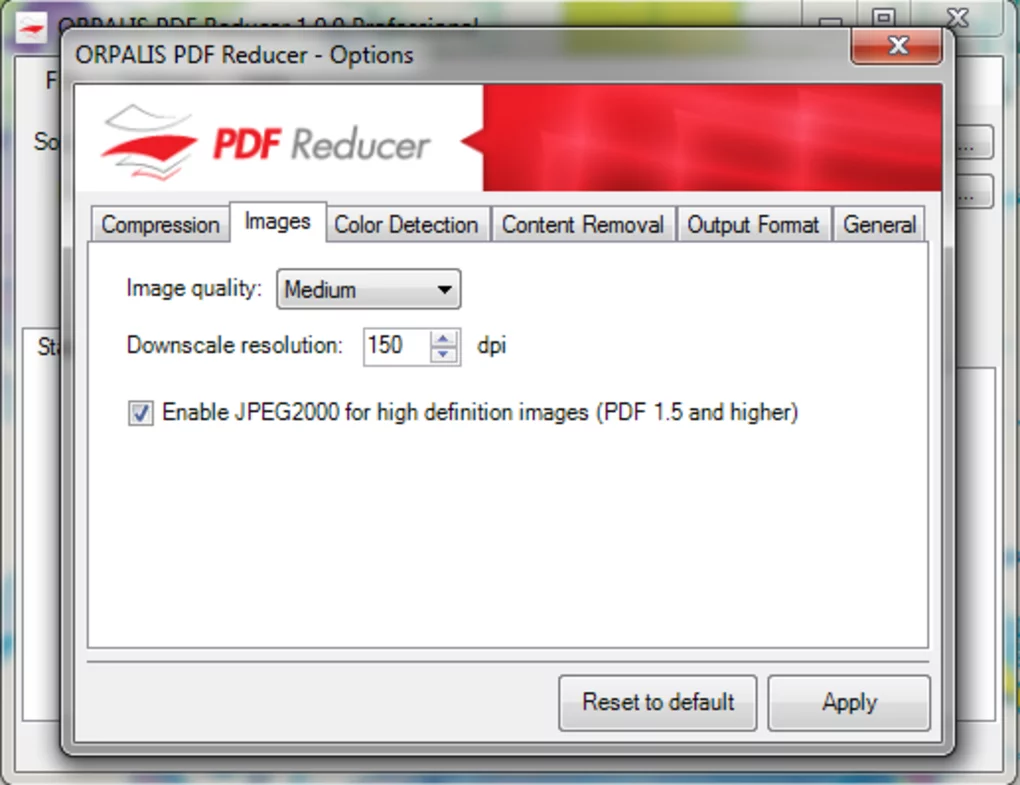
✔️ Advanced compression algorithms (JPEG 2000, JBIG2)
✔️ Automatic color detection
✔️ Image resampling & optimization
✔️ Content segmentation
✔️ Fast web view (linearization)
✔️ Batch processing support
✔️ Removal of unused PDF objects
✔️ Drag & drop support
✔️ Lightweight performance
✔️ High compression efficiency
✔️ Multiple file input support
✔️ Offline processing
✔️ Beginner-friendly interface
ORPALIS PDF Reducer Free is a powerful and efficient tool for reducing PDF file sizes while maintaining good visual quality.
Its biggest strengths are:
This makes it especially useful for:
The software performs very well when dealing with image-heavy or scanned documents where file size is usually large.
However, users looking for full PDF editing features (like editing text, forms, or advanced annotation tools) may need additional software.
Overall, ORPALIS PDF Reducer Free is a reliable and efficient solution for PDF compression, document optimization, and file size reduction workflows on Windows.
Obtain ORPALIS PDF Reducer Free from a trusted source.
Run the installer and complete setup.
Open the PDF compression tool.
Select or drag-and-drop PDF documents.
Set optimization settings such as:
Begin reducing file size.
Export optimized PDFs to desired location.
This content is provided for educational and informational purposes only. We do not host, store, or distribute any software files on our servers. All trademarks, product names, and logos belong to their respective owners.
We strongly recommend downloading software only from official websites or trusted sources. We are not responsible for any damage, data loss, or issues that may occur from the use of third-party software.
Users should ensure they comply with all applicable laws and software licensing agreements in their country before downloading or using any software mentioned on this website.
Expore Apps