PDF

Best Free PDF Editors for Windows in 2026
Introduction

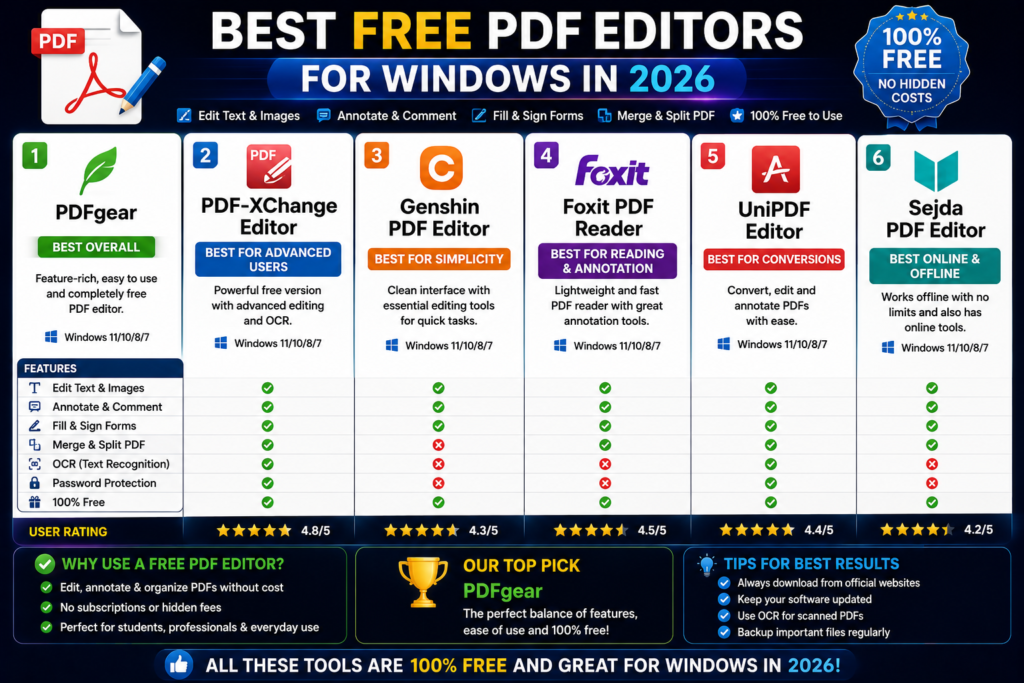
PDF files are widely used for sharing documents because they preserve formatting across different devices and operating systems. However, editing PDF files is not always easy without the right software. Whether you need to modify text, add annotations, fill forms, merge documents, or convert PDFs into other formats, a reliable PDF editor can save a lot of time.

In this guide, we have reviewed some of the best free PDF editors for Windows. We compared their features, ease of use, advantages, limitations, and ideal use cases to help you choose the right tool.


Quick Comparison Table

PDF EditorFree VersionPDF EditingForm FillingOCR SupportBest For
PDFescapeYesYesYesLimitedBasic PDF editing
Soda PDFYesYesYesYesBusiness users
PDF Reader ProYesYesYesYesAdvanced features
FreePDFYesBasicLimitedNoSimple PDF tasks
LibreOffice DrawYesYesNoNoEditing PDF content

1. PDFescape

Overview

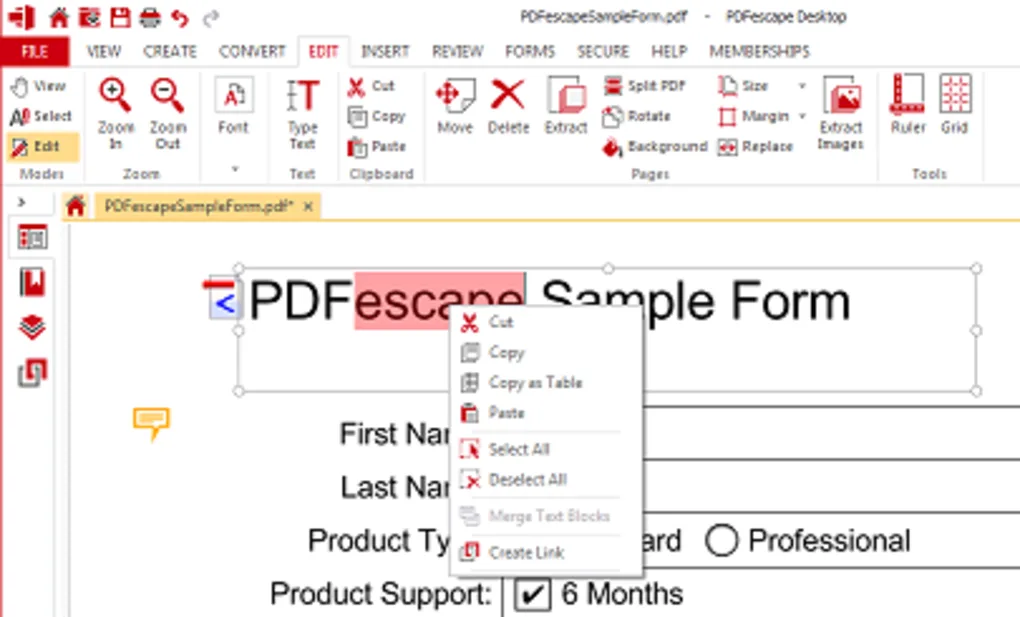
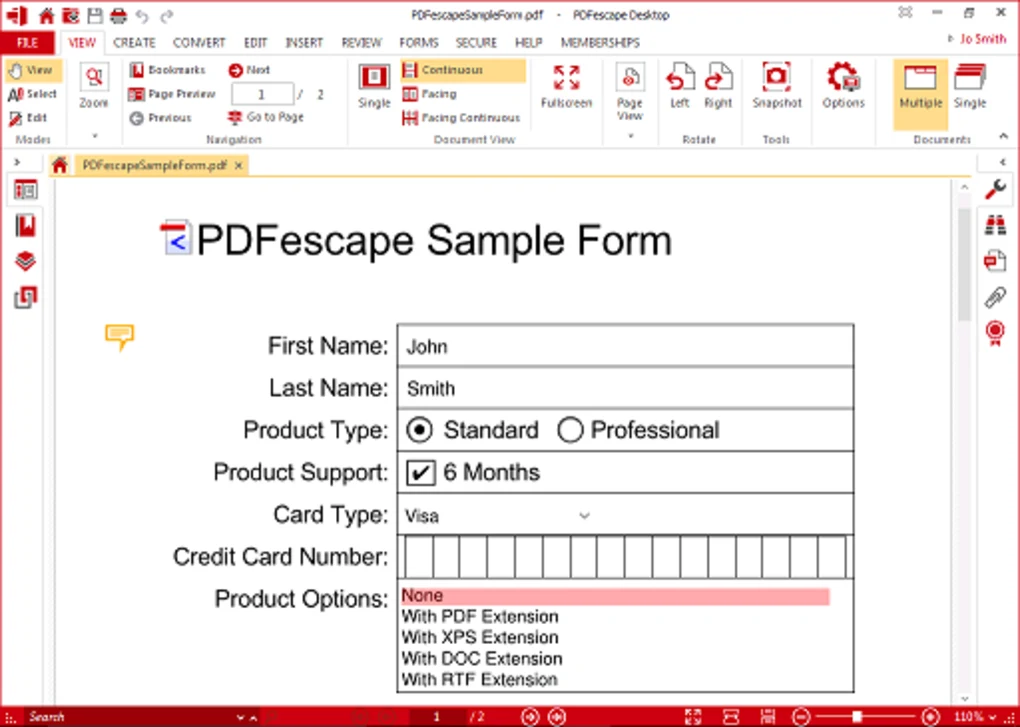
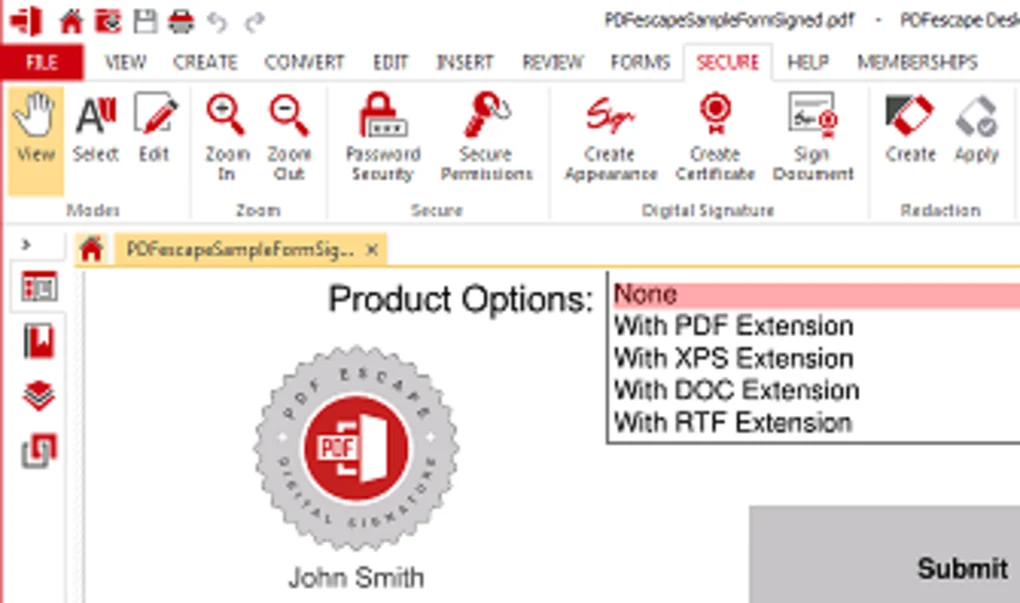
PDFescape is one of the most popular free PDF editors available for Windows users. It allows users to edit text, annotate documents, fill forms, and manage PDF pages without requiring expensive subscriptions.

Key Features

  • Edit PDF text and images
  • Add annotations and comments
  • Fill PDF forms
  • Password protection
  • Page management tools

Pros

  • Beginner-friendly interface
  • Free version available
  • No advanced hardware requirements

Cons

  • Some advanced features require premium plans
  • OCR functionality is limited

Best For

Students, office workers, and users who need occasional PDF editing.
2. Soda PDF

Overview

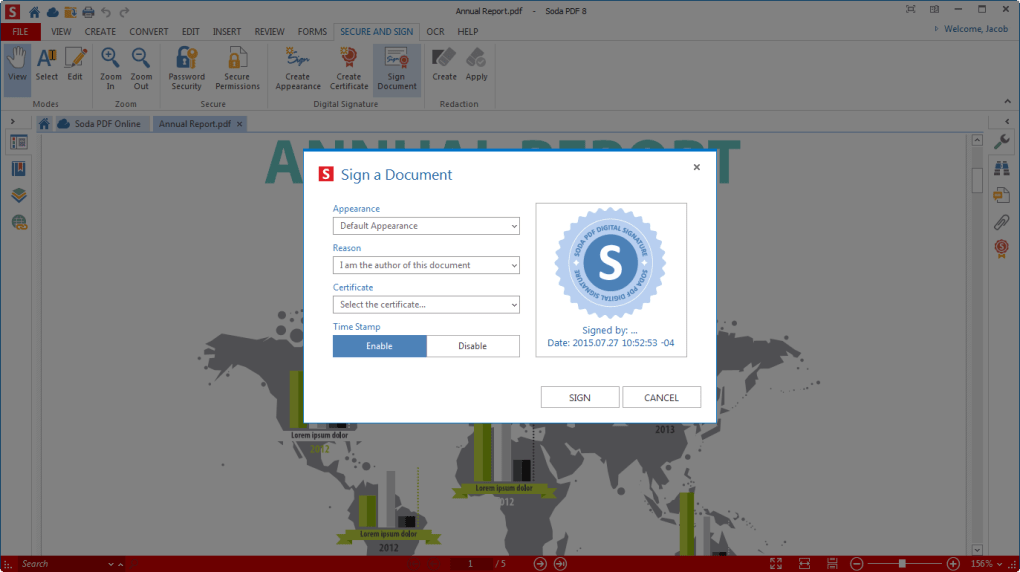
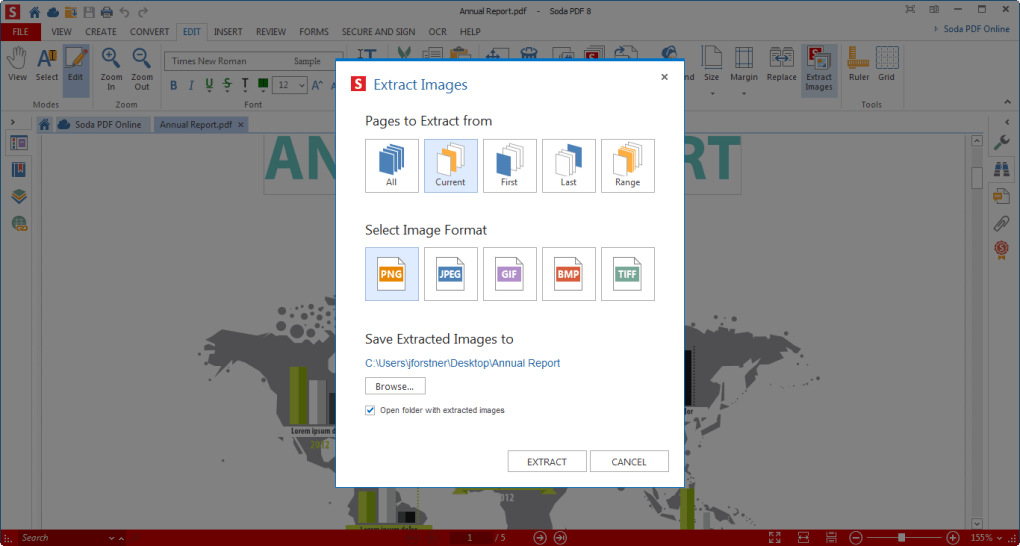
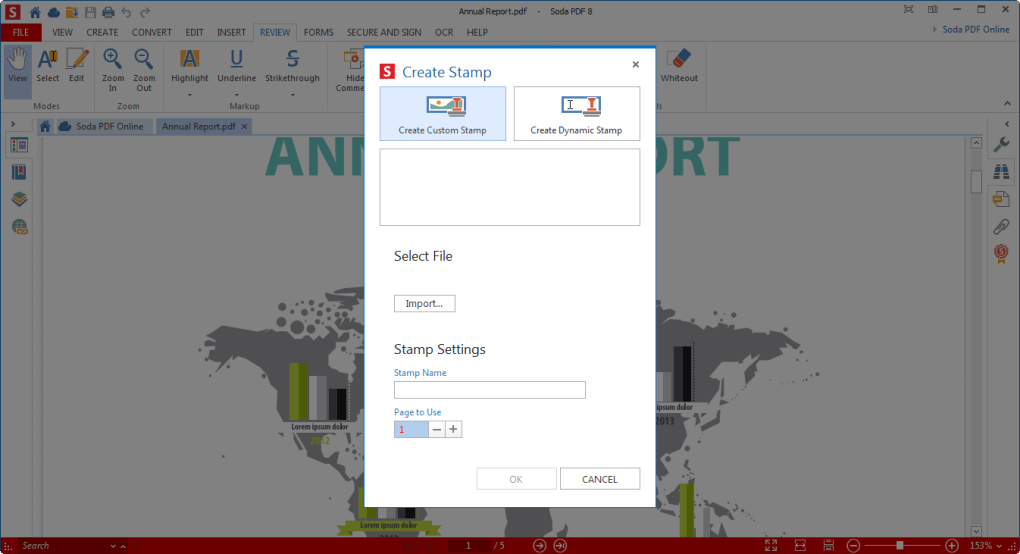
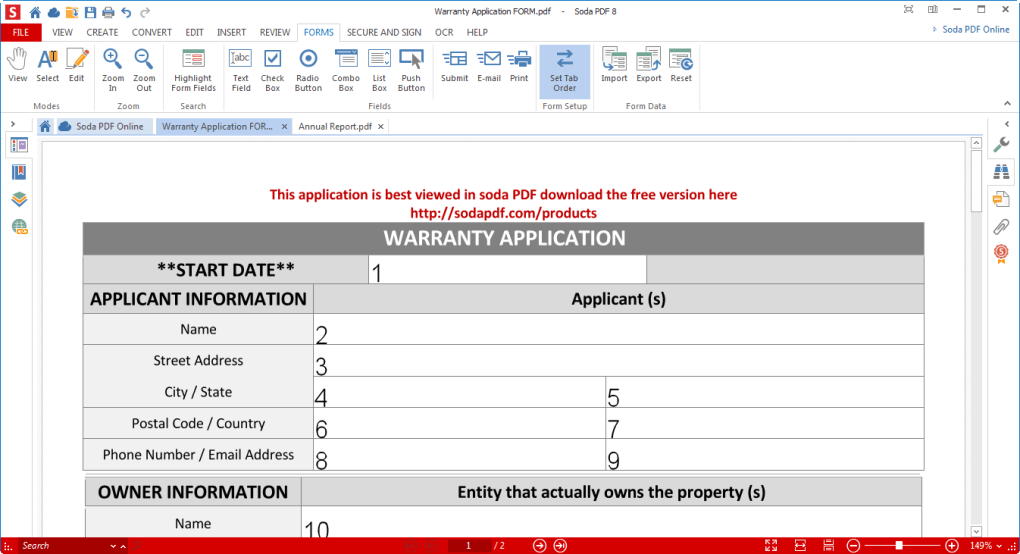
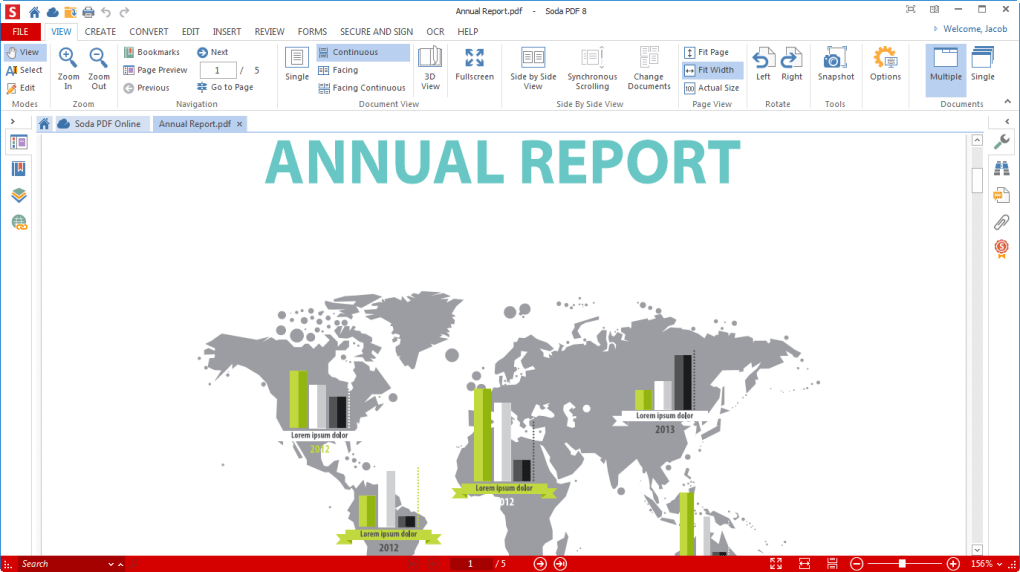
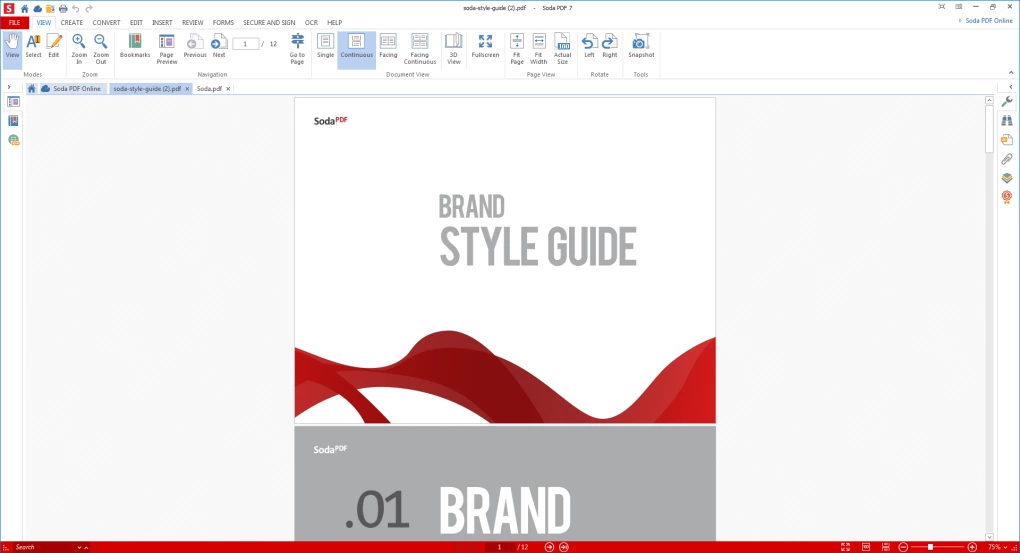
Soda PDF is a feature-rich PDF solution suitable for both personal and business use. It includes editing, conversion, compression, and document management tools.

Key Features

  • Edit PDF documents
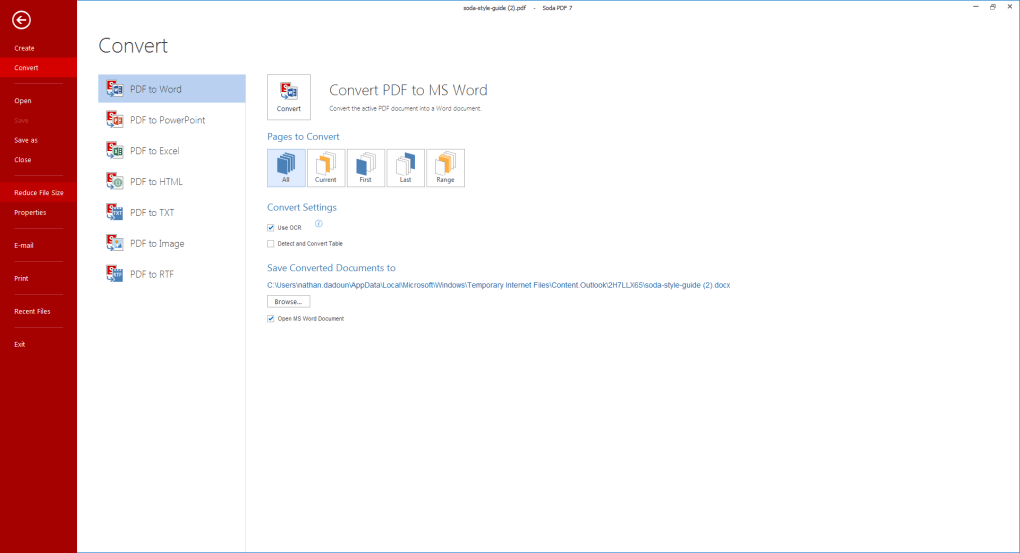
  • Convert PDF to Word, Excel, and PowerPoint
  • Merge and split PDFs
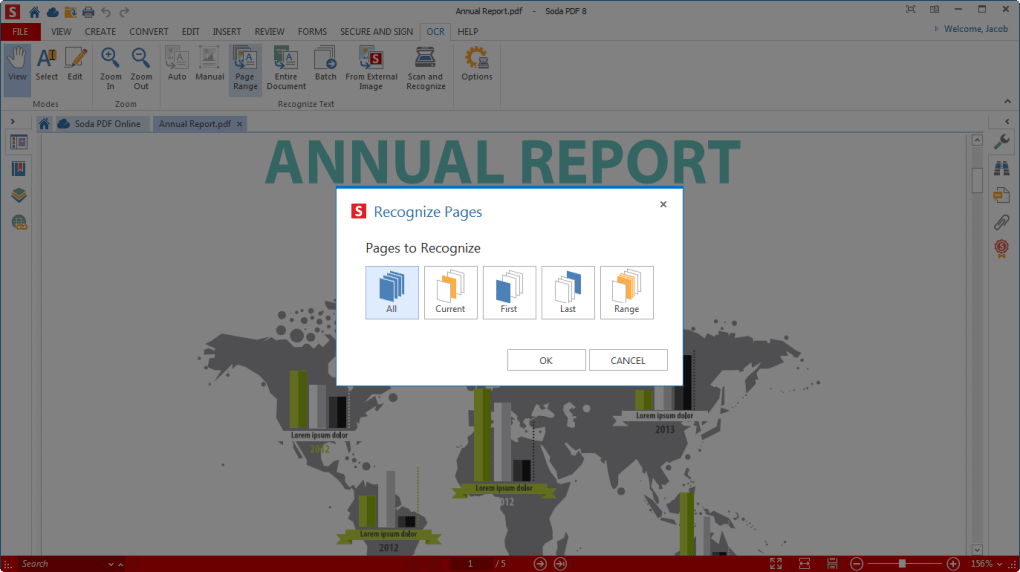
  • OCR support
  • Cloud integration

Pros

  • Modern interface
  • Powerful conversion tools
  • Supports cloud storage services

Cons

  • Free version has limitations
  • Some features require registration

Best For

Business professionals and frequent PDF users.


3. PDF Reader Pro

Overview

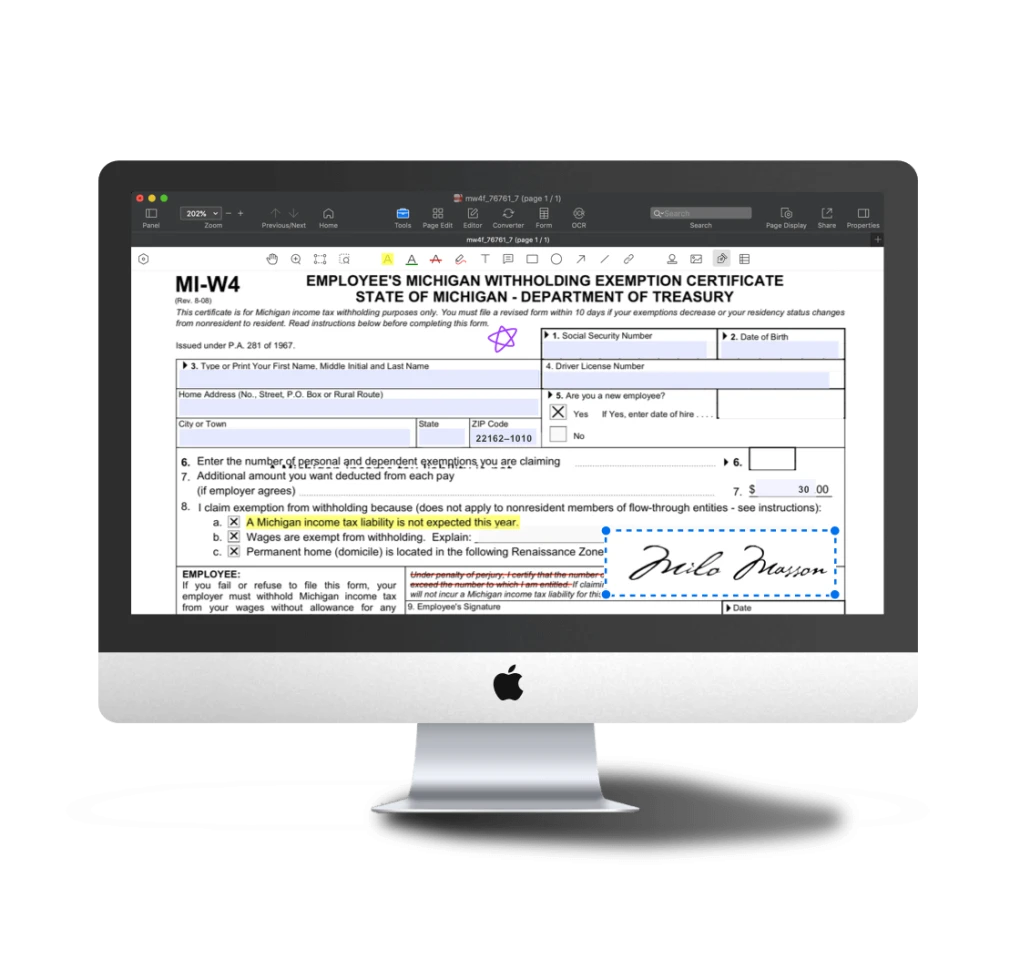
PDF Reader Pro combines PDF editing, document management, annotation, and conversion tools into a single package.

Key Features

  • PDF editing
  • OCR technology
  • Form creation
  • Annotation tools
  • Document signing

Pros

  • Comprehensive feature set
  • Good performance
  • Professional-grade tools

Cons

  • Learning curve for beginners
  • Advanced features may require premium upgrade

Best For

Power users and professionals.

4. FreePDF

Overview

FreePDF is designed for users who need a lightweight PDF tool without unnecessary complexity.

Key Features

  • Basic PDF viewing
  • Simple editing options
  • Document creation
  • Fast performance

Pros

  • Lightweight software
  • Easy to use
  • Free for personal use

Cons

  • Limited editing capabilities
  • Lacks advanced PDF tools

Best For

Users looking for basic PDF management.

5. LibreOffice Draw

Overview

LibreOffice Draw is a free open-source application that can edit PDF documents without requiring dedicated PDF editing software.

Key Features

  • Edit PDF text
  • Modify graphics
  • Export PDFs
  • Open-source software

Pros

  • Completely free
  • Open-source
  • No subscription required

Cons

  • Not designed specifically for PDF editing
  • Large documents may require additional adjustments

Best For

Users who prefer open-source software.


How to Choose the Right PDF Editor

Before selecting a PDF editor, consider the following factors:

Editing Requirements

If you only need minor text edits and annotations, PDFescape may be sufficient.

Conversion Features

Users who frequently convert PDFs should consider Soda PDF or PDF Reader Pro.

Budget

FreePDF and LibreOffice Draw are excellent choices for users seeking completely free solutions.

Business Use

For professional environments, PDF Reader Pro and Soda PDF offer more advanced functionality.


Frequently Asked Questions

What is the best free PDF editor for Windows?

PDFescape is one of the best free PDF editors for basic editing tasks, while Soda PDF and PDF Reader Pro provide more advanced features.

Can I edit PDF text for free?

Yes. Several free PDF editors allow text editing, although advanced editing features may require premium upgrades.

Which PDF editor is best for students?

PDFescape and LibreOffice Draw are excellent options for students due to their free availability and ease of use.

Is PDF editing software safe?

Most reputable PDF editors are safe when downloaded from official developer websites.

Do free PDF editors support OCR?

Some free versions offer limited OCR functionality, while full OCR features are often included in premium editions.

Can I convert PDF files to Word documents?

Yes. Soda PDF and PDF Reader Pro include PDF-to-Word conversion tools.

Which PDF editor is best for business use?

Soda PDF and PDF Reader Pro are suitable choices for professional and business environments.

Are there open-source PDF editors?

LibreOffice Draw is a popular open-source solution that can edit PDF documents.


Final Verdict

The best free PDF editor depends on your specific needs. PDFescape is ideal for general users, Soda PDF offers strong productivity features, PDF Reader Pro provides professional-grade tools, FreePDF works well for simple tasks, and LibreOffice Draw remains a solid open-source alternative.

If you frequently work with PDF files, testing multiple options can help you determine which editor best matches your workflow and document management requirements.

Coming Soon