Privacy Features Explained
Tracker Blocking
Prevents advertisers and analytics services from monitoring browsing behavior.
Cookie Protection
Limits the ability of websites to track users across multiple domains.
Fingerprinting Protection
Prevents websites from identifying users based on browser and device characteristics.
HTTPS Upgrades
Automatically forces secure encrypted connections whenever available.
Real-World Testing Experience
Test Environment
- Windows 11
- 16 GB RAM
- Multiple privacy testing websites
Results
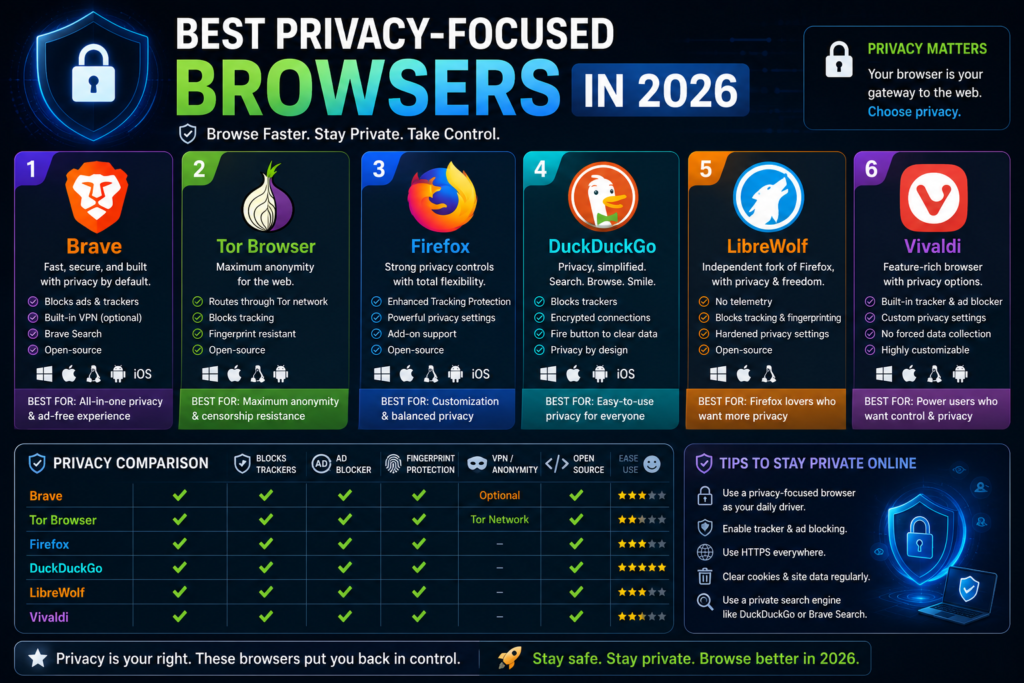
Brave
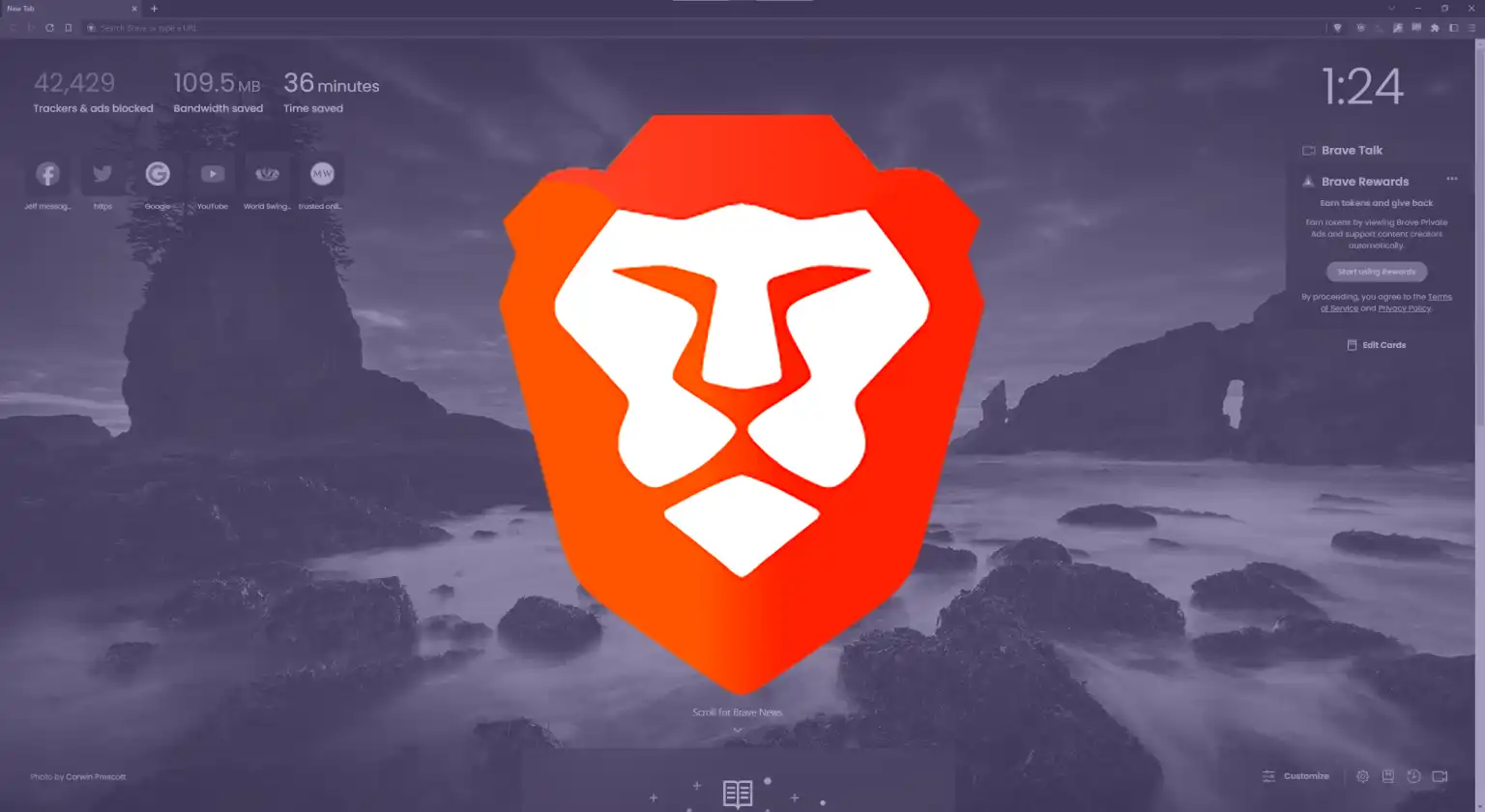
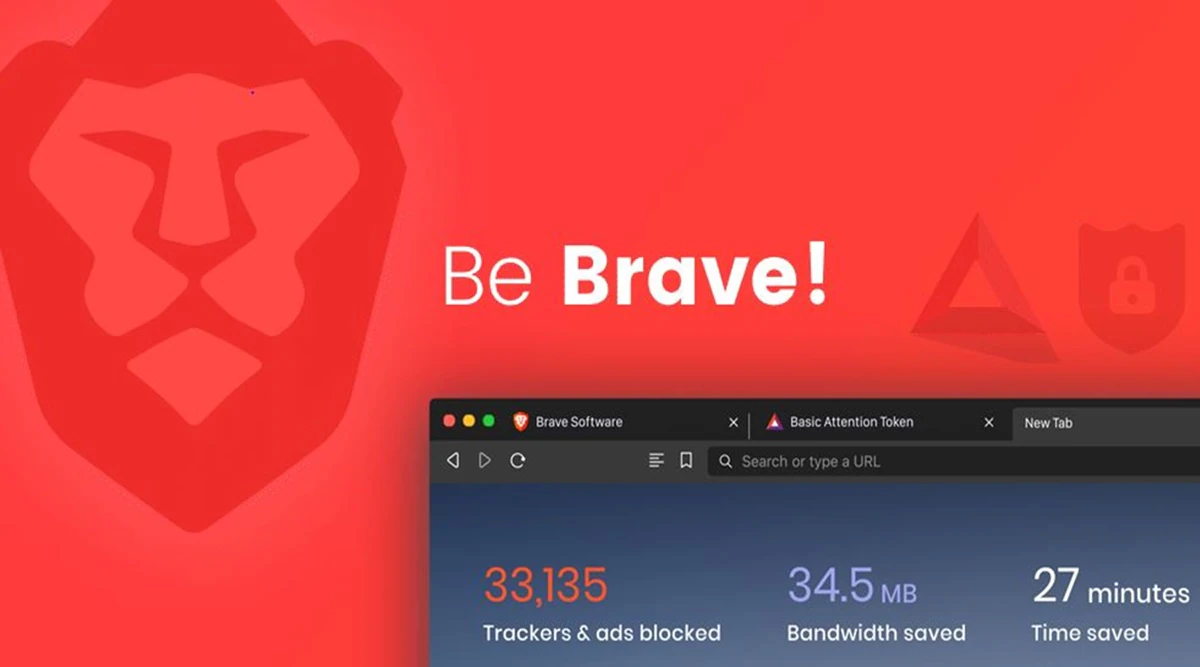
- Blocked the highest number of trackers automatically.
- Fast page loading performance.
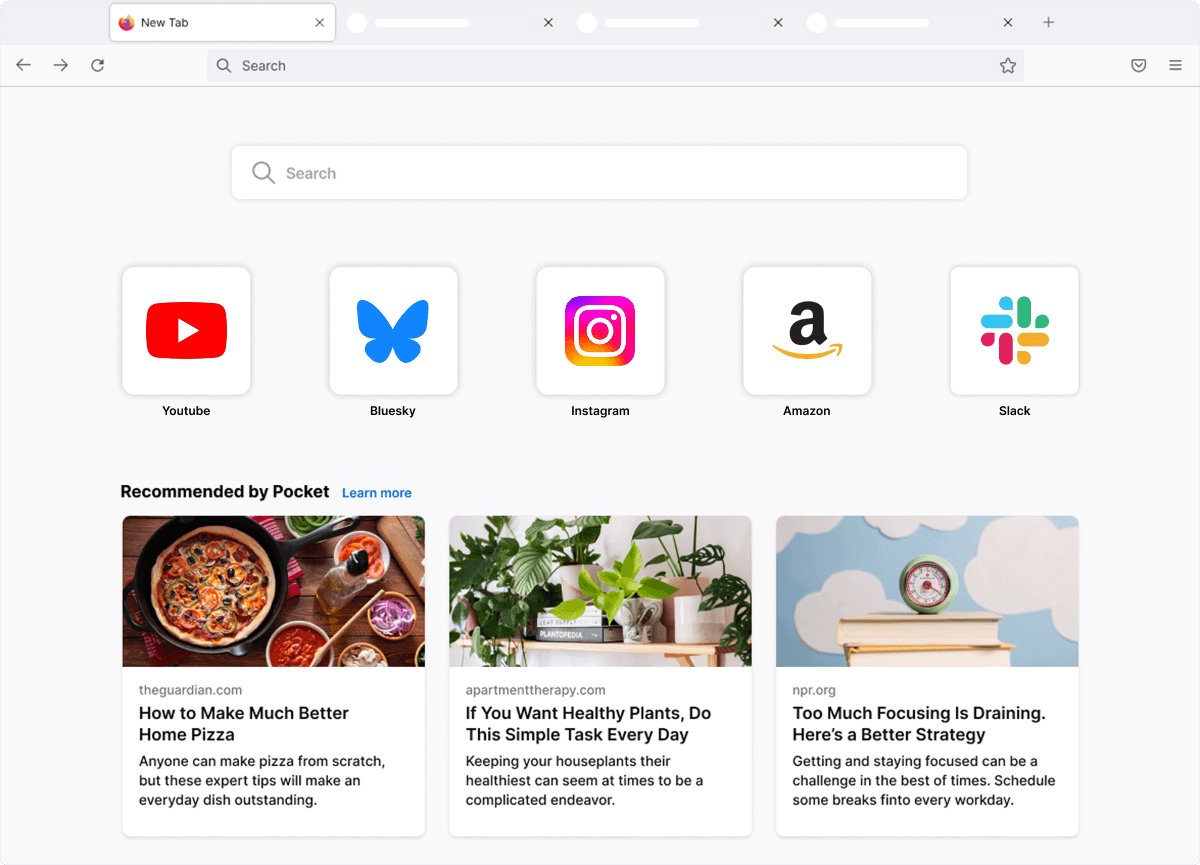
Firefox
- Strong privacy protections.
- Excellent customization options.
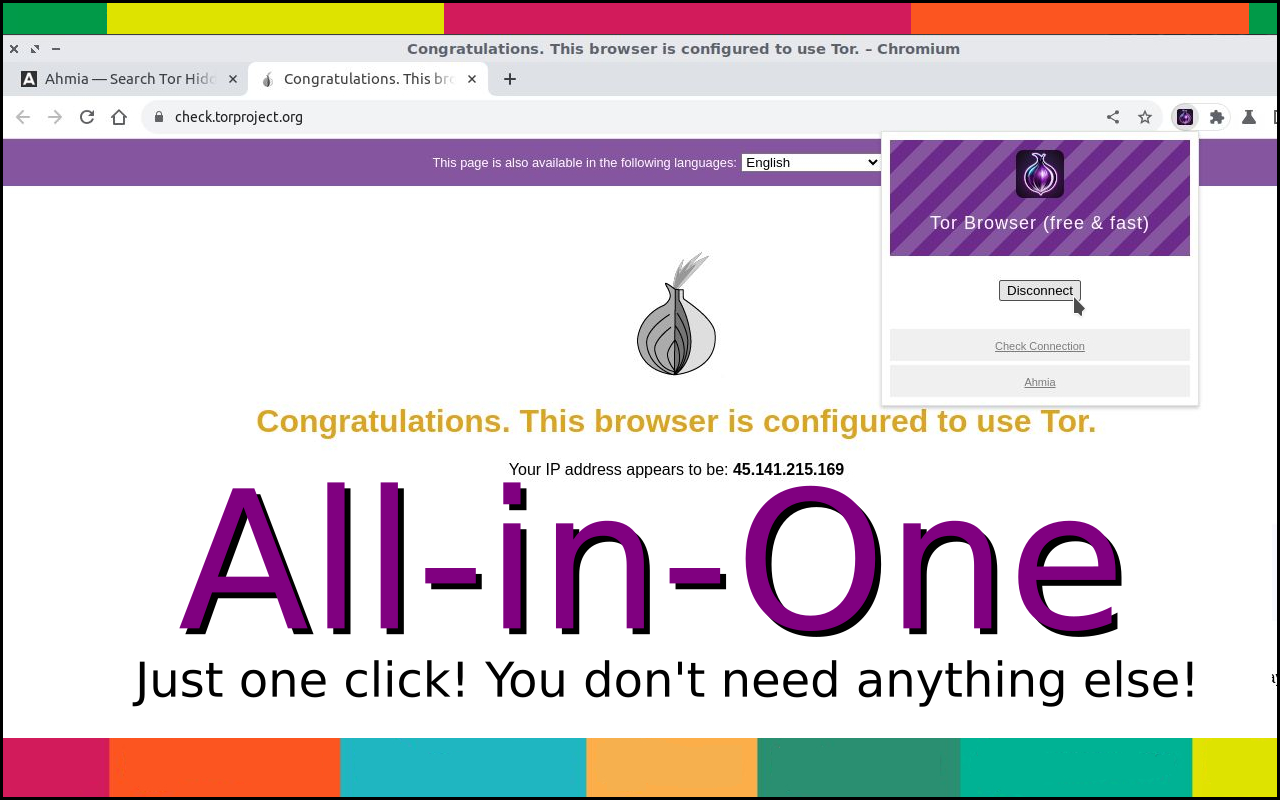
Tor Browser
- Best anonymity.
- Noticeably slower browsing speeds.
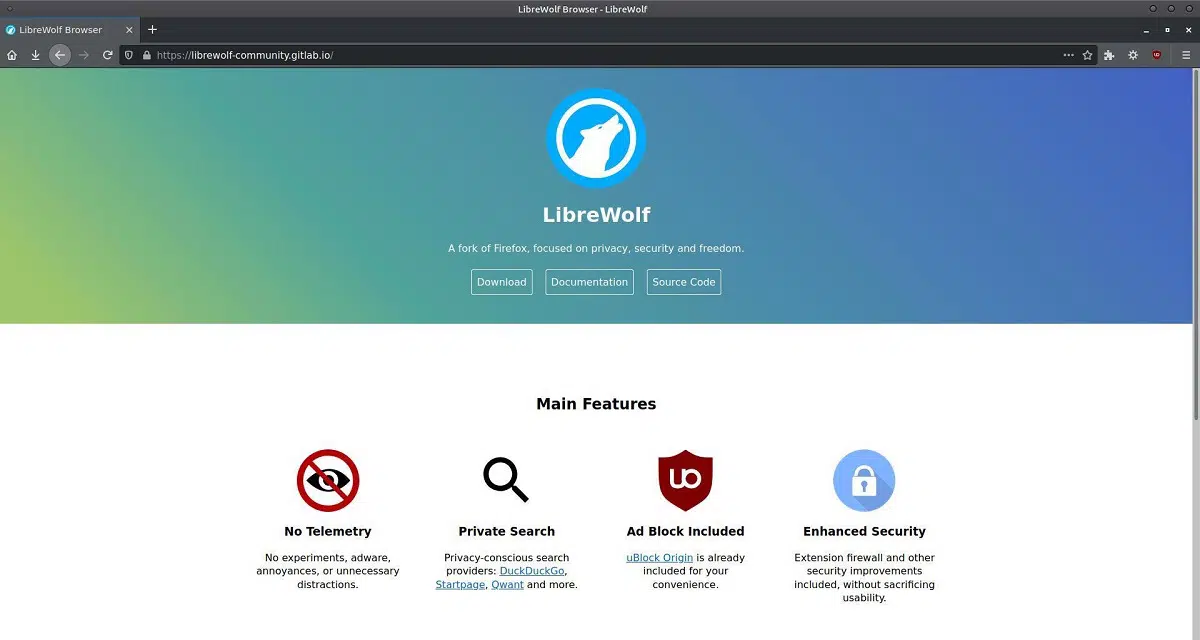
LibreWolf
- Strong default privacy configuration.
- Minimal setup required.
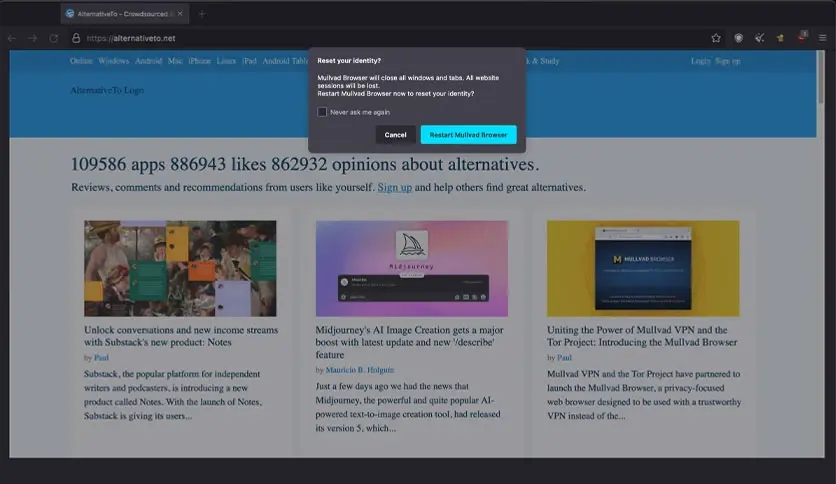
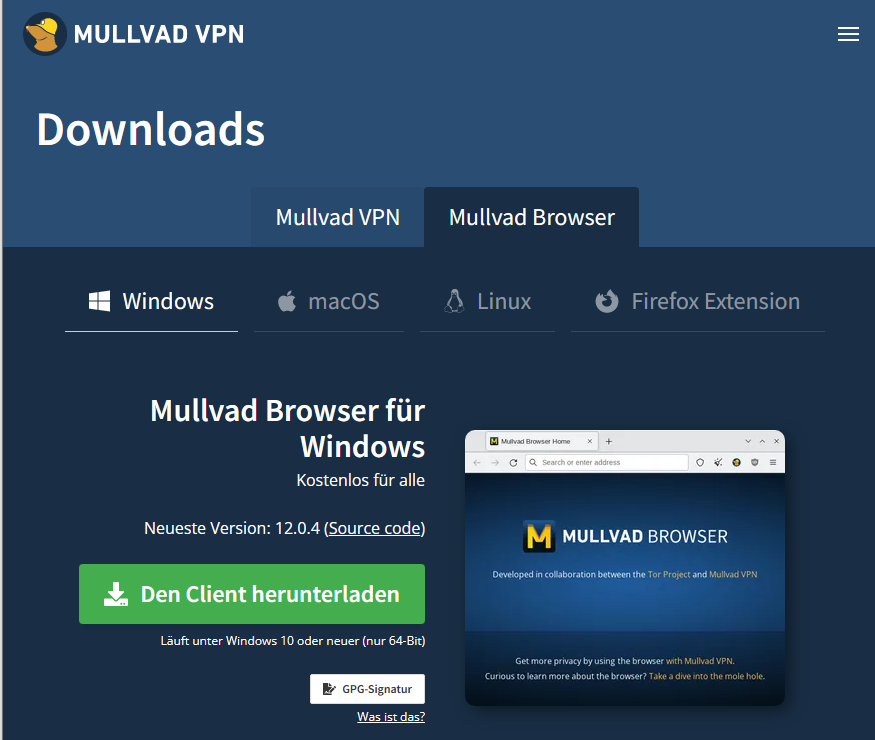
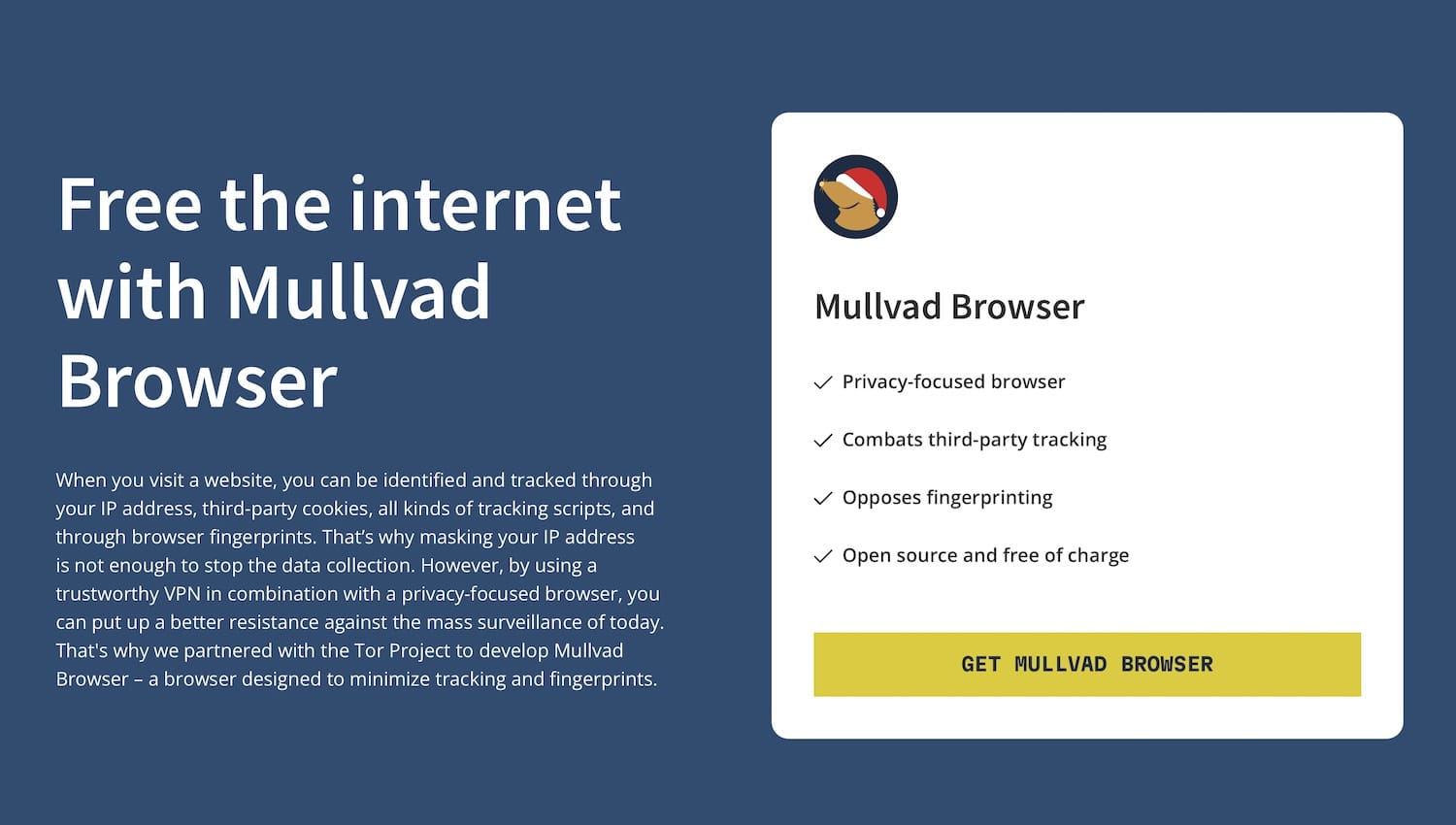
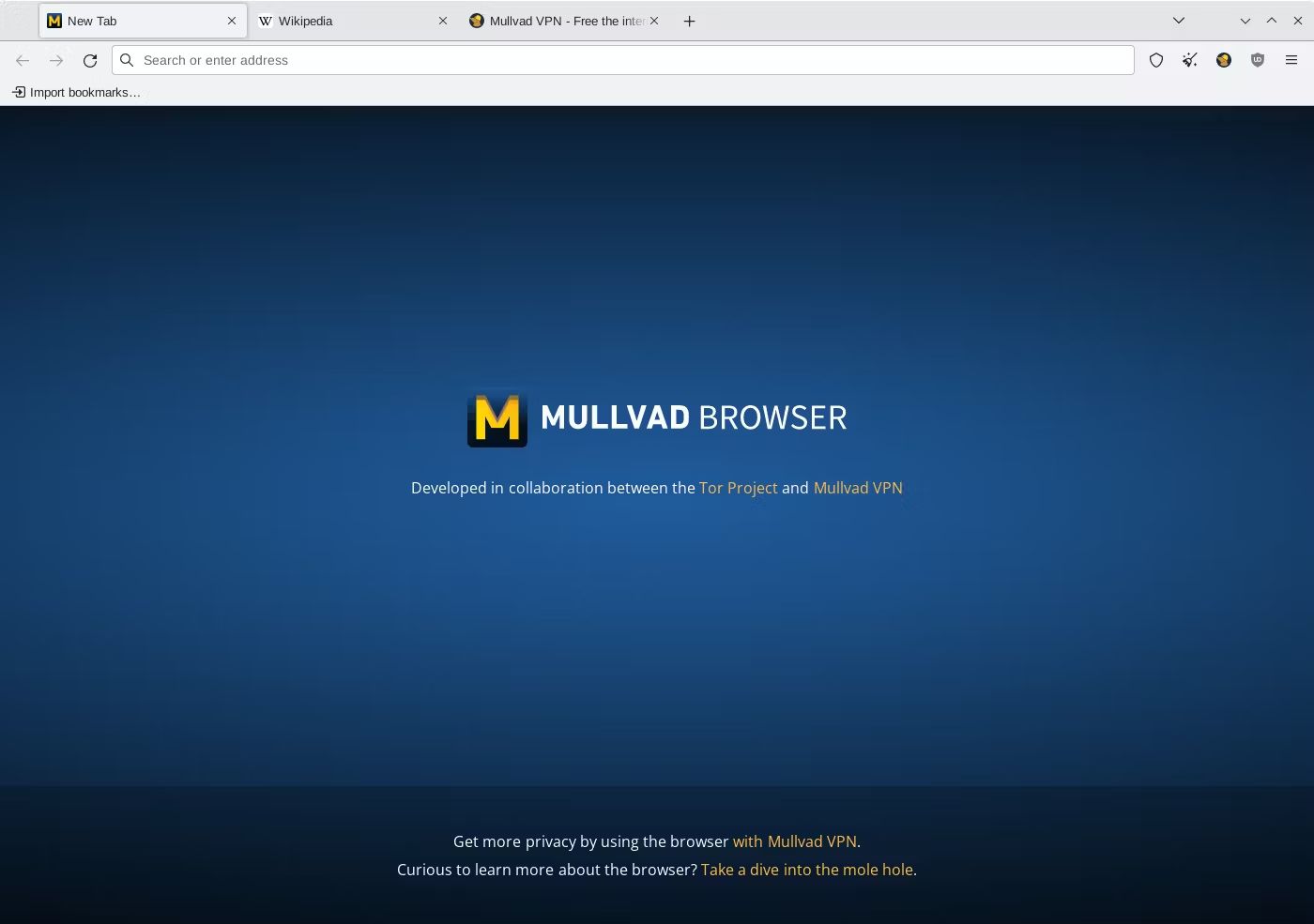
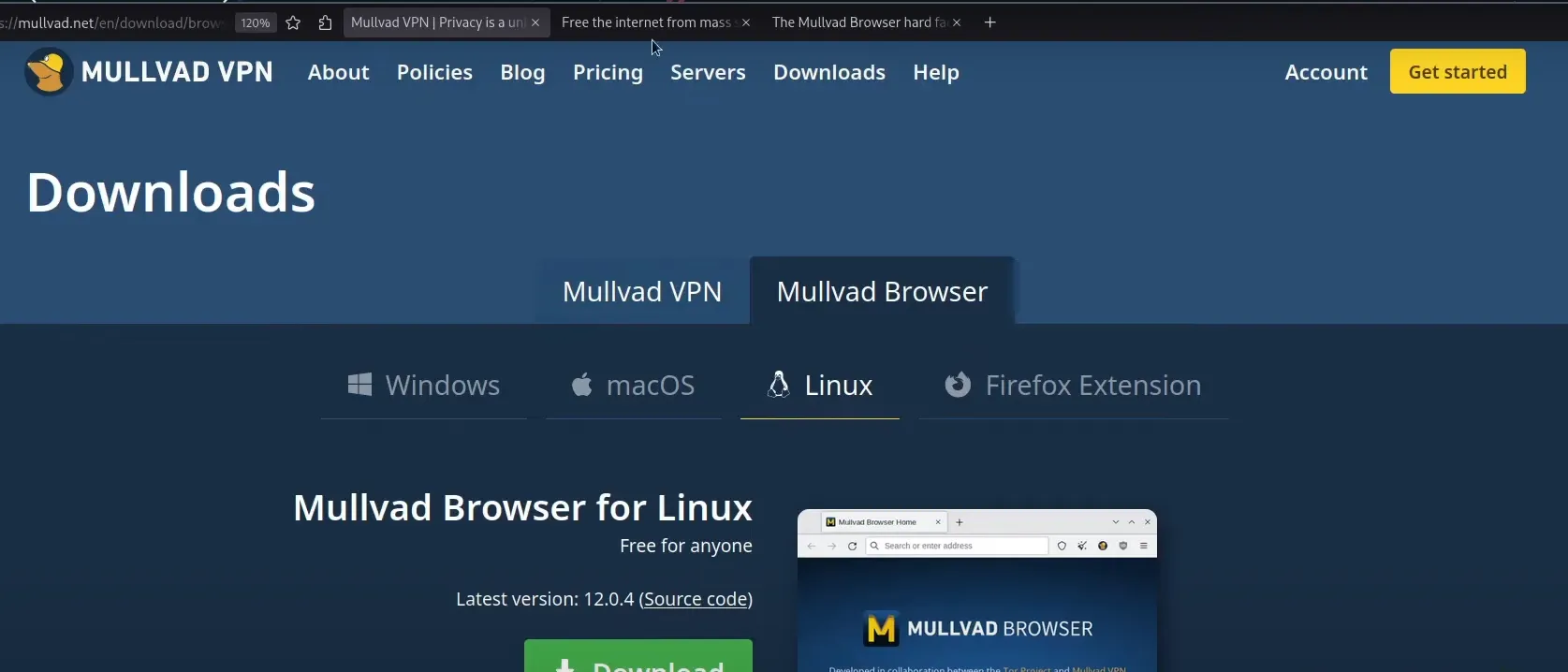
Mullvad Browser
- Excellent anti-fingerprinting results.
Which Browser Blocks the Most Trackers?
Brave
Brave blocks:
- Ads
- Cross-site trackers
- Fingerprinting attempts
- Cookie-based tracking
directly after installation.
Firefox
Firefox provides strong tracker blocking but may require additional customization for maximum privacy.
Tor Browser
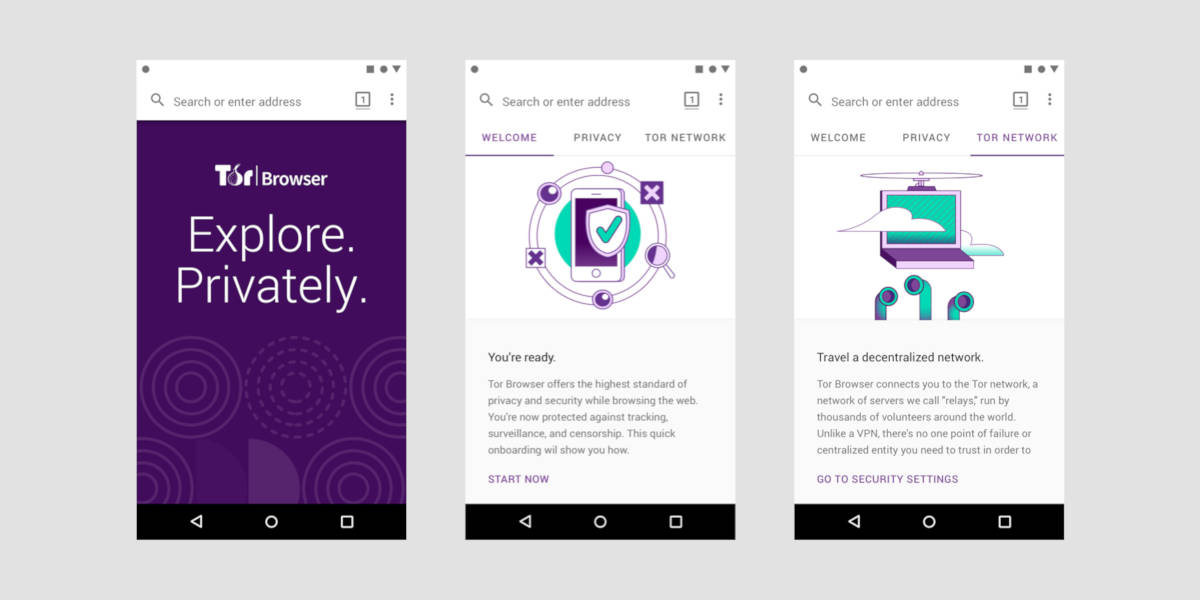
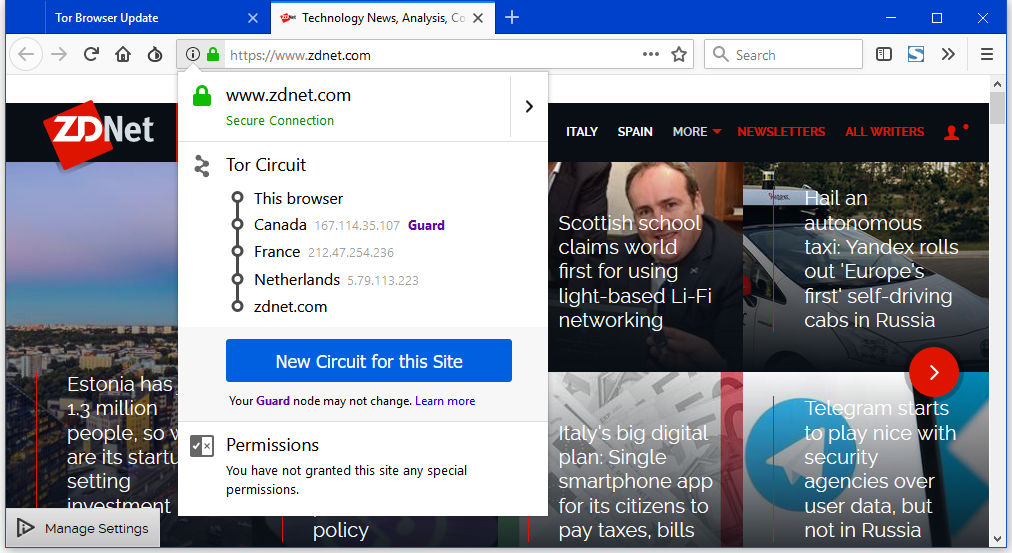
Tor provides the strongest protection against tracking and identification.
Privacy vs Convenience
Many users face a trade-off between privacy and convenience.
More Convenient Browsers
Maximum Privacy Browsers
- Tor Browser
- Mullvad Browser
Users should choose based on their individual privacy requirements.
Who Should Use Each Browser?
Choose Brave If:
- You want privacy without sacrificing speed.
- You prefer a Chrome-like experience.
- You use many browser extensions.
Choose Firefox If:
- You value customization.
- You support open-source software.
- You want strong privacy controls.
Choose Tor Browser If:
- You need maximum anonymity.
- Privacy is your highest priority.
Choose LibreWolf If:
- You like Firefox but want stronger privacy defaults.
Choose Mullvad Browser If:
- You want advanced anti-fingerprinting protection.
Is Incognito Mode Really Private?
Many internet users believe that Incognito Mode (or Private Browsing Mode) makes them completely anonymous online. However, this is a common misconception.
Incognito Mode improves privacy on your local device, but it does not make you invisible on the internet.
What Incognito Mode Actually Does
When you browse in Incognito Mode, your browser typically:
- Does not save browsing history
- Does not store cookies after the session ends
- Does not save form data
- Does not keep search history locally
- Automatically clears temporary session information
This can be useful when using a shared or public computer.
What Incognito Mode Does NOT Do
Incognito Mode cannot hide your activity from:
- Internet Service Providers (ISPs)
- Employers or schools monitoring network activity
- Websites you visit
- Search engines
- Government agencies with legal access
- Network administrators
Your IP address remains visible, and websites can still identify and track you through various methods.
Example
Suppose you open Incognito Mode and visit a shopping website.
The browser may not save that visit in your local history, but:
- The website can still see your IP address.
- Your ISP can still see that you visited the website.
- Advertisers may still collect some information.
- Your employer’s network may still log the activity.
Why People Use Incognito Mode
Incognito Mode is useful for:
- Logging into multiple accounts simultaneously
- Shopping without saving cookies
- Testing websites
- Preventing local browsing history storage
- Using shared computers
However, it should not be considered a complete privacy solution.
Better Alternatives for Online Privacy
For stronger privacy protection, users should consider:
- Privacy-focused browsers
- VPN services
- Tracker blockers
- Secure DNS services
- Privacy-focused search engines
These tools provide significantly more protection than Incognito Mode alone.
Final Answer
Incognito Mode provides local privacy, not complete online anonymity.
It prevents your browser from storing activity on your device, but it does not stop websites, internet providers, employers, or trackers from seeing your online activity.
Privacy Browser vs VPN: What’s the Difference?
Many users assume that privacy-focused browsers and VPNs provide the same protection. While both improve privacy, they solve different problems and work in different ways.
The best protection often comes from using both together.
What Is a Privacy Browser?
A privacy browser is designed to reduce tracking and data collection while you browse the web.
Examples include:
- Brave
- Firefox
- Tor Browser
- LibreWolf
- Mullvad Browser
What Privacy Browsers Do
Privacy browsers typically:
- Block trackers
- Block advertising networks
- Prevent fingerprinting
- Restrict third-party cookies
- Improve browsing privacy
What Privacy Browsers Cannot Do
Privacy browsers generally cannot:
- Hide your IP address completely
- Encrypt all internet traffic
- Hide activity from your ISP
What Is a VPN?
A Virtual Private Network (VPN) creates an encrypted connection between your device and a VPN server.
Instead of websites seeing your real IP address, they see the VPN server’s IP address.
What VPNs Do
VPNs help:
- Hide IP addresses
- Encrypt internet traffic
- Protect public Wi-Fi connections
- Bypass geographic restrictions
- Improve privacy from ISPs
What VPNs Cannot Do
VPNs generally do not:
- Block advertisements
- Stop browser fingerprinting
- Automatically block trackers
- Prevent malicious cookies
Privacy Browser vs VPN Comparison
| Feature | Privacy Browser | VPN |
|---|
| Blocks Ads | Yes (Usually) | No |
| Blocks Trackers | Yes | No |
| Fingerprinting Protection | Yes | No |
| Hides IP Address | Limited | Yes |
| Encrypts Internet Traffic | No | Yes |
| Protects Public Wi-Fi | No | Yes |
| Prevents Local Tracking | Yes | Limited |
| Improves Website Privacy | Yes | Yes |
Which One Should You Use?
Use a Privacy Browser If:
- You want fewer ads.
- You want tracker protection.
- You care about online privacy.
- You want better browser security.
Use a VPN If:
- You want to hide your IP address.
- You use public Wi-Fi frequently.
- You want encrypted internet traffic.
- You need additional network privacy.
Maximum Privacy Setup
For the strongest privacy protection, many privacy experts recommend combining:
Privacy Browser + VPN
For example:
- Connect to a VPN.
- Use a privacy-focused browser such as Brave or Firefox.
- Enable tracker blocking.
- Use a privacy-focused search engine.
This combination provides significantly better privacy than using either tool alone.
Final Thoughts
Privacy browsers and VPNs are not competitors—they are complementary tools.
A privacy browser focuses on protecting you from online tracking, cookies, advertisements, and fingerprinting, while a VPN focuses on encrypting your internet traffic and hiding your IP address.
For most users:
- A privacy browser is the easiest first step toward better privacy.
- A VPN adds another layer of protection.
- Using both together provides the most comprehensive privacy experience.
Frequently Asked Questions
What is the most private browser?
Tor Browser generally provides the highest level of anonymity and privacy.
Is Brave safer than Chrome?
Brave includes stronger privacy protections and blocks trackers by default.
Does Firefox protect privacy?
Yes. Firefox offers Enhanced Tracking Protection and several privacy-focused features.
Is Tor Browser legal?
Yes. Tor Browser is legal in most countries.
Which browser blocks ads automatically?
Brave, Tor Browser, LibreWolf, and Mullvad Browser include strong blocking capabilities.
Do privacy browsers slow down browsing?
Most privacy browsers do not significantly affect speed, although Tor Browser is generally slower.
Are privacy browsers free?
Yes. Most privacy-focused browsers are available free of charge.
Which privacy browser is best for beginners?
Brave is often considered the easiest privacy-focused browser for beginners.
Final Verdict
Privacy-focused browsers provide better protection against tracking, profiling, and unwanted data collection.
Best Overall Privacy Browser
🏆 Brave Browser
Best for Customization
🏆 Firefox
Best for Maximum Anonymity
🏆 Tor Browser
Best Firefox Alternative
🏆 LibreWolf
Best for Advanced Privacy
🏆 Mullvad Browser
For most users, Brave Browser offers the best combination of privacy, speed, usability, and website compatibility. However, users who require maximum anonymity should consider Tor Browser, while Firefox remains an excellent choice for users seeking privacy and customization.