Real-World Testing Experience
Test Environment
- Windows 11
- Chrome Browser
- Student Assignment Workflow
Tasks Tested
- Essay writing
- Research assistance
- Presentation preparation
- Note summarization
- Grammar checking
Results
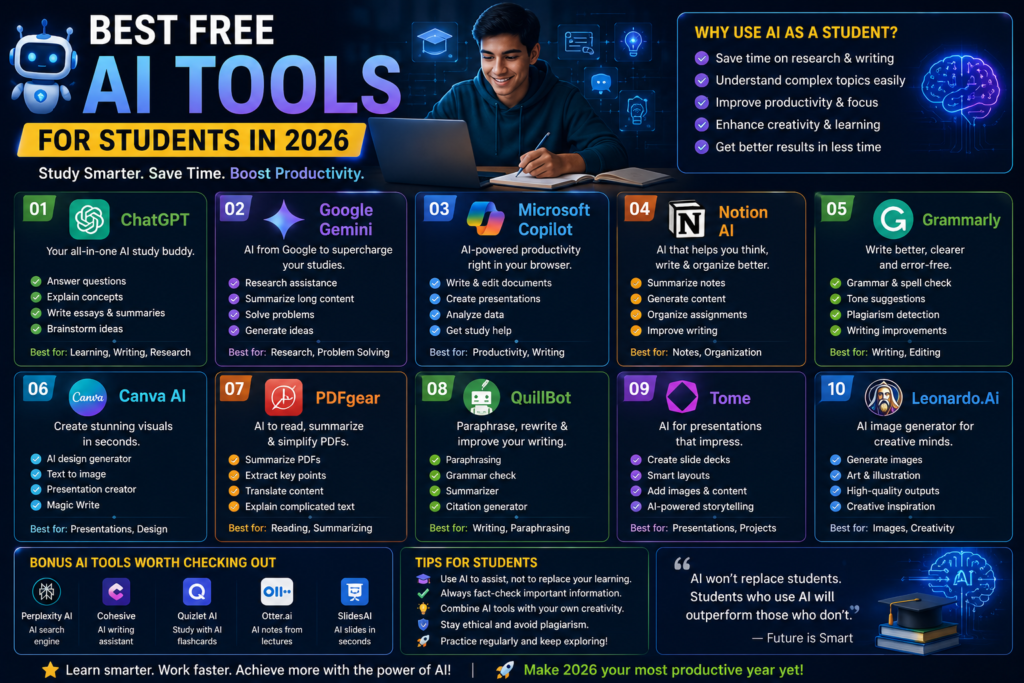
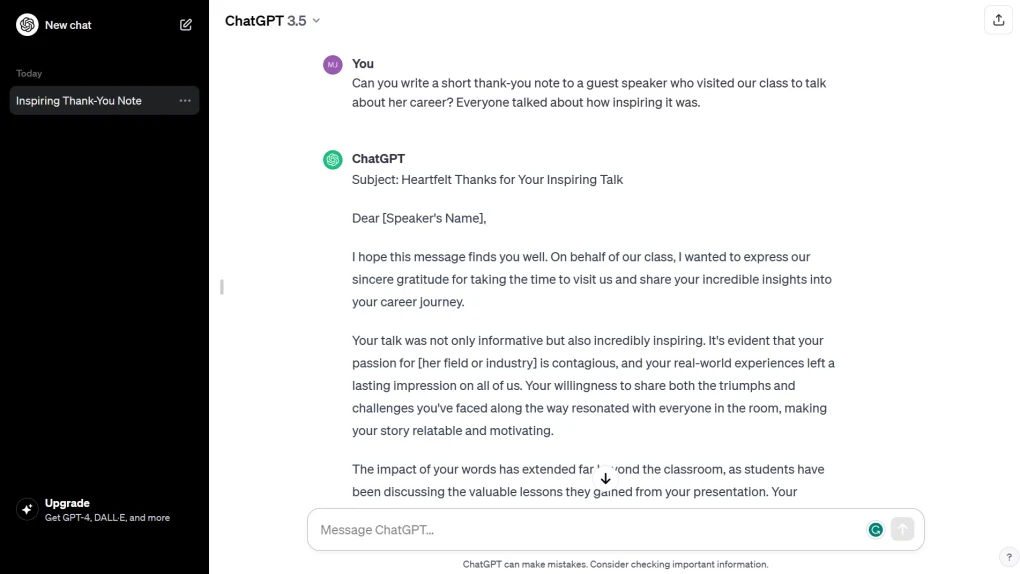
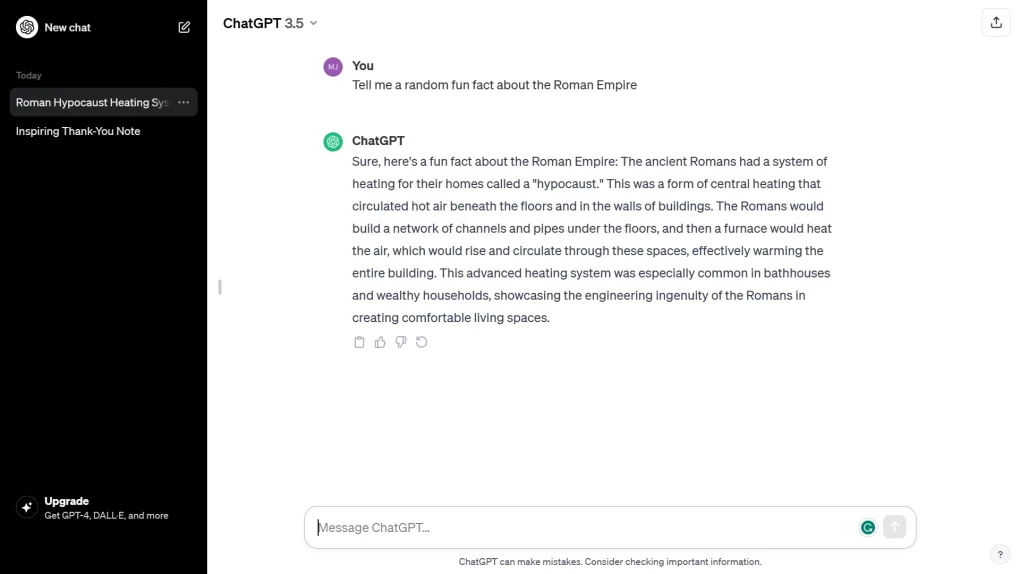
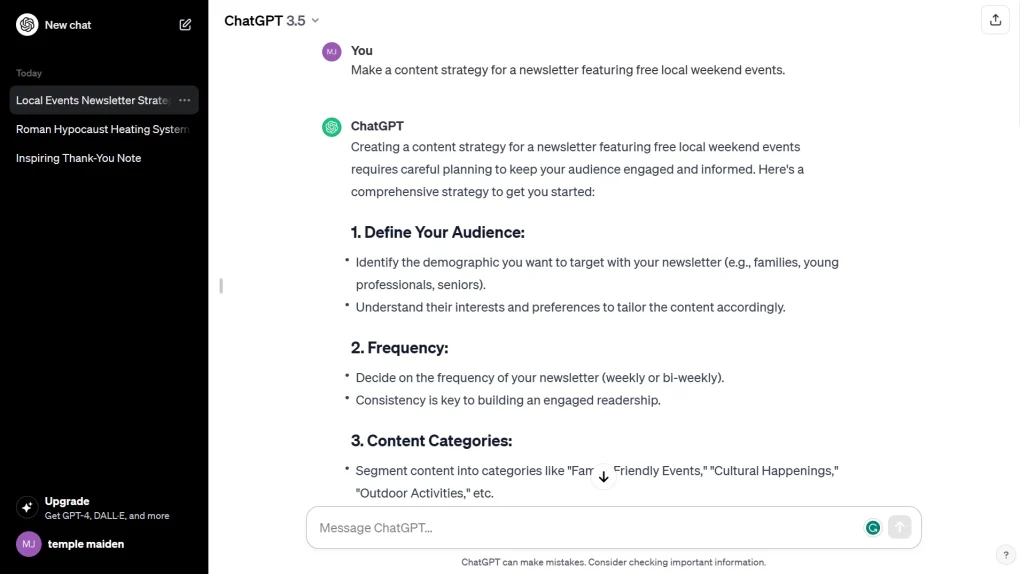
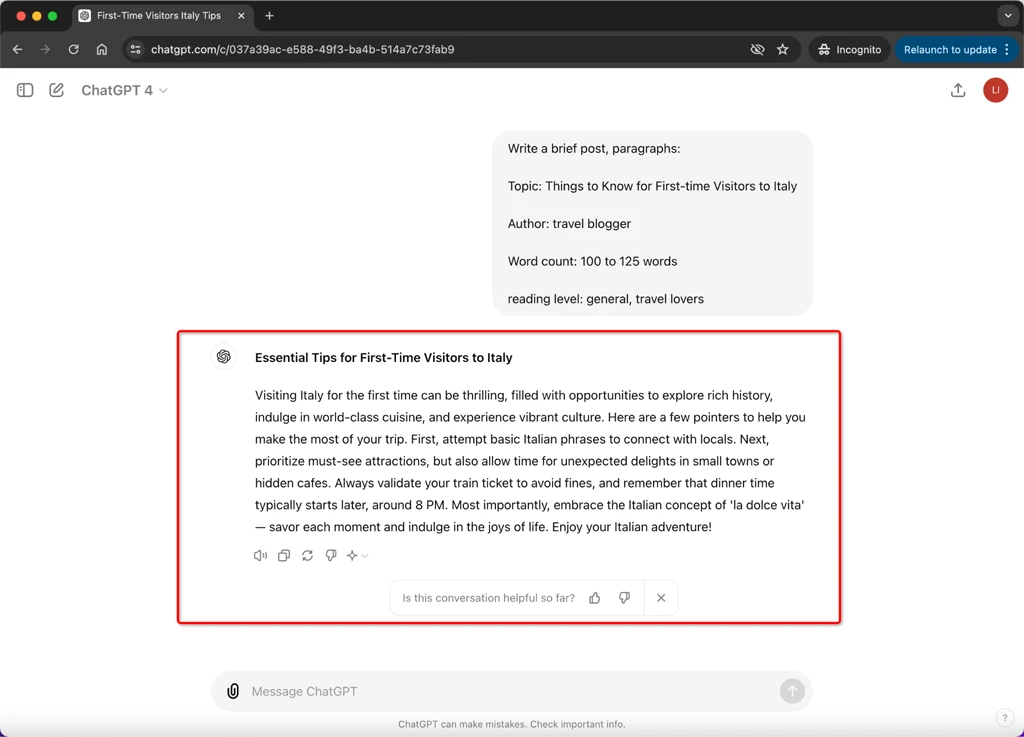
ChatGPT
Excellent for explaining concepts and generating study notes.
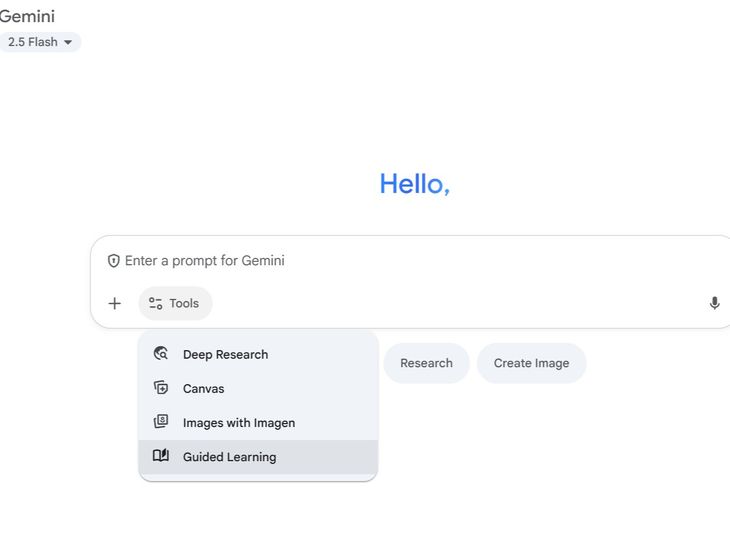
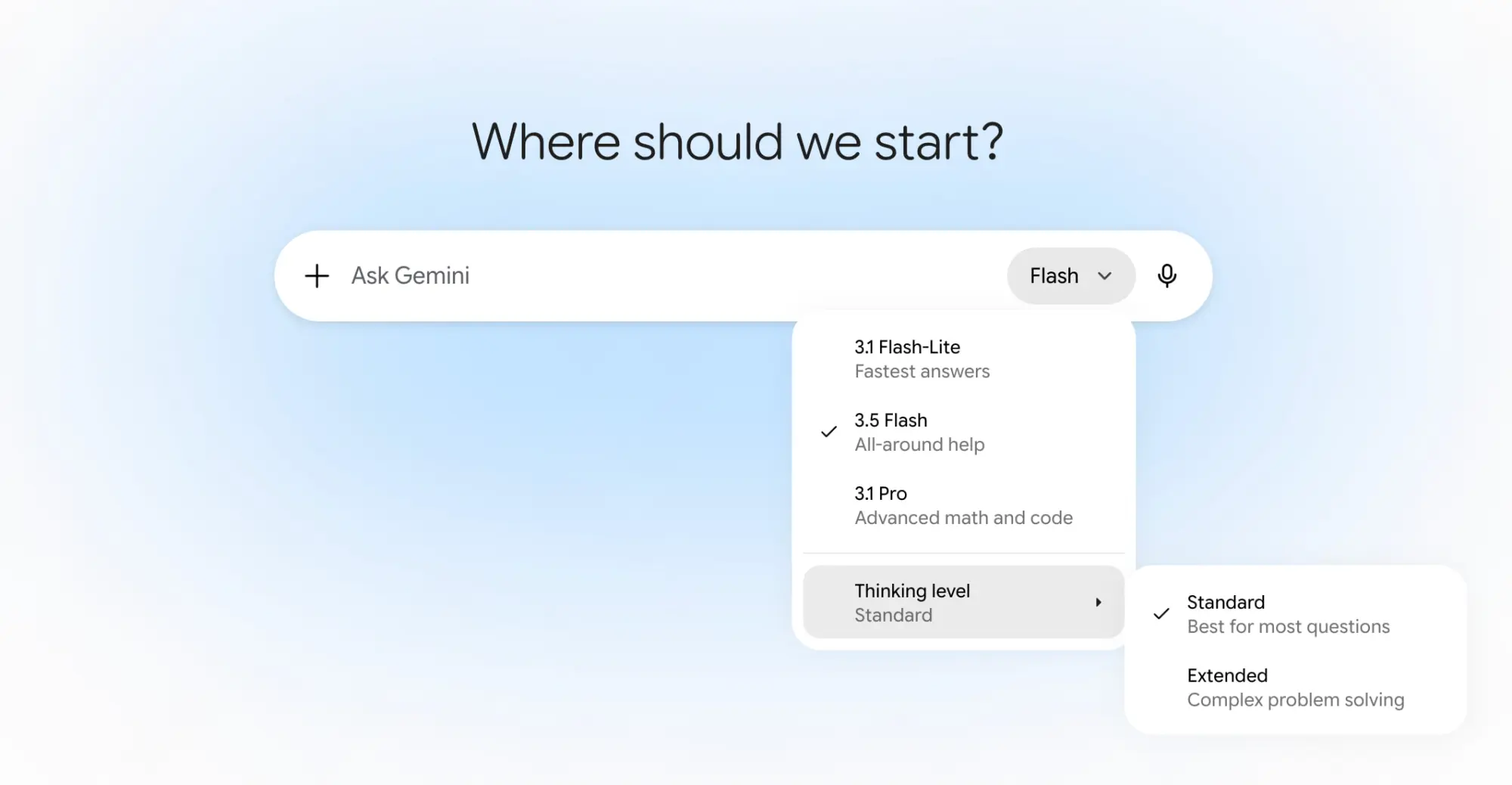
Gemini
Strong research assistance and information gathering.
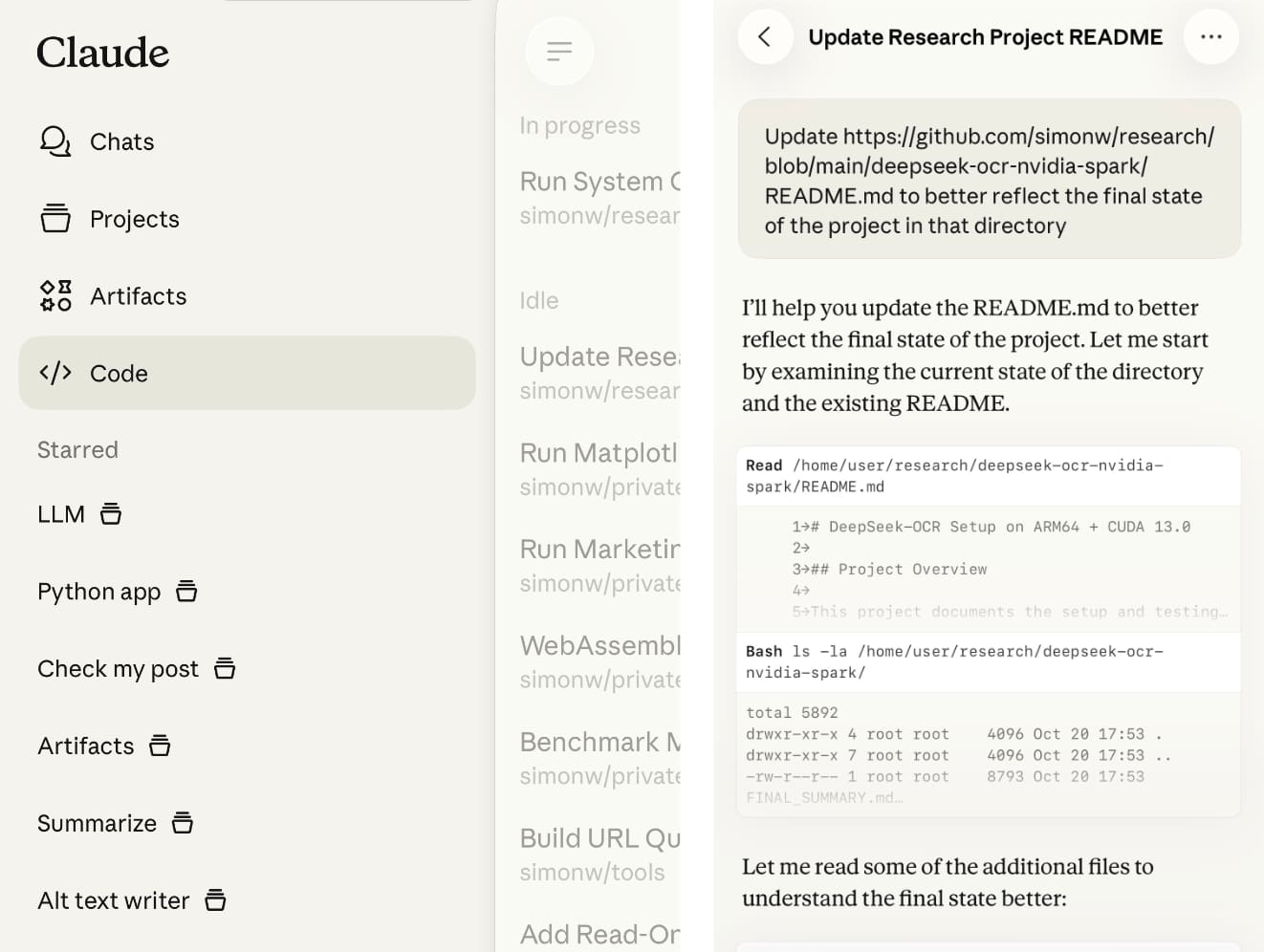
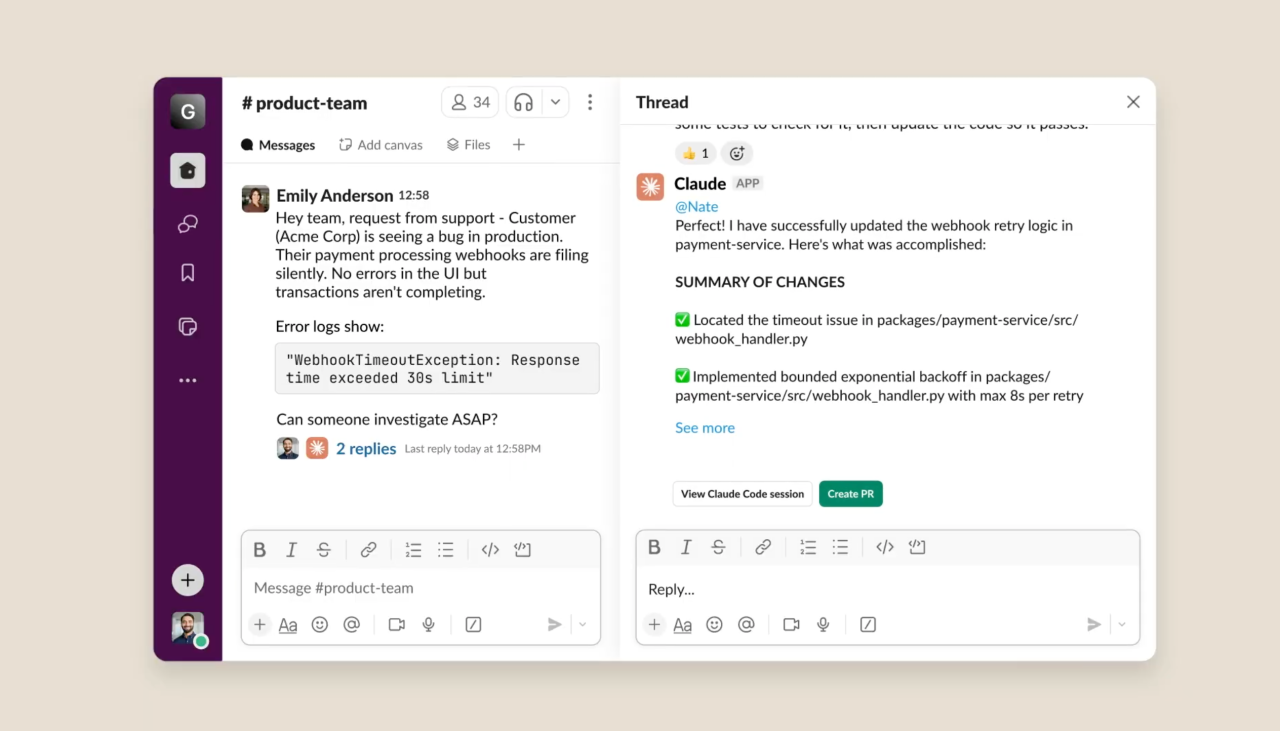
Claude
Handled lengthy academic content effectively.
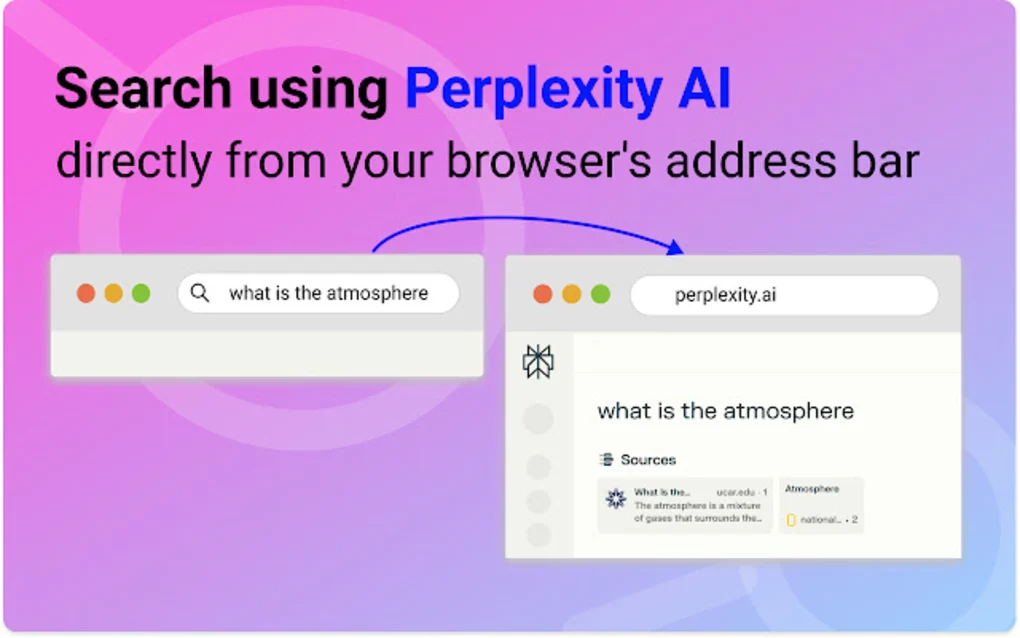
Perplexity AI
Useful for finding information with references.
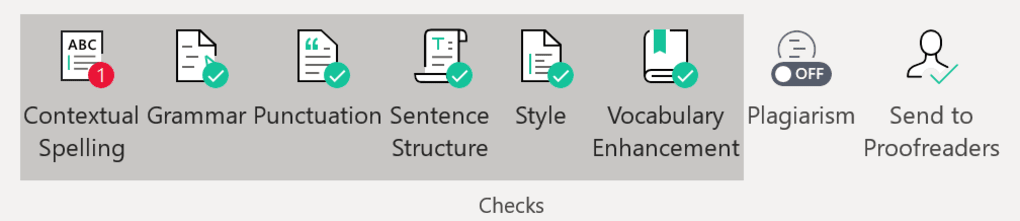
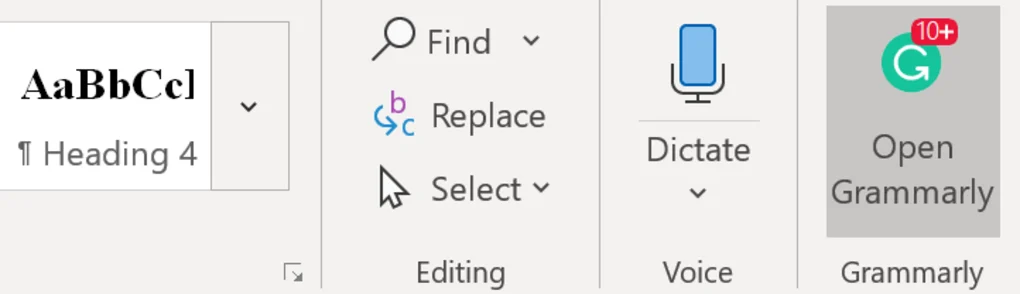
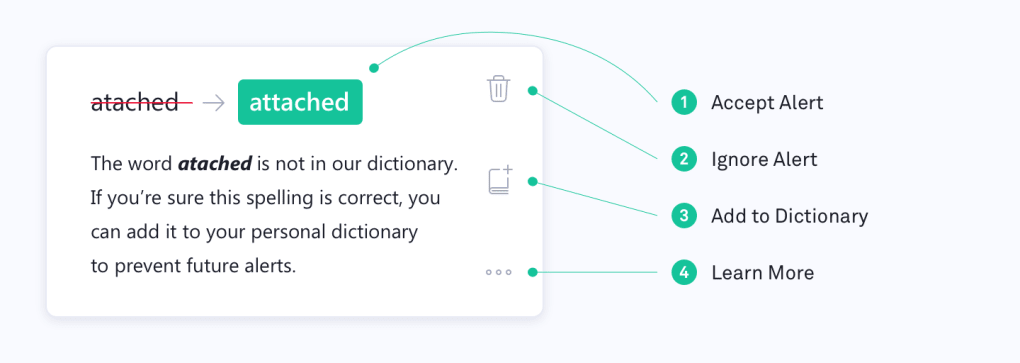
Grammarly
Significantly improved writing quality.
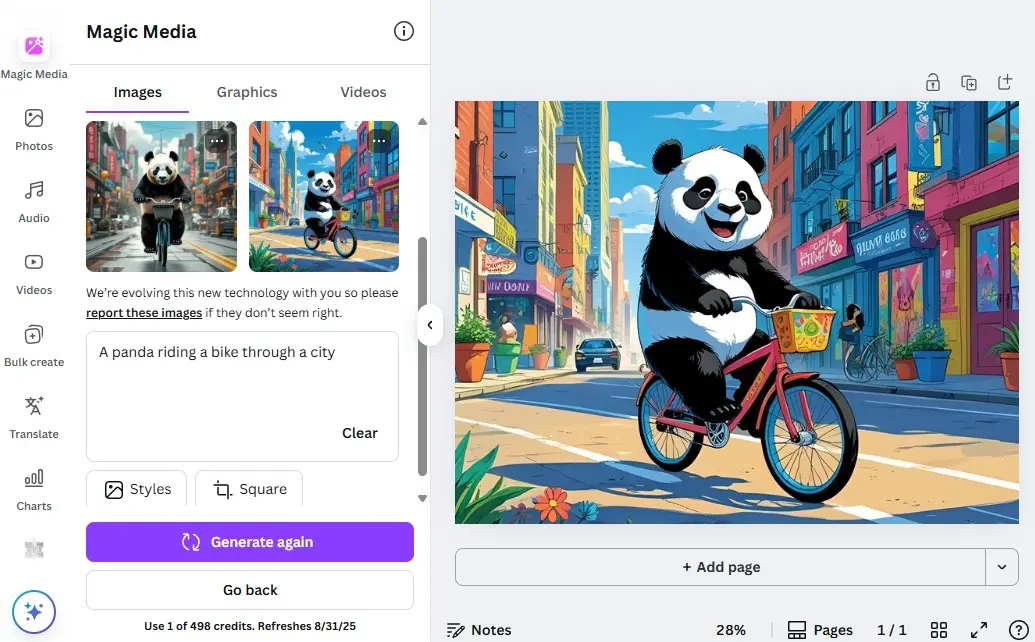
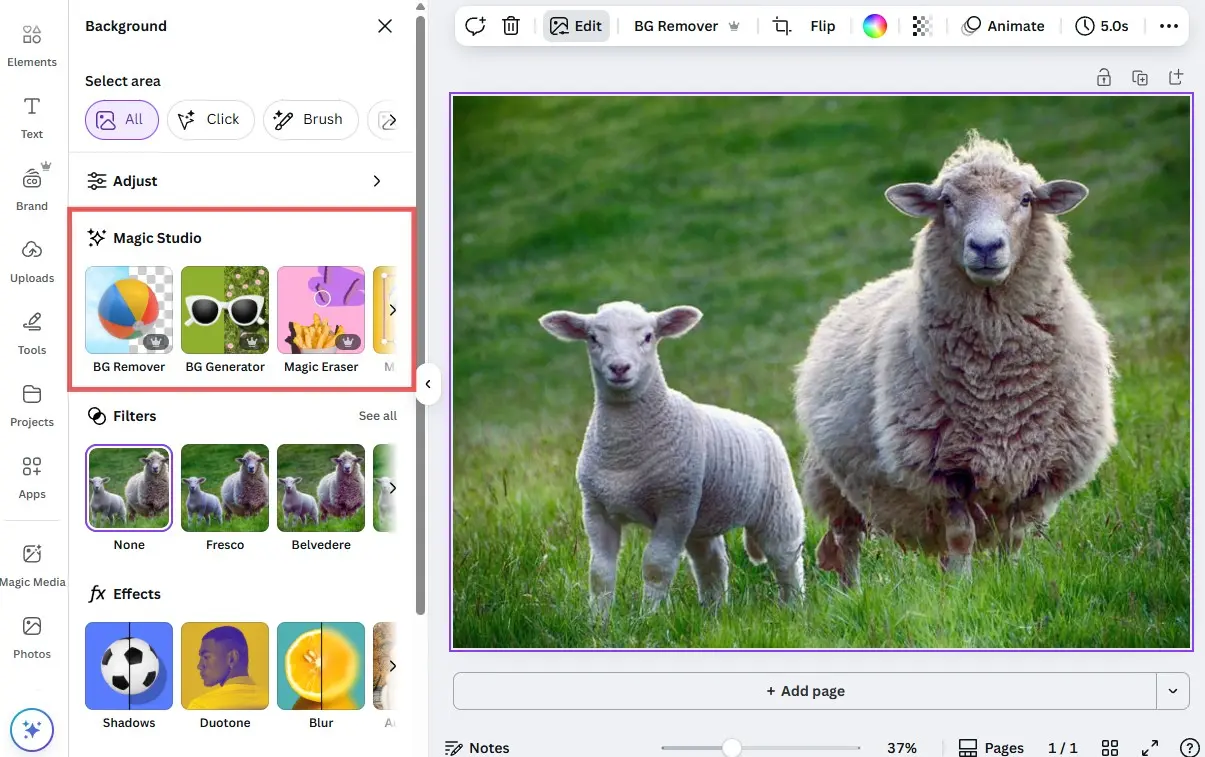
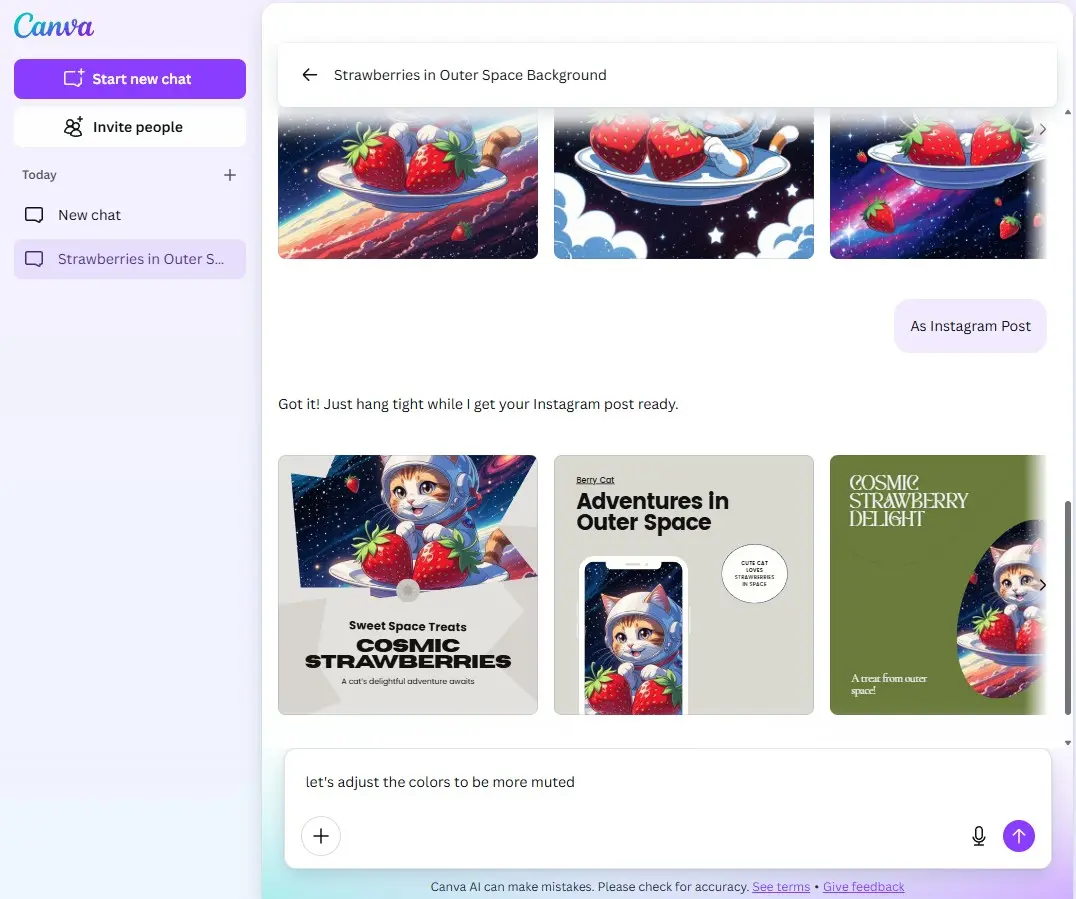
Canva AI
Created visually appealing presentations quickly.
How Students Can Use AI Responsibly
AI tools should assist learning, not replace it.
Recommended Practices
- Verify important information.
- Use AI to understand concepts.
- Avoid submitting AI-generated work without review.
- Follow academic integrity guidelines.
- Add personal understanding and analysis.
Which AI Tool Is Best for Different Subjects?
| Subject | Recommended AI Tool |
|---|
| Science | ChatGPT, Claude |
| Mathematics | ChatGPT |
| History | Perplexity AI, Gemini |
| Literature | ChatGPT, Grammarly |
| Research Projects | Perplexity AI, Claude |
| Presentations | Canva AI |
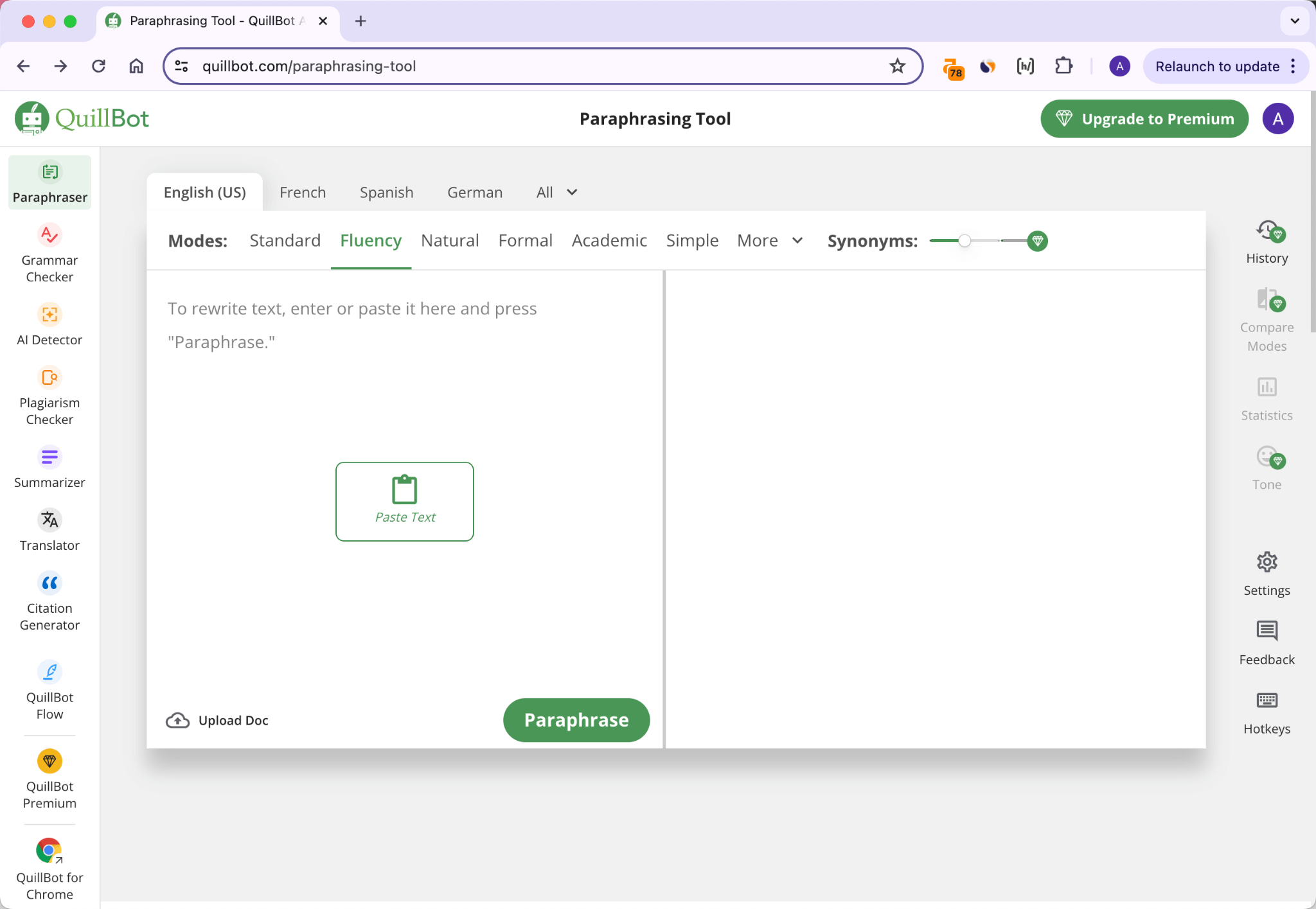
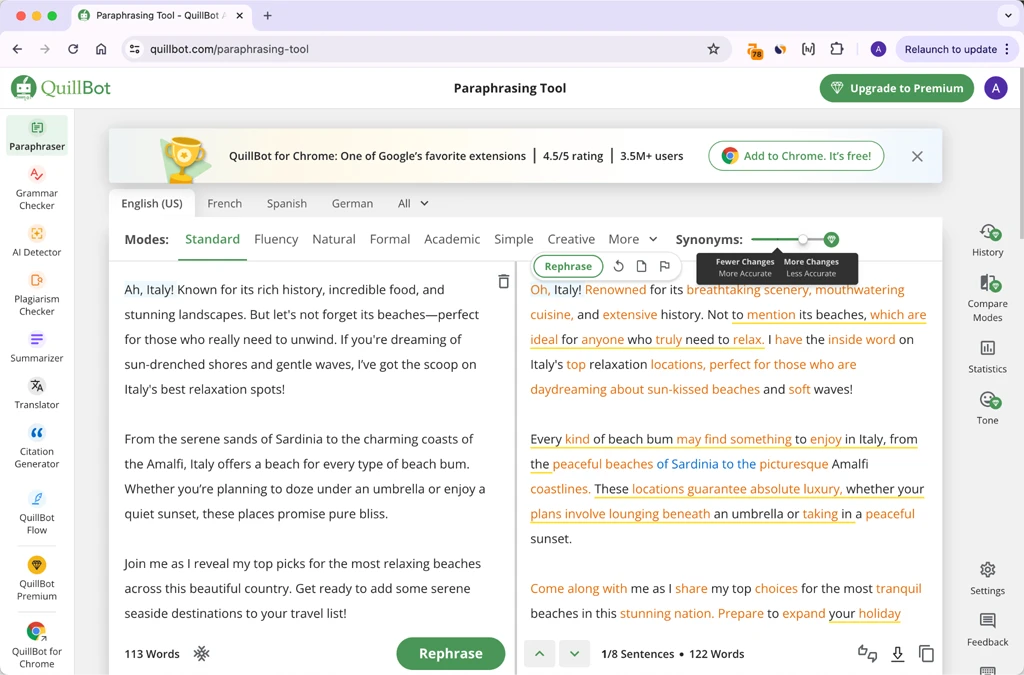
| Writing | Grammarly, QuillBot |
Frequently Asked Questions
Are AI tools free for students?
Many AI tools offer free plans, although advanced features may require subscriptions.
Which AI tool is best for homework help?
ChatGPT is one of the most popular options for homework assistance and concept explanations.
Can AI help with research?
Yes. Tools such as Perplexity AI and Gemini can assist with information gathering and research.
Is Grammarly useful for students?
Yes. Grammarly helps improve grammar, spelling, and writing clarity.
Which AI tool is best for presentations?
Canva AI is an excellent choice for creating presentations and visual projects.
Can AI replace studying?
No. AI should support learning, not replace independent study and critical thinking.
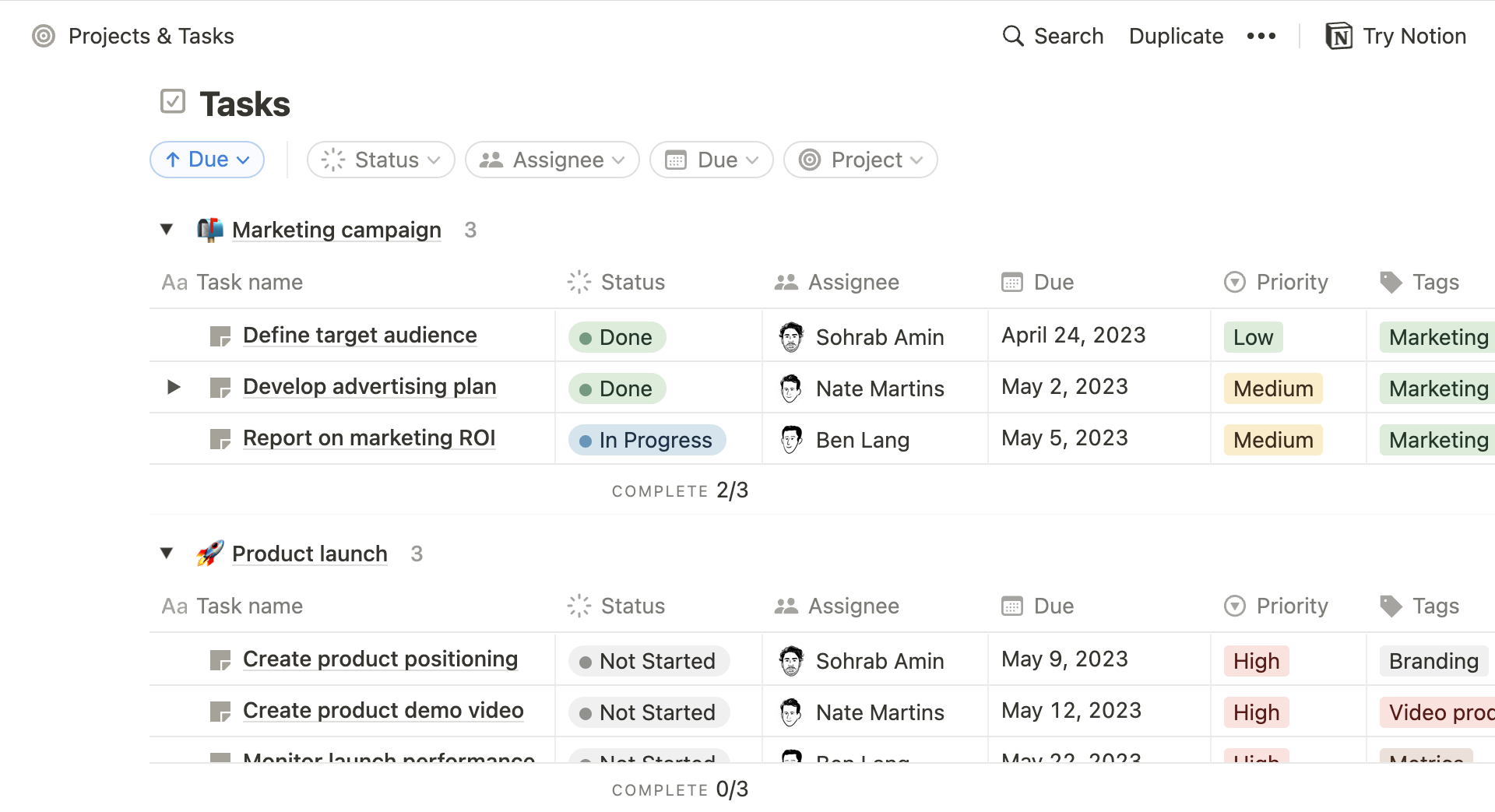
Which AI tool is best for note-taking?
Notion AI is a strong option for organizing notes and academic projects.
Are AI-generated answers always correct?
No. Students should always verify important information from reliable sources.
Final Verdict
AI tools can significantly improve productivity and learning when used responsibly.
Best Overall AI Tool
🏆 ChatGPT
Best for Research
🏆 Perplexity AI
Best for Writing
🏆 Grammarly
Best for Presentations
🏆 Canva AI
Best for Long Documents
🏆 Claude
Best Free Productivity Tool
🏆 Notion AI
For most students, combining ChatGPT, Grammarly, Canva AI, and Perplexity AI can create a powerful and cost-effective academic toolkit that supports learning, research, and productivity throughout the school or university journey.
How AI Can Help Students Study More Effectively
Artificial Intelligence is changing the way students learn, research, and complete academic tasks. When used responsibly, AI tools can improve productivity, simplify complex topics, and help students manage their time more effectively.
Rather than replacing traditional learning methods, AI can act as a personal study assistant that supports students throughout their educational journey.
1. Explaining Difficult Concepts
Many students struggle with complex subjects such as mathematics, science, programming, and economics. AI tools can provide simplified explanations, examples, and step-by-step guidance.
For example, a student who does not understand a physics concept can ask an AI tool for an easier explanation and receive a personalized response within seconds.
2. Creating Study Notes
AI can summarize lengthy textbooks, articles, research papers, and lecture materials into concise notes.
Benefits include:
- Faster revision
- Better information retention
- Reduced study time
- Organized learning materials
This is especially useful during exam preparation.
3. Improving Writing Skills
Students frequently write:
- Essays
- Reports
- Research papers
- Assignments
- Project documentation
AI-powered writing tools can help identify grammar mistakes, improve sentence structure, and enhance overall writing quality.
4. Assisting with Research
Research can be time-consuming. AI tools help students:
- Discover relevant information
- Find supporting resources
- Understand topics faster
- Organize research findings
This allows students to spend more time analyzing information rather than searching for it.
5. Supporting Exam Preparation
AI can help students prepare for exams by:
- Generating practice questions
- Creating quizzes
- Explaining incorrect answers
- Suggesting study plans
Personalized study assistance can make revision more efficient.
6. Enhancing Productivity
Students often balance classes, assignments, projects, and extracurricular activities.
AI tools can assist with:
- Task management
- Note organization
- Study scheduling
- Reminder creation
Better organization often leads to improved academic performance.
7. Helping with Language Learning
Language learners can use AI to:
- Practice grammar
- Improve vocabulary
- Translate content
- Correct writing mistakes
- Learn pronunciation techniques
This makes AI valuable for students studying foreign languages.
8. Encouraging Self-Learning
AI tools provide immediate access to explanations and learning resources, allowing students to explore topics independently and develop stronger problem-solving skills.
Advantages and Disadvantages of Using AI in Education
While AI offers many educational benefits, it also has limitations. Understanding both sides helps students use these tools more responsibly.
Advantages of Using AI in Education
Faster Learning
AI can explain concepts quickly and provide instant answers to academic questions.
Personalized Learning Experience
Students can learn at their own pace and receive explanations tailored to their level of understanding.
Improved Productivity
AI automates repetitive tasks such as note summarization, proofreading, and content organization.
Better Accessibility
Students with different learning styles can access educational support more easily.
Enhanced Research Capabilities
AI helps students gather information, explore topics, and discover useful resources efficiently.
Writing Assistance
Grammar correction, style suggestions, and writing improvements help students produce higher-quality assignments.
24/7 Availability
Unlike traditional tutoring services, AI tools are available whenever students need assistance.
Disadvantages of Using AI in Education
Risk of Over-Reliance
Students who depend too heavily on AI may weaken their critical thinking and problem-solving skills.
Potential Inaccuracies
AI-generated information is not always correct and should be verified using reliable sources.
Academic Integrity Concerns
Submitting AI-generated content as original work may violate school or university policies.
Reduced Independent Learning
Overusing AI can discourage students from conducting their own research and analysis.
Privacy Concerns
Some AI platforms collect user data, making privacy awareness important.
Limited Subject Expertise
AI can provide useful information, but it may not always understand highly specialized academic topics accurately.
Best Practices for Students Using AI
To get the most value from AI tools, students should:
- Use AI as a learning assistant, not a replacement for studying.
- Verify important information from trusted sources.
- Follow academic integrity guidelines.
- Add personal analysis and understanding to assignments.
- Use AI to improve learning rather than avoid it.
Final Thoughts
AI has the potential to make education more accessible, productive, and personalized. It can help students understand difficult concepts, organize study materials, improve writing, and prepare for exams more efficiently.
However, AI should be viewed as a support tool rather than a substitute for independent learning. Students who combine AI assistance with critical thinking, research skills, and active study habits are likely to gain the greatest educational benefits.