Best Backup Software for Windows PCs in 2026
Introduction
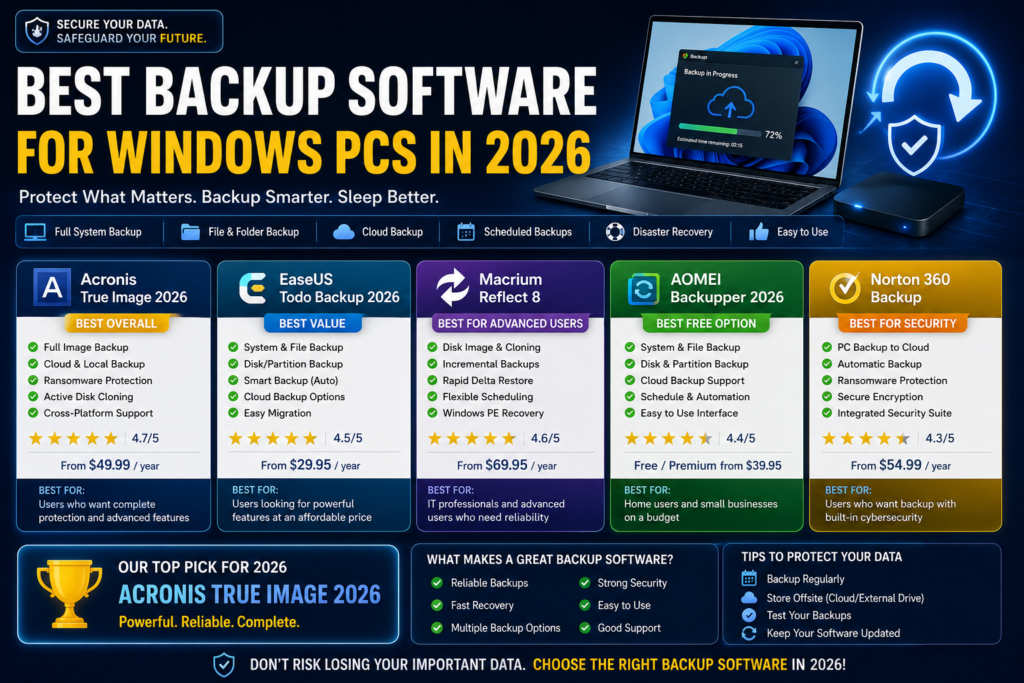
Data loss can happen unexpectedly due to hardware failure, accidental deletion, ransomware attacks, operating system crashes, or disk corruption. Creating regular backups is one of the most effective ways to protect important files, documents, photos, and business data.
Fortunately, several reliable backup solutions are available for Windows PCs. These tools help users create system images, clone drives, schedule backups, synchronize files, and restore data quickly when needed.
In this guide, we compare the best backup software for Windows PCs and explain their features, advantages, disadvantages, and ideal use cases.
Quick Comparison Table
| Software | Free Version | System Backup | Disk Cloning | Cloud Backup | Best For |
|---|---|---|---|---|---|
| AOMEI Backupper | Yes | Yes | Yes | Limited | Home Users |
| Macrium Reflect | Yes (Limited) | Yes | Yes | No | Advanced Users |
| EaseUS Todo Backup | Yes | Yes | Yes | Yes | Personal Use |
| Veeam Agent | Yes | Yes | Yes | Yes | Business Users |
| Windows Backup | Yes | Basic | No | OneDrive | Beginners |
Why Is Backup Software Important?
A proper backup strategy helps protect against:
- Hard drive failures
- SSD corruption
- Malware and ransomware attacks
- Accidental file deletion
- Operating system crashes
- Hardware upgrades
- Device theft or loss
Without backups, recovering important files may become impossible.
1. AOMEI Backupper
Overview
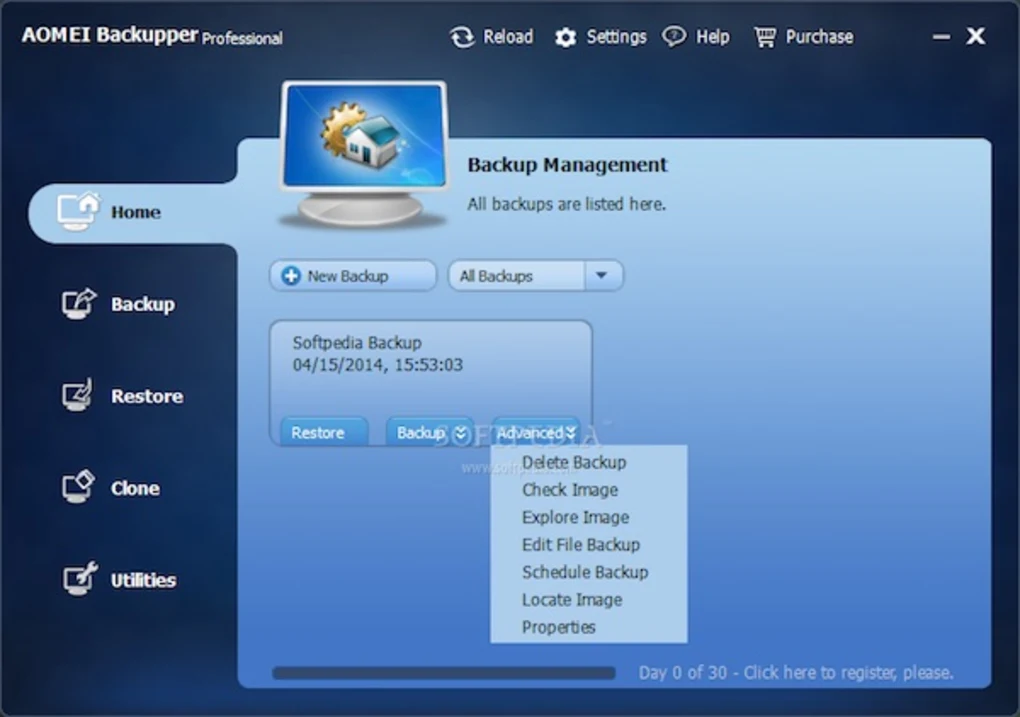
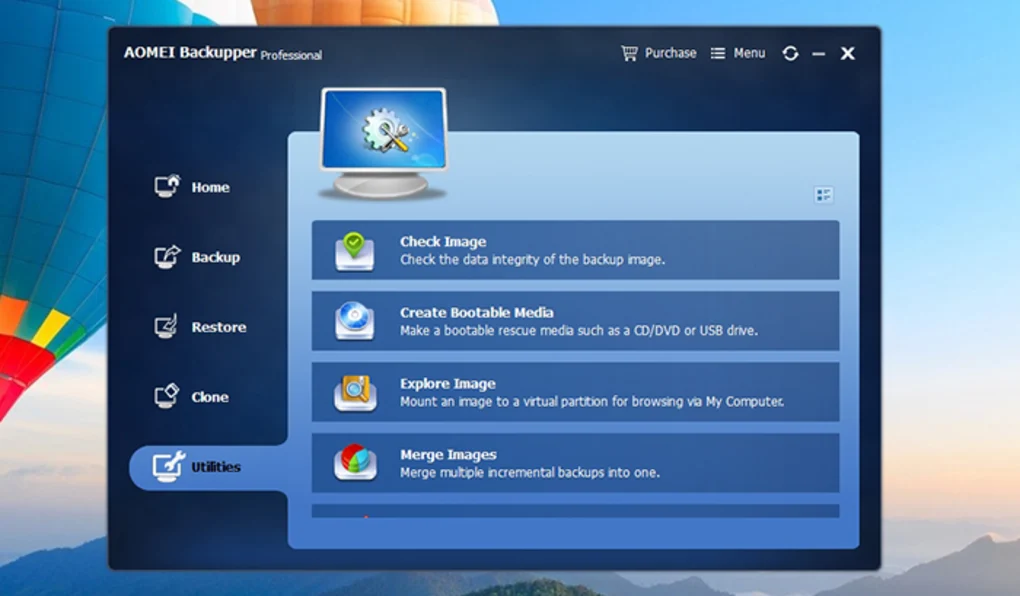
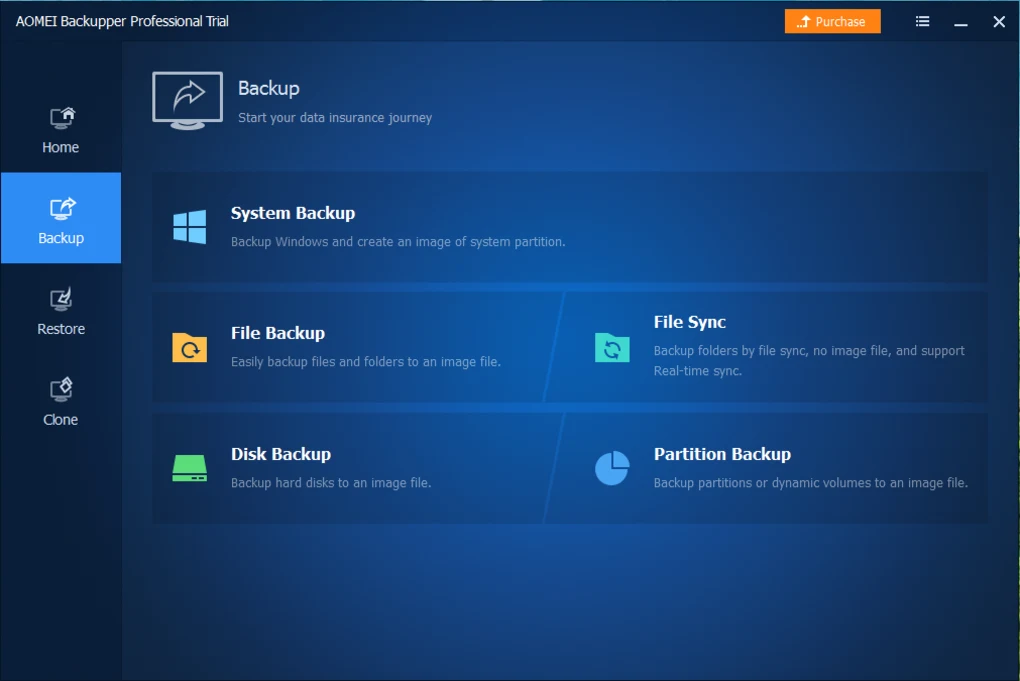
AOMEI Backupper is one of the most popular backup solutions for Windows users. It provides file backup, disk backup, partition backup, system backup, and cloning features.
Key Features
- System backup
- Disk cloning
- Scheduled backups
- Incremental backups
- File synchronization
- Bootable recovery media
Pros
- User-friendly interface
- Powerful free version
- Fast backup speeds
- Suitable for beginners
Cons
- Some advanced features require premium plans
- Cloud integration is limited
Best For
Home users looking for a complete backup solution.
2. Macrium Reflect
Overview
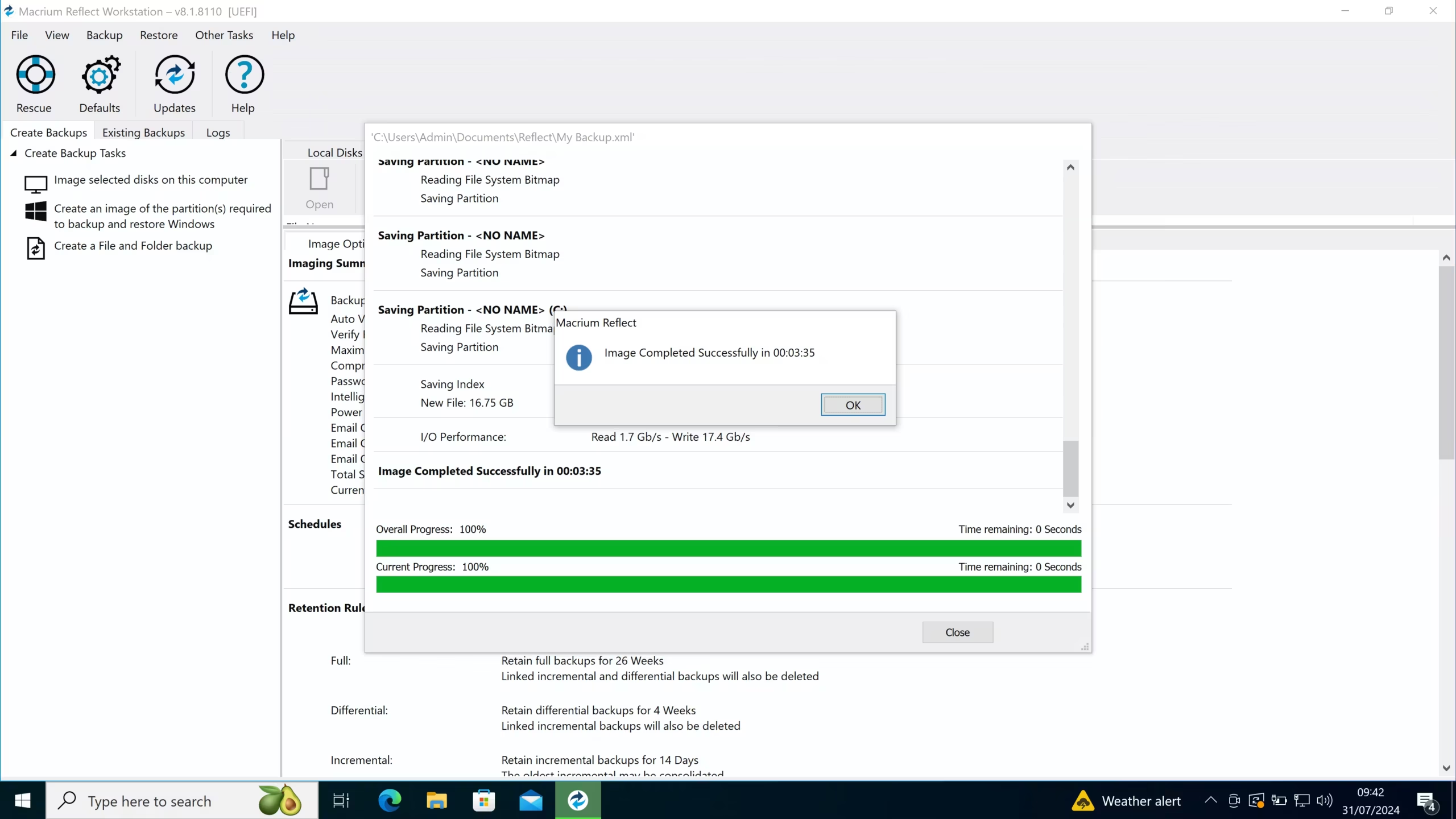
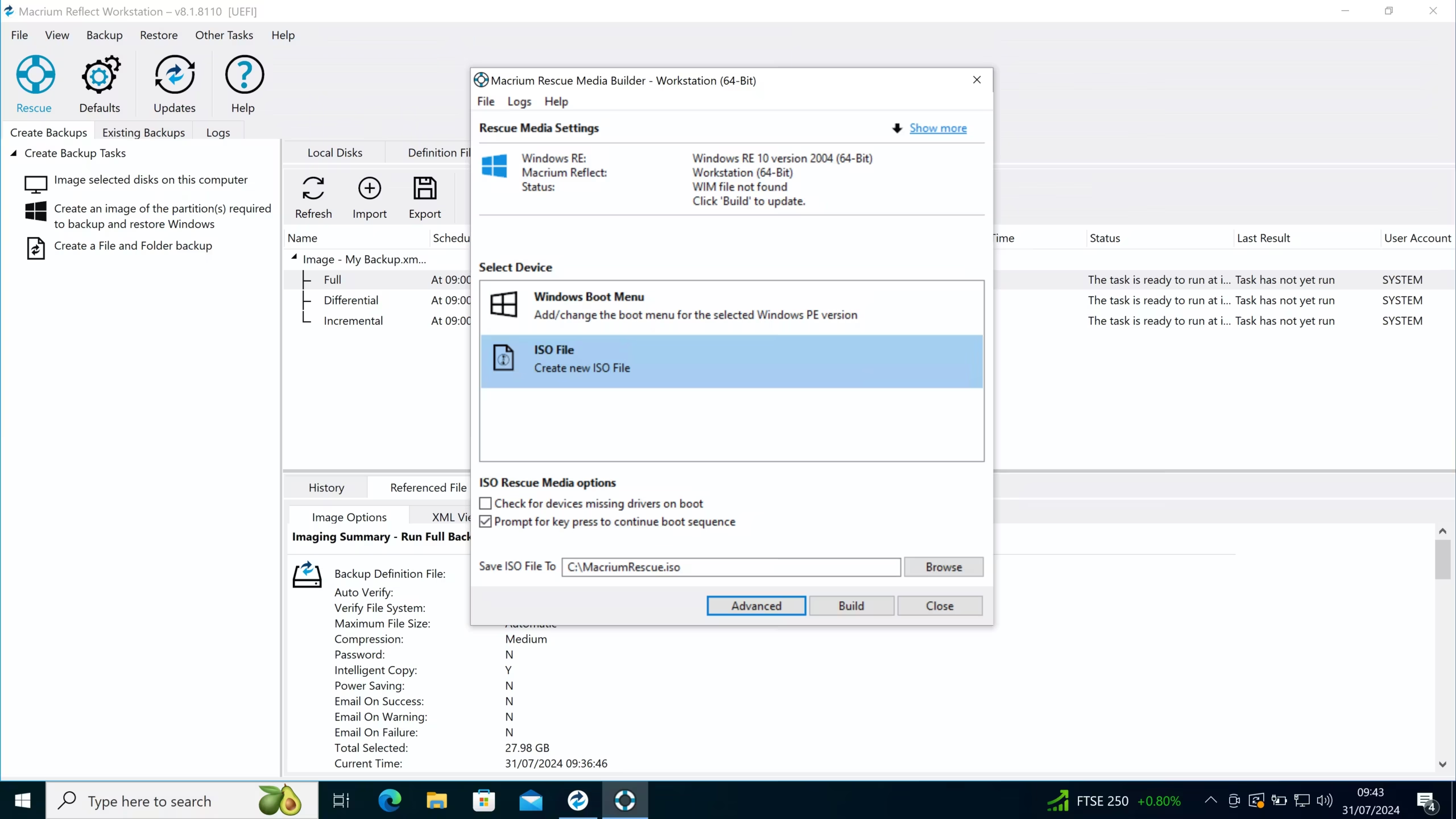
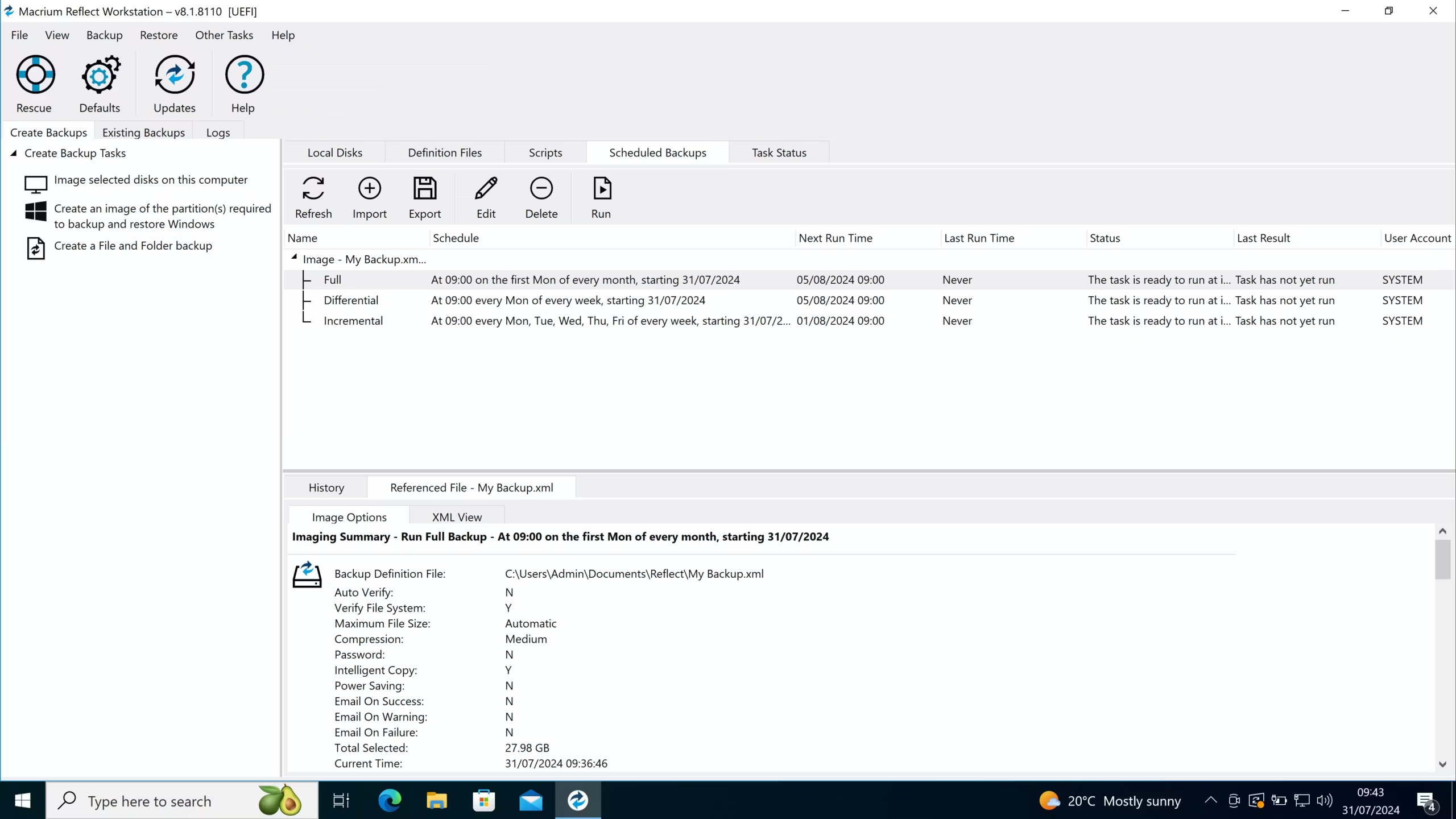
Macrium Reflect is widely known for its reliable disk imaging and system recovery capabilities.
Key Features
- Full disk imaging
- Rapid Delta Restore
- Incremental backups
- Bootable rescue media
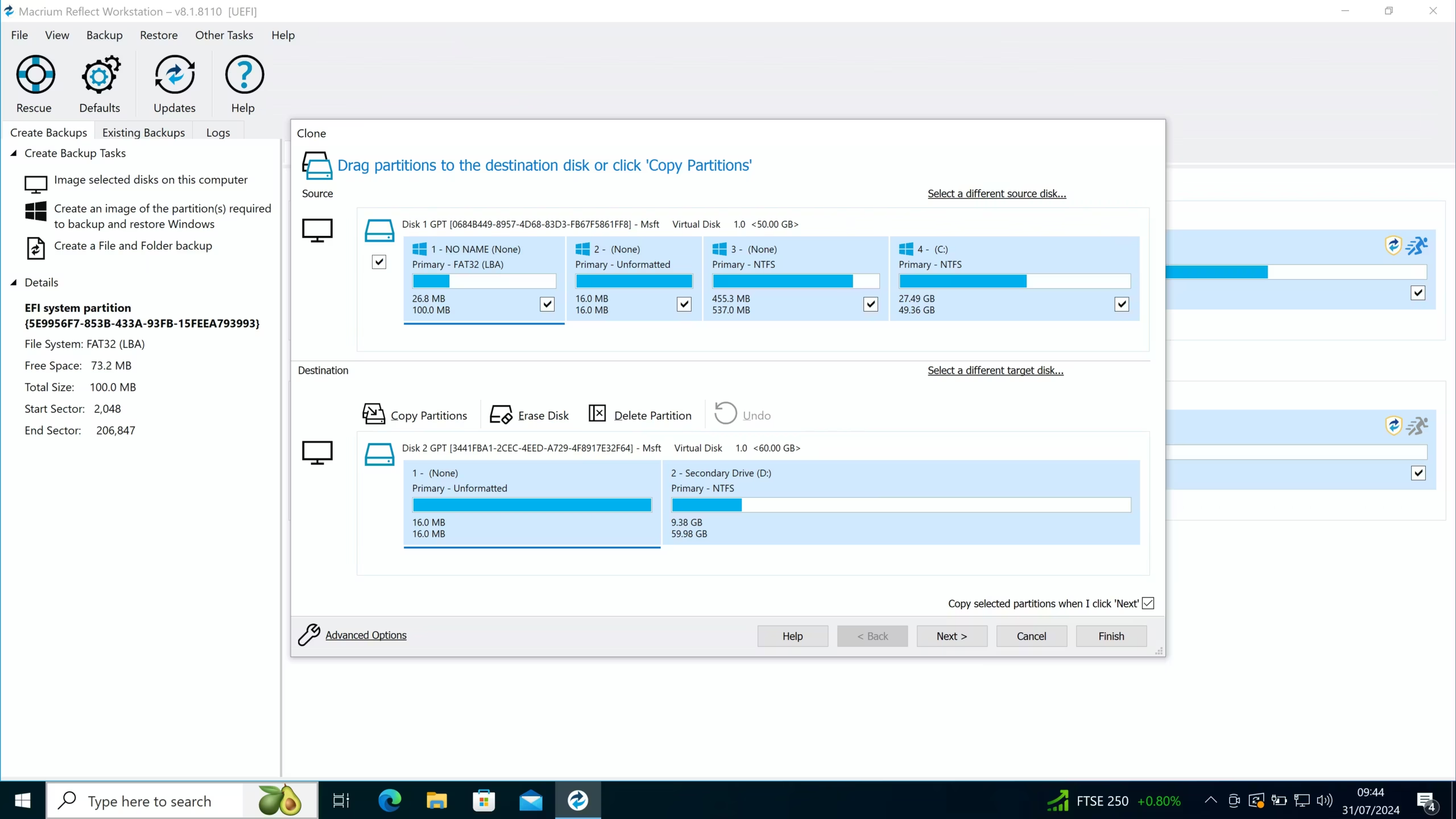
- Disk cloning
Pros
- Excellent reliability
- Fast restore process
- Strong disaster recovery features
Cons
- Interface can be complex
- Learning curve for beginners
Best For
Power users and IT professionals.
3. EaseUS Todo Backup
Overview
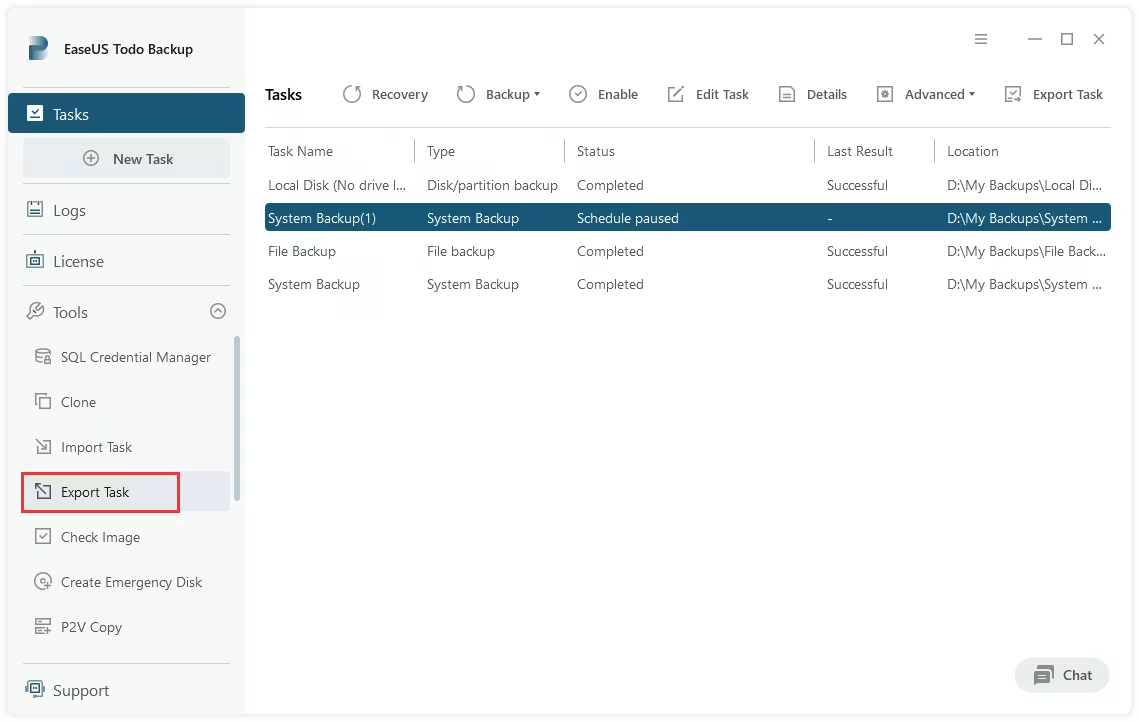
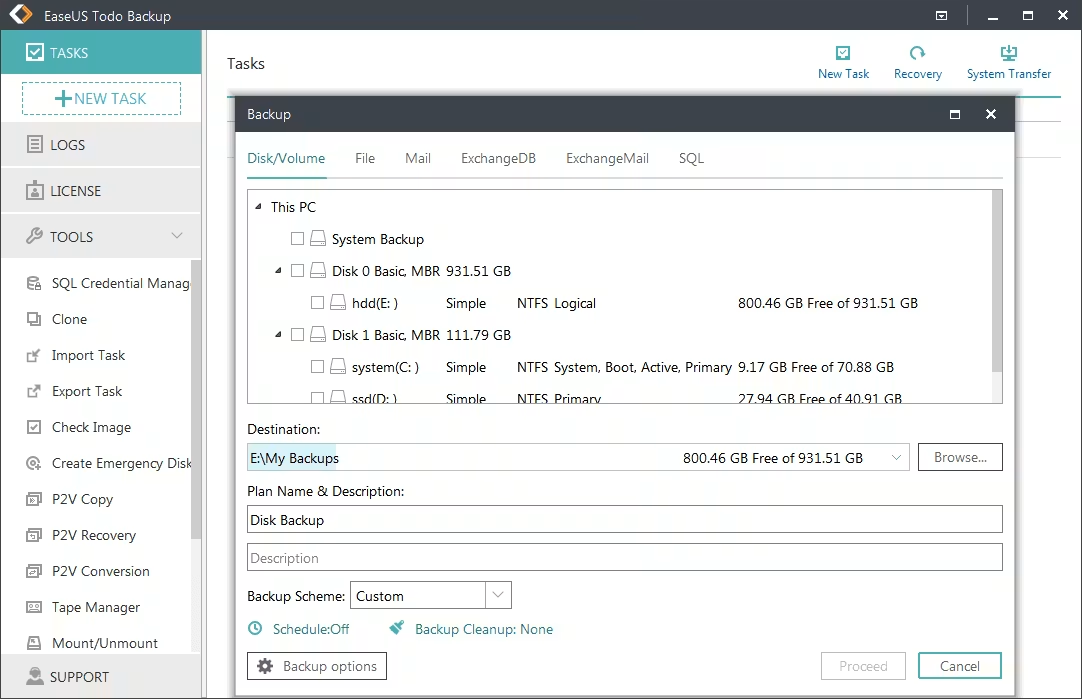
EaseUS Todo Backup offers comprehensive backup features for personal and professional users.
Key Features
- System backup
- File backup
- Disk cloning
- Scheduled backup
- Cloud backup support
Pros
- Easy setup process
- Modern interface
- Flexible backup options
Cons
- Advanced features require premium version
- Some limitations in free edition
Best For
Users seeking an easy-to-use backup solution.
4. Veeam Agent for Windows
Overview
Veeam Agent provides enterprise-grade backup technology for Windows systems.
Key Features
- Full image backups
- Incremental backups
- Cloud storage support
- Recovery environment
- Volume-level backup
Pros
- Professional-grade backup engine
- Excellent reliability
- Strong recovery capabilities
Cons
- More advanced than most home users need
- Configuration requires some technical knowledge
Best For
Business environments and IT administrators.
5. Windows Backup
Overview
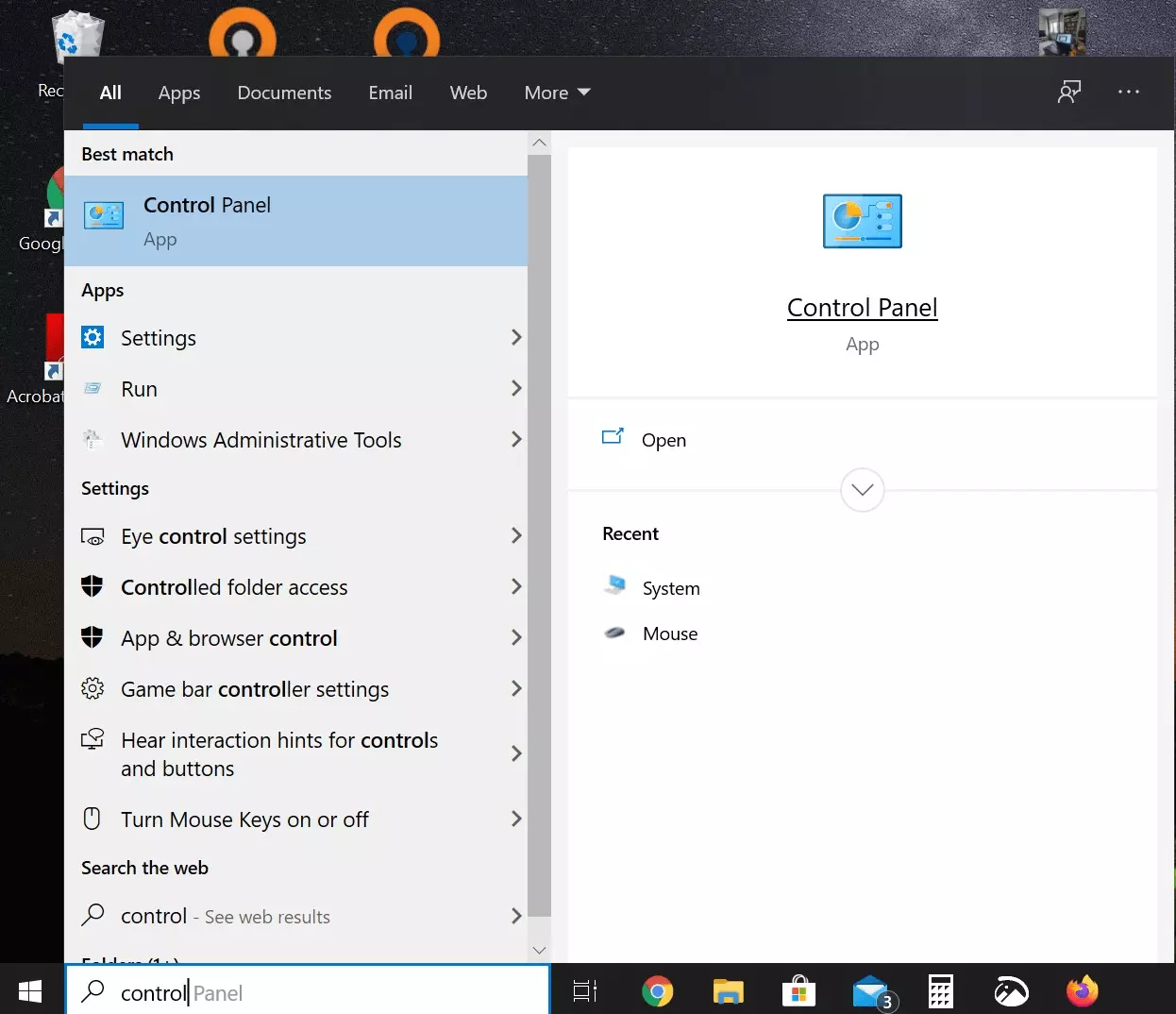
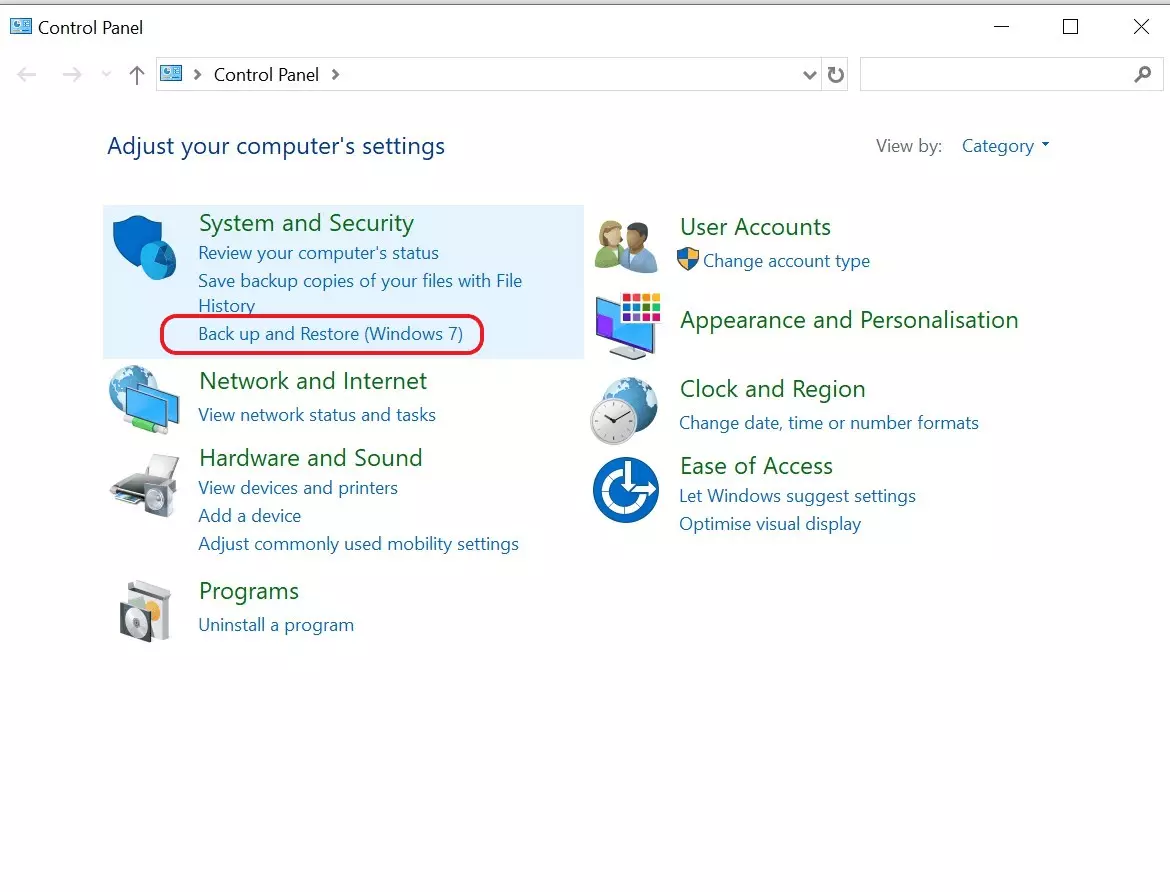
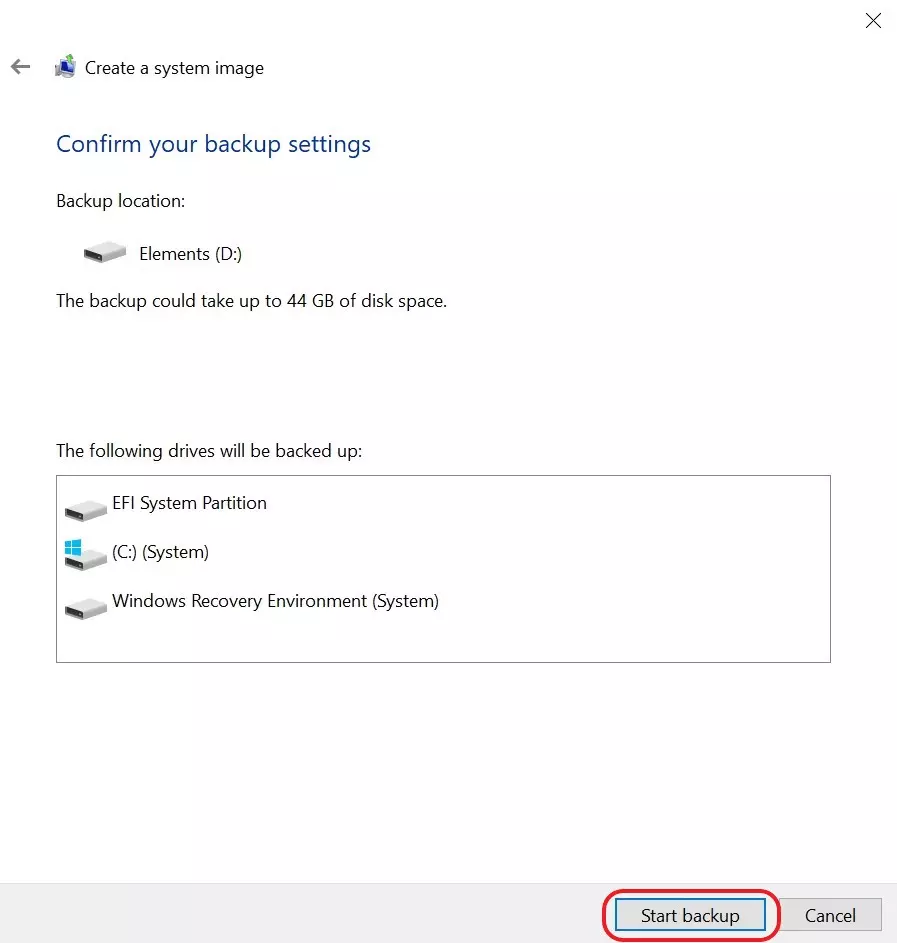
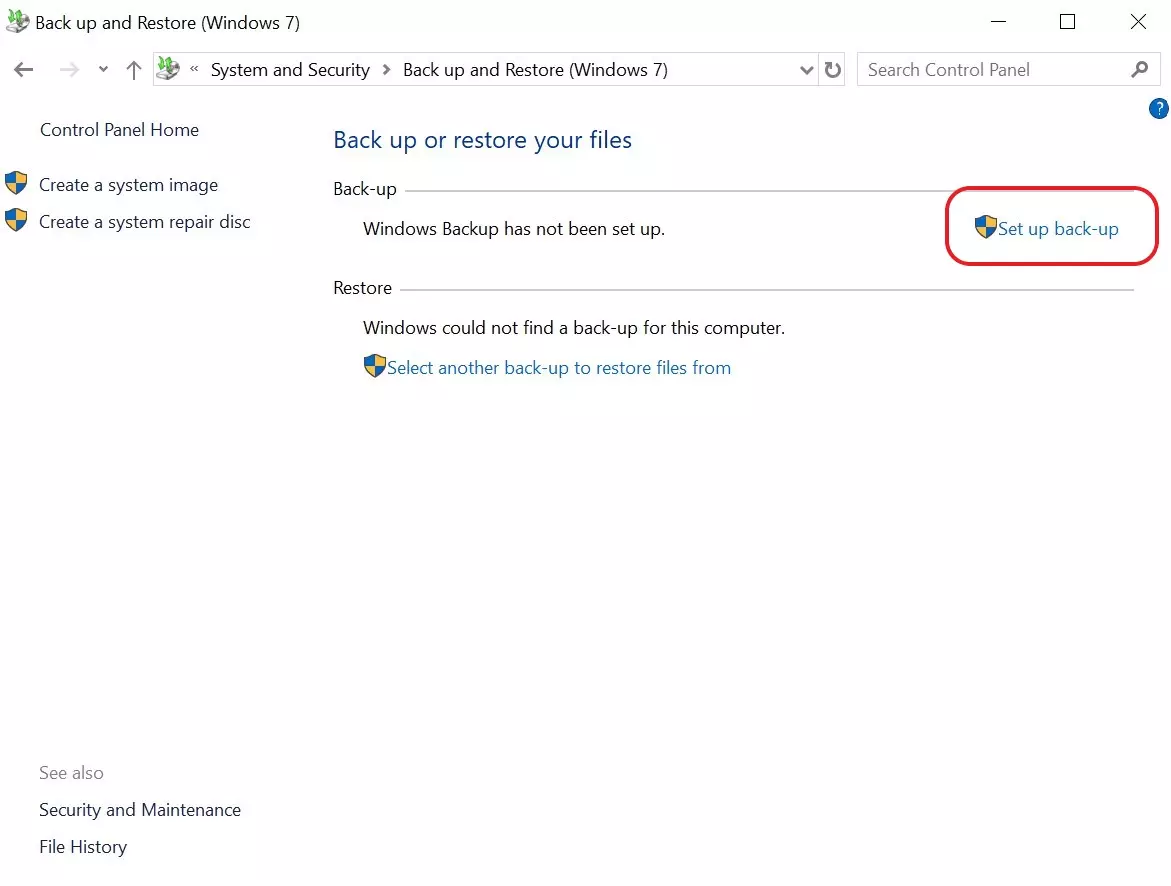
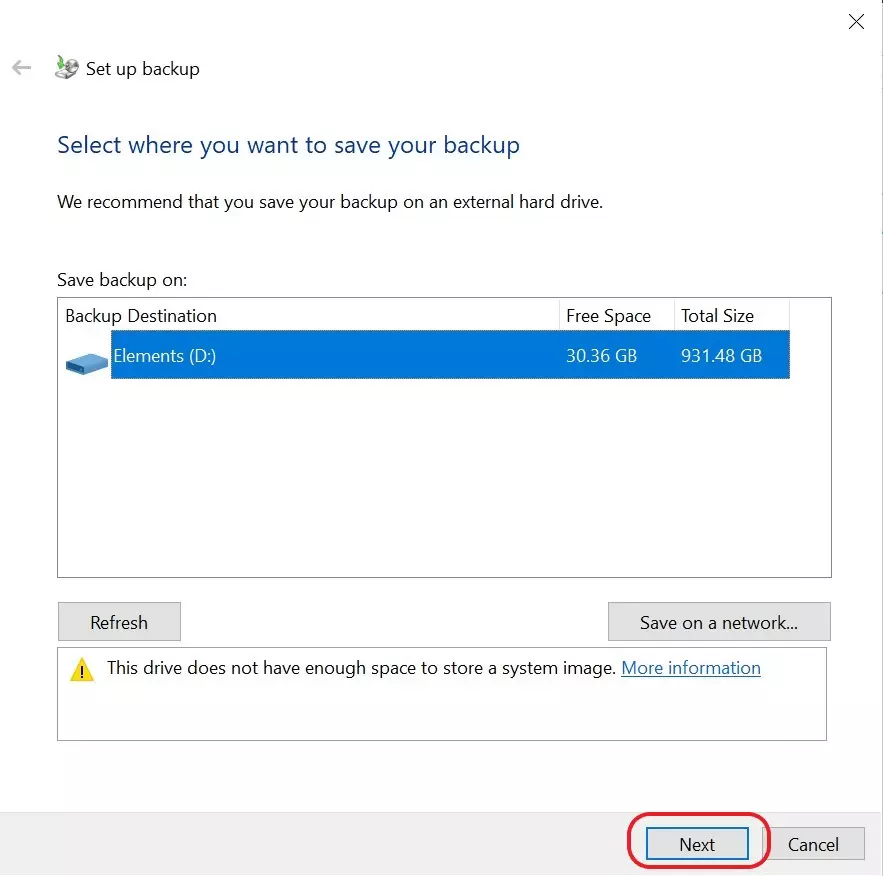
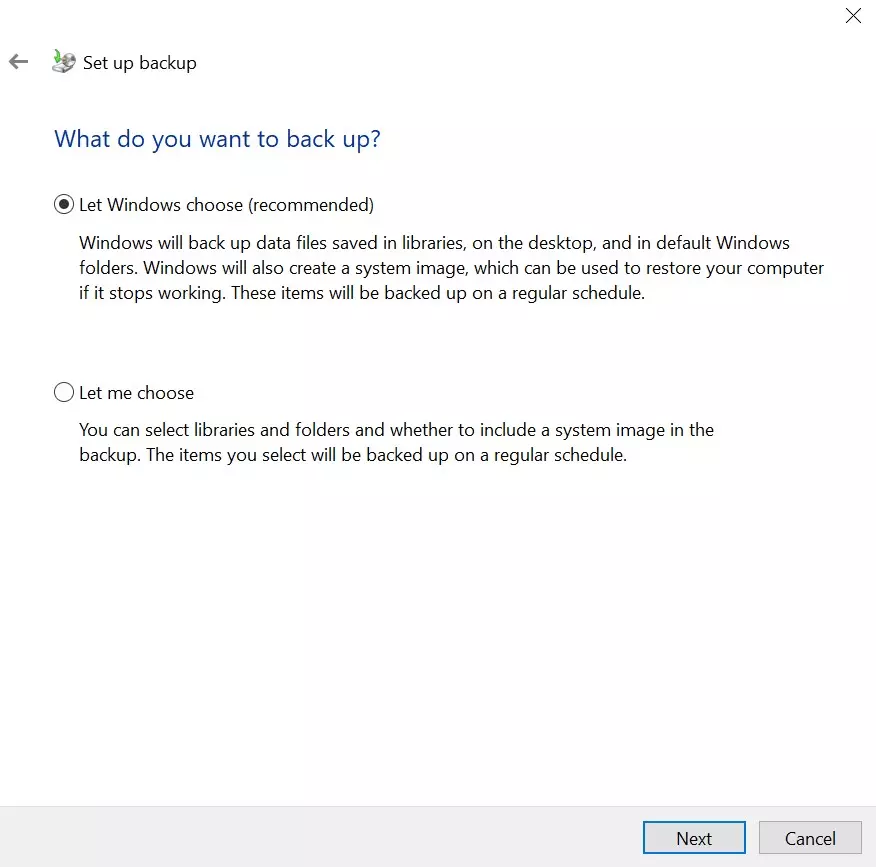
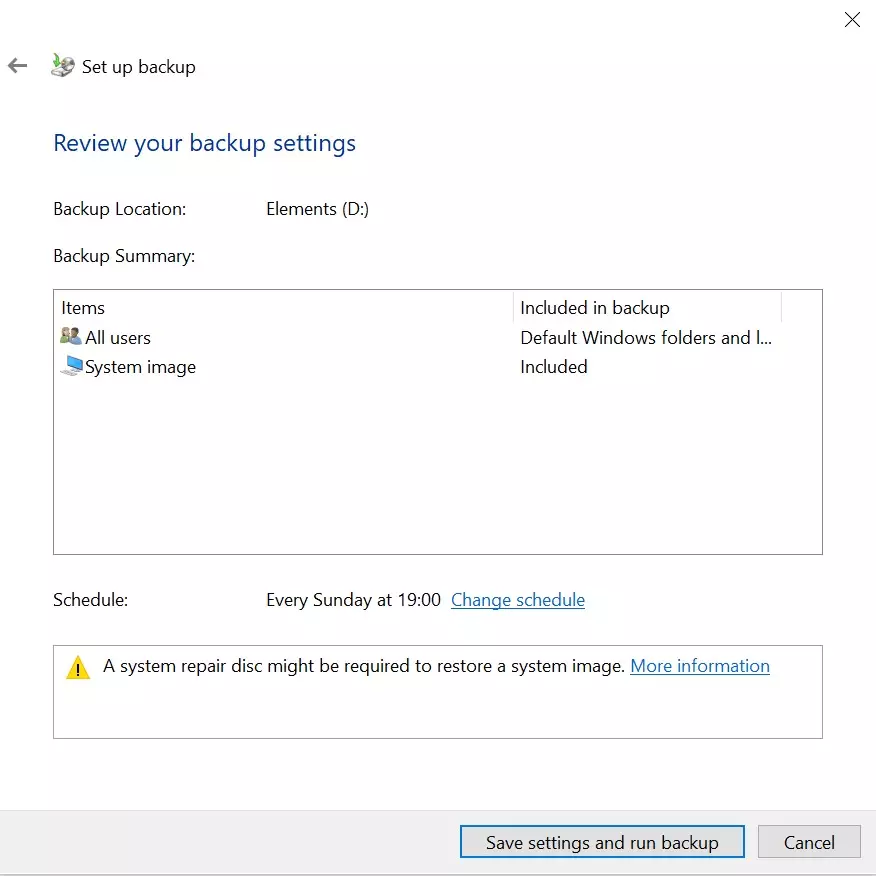
Windows includes built-in backup features that allow users to protect important files without installing additional software.
Key Features
- File History
- System Restore
- OneDrive integration
- Basic backup functionality
Pros
- Completely free
- Built into Windows
- Easy to access
Cons
- Limited advanced features
- No professional cloning tools
Best For
Beginners and casual users.
Real-World Testing Experience
Test Environment
- Windows 11 Pro
- 512 GB SSD
- External 1 TB HDD
Backup Tasks
- System image backup
- User documents backup
- Photo collection backup
- Application settings backup
Results
AOMEI Backupper
- Fast backup creation
- Easy scheduling
- Excellent cloning performance
Macrium Reflect
- Reliable image creation
- Fast restore process
- Advanced backup options
EaseUS Todo Backup
- User-friendly interface
- Good backup speed
- Flexible backup plans
Veeam Agent
- Enterprise-level reliability
- Strong recovery capabilities
Windows Backup
- Simple setup
- Suitable for basic protection
Types of Backups Explained
Full Backup
Creates a complete copy of all selected files and data.
Incremental Backup
Only saves changes made since the previous backup.
Differential Backup
Backs up changes since the last full backup.
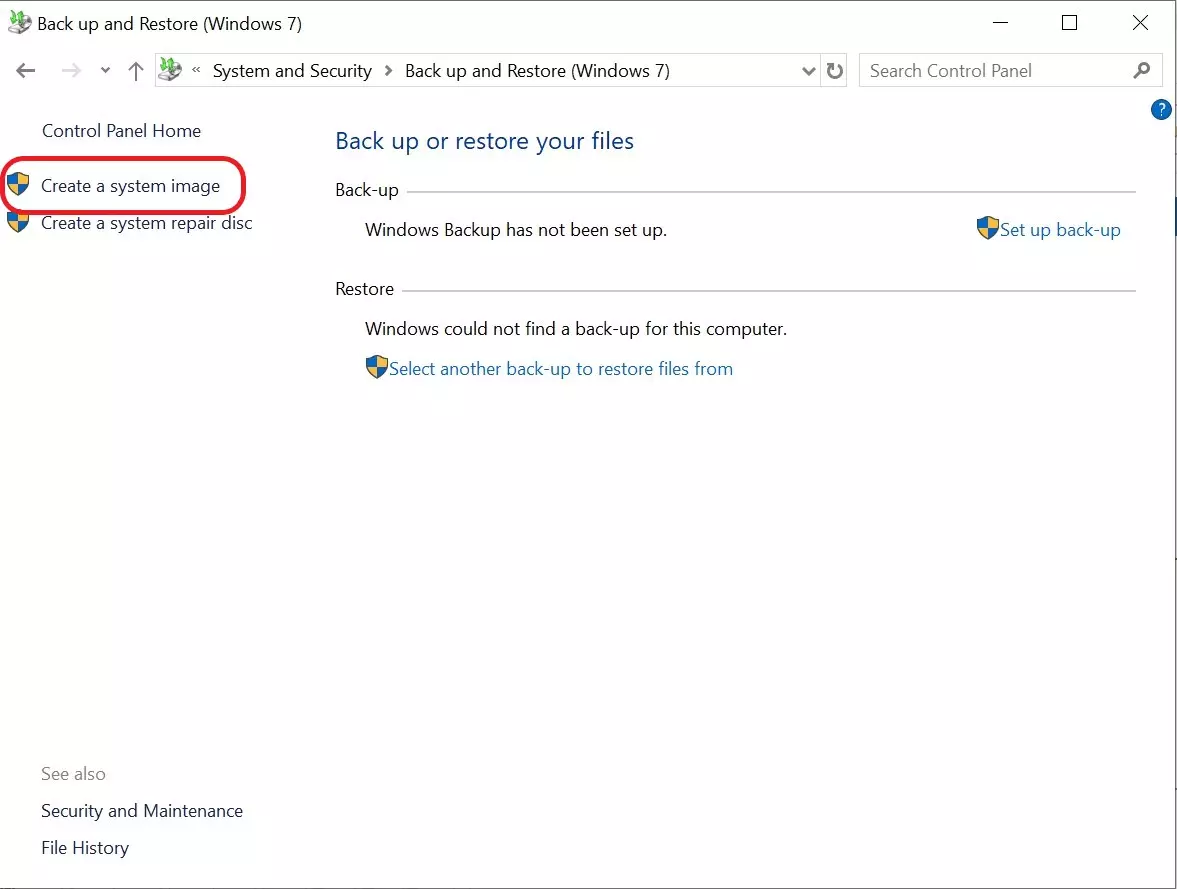
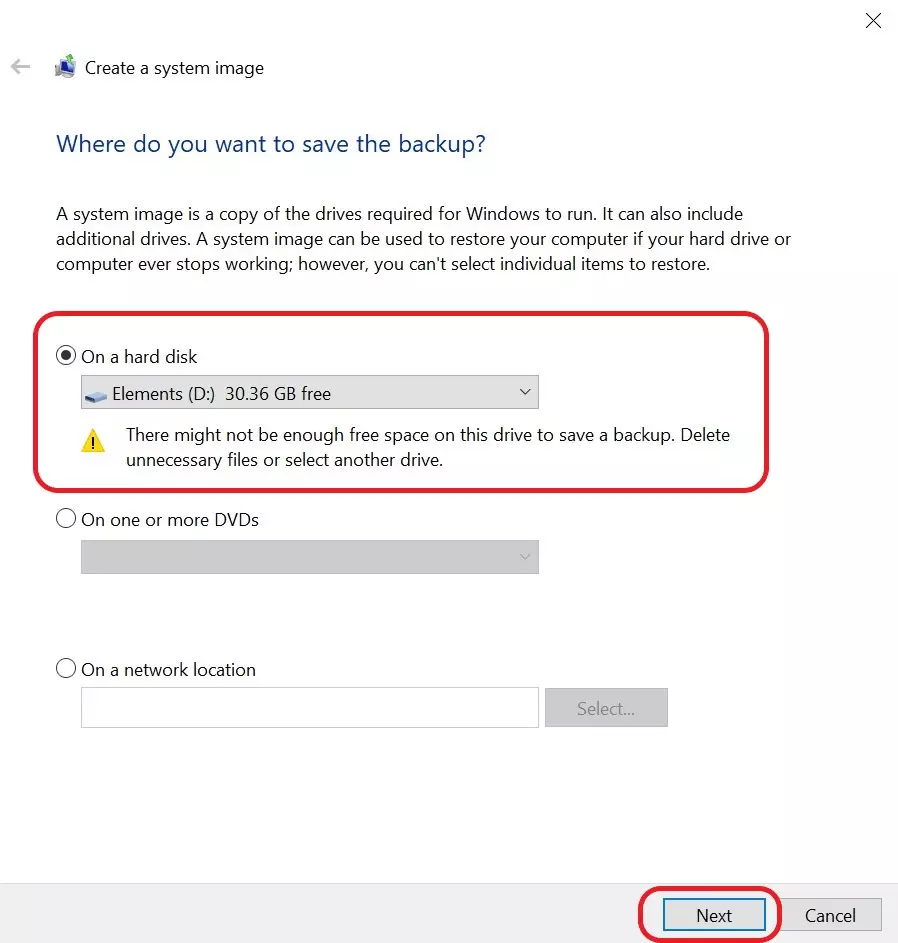
System Image Backup
Creates a complete image of the operating system and installed applications.
How to Choose Backup Software
For Home Users
Choose AOMEI Backupper or EaseUS Todo Backup.
For Advanced Users
Macrium Reflect offers more control and flexibility.
For Businesses
Veeam Agent provides enterprise-level reliability.
For Basic Protection
Windows Backup may be sufficient.
Common Backup Mistakes to Avoid
Storing Backups on the Same Drive
Always use a separate drive or cloud storage.
Not Testing Backup Files
Verify backups regularly to ensure they can be restored.
Skipping Scheduled Backups
Automated backups help prevent data loss.
Ignoring Ransomware Protection
Maintain offline backups whenever possible.
Frequently Asked Questions
What is the best backup software for Windows?
AOMEI Backupper is one of the best all-around backup solutions for most Windows users.
Is Windows Backup enough?
For basic protection, yes. For advanced backup and recovery, dedicated backup software is recommended.
What is a system image backup?
A system image backup creates a complete copy of the operating system, settings, applications, and files.
Which backup software is best for beginners?
AOMEI Backupper and EaseUS Todo Backup are beginner-friendly choices.
How often should I back up my PC?
Important files should ideally be backed up daily or weekly.
Can backup software protect against ransomware?
Backups can help recover data after ransomware attacks if clean backup copies are available.
Is cloud backup better than local backup?
A combination of both provides the best protection.
What is disk cloning?
Disk cloning creates an exact copy of a hard drive or SSD.
Final Verdict
The best backup software depends on your needs and technical experience.
- AOMEI Backupper is the best overall choice for most users.
- Macrium Reflect is excellent for advanced backup and recovery.
- EaseUS Todo Backup provides a user-friendly experience.
- Veeam Agent is ideal for business environments.
- Windows Backup is suitable for basic protection.
For most Windows users, AOMEI Backupper offers the best balance of features, performance, reliability, and ease of use.