Best File Recovery Software for Windows in 2026
Introduction
Accidentally deleting important files can be frustrating, especially when those files contain valuable personal, academic, or business data. Whether files are deleted by mistake, lost due to formatting, system crashes, virus attacks, or storage device corruption, file recovery software can often help restore them.
Fortunately, several powerful file recovery tools are available for Windows users. These programs can recover documents, photos, videos, emails, and many other file types from hard drives, SSDs, USB drives, memory cards, and external storage devices.
In this guide, we compare the best file recovery software for Windows to help you choose the right solution for your recovery needs.
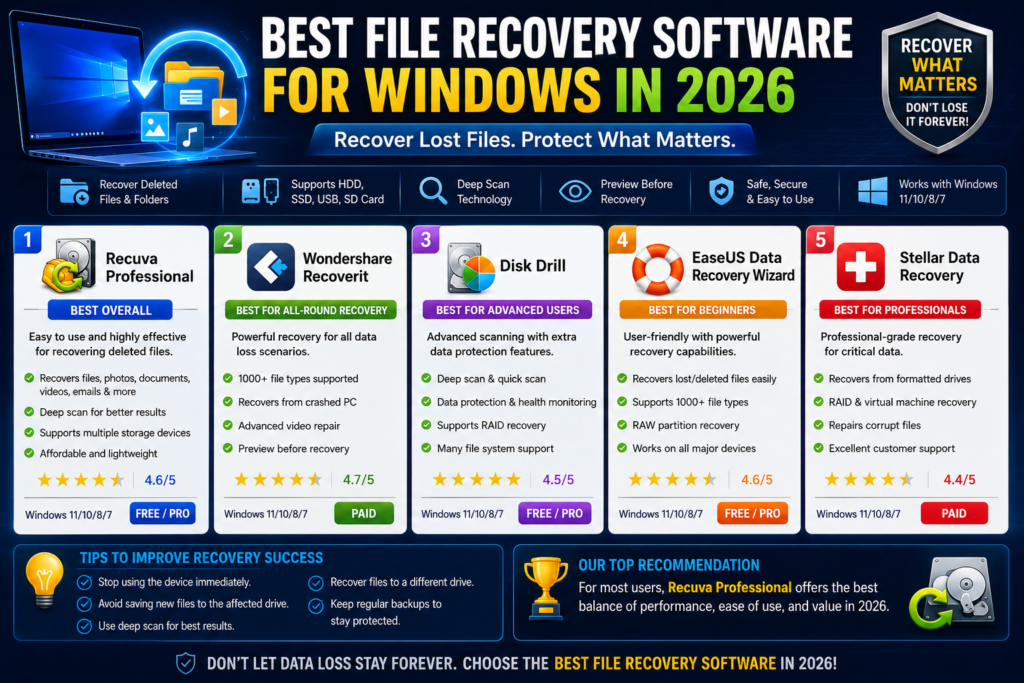
Quick Comparison Table
| Software | Free Recovery | Deep Scan | Partition Recovery | Preview Files | Best For |
|---|---|---|---|---|---|
| Windows File Recovery | Yes | Yes | Limited | No | Basic recovery |
| Eassiy Data Recovery | Yes | Yes | Yes | Yes | Beginners |
| EaseUS Data Recovery Wizard | Limited | Yes | Yes | Yes | Home users |
| Stellar Data Recovery | Limited | Yes | Yes | Yes | Professional recovery |
| Disk Drill | Limited | Yes | Yes | Yes | Advanced recovery |
What Causes Data Loss?
Before choosing recovery software, it’s important to understand common causes of data loss:
- Accidental file deletion
- Recycle Bin emptied
- Drive formatting
- System crashes
- Virus and malware attacks
- Power failures
- Partition corruption
- Storage device damage
The sooner recovery is attempted, the higher the chances of restoring lost data successfully.
1. Windows File Recovery
Overview
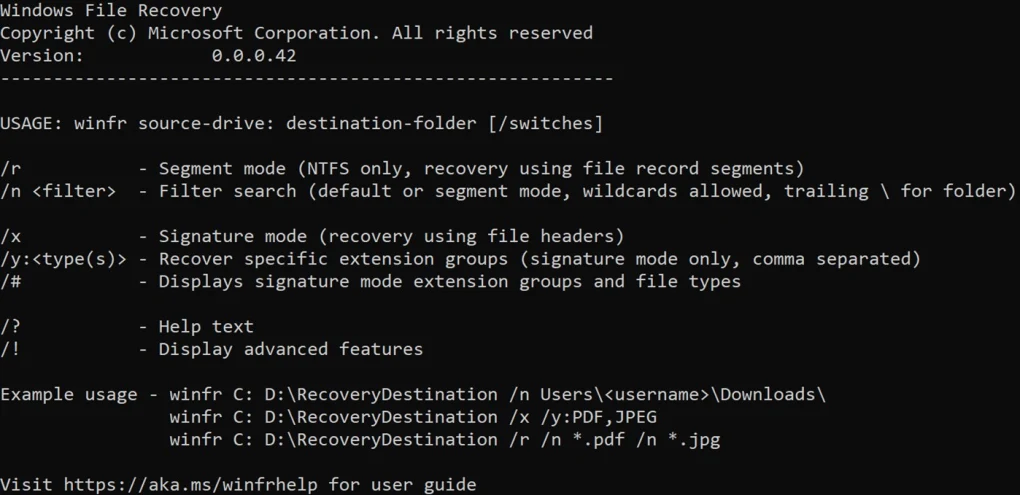
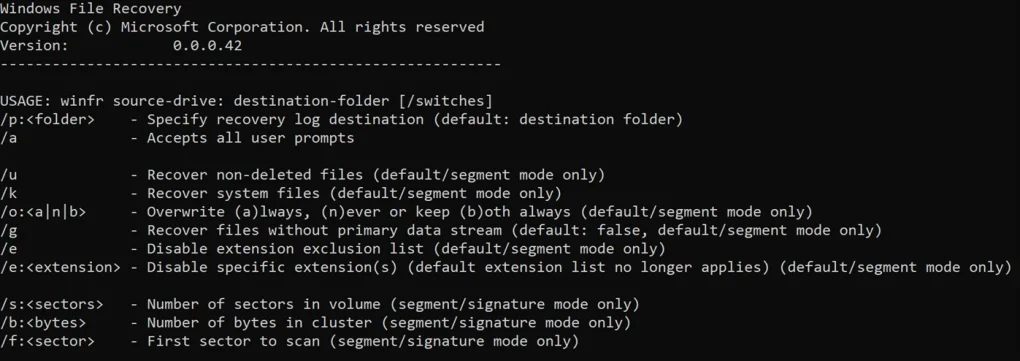
Windows File Recovery is Microsoft’s official recovery tool designed for Windows users. It is a command-line application that can recover deleted files from internal and external drives.
Key Features
- Free from Microsoft
- Supports NTFS, FAT, exFAT, and ReFS
- Deep scan mode
- Multiple recovery modes
- Lightweight utility
Pros
- Completely free
- No third-party software required
- Reliable for recently deleted files
Cons
- Command-line interface
- Not beginner-friendly
- No file preview feature
Best For
Users who prefer a free solution directly from Microsoft.
2. Eassiy Data Recovery
Overview
Eassiy Data Recovery is a user-friendly recovery solution capable of recovering files from various storage devices.
Key Features
- Quick scan and deep scan
- Recover documents, photos, videos, emails
- Partition recovery
- File preview
- Easy-to-use interface
Pros
- Beginner-friendly
- High recovery success rate
- Supports multiple file formats
Cons
- Free version has limitations
- Deep scans can take time
Best For
Home users looking for simple and effective recovery software.
3. EaseUS Data Recovery Wizard
Overview
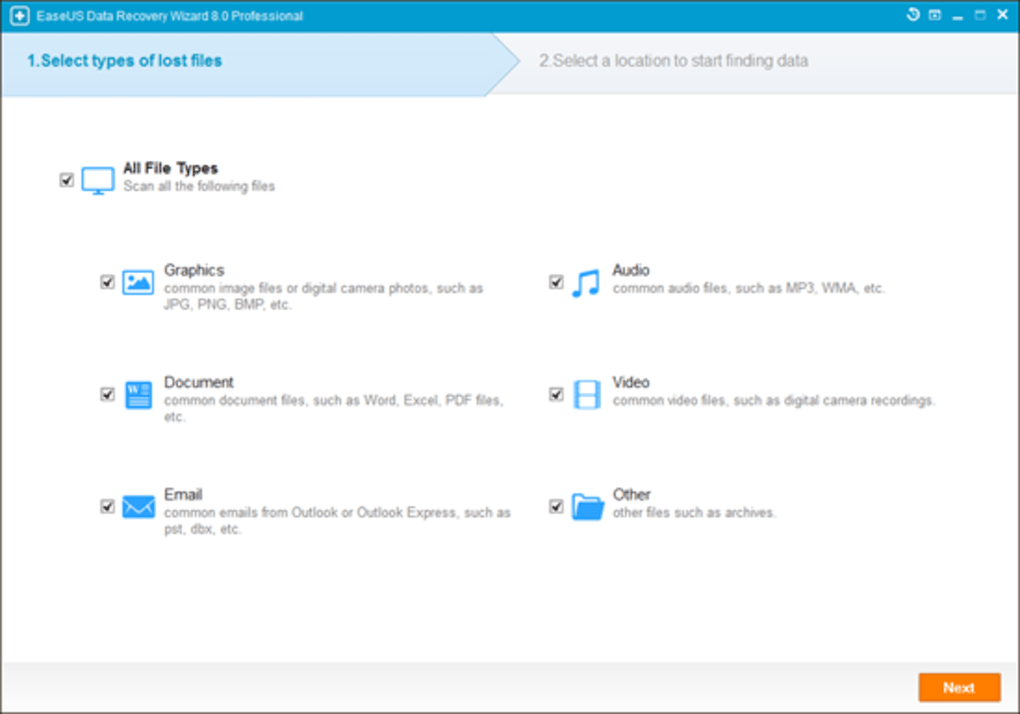
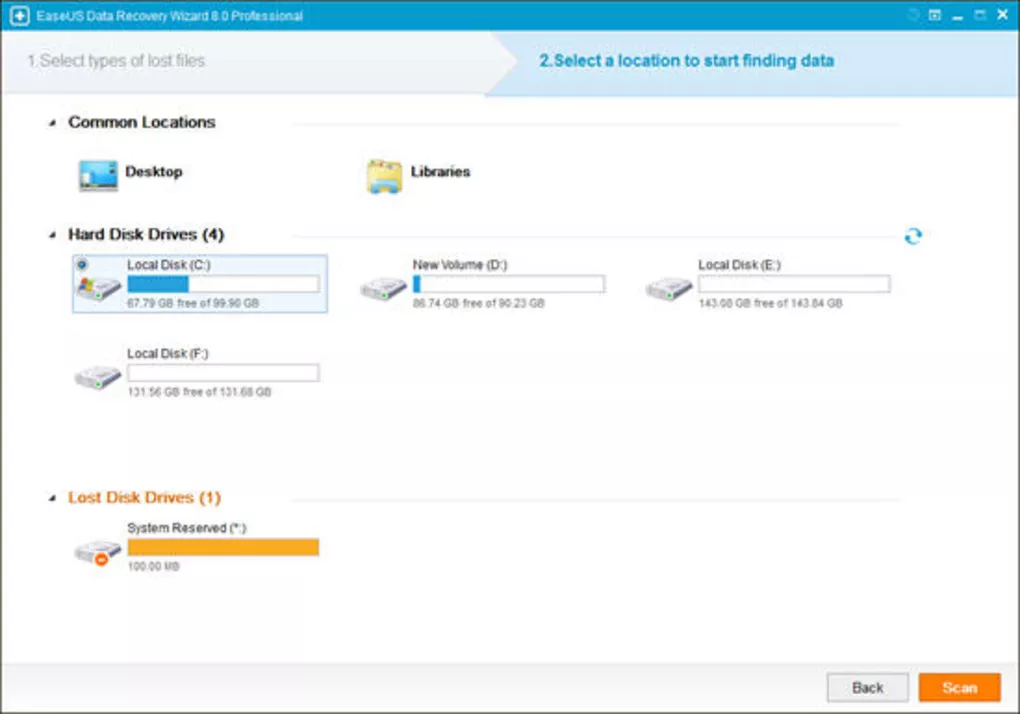
EaseUS is one of the most popular names in data recovery and offers advanced recovery features for Windows users.
Key Features
- Deleted file recovery
- Formatted drive recovery
- Partition recovery
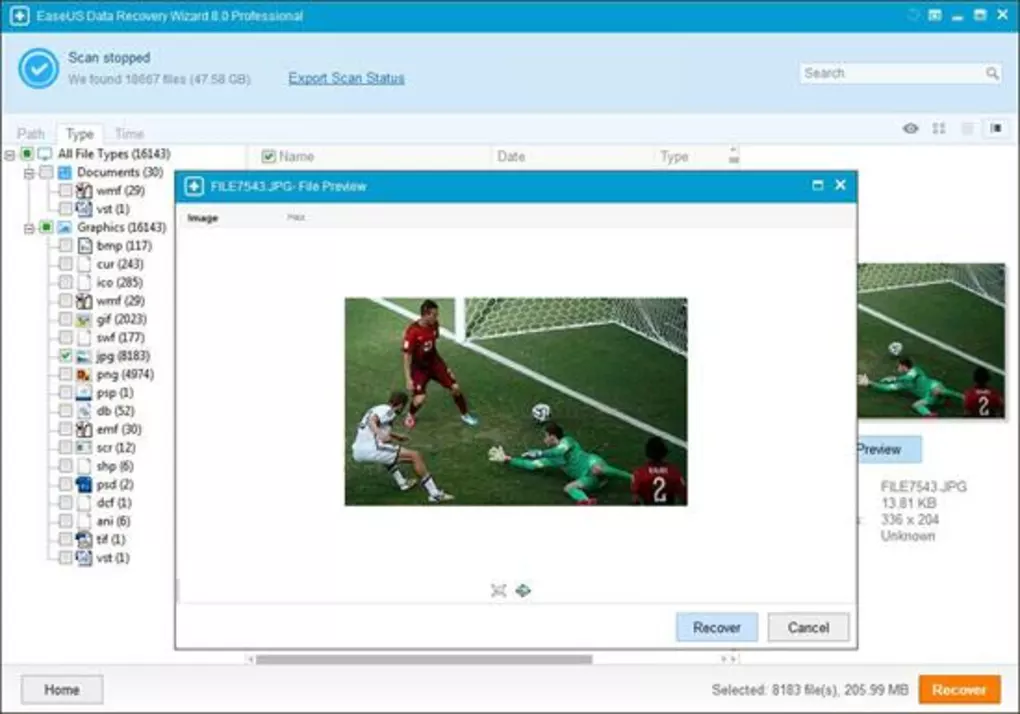
- Preview before recovery
- Deep scanning technology
Pros
- Modern interface
- Easy recovery process
- Wide file format support
Cons
- Limited free recovery allowance
- Premium version can be expensive
Best For
Users needing a balance between simplicity and advanced functionality.
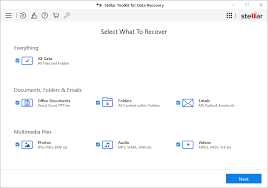
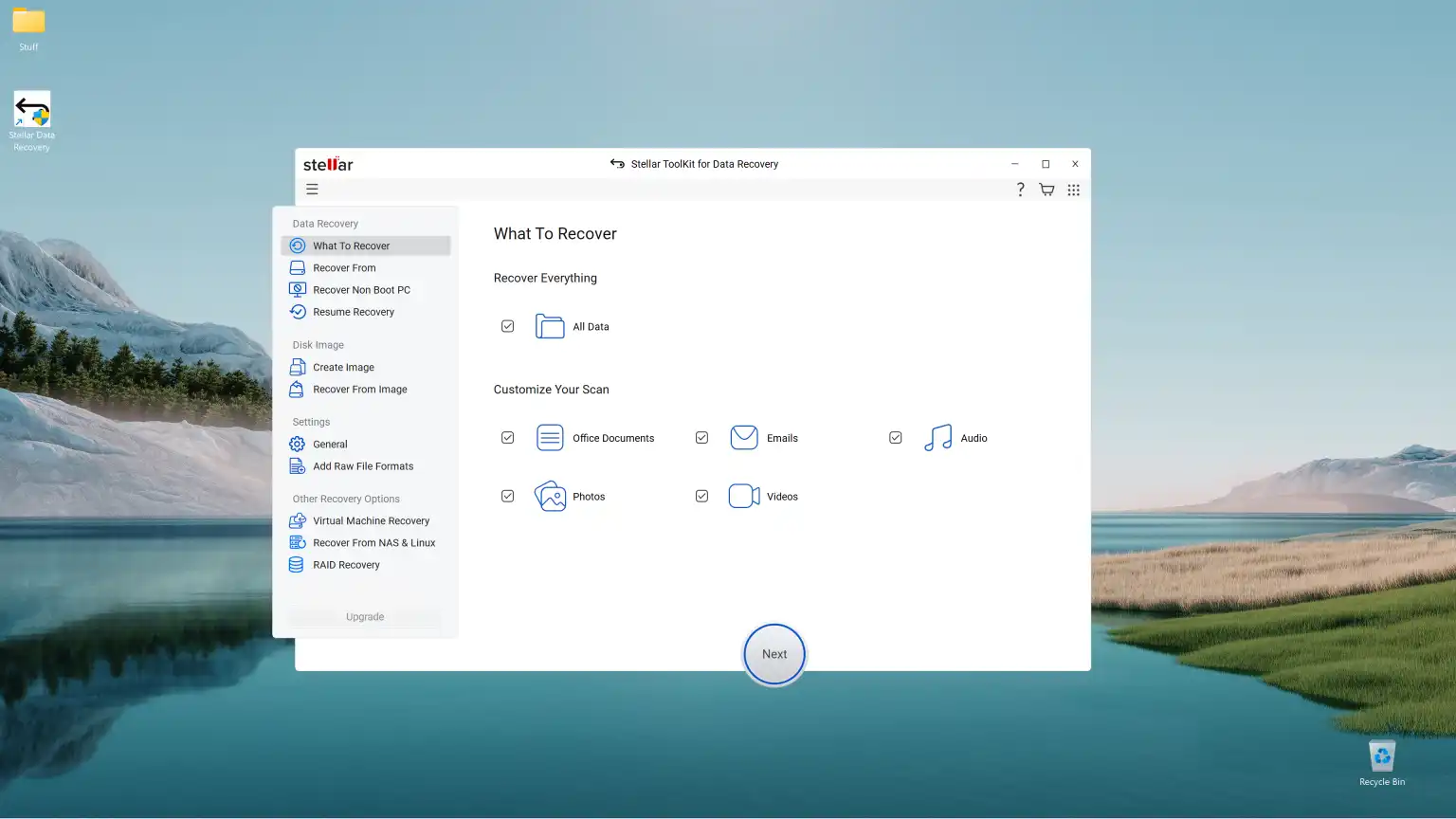
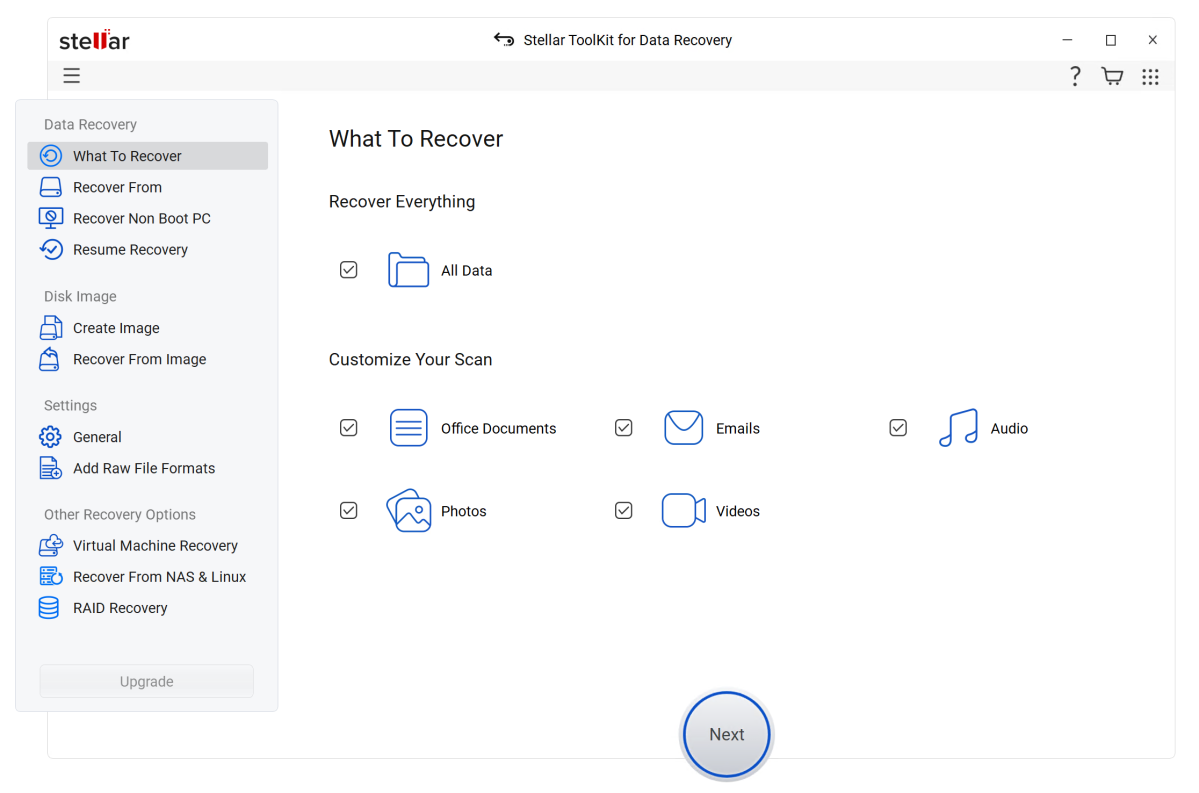
4. Stellar Data Recovery
Overview
Stellar Data Recovery is designed for users who need professional-level recovery capabilities.
Key Features
- Recover deleted and lost files
- RAID recovery support
- Partition recovery
- Photo and video recovery
- File preview
Pros
- Professional recovery tools
- Excellent scanning capabilities
- Supports large storage devices
Cons
- Premium plans required for advanced features
- Longer scan times
Best For
Professionals and businesses handling critical data.
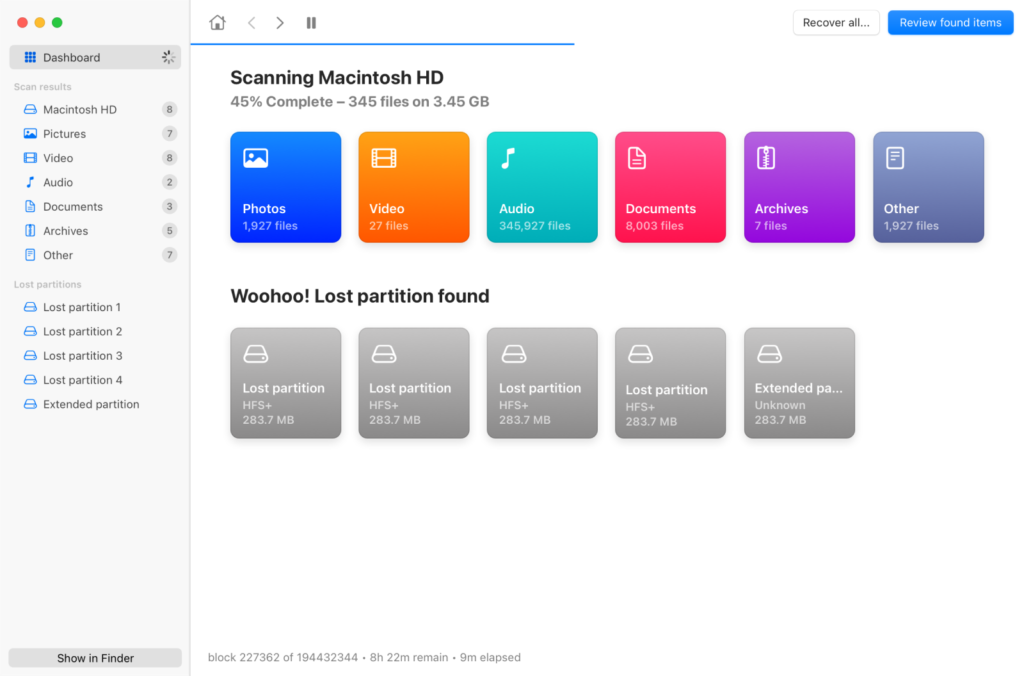
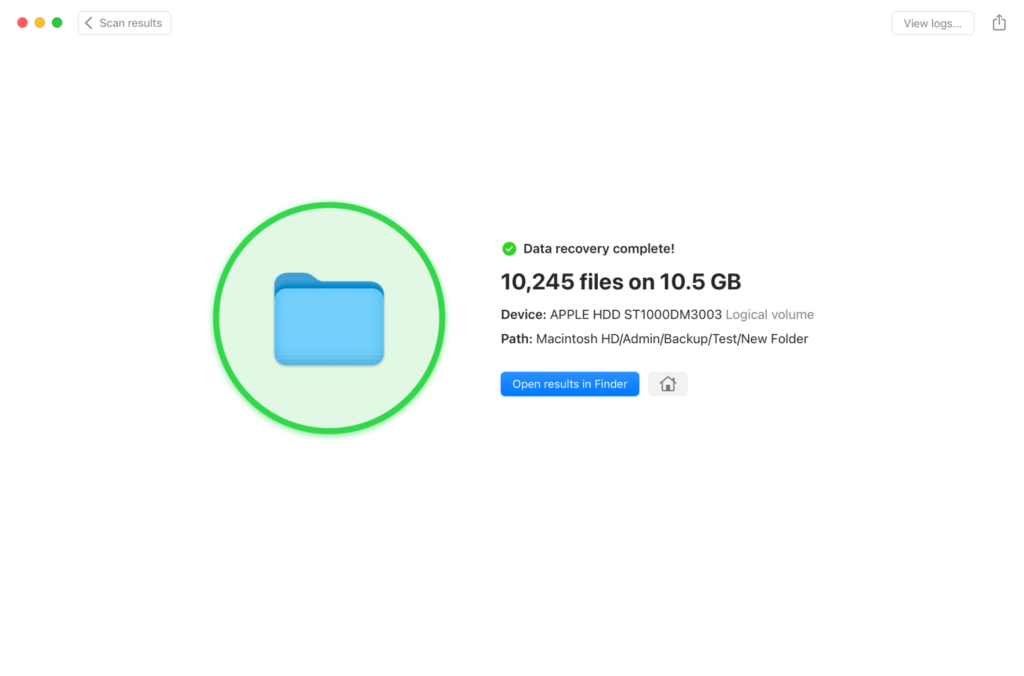
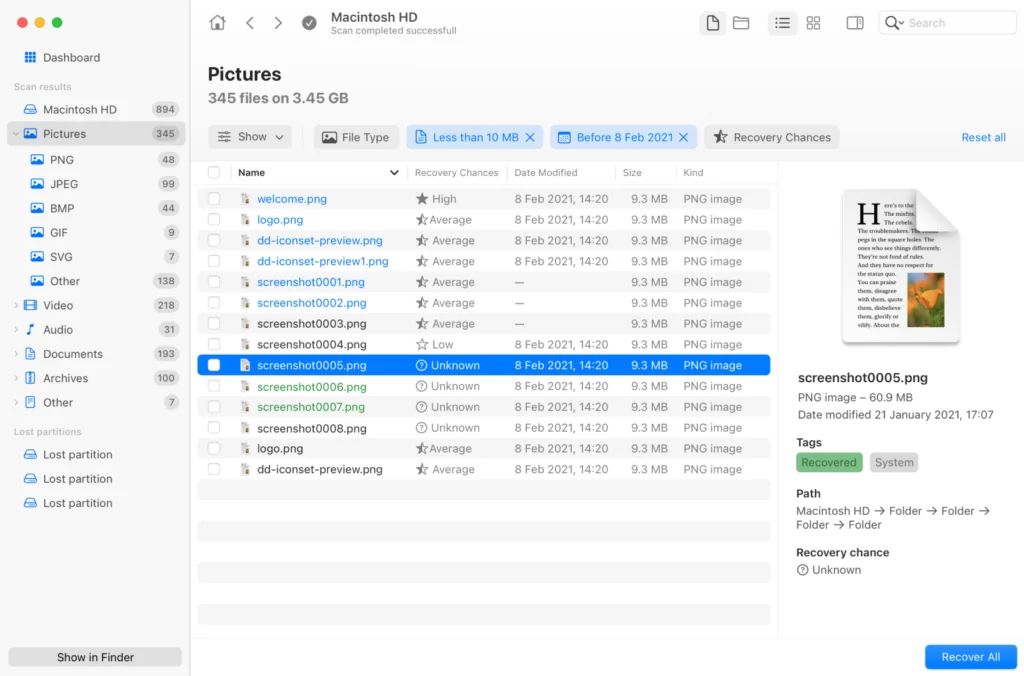
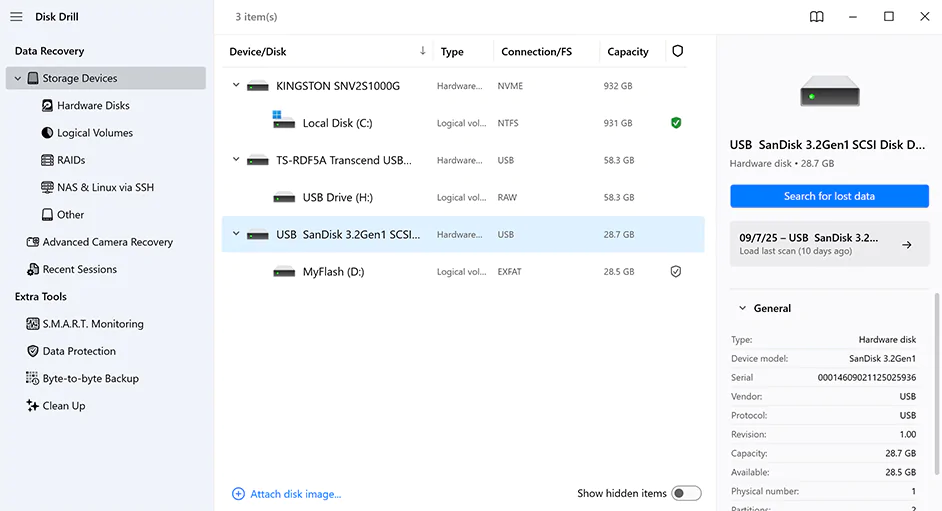
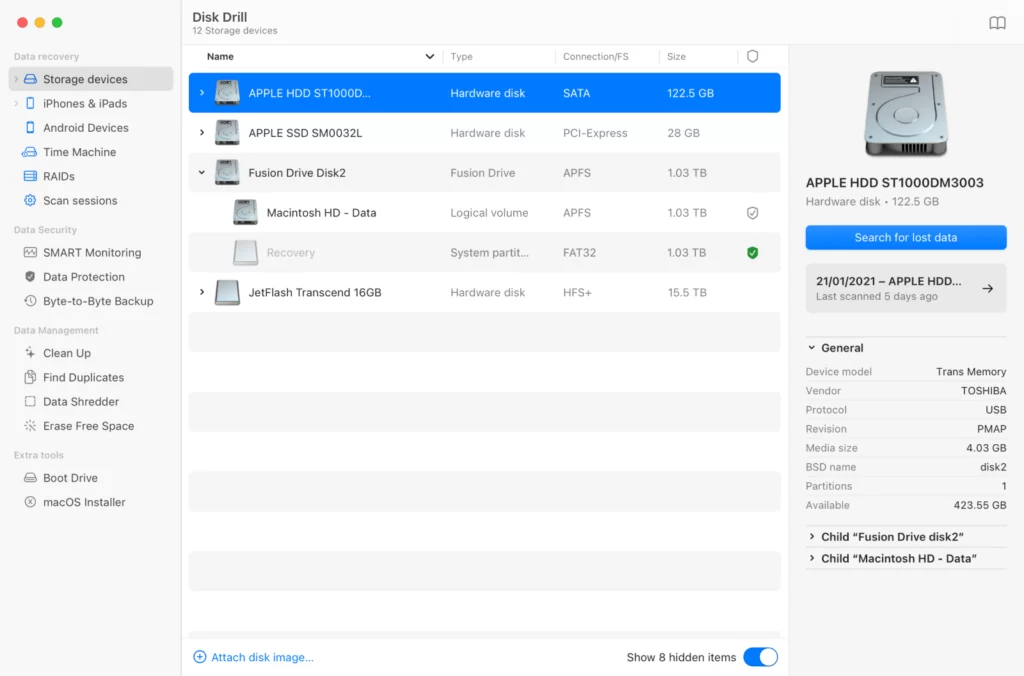
5. Disk Drill
Overview
Disk Drill provides advanced recovery technology with a simple interface suitable for both beginners and experienced users.
Key Features
- Deep scanning
- Partition recovery
- Recovery Vault protection
- Multiple file system support
- File preview
Pros
- Attractive interface
- Strong recovery performance
- Extra data protection tools
Cons
- Recovery limits in free version
- Some advanced features require paid plans
Best For
Users seeking both recovery and data protection features.
Real-World Testing Experience
Test Environment
- Windows 11 Pro
- 256 GB SSD
- USB Flash Drive
- External Hard Drive
Deleted Files
- Documents
- Images
- Videos
- ZIP Archives
Results
Windows File Recovery
- Recovered most recently deleted files
- Required command-line knowledge
Eassiy Data Recovery
- Found the largest number of deleted files
- User-friendly interface
EaseUS Data Recovery
- Excellent file preview support
- Good recovery rate
Stellar Data Recovery
- Performed well with older deleted files
- Strong deep scan results
Disk Drill
- Good balance between speed and recovery success
How to Increase Recovery Success Rate
If you accidentally lose files:
Stop Using the Drive Immediately
New data can overwrite deleted files and reduce recovery chances.
Avoid Installing Recovery Software on the Same Drive
Install recovery tools on a different drive whenever possible.
Run Deep Scans
Deep scans often discover files missed by quick scans.
Recover Files to Another Location
Always save recovered files to a different storage device.
Who Should Choose Which Software?
Choose Windows File Recovery If:
- You want a free tool
- You’re comfortable using command-line utilities
- You need basic recovery
Choose Eassiy Data Recovery If:
- You want an easy interface
- You need fast recovery
- You’re a beginner
Choose EaseUS If:
- You need strong recovery features
- You want file previews
Choose Stellar Data Recovery If:
- You need professional recovery tools
- You manage critical data
Choose Disk Drill If:
- You want recovery plus protection features
Frequently Asked Questions
Can deleted files be recovered permanently?
In many cases, yes. Files can often be recovered if they have not been overwritten by new data.
What is the best free file recovery software?
Windows File Recovery is one of the best completely free recovery tools available for Windows users.
Which recovery software has the highest success rate?
Recovery success depends on the storage device and data loss situation, but Eassiy, EaseUS, Stellar, and Disk Drill generally perform very well.
Can recovery software restore formatted drives?
Yes. Many modern recovery tools can recover files from formatted drives.
Is recovery software safe?
Yes, when downloaded from official developer websites.
Can SSD files be recovered?
Sometimes. Recovery from SSDs can be more difficult because of TRIM technology.
Does Windows include file recovery software?
Yes. Windows File Recovery is available from Microsoft.
How soon should I attempt recovery?
Immediately after noticing data loss to maximize recovery success.
Final Verdict
The best file recovery software for Windows depends on your recovery needs and technical experience.
- Windows File Recovery is ideal for users seeking a free Microsoft solution.
- Eassiy Data Recovery offers an excellent balance of usability and performance.
- EaseUS Data Recovery Wizard remains a popular all-round choice.
- Stellar Data Recovery is suitable for professionals.
- Disk Drill combines recovery capabilities with additional protection features.
For most home users, Eassiy Data Recovery and EaseUS Data Recovery Wizard provide the best combination of ease of use and recovery effectiveness.