SUBLIME TEXT

VS Code vs Sublime Text vs Notepad++: Which Code Editor Is Best in 2026?

Introduction

Choosing the right code editor can significantly impact a developer’s productivity, workflow, and overall coding experience. Among the most popular options available today are Visual Studio Code (VS Code), Sublime Text, and Notepad++.

Each editor has its own strengths. VS Code offers a feature-rich development environment, Sublime Text focuses on speed and performance, while Notepad++ provides a lightweight solution for quick editing and programming tasks.

In this detailed comparison, we’ll examine their features, performance, usability, extension support, and ideal use cases to help you decide which editor best suits your needs.


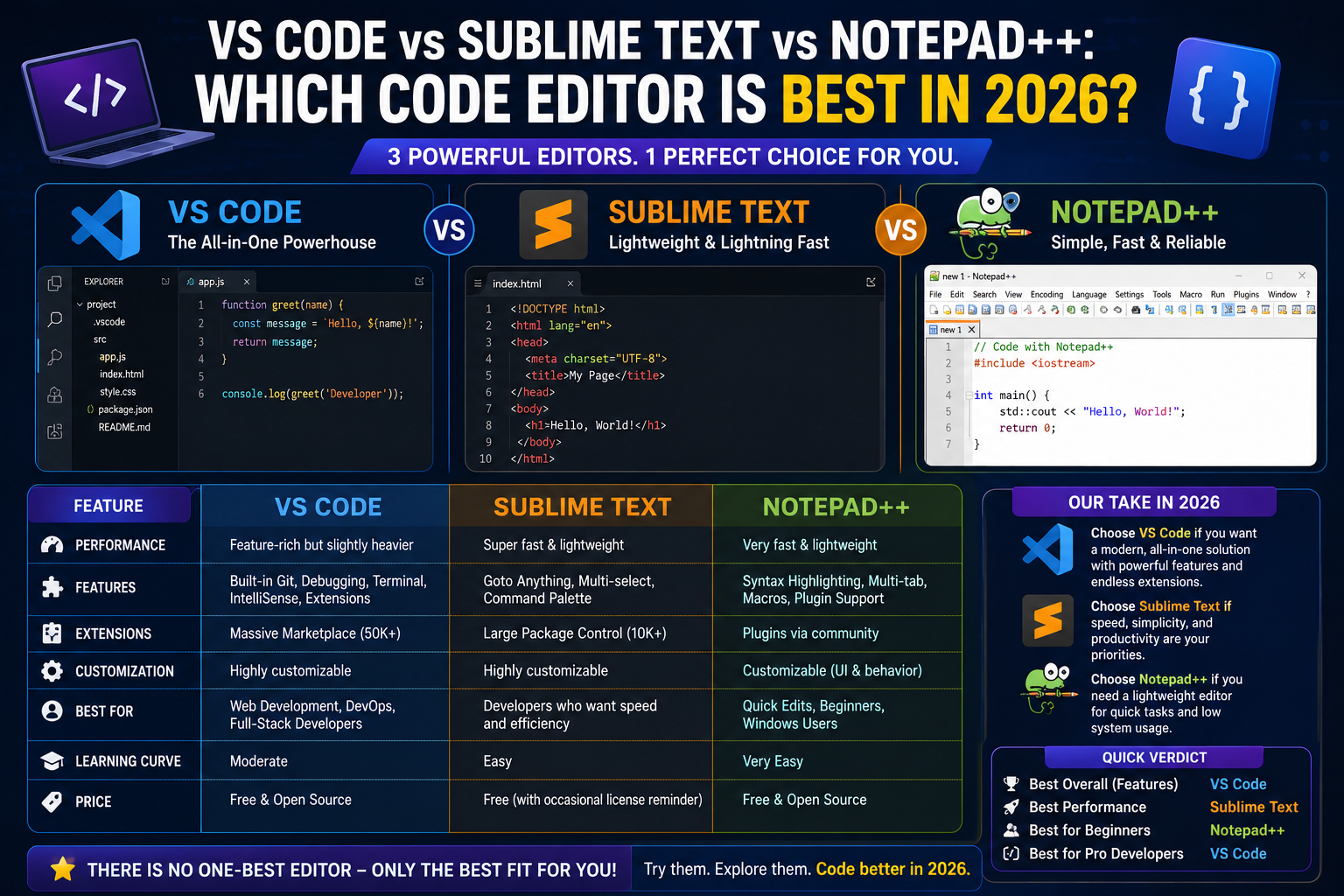
Quick Comparison Table

FeatureVS CodeSublime TextNotepad++
PriceFreeLimited FreeFree
Platform SupportWindows, macOS, LinuxWindows, macOS, LinuxWindows
ExtensionsExcellentVery GoodGood
Built-in Git SupportYesLimitedNo
Integrated TerminalYesNoNo
Debugging ToolsYesNoNo
Memory UsageModerate to HighLowVery Low
Open SourceYesNoYes
Best ForFull Development WorkflowPerformance & SpeedLightweight Editing

What Is Visual Studio Code?

Visual Studio Code is a free code editor developed by Microsoft. It has become one of the most widely used development tools because of its extensive feature set and large extension ecosystem.

Key Features

  • IntelliSense code completion
  • Integrated terminal
  • Built-in Git integration
  • Debugging tools
  • Extension marketplace
  • Remote development support
  • AI coding assistant integrations

Advantages

  • Supports virtually every major programming language
  • Excellent community support
  • Modern development workflow
  • Frequent updates

Disadvantages

  • Higher memory consumption than lightweight editors
  • Performance can slow with many extensions installed

What Is Sublime Text?

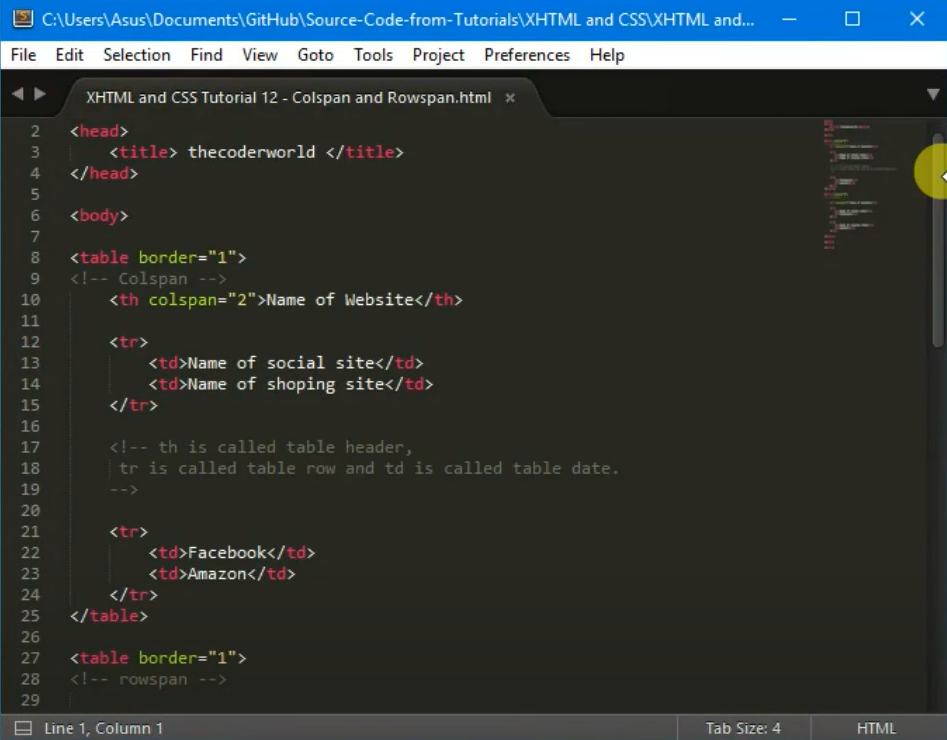
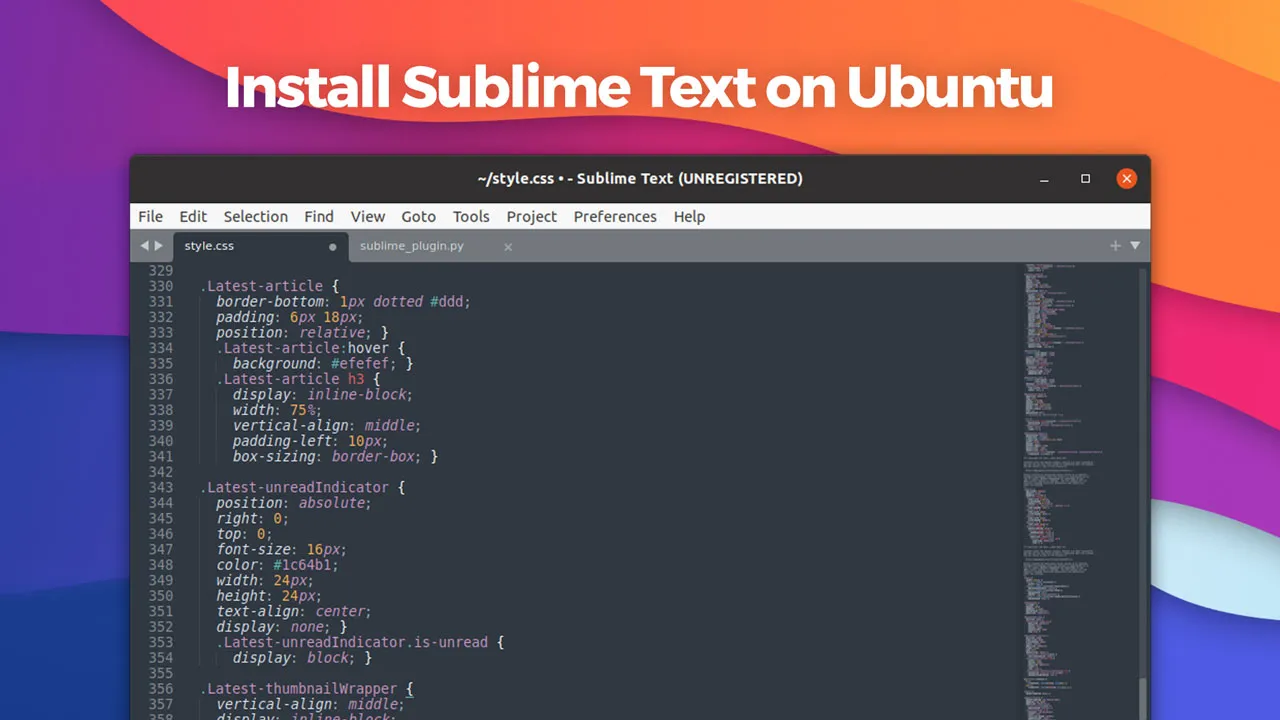
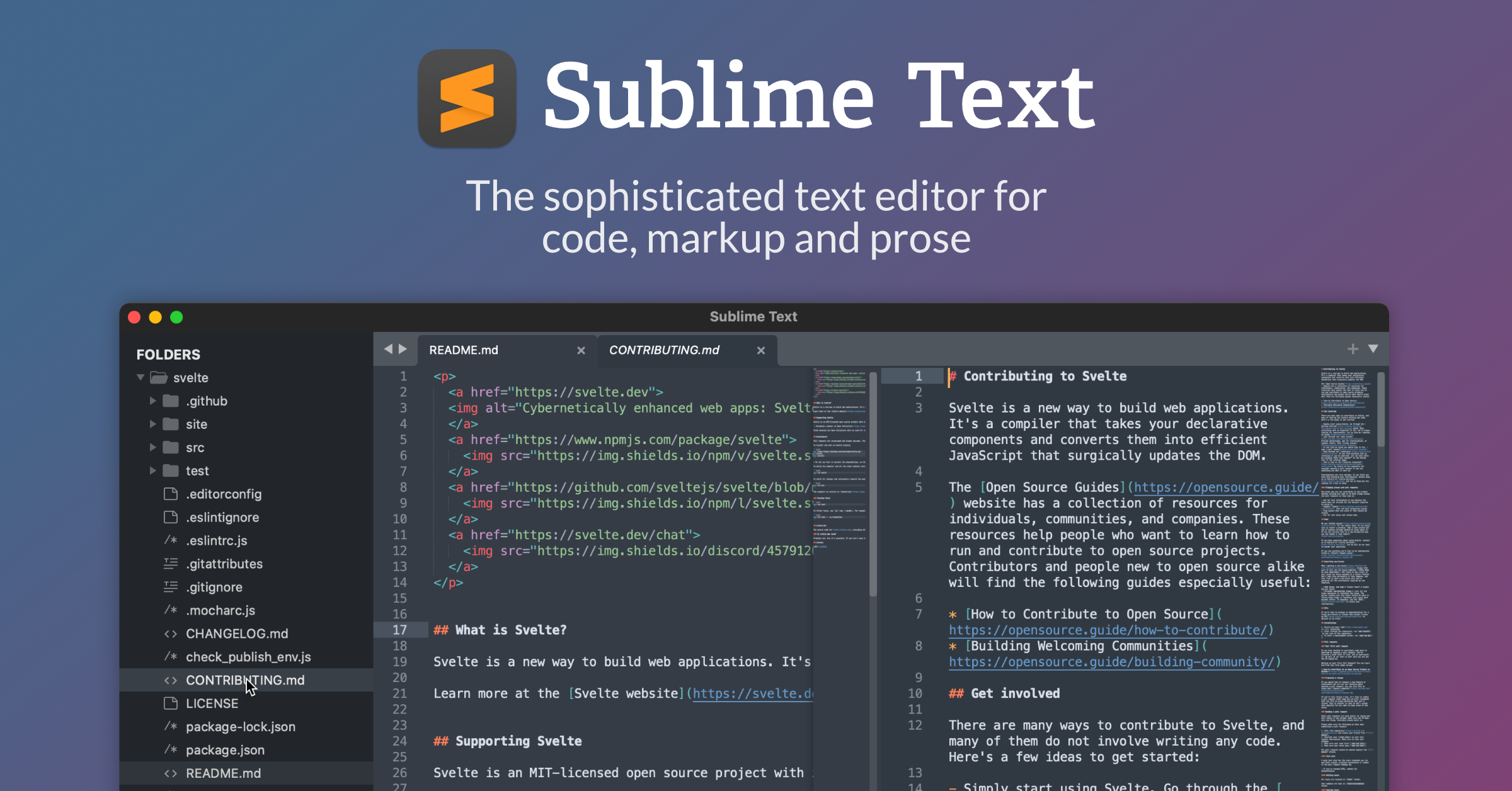
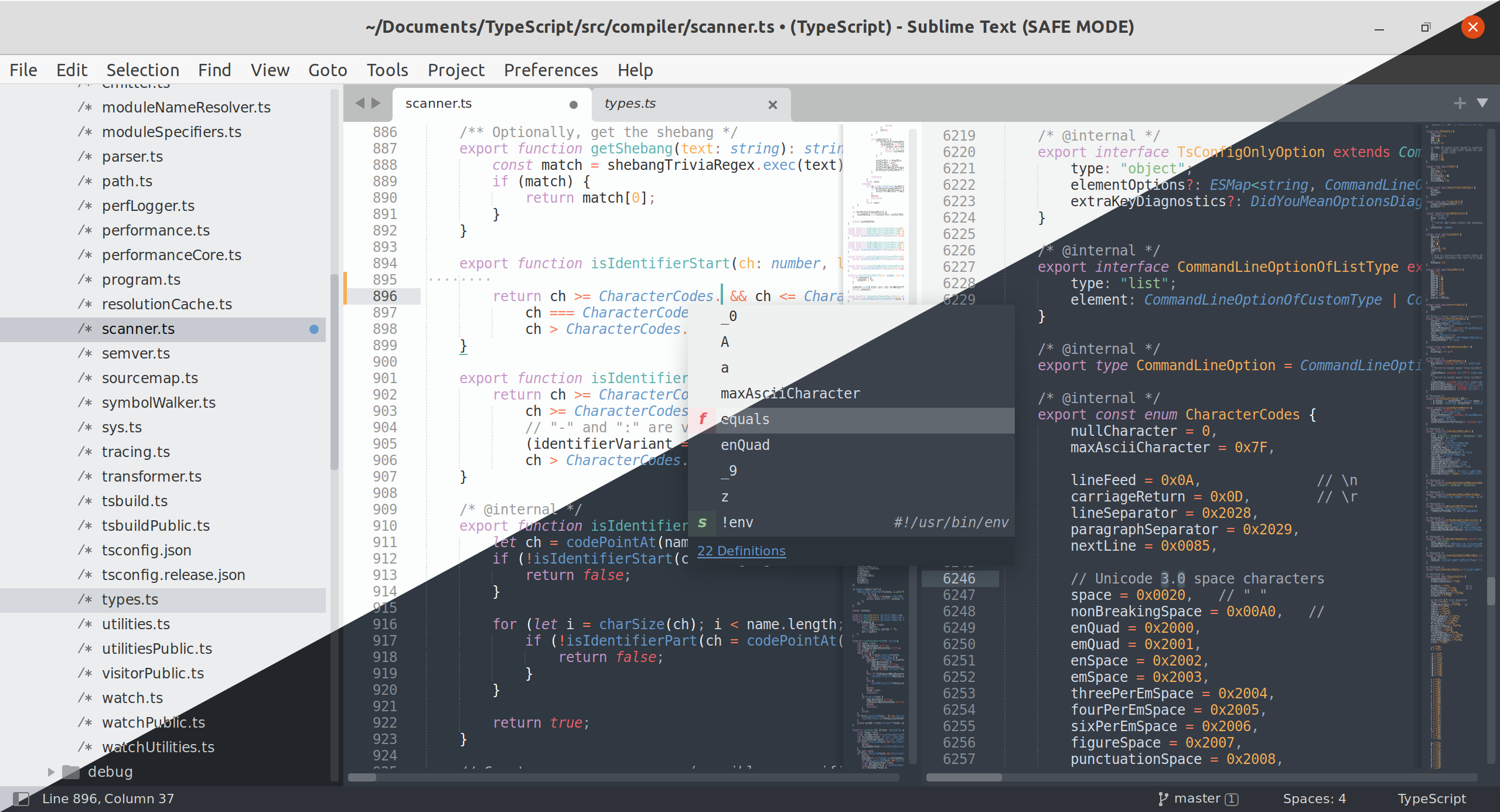
Sublime Text is a fast and lightweight code editor known for its clean interface and excellent performance.

Key Features

  • Multi-cursor editing
  • Command palette
  • Syntax highlighting
  • Split editing
  • Plugin support
  • Fast startup

Advantages

  • Extremely responsive
  • Minimal interface distractions
  • Handles large files efficiently

Disadvantages

  • Fewer built-in development features
  • Some advanced functionality requires plugins

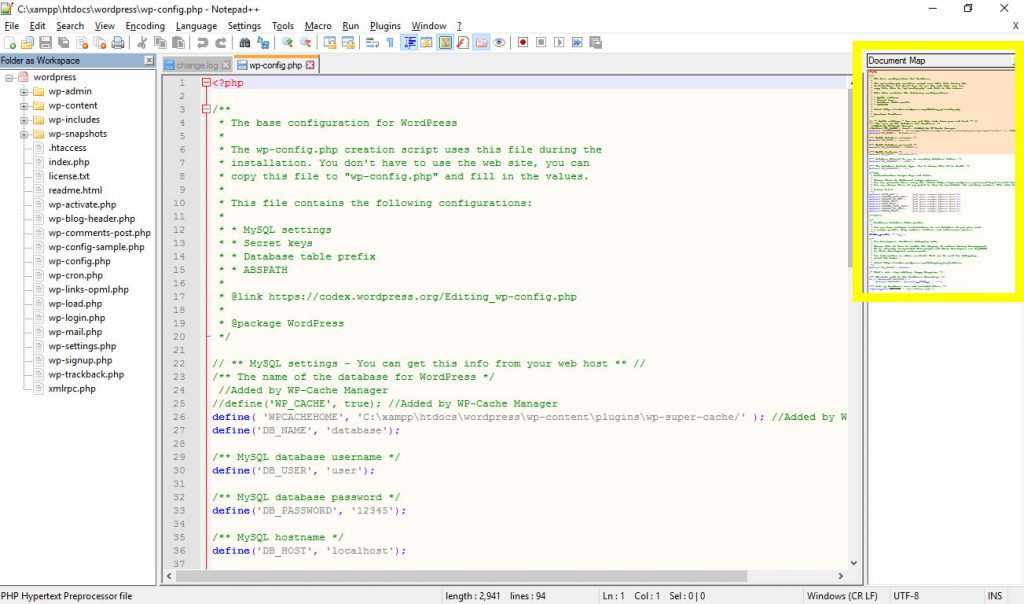
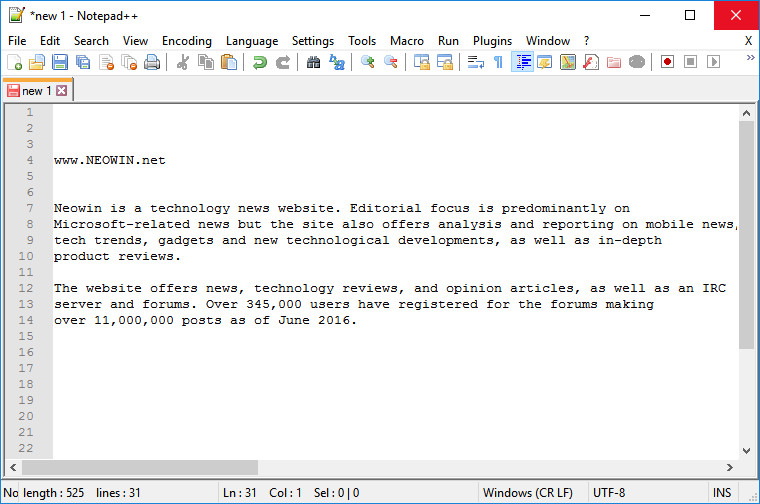
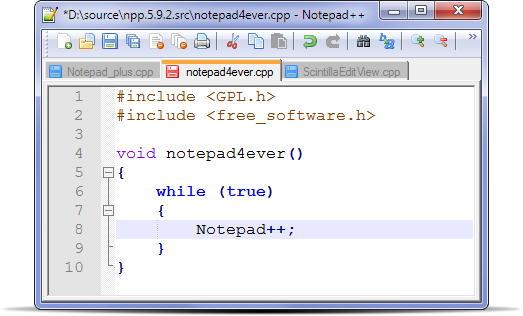
What Is Notepad++?

Notepad++ is a free text and source code editor designed primarily for Windows users. It is known for its lightweight nature and simplicity.

Key Features

  • Syntax highlighting
  • Macro recording
  • Plugin support
  • Multi-document editing
  • Lightweight installation

Advantages

  • Very fast
  • Minimal system resource usage
  • Easy for beginners

Disadvantages

  • Windows-only
  • Limited advanced development tools
  • No integrated debugging environment

User Interface Comparison

VS Code

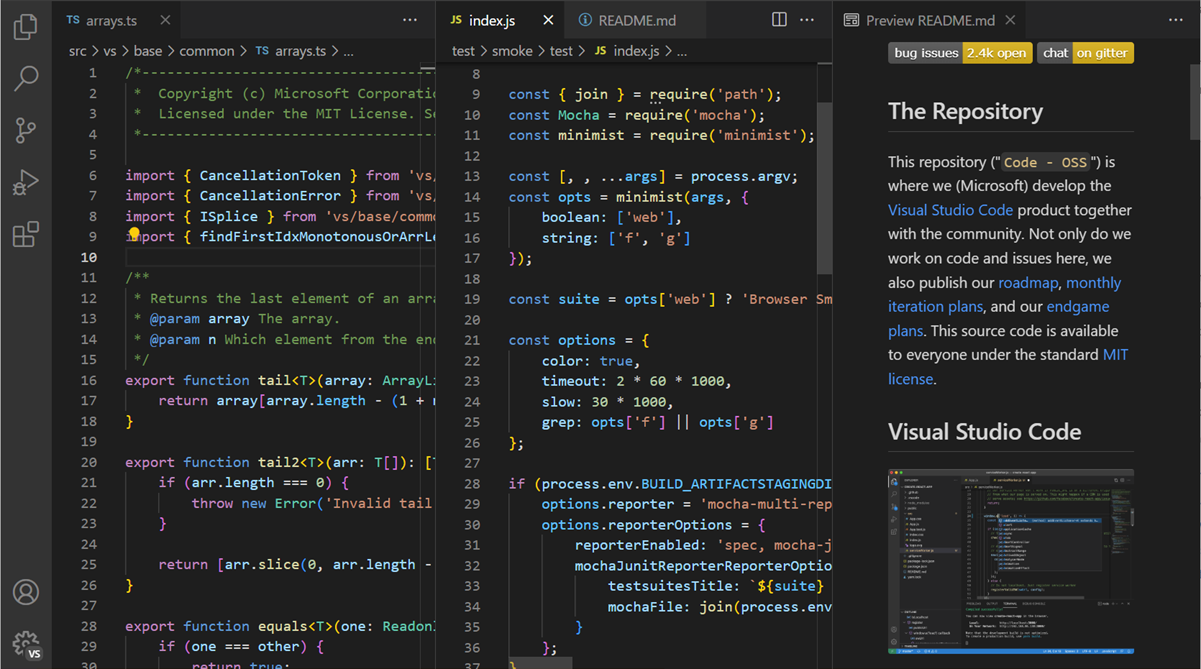
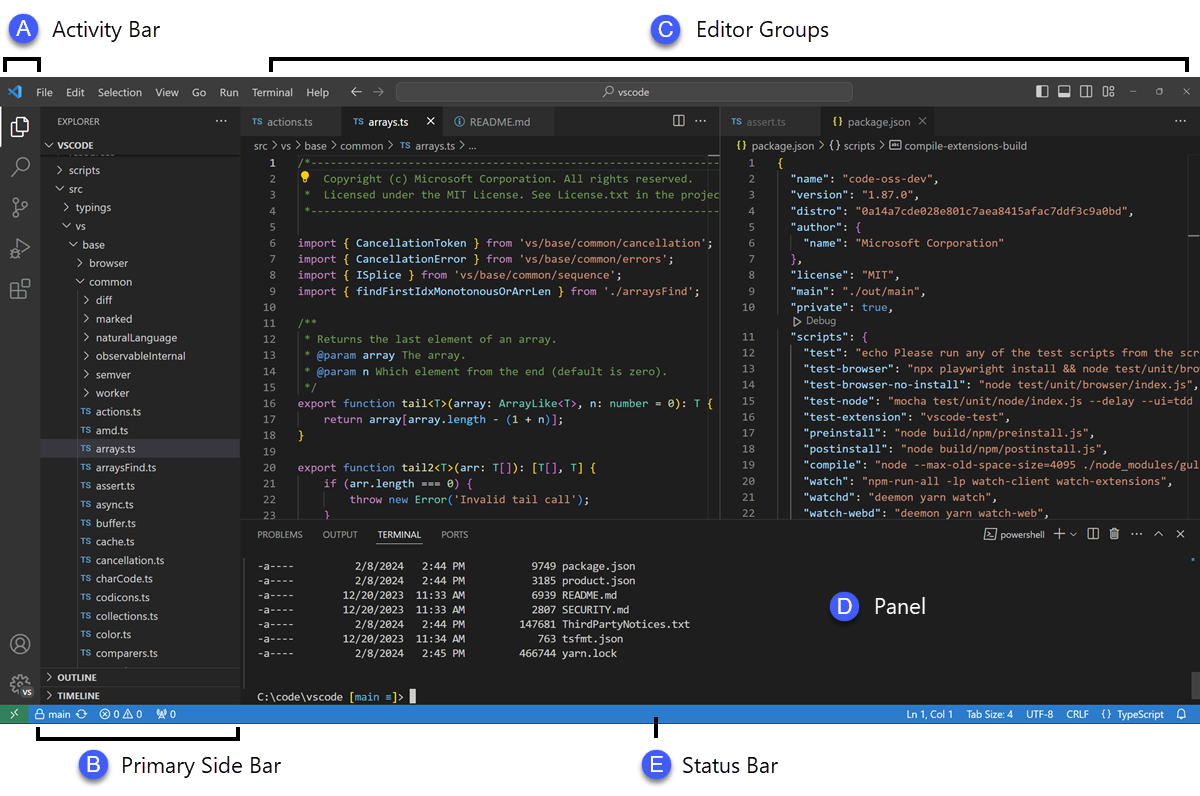
VS Code provides a modern interface with:

  • Sidebar navigation
  • Integrated terminal
  • File explorer
  • Extension manager
  • Git controls

The interface is highly customizable and suitable for professional development.
 

Sublime Text

Sublime Text offers:

  • Minimalist design
  • Fast navigation
  • Distraction-free mode
  • Smooth editing experience

It appeals to developers who prefer simplicity and speed.

Notepad++

Notepad++ provides:

  • Traditional Windows interface
  • Simple menu system
  • Lightweight editing environment

While not as modern as VS Code, it remains easy to use and efficient.

Performance Comparison

Startup Speed

Sublime Text

Sublime Text launches almost instantly, even on older hardware.

Notepad++

Notepad++ is also extremely fast and lightweight.

VS Code

VS Code starts quickly on modern systems but is generally slower than Sublime Text and Notepad++.


Memory Usage

EditorTypical Memory Usage
Notepad++Very Low
Sublime TextLow
VS CodeModerate to High

For low-end systems, Notepad++ and Sublime Text are often better choices.


Extension Ecosystem Comparison

VS Code

VS Code has one of the largest extension marketplaces available.

Popular extension categories include:

  • Language support
  • Git integration
  • AI coding assistants
  • Code formatting
  • Database tools
  • Docker support

Winner

🏆 VS Code


Sublime Text

Sublime Text offers a healthy plugin ecosystem through Package Control.

Useful plugins include:

  • Linter
  • GitGutter
  • Emmet
  • AutoComplete enhancements

Rating

Very Good


Notepad++

Notepad++ supports plugins but offers fewer options compared to VS Code.

Rating

Good


Git Integration Comparison

VS Code

Built-in Git functionality includes:

  • Commit management
  • Branch switching
  • Diff viewing
  • Merge support

Developers can perform many version control tasks without leaving the editor.

Winner

🏆 VS Code


Sublime Text

Git functionality usually requires third-party plugins.


Notepad++

No built-in Git integration.


Debugging Features

VS Code

VS Code includes powerful debugging tools for multiple languages.

Developers can:

  • Set breakpoints
  • Inspect variables
  • Analyze execution flow
  • Debug applications directly

Winner

🏆 VS Code


Sublime Text

Requires external tools for debugging.


Notepad++

No integrated debugging capabilities.


Real-World Testing Experience

Test Setup

  • Windows 11
  • Intel Core i5
  • 16 GB RAM
  • JavaScript project
  • Python project
  • PHP project

Results

VS Code

Provided the most complete development experience with built-in tools and extensions.

Sublime Text

Delivered the fastest editing performance and excellent responsiveness.

Notepad++

Worked exceptionally well for quick edits and lightweight scripting tasks.


Best Editor for Different Users

Beginners

Recommended:

🏆 VS Code

Reasons:

  • Easy installation
  • Helpful code suggestions
  • Extensive tutorials
  • Large community

Students

Recommended:

🏆 VS Code

Students benefit from:

  • Multiple language support
  • Free availability
  • Educational resources

Web Developers

Recommended:

🏆 VS Code

Strong support for:

  • HTML
  • CSS
  • JavaScript
  • TypeScript
  • PHP

System Administrators

Recommended:

🏆 Notepad++

Useful for:

  • Configuration files
  • Quick scripting
  • Log file analysis

Advanced Developers

Recommended:

🏆 Sublime Text or VS Code

Depending on whether speed or features are prioritized.


Pros and Cons Summary

VS Code

Pros

  • Free
  • Powerful extensions
  • Git integration
  • Debugging tools
  • Modern interface

Cons

  • Higher resource usage

Sublime Text

Pros

  • Extremely fast
  • Lightweight
  • Clean interface

Cons

  • Some features require plugins
  • Limited built-in tools

Notepad++

Pros

  • Lightweight
  • Free
  • Beginner-friendly

Cons

  • Windows-only
  • Limited advanced functionality

Frequently Asked Questions

Which code editor is best overall?

Visual Studio Code is generally considered the best overall code editor for most developers.

Which editor is fastest?

Sublime Text is often regarded as the fastest among these three options.

Which editor uses the least RAM?

Notepad++ typically has the lowest memory usage.

Is VS Code free?

Yes. VS Code is completely free to use.

Is Sublime Text worth paying for?

Many developers find Sublime Text worthwhile because of its speed and performance.

Is Notepad++ good for programming?

Yes. It is excellent for lightweight coding, scripting, and quick edits.

Which editor is best for beginners?

VS Code is generally the best option for beginners.

Which editor should I choose?

Choose VS Code for full-featured development, Sublime Text for speed, and Notepad++ for lightweight editing.


Final Verdict

All three editors are excellent, but they serve different audiences.

Best Overall Code Editor

🏆 VS Code

Best for Speed

🏆 Sublime Text

Best Lightweight Editor

🏆 Notepad++

Best for Beginners

🏆 VS Code

Best for Professional Development

🏆 VS Code

If you need a modern development environment with debugging, Git integration, extensions, and multi-language support, VS Code is the strongest choice. If speed is your top priority, Sublime Text remains one of the fastest editors available, while Notepad++ continues to be an excellent lightweight tool for quick coding and text editing tasks.

Coming Soon