

Microsoft Office vs LibreOffice: Which One Should You Choose in 2026?
Introduction
Office productivity software is essential for students, professionals, businesses, and organizations. Whether you need to create documents, spreadsheets, presentations, or reports, choosing the right office suite can significantly impact your productivity.
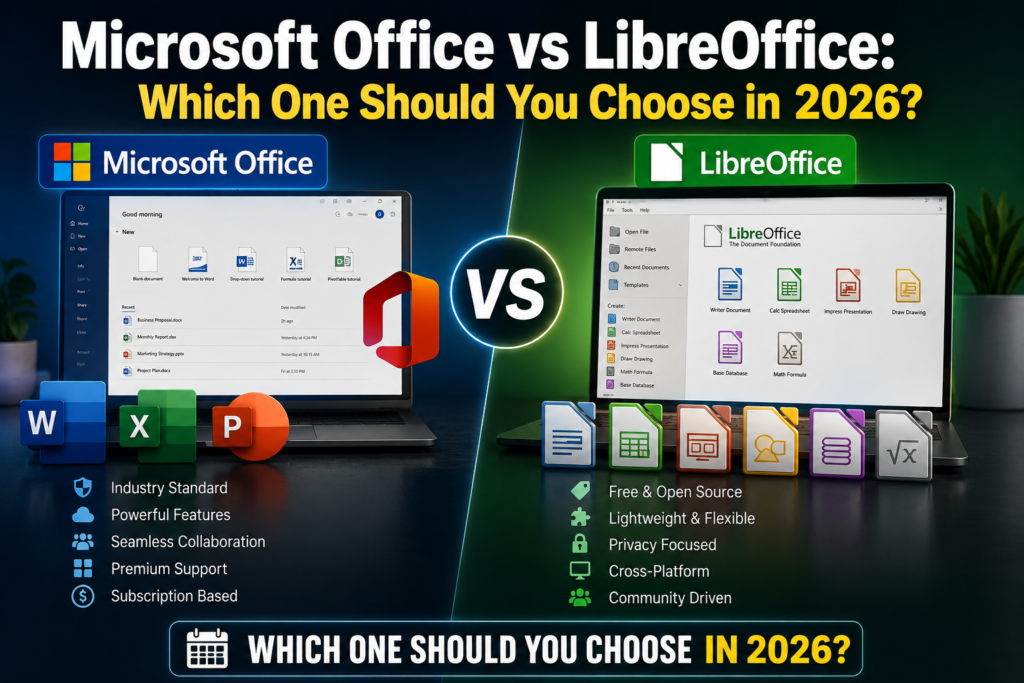
Two of the most popular office suites available today are Microsoft Office and LibreOffice. While Microsoft Office dominates the business world with its premium features and cloud integration, LibreOffice remains a powerful free and open-source alternative.
In this detailed comparison, we compare Microsoft Office and LibreOffice based on features, pricing, compatibility, performance, collaboration tools, and overall user experience.
Quick Comparison Table
| Feature | Microsoft Office | LibreOffice |
|---|---|---|
| Price | Paid Subscription | Free |
| Developer | Microsoft | The Document Foundation |
| Open Source | No | Yes |
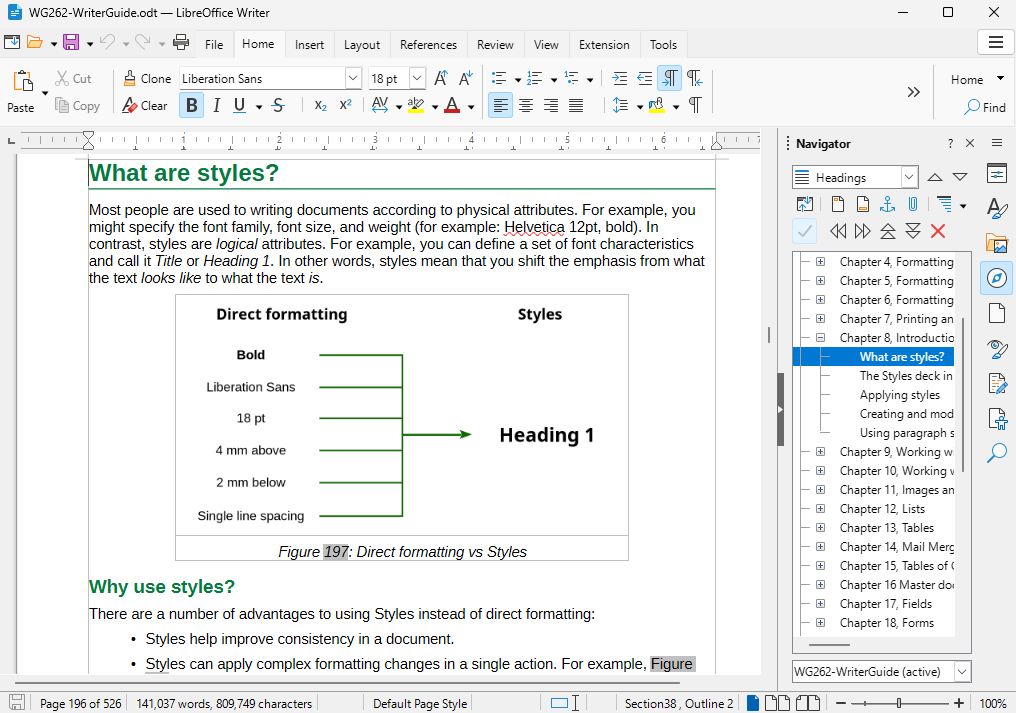
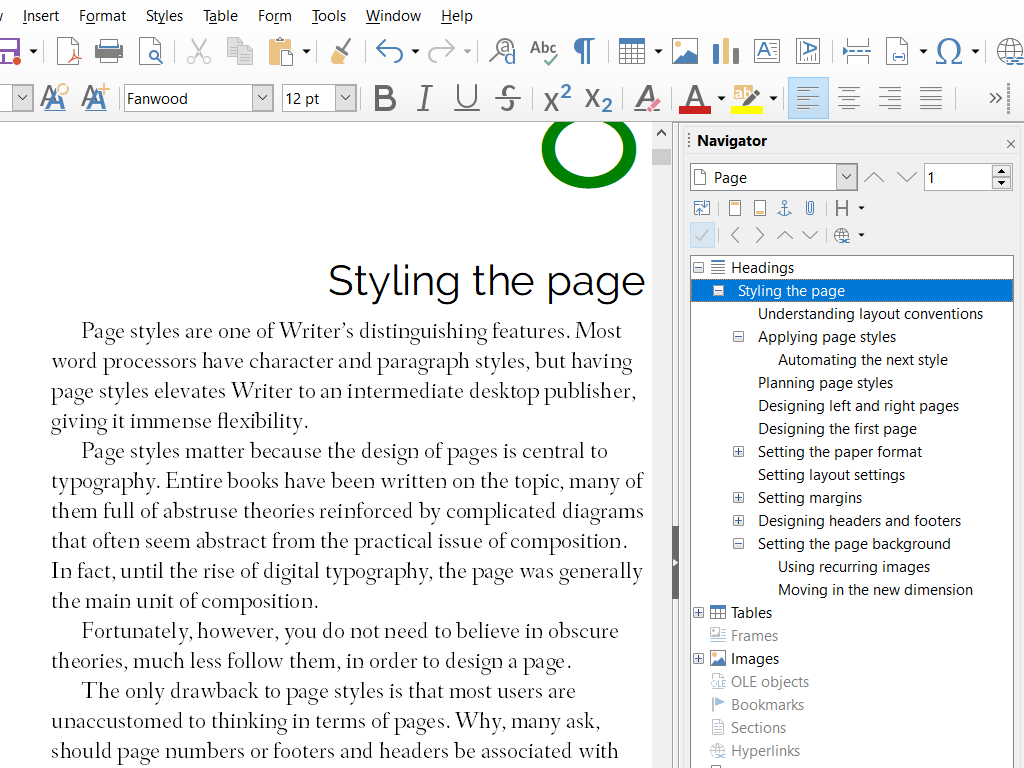
| Word Processing | Word | Writer |
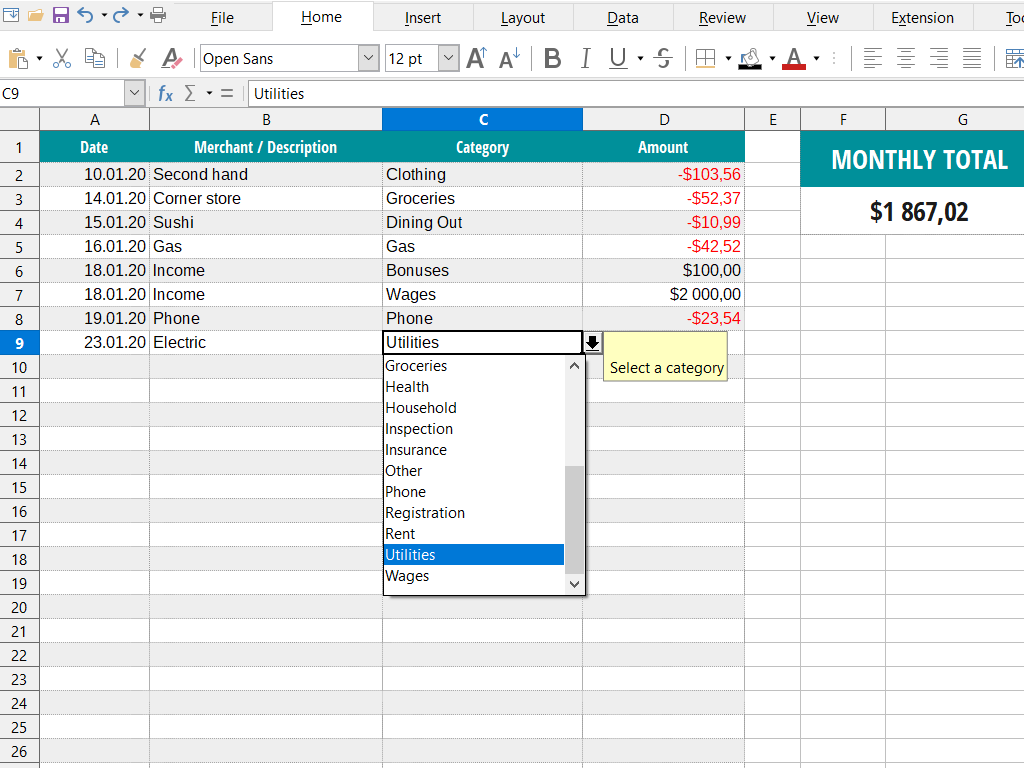
| Spreadsheet Software | Excel | Calc |
| Presentation Software | PowerPoint | Impress |
| Cloud Integration | Excellent | Limited |
| Collaboration Tools | Advanced | Basic |
| File Compatibility | Excellent | Good |
| Best For | Businesses & Professionals | Students & Home Users |
What Is Microsoft Office?
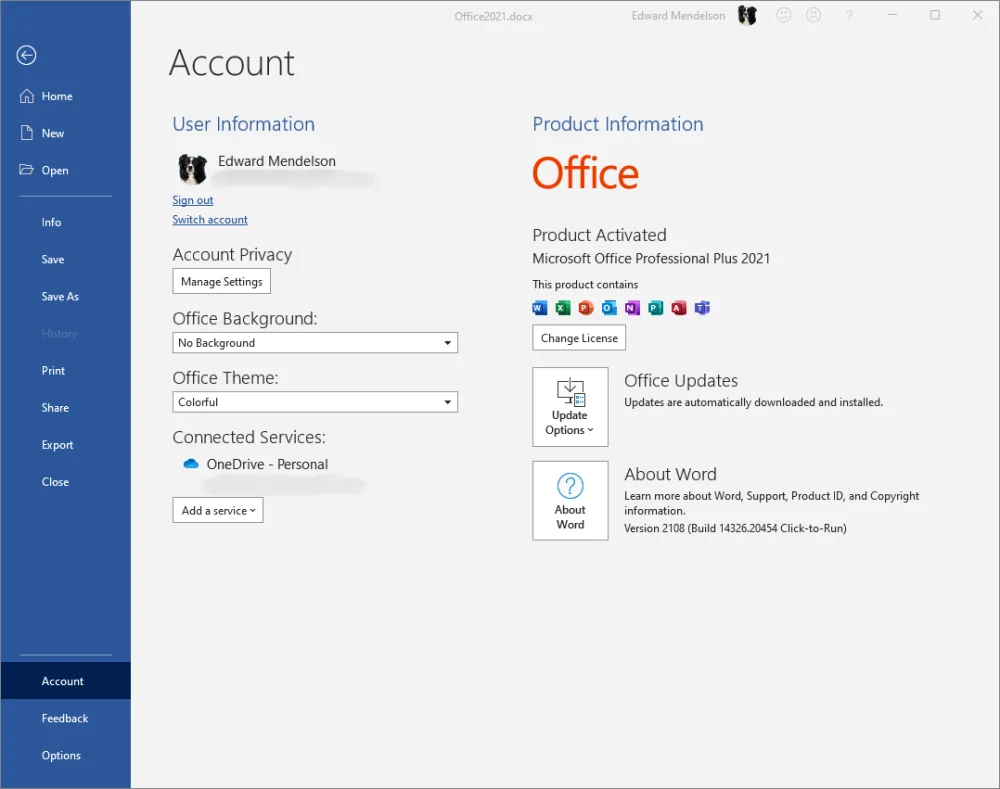
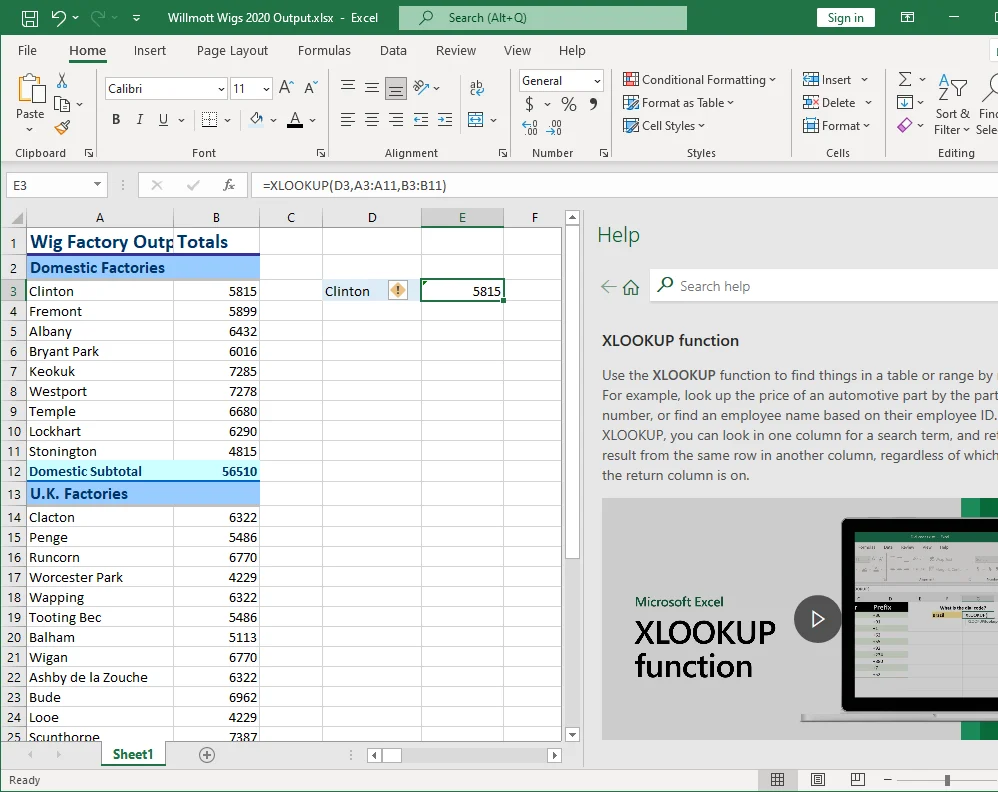
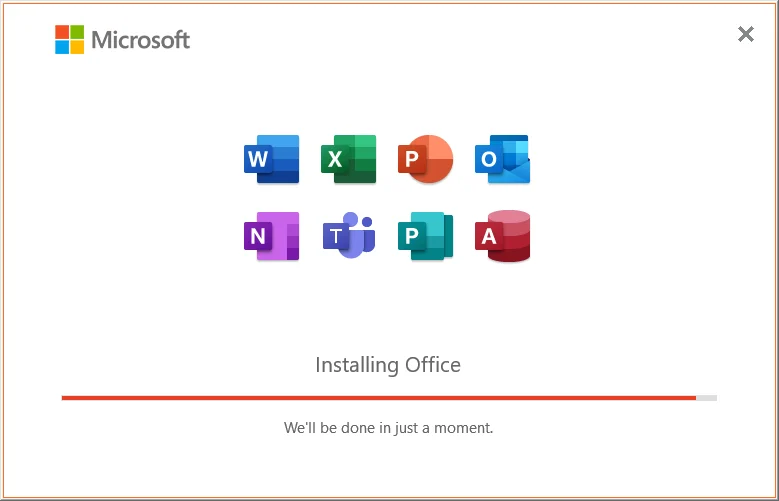
Microsoft Office is the world’s most widely used productivity suite. It includes applications such as Word, Excel, PowerPoint, Outlook, OneNote, and more.
Main Applications
- Microsoft Word
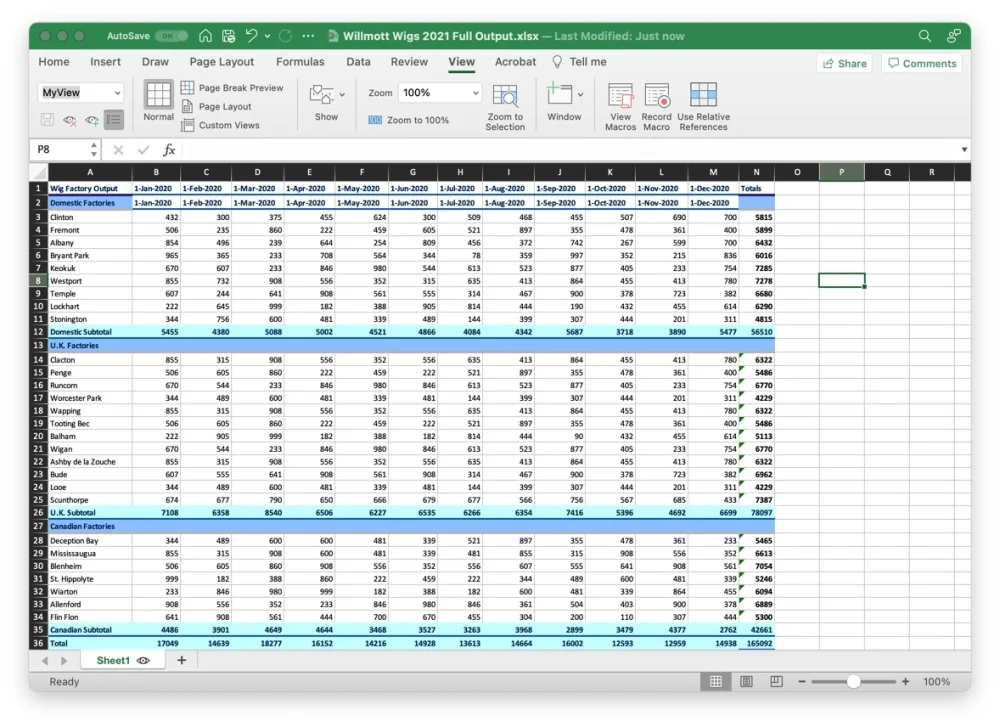
- Microsoft Excel
- Microsoft PowerPoint
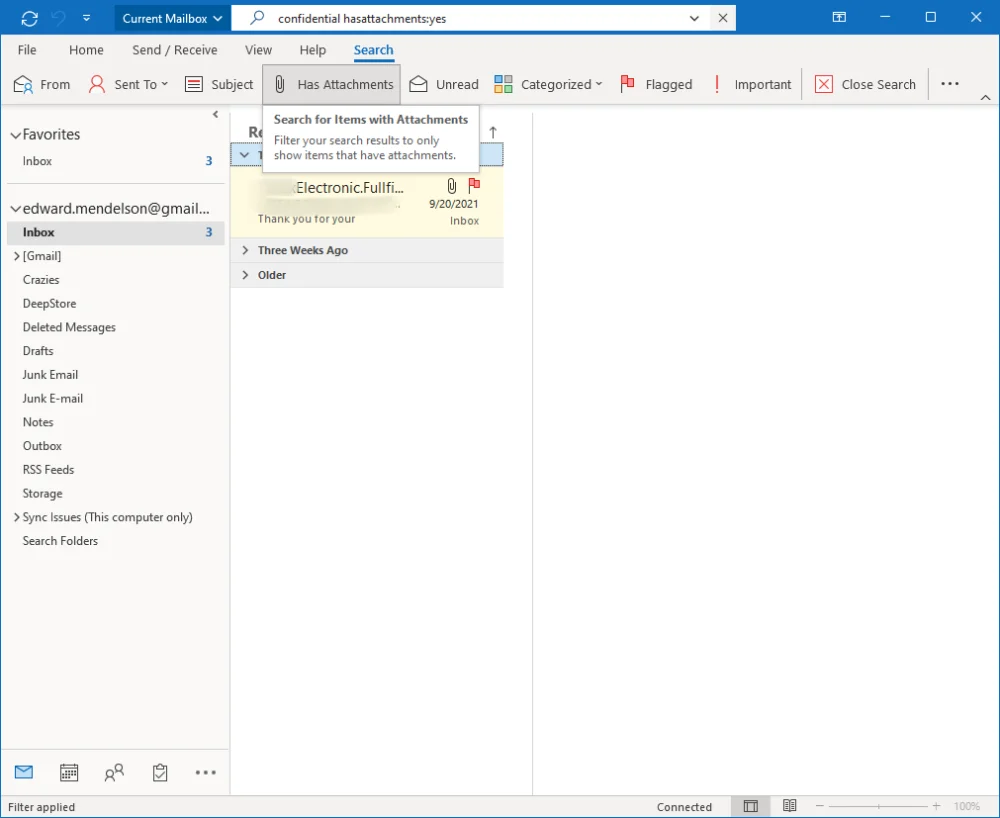
- Microsoft Outlook
- Microsoft OneNote
- Microsoft Access (Windows)
Key Features
- Cloud synchronization
- Real-time collaboration
- Advanced formatting tools
- AI-powered features
- Microsoft 365 integration
What Is LibreOffice?
LibreOffice is a free and open-source office suite developed by The Document Foundation. It provides alternatives to Word, Excel, and PowerPoint without requiring a subscription.
Main Applications
- Writer
- Calc
- Impress
- Draw
- Base
- Math
Key Features
- Completely free
- Open-source software
- No subscription required
- Offline functionality
- Multi-platform support
Pricing Comparison
Microsoft Office
Microsoft Office is generally available through Microsoft 365 subscriptions.
Advantages
- Regular updates
- Cloud storage
- Premium features
Disadvantages
- Ongoing subscription costs
- Higher long-term expense
LibreOffice
LibreOffice is completely free.
Advantages
- No subscription fees
- No activation requirements
- Free updates
Disadvantages
- Fewer premium features
- Limited cloud ecosystem
Winner: Pricing
🏆 LibreOffice
For budget-conscious users, LibreOffice is the clear winner.
Word Processing Comparison
Microsoft Word
Microsoft Word remains the industry standard for document creation.
Features
- Professional templates
- Advanced formatting
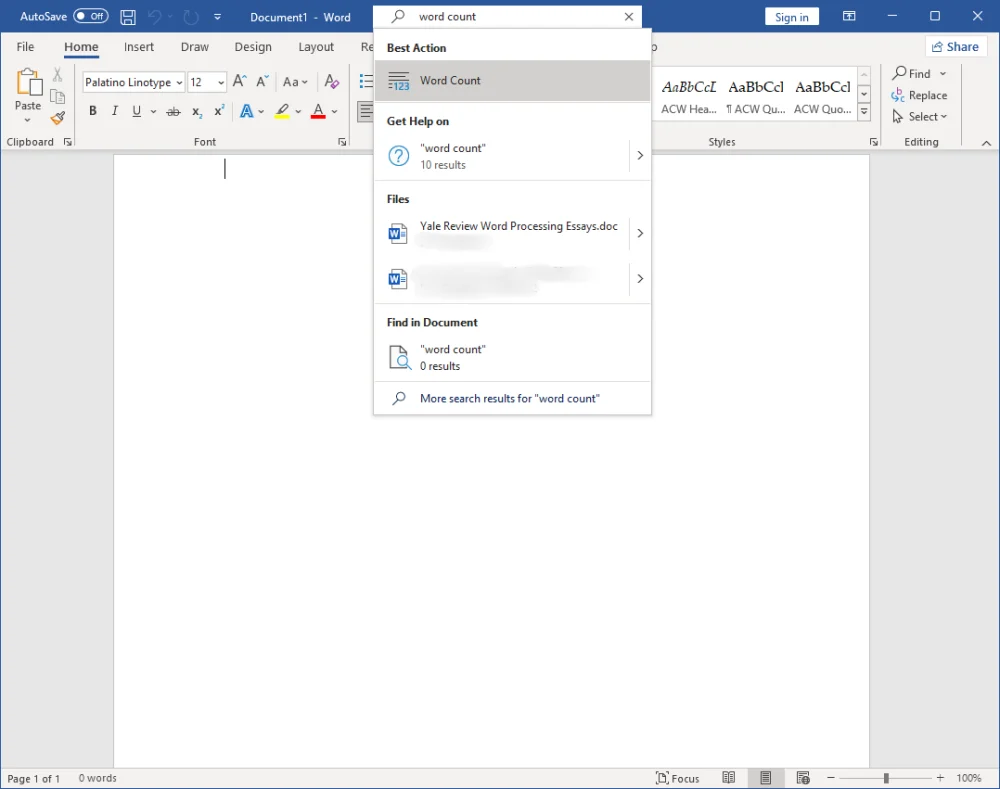
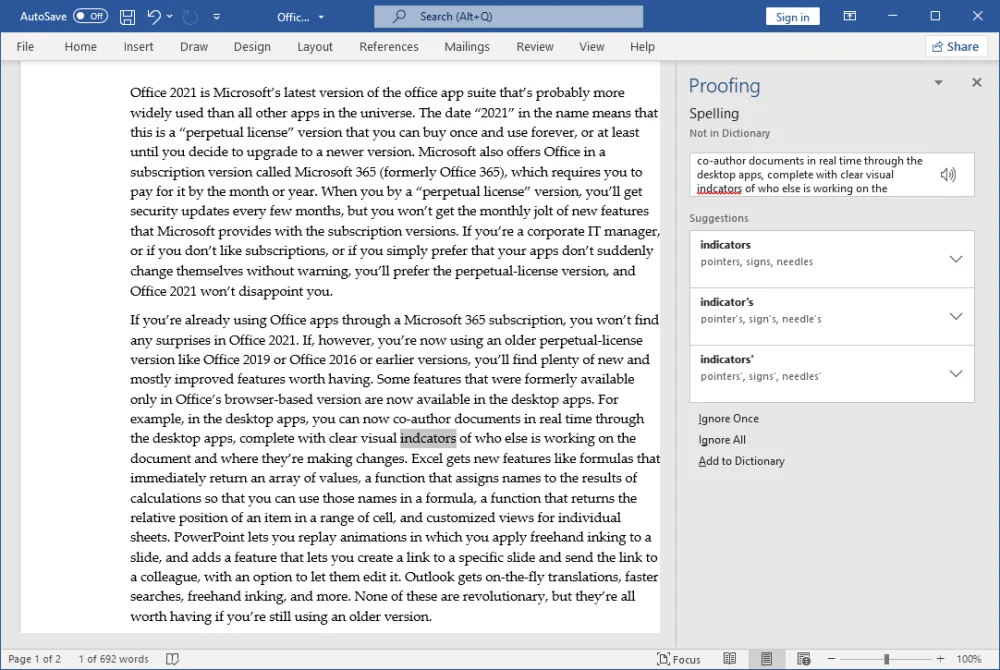
- Grammar checking
- AI-assisted writing tools
- Extensive compatibility
LibreOffice Writer
Writer offers most essential document editing capabilities.
Features
- Styles and formatting
- PDF export
- Templates
- Mail merge
Winner: Word Processing
🏆 Microsoft Word
Word provides more advanced tools and better document compatibility.
Spreadsheet Comparison
Microsoft Excel
Excel is considered one of the most powerful spreadsheet applications available.
Features
- Advanced formulas
- Pivot tables
- Power Query
- Data visualization
- Business analytics
LibreOffice Calc
Calc offers a strong set of spreadsheet tools suitable for most users.
Features
- Formula support
- Charts and graphs
- Data analysis tools
- Macro support
Winner: Spreadsheet Functionality
🏆 Microsoft Excel
Excel remains the preferred choice for advanced spreadsheet work.
Presentation Software Comparison
Microsoft PowerPoint
PowerPoint is widely used in business, education, and professional environments.
Features
- Modern templates
- Animation effects
- Collaboration tools
- Presenter view
LibreOffice Impress
Impress provides solid presentation capabilities for everyday use.
Features
- Presentation templates
- Slide transitions
- Export options
Winner: Presentations
🏆 Microsoft PowerPoint
PowerPoint offers more advanced presentation features.
File Compatibility Comparison
Microsoft Office
- Native DOCX support
- Native XLSX support
- Native PPTX support
- Best compatibility with business environments
LibreOffice
- Can open Microsoft Office files
- Occasionally formatting issues may occur
- Better compatibility than many free alternatives
Winner: Compatibility
🏆 Microsoft Office
Microsoft Office provides the most reliable file compatibility.
Collaboration Features
Microsoft Office
Modern workplaces depend heavily on collaboration.
Collaboration Tools
- Real-time editing
- Microsoft Teams integration
- OneDrive synchronization
- Shared workspaces
LibreOffice
LibreOffice focuses primarily on offline productivity.
Collaboration Limitations
- No built-in real-time collaboration
- Limited cloud integration
Winner: Collaboration
🏆 Microsoft Office
Microsoft Office is significantly better for team collaboration.
Performance Comparison
Test Environment
- Windows 11
- Intel Core i5
- 16 GB RAM
Microsoft Office
- Smooth performance
- Fast document handling
- Strong cloud integration
LibreOffice
- Lightweight installation
- Fast startup times
- Excellent offline performance
Winner: Performance
🏆 Draw
Both suites perform well depending on the use case.
Security Comparison
Microsoft Office
- Regular security updates
- Enterprise-grade protection
- Cloud security features
LibreOffice
- Open-source transparency
- Community-reviewed code
- Local data storage
Winner: Security
🏆 Draw
Both offer strong security when updated regularly.
Real-World Testing Experience
Document Editing
Both suites handled standard documents effectively.
Spreadsheet Tasks
Excel performed better for advanced calculations and large datasets.
Presentations
PowerPoint offered more professional design options.
Offline Usage
LibreOffice worked exceptionally well without requiring internet connectivity.
Overall Observation
Microsoft Office delivered a more polished experience, while LibreOffice provided excellent value at zero cost.
Who Should Choose Microsoft Office?
Microsoft Office is ideal for:
- Business professionals
- Corporate users
- Advanced Excel users
- Teams requiring collaboration
- Users heavily invested in Microsoft 365
Who Should Choose LibreOffice?
LibreOffice is ideal for:
- Students
- Home users
- Budget-conscious users
- Open-source enthusiasts
- Offline productivity needs
Frequently Asked Questions
Is LibreOffice really free?
Yes. LibreOffice is completely free and open-source.
Can LibreOffice open Microsoft Office files?
Yes. LibreOffice supports DOCX, XLSX, and PPTX formats.
Which office suite is better for businesses?
Microsoft Office is generally preferred in professional environments.
Is LibreOffice safe to use?
Yes. LibreOffice is widely trusted and regularly updated.
Which office suite is better for students?
LibreOffice is an excellent choice for students because it is free.
Does LibreOffice work offline?
Yes. LibreOffice works fully offline.
Is Microsoft Office worth paying for?
For users who need advanced features, cloud integration, and collaboration tools, Microsoft Office is often worth the investment.
Which office suite should I choose?
Choose Microsoft Office for professional work and LibreOffice for free everyday productivity.
Can LibreOffice Replace Microsoft Office Completely?
One of the most common questions users ask before switching office suites is whether LibreOffice can completely replace Microsoft Office. The answer depends on how you use productivity software and which features are most important to you.
For many home users, students, freelancers, and small businesses, LibreOffice can successfully replace Microsoft Office for everyday tasks. However, organizations that rely heavily on advanced collaboration tools, cloud integration, and complex Excel functionality may still prefer Microsoft’s ecosystem.
Situations Where LibreOffice Can Replace Microsoft Office
LibreOffice is more than capable of handling most common productivity tasks.
Document Creation
LibreOffice Writer allows users to create:
- Reports
- Assignments
- Business letters
- Resumes
- Project documentation
- Research papers
For standard document editing, most users will notice very little difference between Writer and Microsoft Word.
Spreadsheet Work
LibreOffice Calc supports:
- Formulas
- Functions
- Charts
- Data sorting
- Budget planning
- Expense tracking
Students, home users, and small businesses can comfortably perform everyday spreadsheet tasks without Microsoft Excel.
Presentations
LibreOffice Impress provides tools for:
- Classroom presentations
- Business presentations
- Project demonstrations
- Training materials
For basic and intermediate presentation needs, Impress is usually sufficient.
Offline Productivity
One major advantage of LibreOffice is that it works completely offline.
Users do not need:
- Microsoft accounts
- Cloud subscriptions
- Internet connectivity
- Product activation
This makes LibreOffice especially attractive for privacy-conscious users and organizations operating in restricted environments.
Situations Where Microsoft Office Still Has the Advantage
While LibreOffice is powerful, Microsoft Office remains the preferred solution in certain scenarios.
Advanced Excel Workflows
Businesses often rely on:
- Complex formulas
- Power Query
- Power Pivot
- VBA automation
- Enterprise reporting tools
These advanced features are either limited or unavailable in LibreOffice Calc.
Real-Time Team Collaboration
Microsoft Office offers:
- Real-time document editing
- OneDrive synchronization
- Microsoft Teams integration
- Shared workspaces
- Cloud-based collaboration
LibreOffice currently cannot match Microsoft’s collaboration ecosystem.
Corporate Compatibility Requirements
Many companies use Microsoft Office as their standard productivity platform.
Users working with:
- DOCX files
- XLSX spreadsheets
- PPTX presentations
may occasionally encounter formatting differences when using LibreOffice.
Although compatibility has improved significantly, Microsoft Office still provides the most reliable results for complex business documents.
Outlook Integration
Microsoft Office includes Outlook, which offers:
- Email management
- Calendar scheduling
- Contact management
- Meeting coordination
LibreOffice does not include a direct Outlook equivalent.
Real-World Example
A Student’s Perspective
A student creating assignments, presentations, and spreadsheets can easily use LibreOffice without paying for Microsoft Office.
A Freelancer’s Perspective
A freelancer handling documents, invoices, and project reports may find LibreOffice sufficient for daily work.
A Business User’s Perspective
An employee working with shared spreadsheets, Microsoft Teams, Outlook, and advanced Excel models will generally benefit from Microsoft Office.
Advantages of Switching to LibreOffice
Cost Savings
LibreOffice is completely free and does not require recurring subscription payments.
No Vendor Lock-In
Users retain full control over their documents and software environment.
Open-Source Transparency
LibreOffice is developed as an open-source project, allowing community review and continuous improvement.
Cross-Platform Support
LibreOffice works on:
- Windows
- Linux
- macOS
without requiring separate licensing.
Disadvantages of Replacing Microsoft Office
Learning Curve
Users familiar with Microsoft Office may need time to adjust to LibreOffice’s interface and workflows.
Occasional Formatting Differences
Complex Office documents may not always appear exactly the same when opened in LibreOffice.
Limited Cloud Features
LibreOffice focuses primarily on local productivity rather than cloud-first collaboration.
Final Answer
For most students, home users, freelancers, and small businesses, LibreOffice can successfully replace Microsoft Office for everyday productivity tasks.
However, organizations that depend on advanced Excel features, Outlook integration, Microsoft Teams, OneDrive, and real-time collaboration will generally find Microsoft Office to be the better choice.
In short:
✅ LibreOffice is a complete replacement for many individual users.
⚠️ Microsoft Office remains the stronger option for enterprise environments and advanced business workflows.
Which Office Suite Is Better for Students?
Students often need office software for assignments, presentations, research papers, spreadsheets, project work, and classroom collaboration. Choosing the right office suite depends on budget, features, compatibility requirements, and study needs.
Both Microsoft Office and LibreOffice can help students complete academic tasks effectively, but each offers different advantages.
Why Students Choose Microsoft Office
Microsoft Office remains the most widely used office suite in schools, colleges, and universities worldwide.
Benefits for Students
- Industry-standard software
- Excellent document compatibility
- Advanced Word features
- Powerful Excel tools
- Professional PowerPoint templates
- Cloud synchronization through OneDrive
- Real-time collaboration with classmates
Many educational institutions use Microsoft Office formats such as DOCX, XLSX, and PPTX, making compatibility a major advantage for students.
Best For
- College students
- University students
- Business and engineering programs
- Group projects
- Students who frequently collaborate online
Why Students Choose LibreOffice
LibreOffice is a free and open-source productivity suite that provides most of the tools students need without requiring a subscription.
Benefits for Students
- Completely free
- No recurring costs
- Works offline
- Low system requirements
- Available on Windows, Linux, and macOS
- No account registration required
Students working on essays, assignments, presentations, and basic spreadsheets can comfortably complete their work using LibreOffice.
Best For
- School students
- Budget-conscious learners
- Offline users
- Open-source enthusiasts
- Users with older computers
Student Comparison Table
| Student Requirement | Microsoft Office | LibreOffice |
|---|---|---|
| Assignments | Excellent | Excellent |
| Presentations | Excellent | Very Good |
| Spreadsheets | Excellent | Very Good |
| Collaboration | Excellent | Basic |
| Cloud Sync | Excellent | Limited |
| Cost | Paid | Free |
| Offline Use | Good | Excellent |
| Compatibility | Excellent | Good |
Real-World Student Scenarios
Scenario 1: High School Student
A student who mainly creates assignments, simple presentations, and project reports can easily use LibreOffice without spending money.
Recommended Choice: LibreOffice
Scenario 2: University Student
University students often exchange documents with professors and classmates, making file compatibility more important.
Recommended Choice: Microsoft Office
Scenario 3: Engineering or Business Student
Students working with advanced spreadsheets, data analysis, financial models, or professional reports will benefit from Excel’s advanced functionality.
Recommended Choice: Microsoft Office
Scenario 4: Budget-Conscious Student
If purchasing software is not an option, LibreOffice provides excellent value without compromising essential productivity features.
Recommended Choice: LibreOffice
Which Office Suite Helps Students Save More Money?
LibreOffice is the clear winner when it comes to cost.
Students can:
- Install it for free
- Use it without subscriptions
- Receive updates without additional charges
- Access all major productivity tools immediately
For students on a limited budget, LibreOffice can significantly reduce software expenses.
Which Office Suite Is Better for Online Classes?
Microsoft Office performs better for online collaboration because of:
- OneDrive integration
- Microsoft Teams support
- Real-time editing
- Shared documents
Students participating in remote learning or group projects may find Microsoft Office more convenient.
Which Office Suite Is Better for Students?
Students often need office software for assignments, presentations, research papers, spreadsheets, project work, and classroom collaboration. Choosing the right office suite depends on budget, features, compatibility requirements, and study needs.
Both Microsoft Office and LibreOffice can help students complete academic tasks effectively, but each offers different advantages.
Why Students Choose Microsoft Office
Microsoft Office remains the most widely used office suite in schools, colleges, and universities worldwide.
Benefits for Students
- Industry-standard software
- Excellent document compatibility
- Advanced Word features
- Powerful Excel tools
- Professional PowerPoint templates
- Cloud synchronization through OneDrive
- Real-time collaboration with classmates
Many educational institutions use Microsoft Office formats such as DOCX, XLSX, and PPTX, making compatibility a major advantage for students.
Best For
- College students
- University students
- Business and engineering programs
- Group projects
- Students who frequently collaborate online
Why Students Choose LibreOffice
LibreOffice is a free and open-source productivity suite that provides most of the tools students need without requiring a subscription.
Benefits for Students
- Completely free
- No recurring costs
- Works offline
- Low system requirements
- Available on Windows, Linux, and macOS
- No account registration required
Students working on essays, assignments, presentations, and basic spreadsheets can comfortably complete their work using LibreOffice.
Best For
- School students
- Budget-conscious learners
- Offline users
- Open-source enthusiasts
- Users with older computers
Student Comparison Table
| Student Requirement | Microsoft Office | LibreOffice |
|---|---|---|
| Assignments | Excellent | Excellent |
| Presentations | Excellent | Very Good |
| Spreadsheets | Excellent | Very Good |
| Collaboration | Excellent | Basic |
| Cloud Sync | Excellent | Limited |
| Cost | Paid | Free |
| Offline Use | Good | Excellent |
| Compatibility | Excellent | Good |
Real-World Student Scenarios
Scenario 1: High School Student
A student who mainly creates assignments, simple presentations, and project reports can easily use LibreOffice without spending money.
Recommended Choice: LibreOffice
Scenario 2: University Student
University students often exchange documents with professors and classmates, making file compatibility more important.
Recommended Choice: Microsoft Office
Scenario 3: Engineering or Business Student
Students working with advanced spreadsheets, data analysis, financial models, or professional reports will benefit from Excel’s advanced functionality.
Recommended Choice: Microsoft Office
Scenario 4: Budget-Conscious Student
If purchasing software is not an option, LibreOffice provides excellent value without compromising essential productivity features.
Recommended Choice: LibreOffice
Which Office Suite Helps Students Save More Money?
LibreOffice is the clear winner when it comes to cost.
Students can:
- Install it for free
- Use it without subscriptions
- Receive updates without additional charges
- Access all major productivity tools immediately
For students on a limited budget, LibreOffice can significantly reduce software expenses.
Which Office Suite Is Better for Online Classes?
Microsoft Office performs better for online collaboration because of:
- OneDrive integration
- Microsoft Teams support
- Real-time editing
- Shared documents
Students participating in remote learning or group projects may find Microsoft Office more convenient.
Final Verdict for Students
There is no single winner for every student.
Choose Microsoft Office If:
- Your school or university uses Microsoft 365.
- You frequently collaborate with classmates.
- You need advanced Excel features.
- You want the best file compatibility.
Choose LibreOffice If:
- You want a completely free solution.
- You mainly work offline.
- You create standard assignments and presentations.
- You want to avoid subscription costs.
For most students, LibreOffice provides more than enough functionality for everyday academic work. However, students who require advanced collaboration features and maximum compatibility with educational institutions may benefit from Microsoft Office.