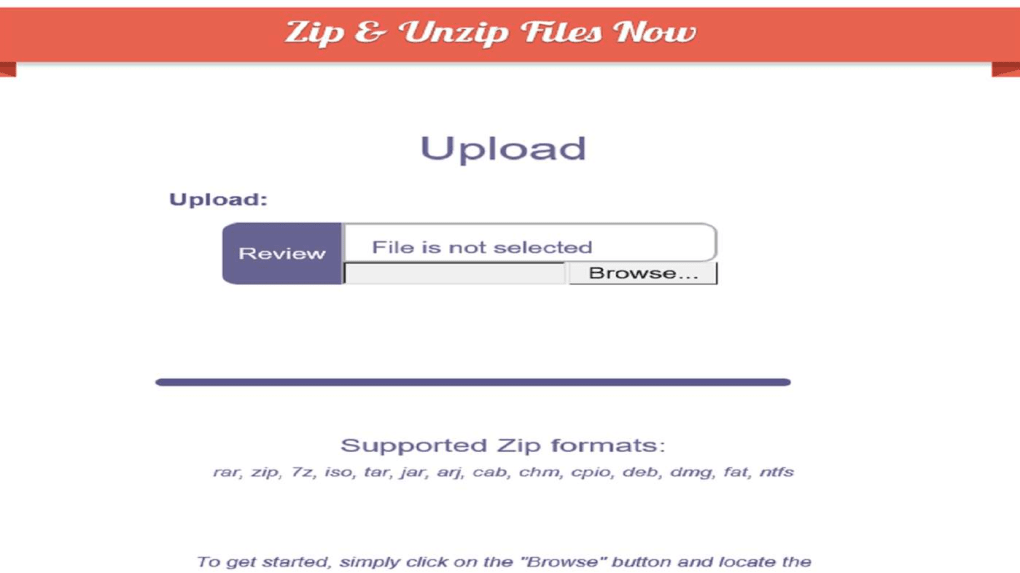
As is suggested by the program name, JAR File Opener is a piece of software that is literally used to identify the elements of a JAR file type. It’s free to download and free to use. Though available on Microsoft’s own store, the program was created by a third-party developer.
Inspect, Extract and Compress JAR Files
Using this piece of software, you’re able to create, extract and share JAR files directly on and from your own desktop or laptop computer. Regardless of whether they’re provided via email attachment or from an online download, these files can be opened and saved in a compressed format. JAR files can also be inspected via the software, allowing you visibility of the contents without actual extraction, plus you can select specific contents to extract individually. Additionally, they can be password protected.
Final thoughts
The JAR File Opener is a decent enough tool for accessing the contents of compressed JAR files, though it’s not the best program available for the job. The program doesn’t charge anything, though as could be expected, this means that there have been known to be adverts associated with the software. Some users have also reported experiencing compability issues with their machines.
Features
👍 Pros & 👎 Cons
Expert Review
How to Install
1. Download the software from the link given below. 2. Extract the downloaded ZIP file using WinRAR or 7-Zip. 3. Open the extracted folder. 4. Double-click on the setup file (.exe). 5. Follow the on-screen installation instructions. 6. Click on “Finish” after installation is complete. 7. Launch the software and enjoy.