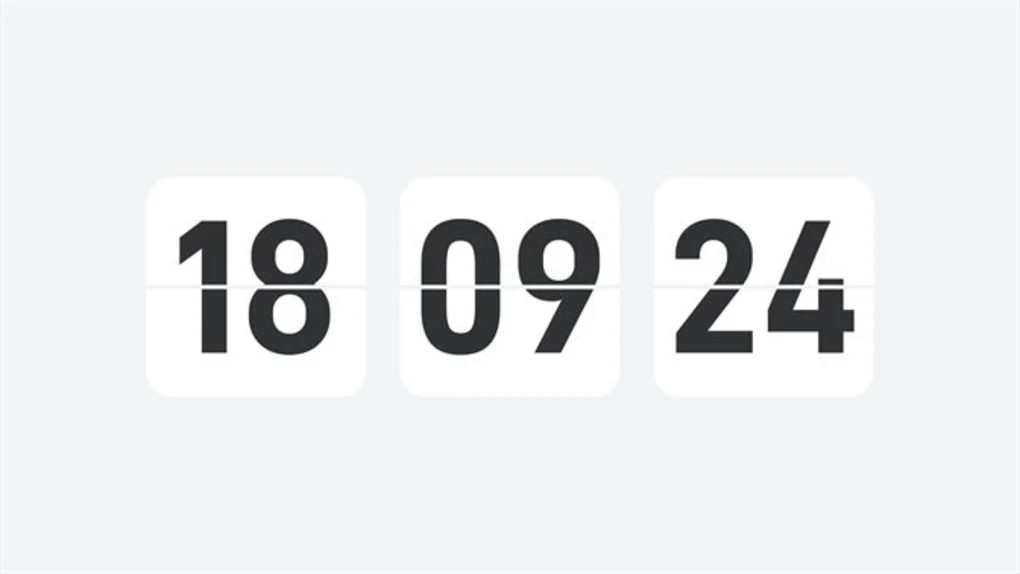
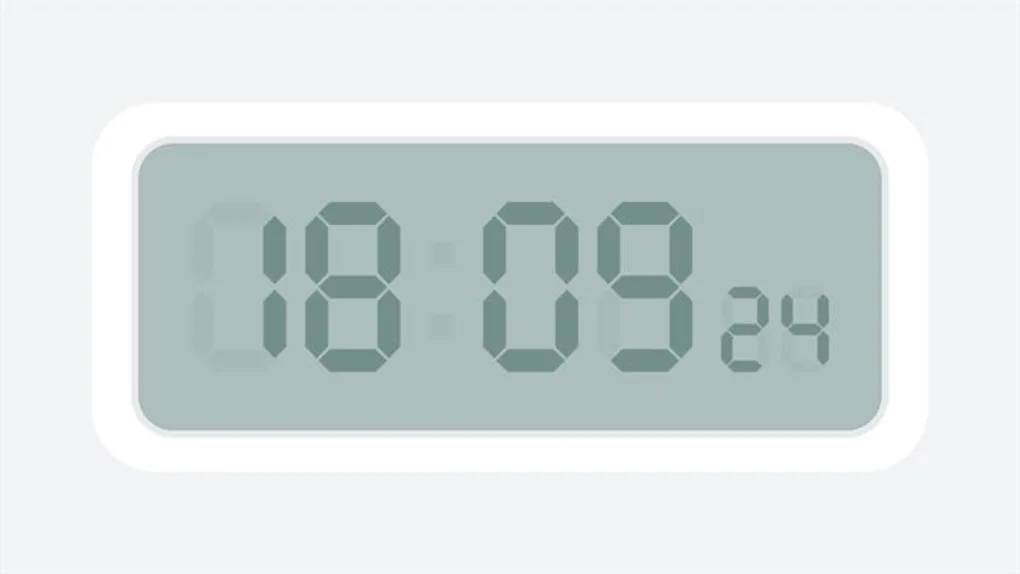
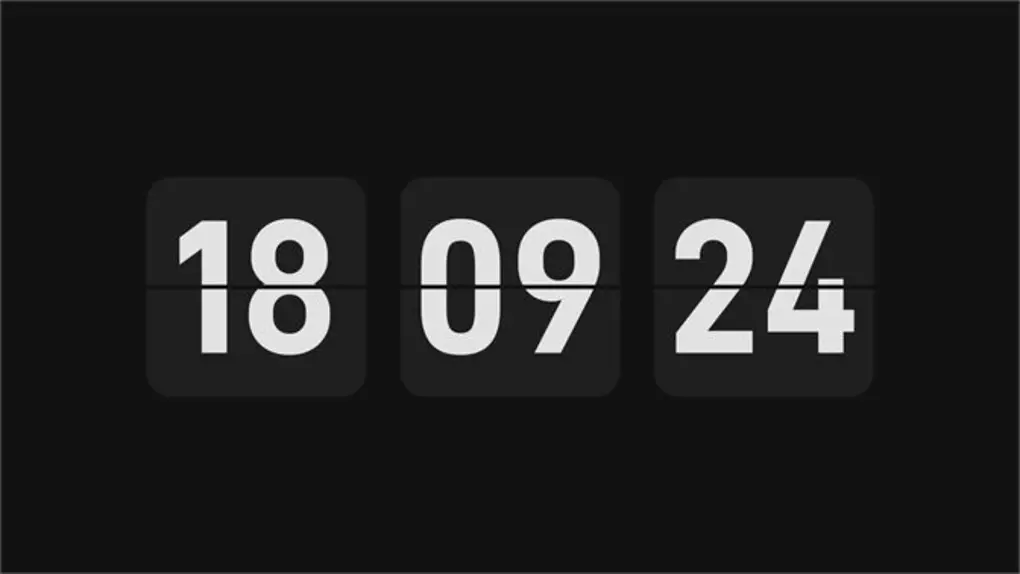
Spice up your desktop computer with Desktop digital clock, a program that lets you customize and set a digital clock as your wallpaper. Operating on a freemium model, this software offers a monthly, yearly, and lifetime subscription for accessing premium themes and features. Unfortunately, it only has one free theme.
Free and premium utilities
Desktop digital clock features options for enabling Screen Sleep, adjusting opacity, and toggling the 12-hour format, to name a few. Its premium utilities include Desktop Clock — which allows you to resize a clock and move it anywhere on the screen — and Pomodoro, a Pomodoro technique-based feature for better time management.
Alarm Clock, To Do, and Countdown, meanwhile, are the free-to-try utilities — with the latter two boasting text customization options. However, only To Do has a dedicated Skin Settings, a feature for changing your to-do list’s color. Sadly, the unresponsiveness and untranslated Chinese texts are its most glaring drawbacks.